007 First Light
The HDR output of #007FirstLight can be explained in a much more simple way than I did in my earlier post (a bit of sleep helped☺️).
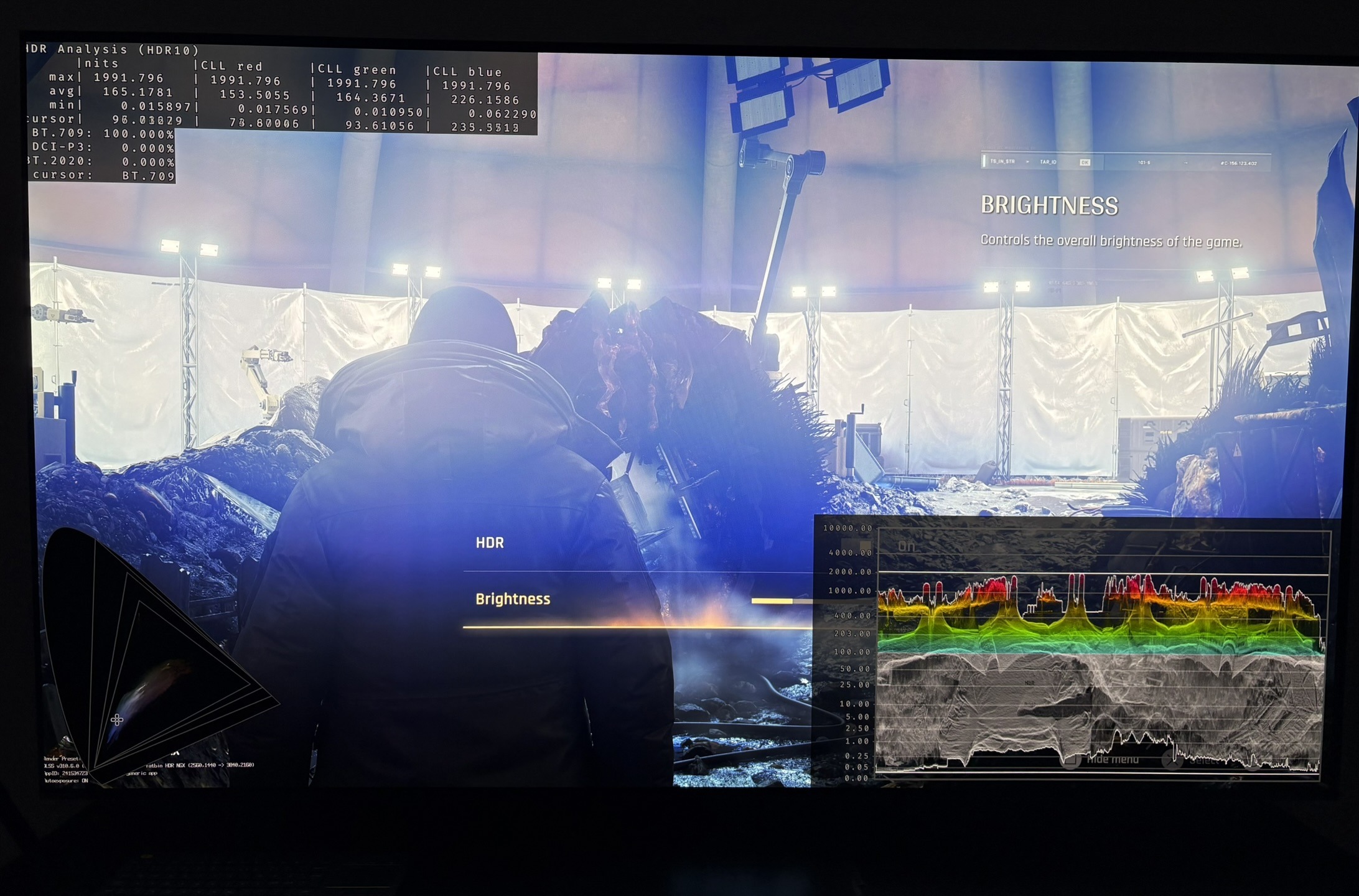
We have one in-game brightness slider.
This slider is what sets up peak brightness and paper white / midtone brightness in the game. It increases the brightness (midtones, highlights) in a linear way. We see that in the data below. However, it does not affect the black level floor - not much anyway.
First number is brightness on the in-game slider. Second number is what the game maximum outputs in the Crash Site scene.
100 / 470
150 / 700
200 / 930
250 / 1140
300 / 1360
350 / 1560
400 / 1760
450 / 1950
500 / 2130
550 / 2300
600 / 2450
700 / 2730
800 / 2960
The game cuts all detail in highlights above your peak brightness, that the game automatically gets from Xbox's and PS5's HDR system settings or Windows HDR calibration App.
Your TV won't be able to output more anyway, if peak brightness is setup correctly.
This is how simple it is, basically.
You should setup the brightness slider to what looks most natural to you. This value is somewhat dependent on personal preference and ambient light in the room.
However, I think if you game in a dark room then you can use these brightness values as guidelines or starting points;
- 180-250 nits brightness (500-1000 nits displays)
- 250-300 nits brightness (1000-1500 nits displays)
- 300-350 nits brightness (1500-2300 nits displays)
The conclusion in my earlier post is the same:
I don't like that paper white (brightness) and peak brightness are not decoupled when setting up HDR. It's not intuitive to me and it usually means higher nits displays get underutilized.
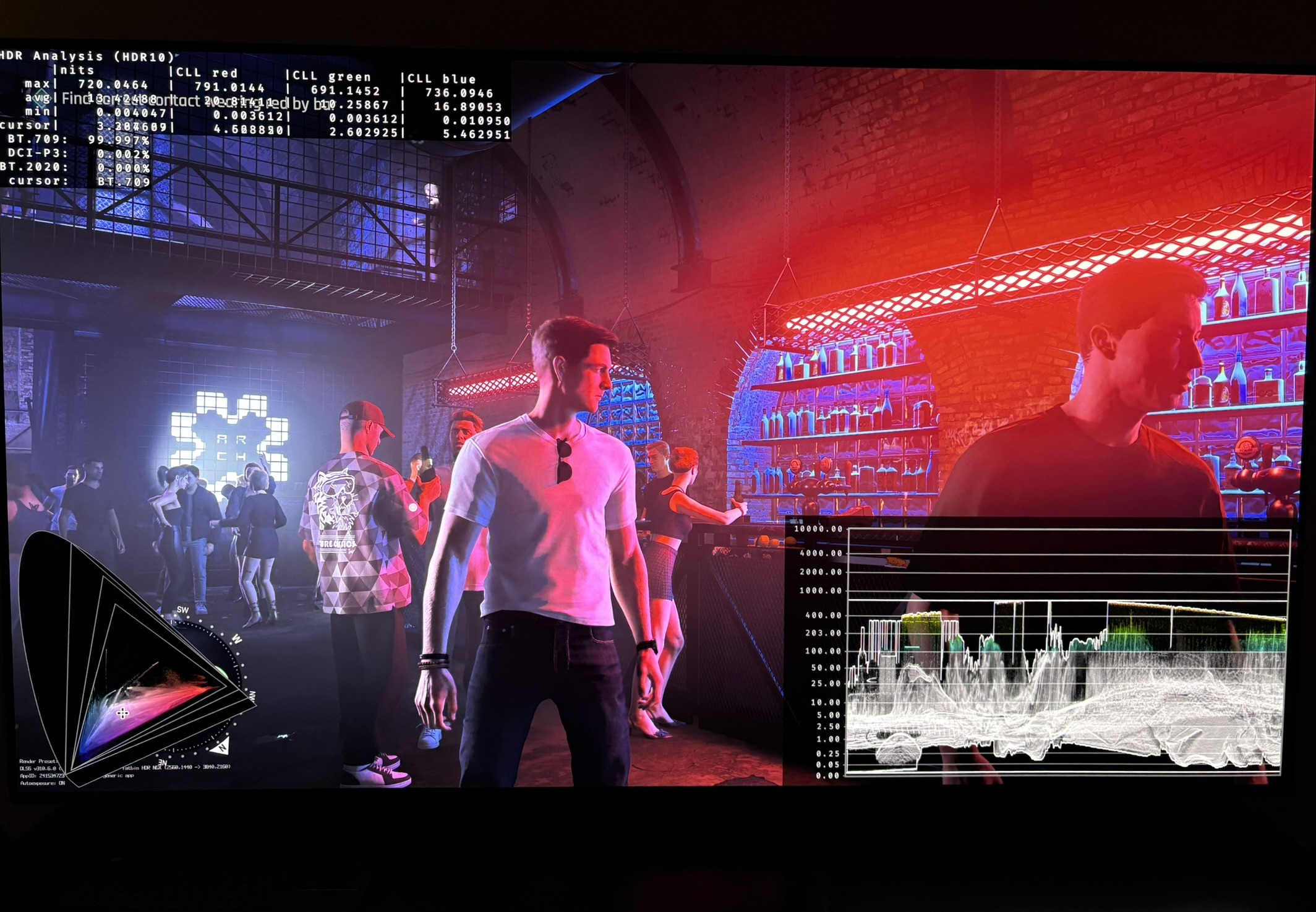
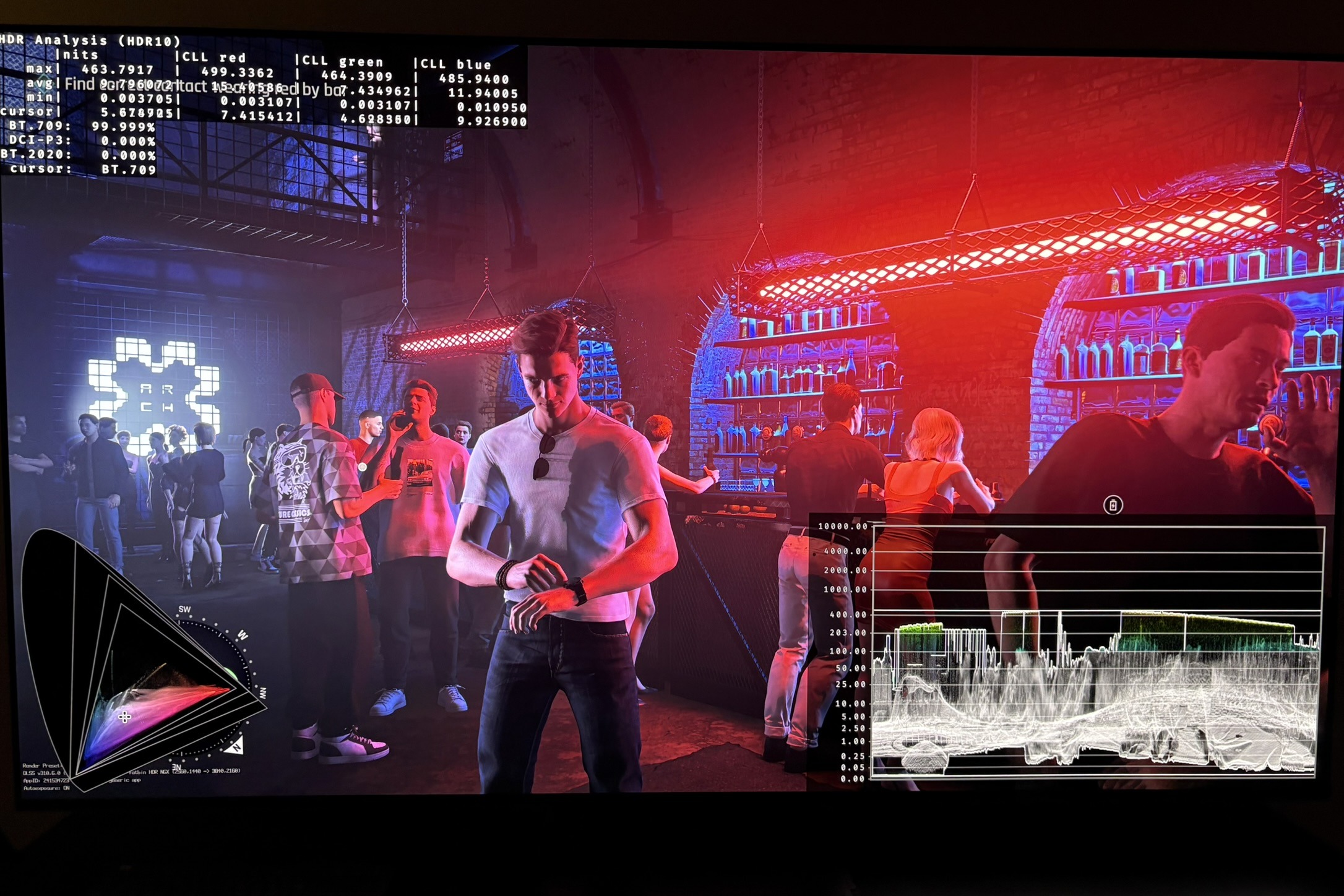
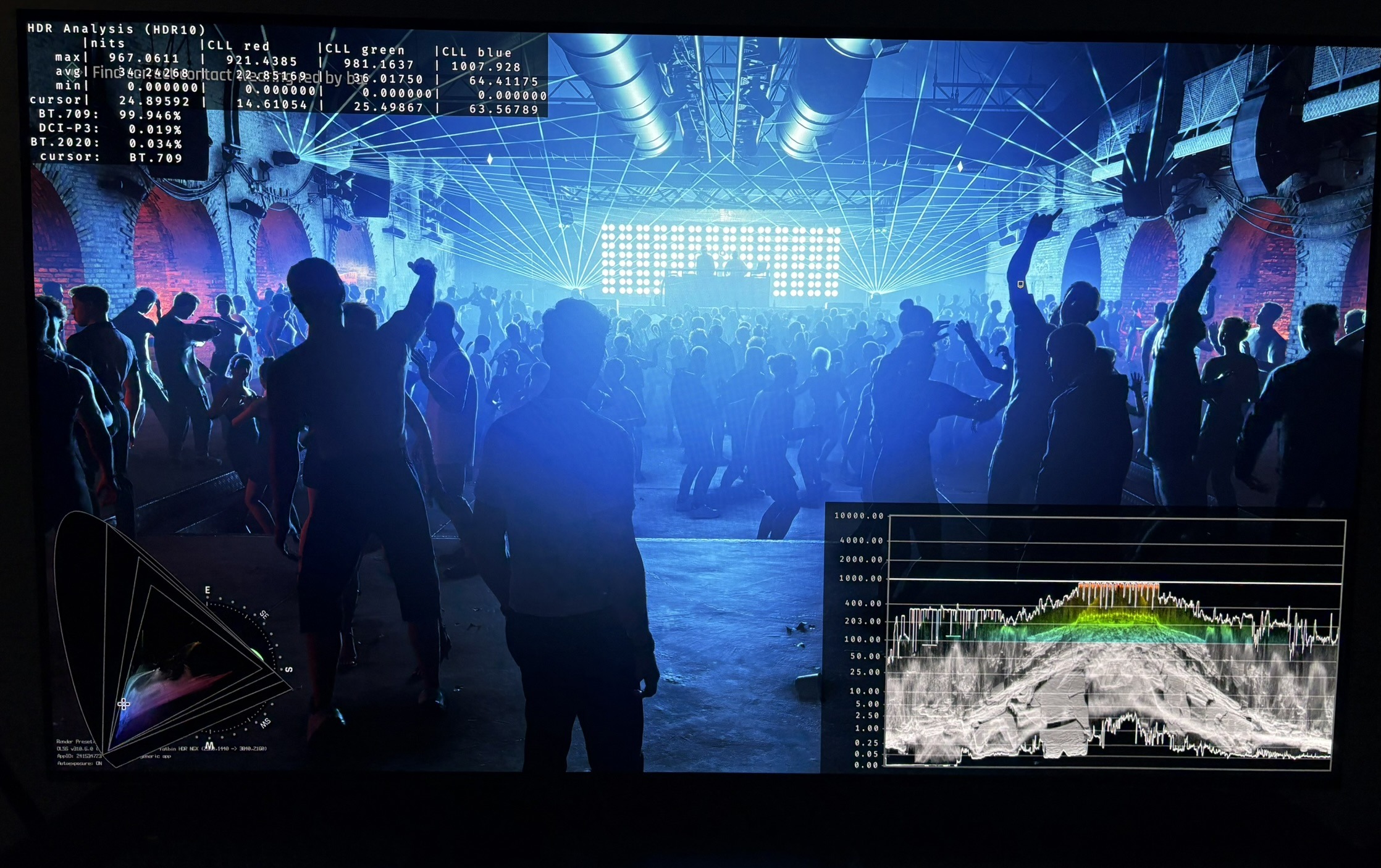
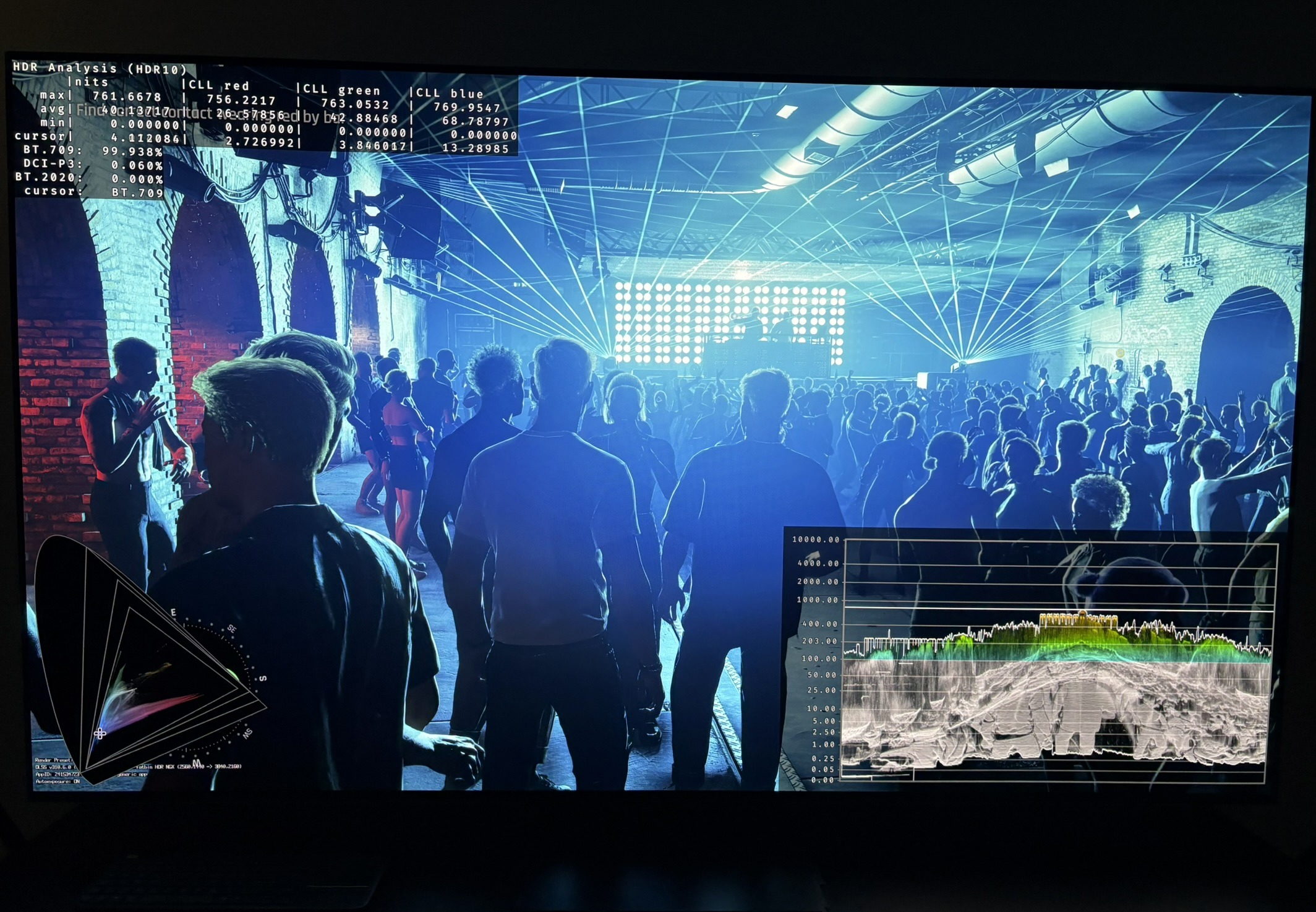
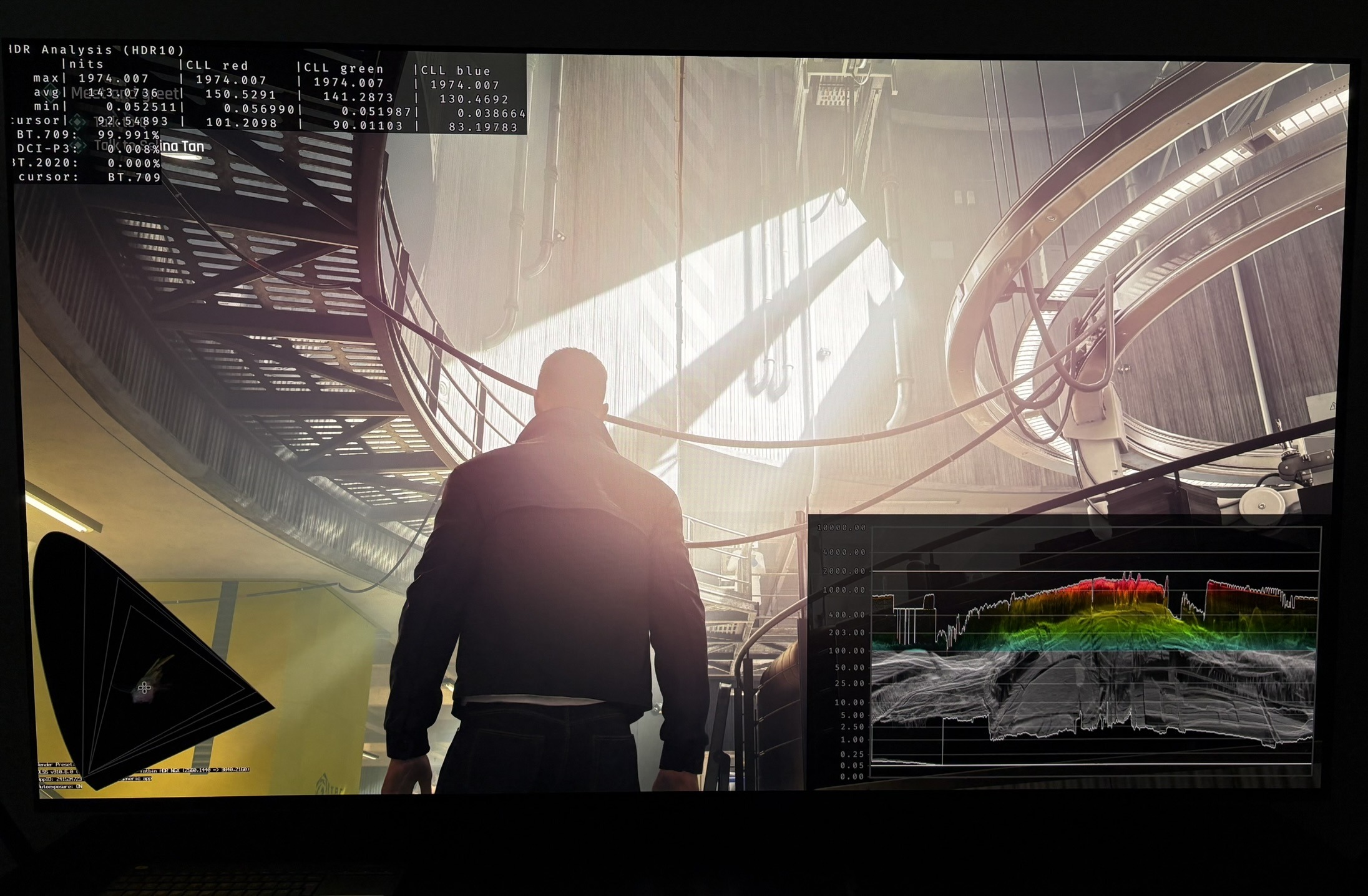
On top of the above, the game's bright light sources are mostly much dimmer than the above tested peak brightness output. I showed that we only get around 1000-1200 nits peak brightness in disco lights in the Night Club scene on my 2000 nits OLED display. OLED Displays in 2026 have up to 3000 nits peak brightness. So a huge under-utilization of current display technology.