Battlefield 6
HDR setup guide for #Battlefield6 on PC.
Max Luminance:
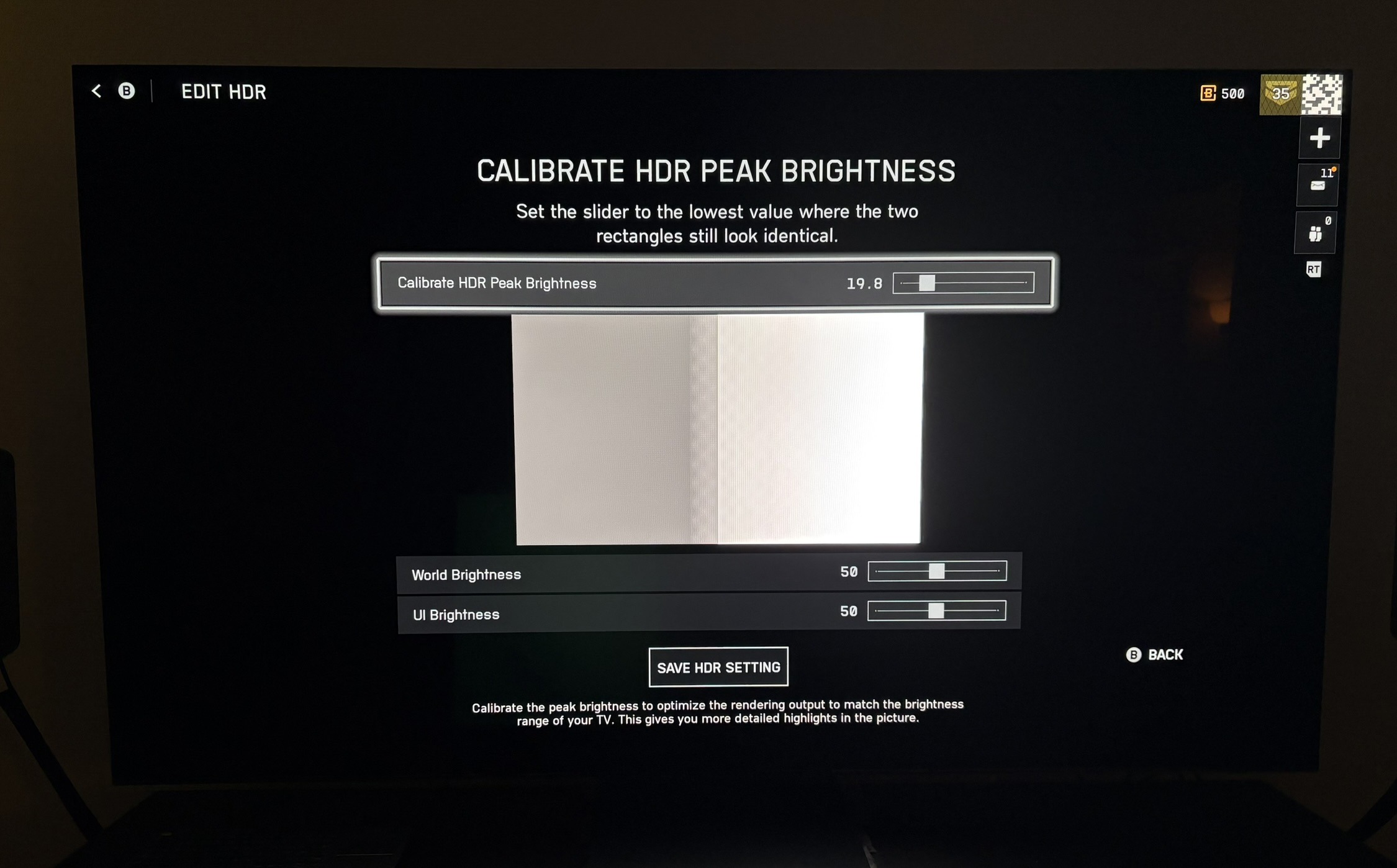
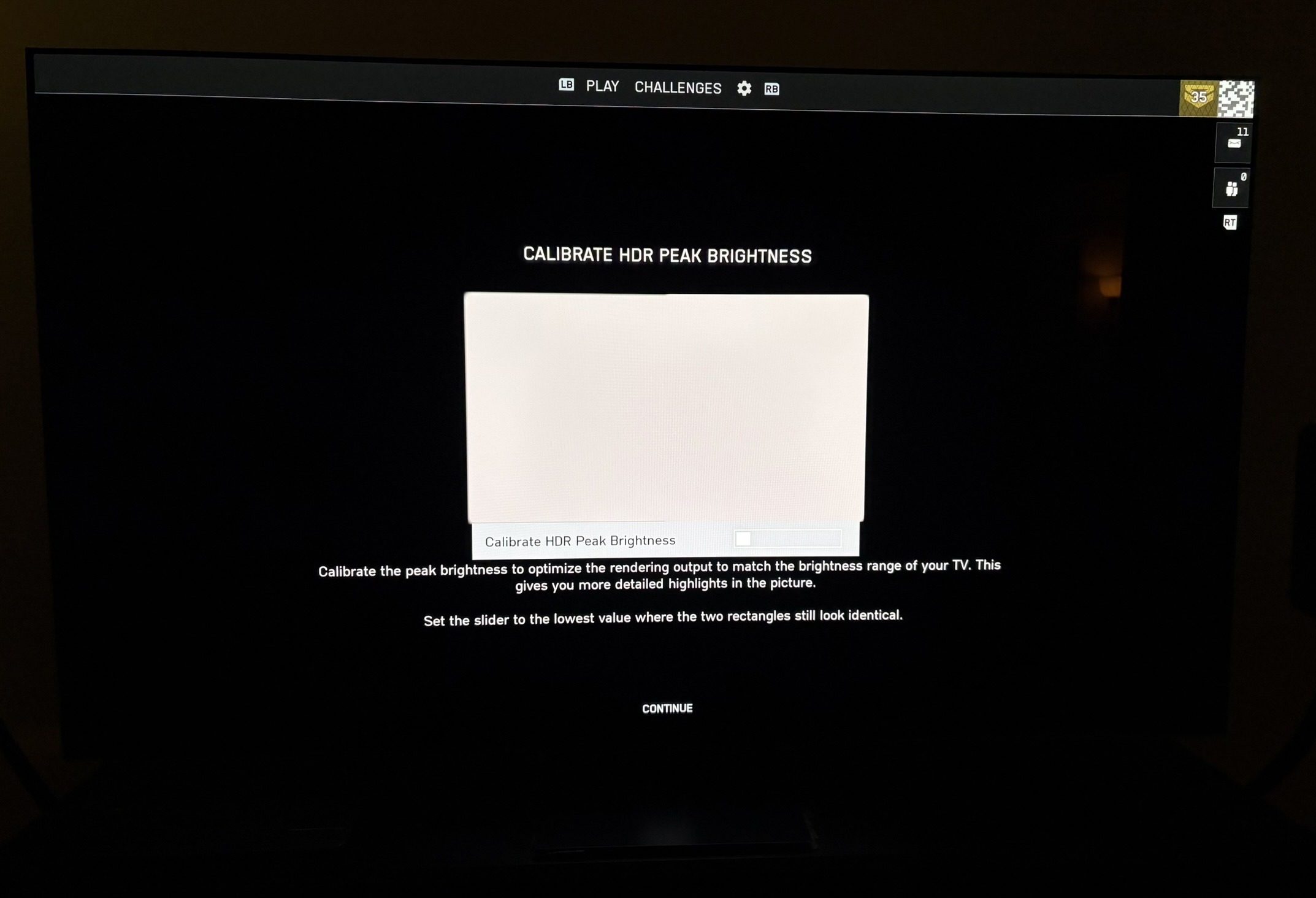
Max Luminance has to be setup separately for the campaign and multiplayer using two different in-game setup screens 👎 Picture 2 is the one used in multiplayer and picture 3 is the campaign.
These setup screens are useless, so don't rely on them.
On the slider in multiplayer you have to setup as follows:
- 5 = 500 nits
- 10 = 1000 nits
- 20 = 2000 nits
- 50 = 5000 nits
- 100 = 10000 nits (the game can output 10000 nits😎)
Why didn't they just write the nits output on the slider ???
I have tested that the game actually outputs these values.
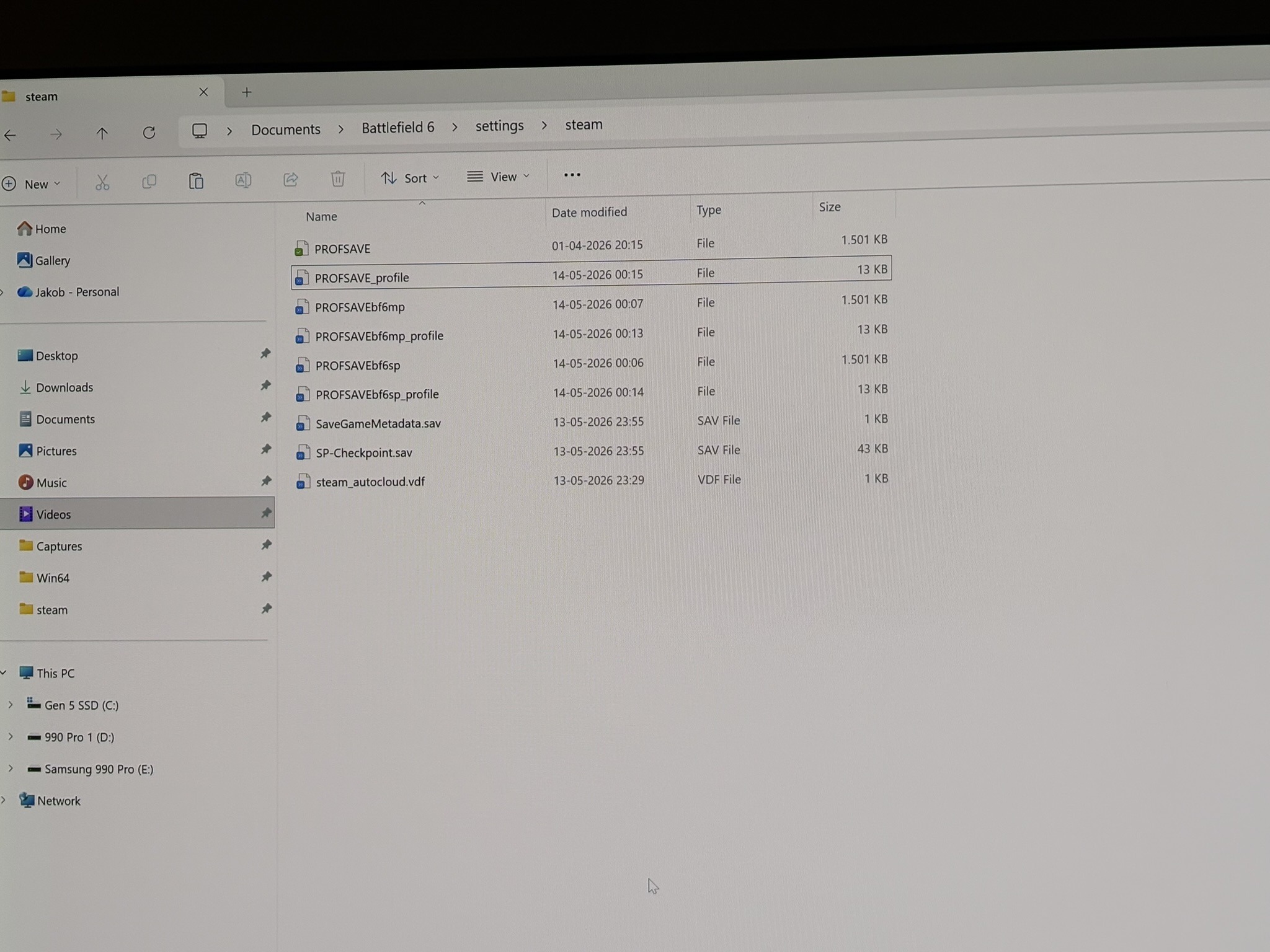
The slider for the campaign, unfortunately does not have numbers. So the only reliable way to setup max luminance for the campaign, that I know of, is to go into the file PROSAVEbf6sp_profile and change HDR10PeakLuma to the max nits your TV can output.
See picture 4.
Screen brightness:
The World Brightness slider is the same slider we have in the main menu. It changes the overall brightness on the screen in both SDR and HDR. It does not change max luminance. It especially changes midtones and upper shadows.
Set it to what looks the most natural to you.
Updates and HDR implementation (not an analysis):
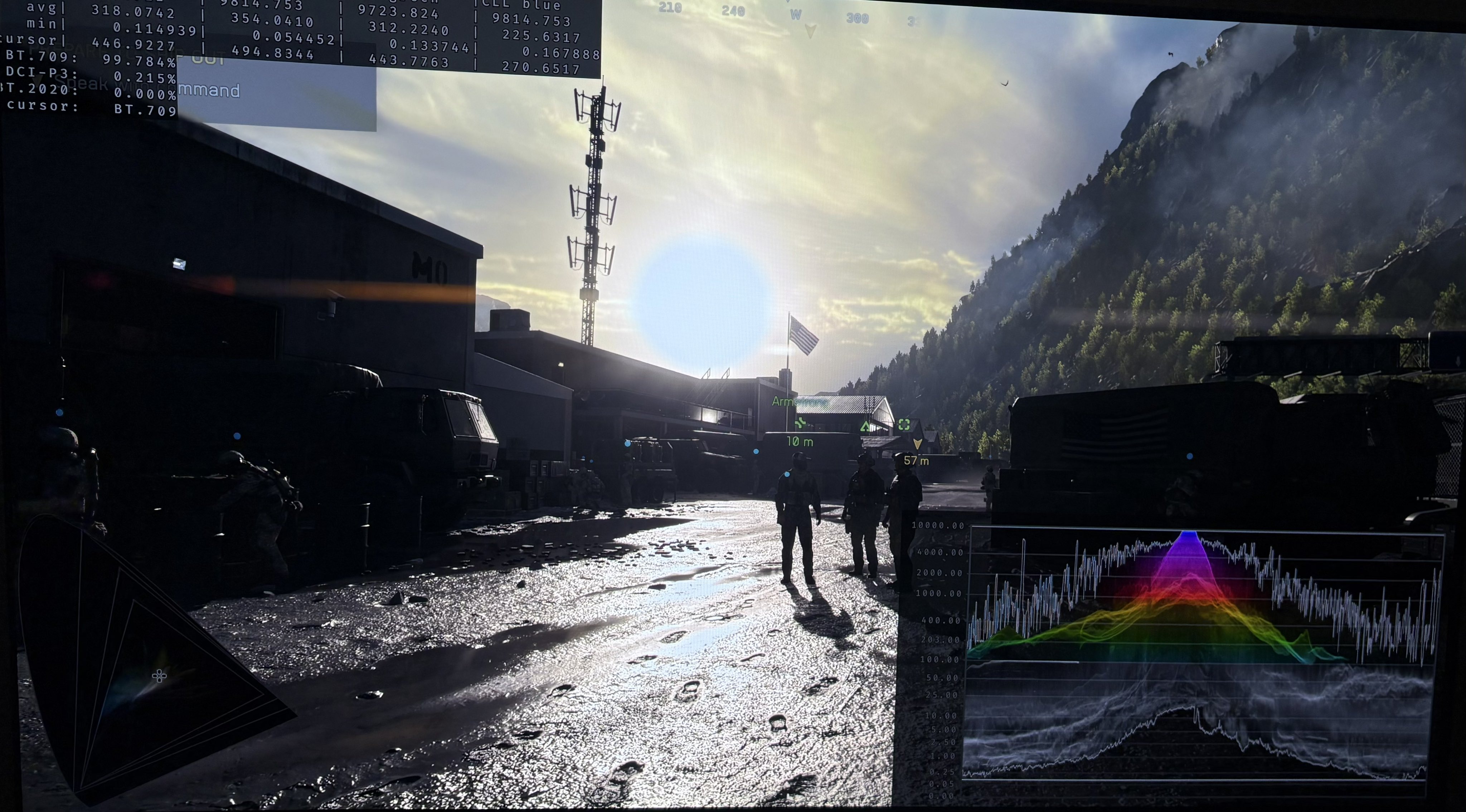
I think HDR looks good and impactful. It also uses some HDR DCI-P3 colors. Black levels are also good in scenes, where unnatural color filters don't ruin it. See picture 1.
It's definitely a bright HDR implementation and it suits the game well. I can't really say more than that, since it's a bit difficult to analyse it without being able to use Lilliums HDR analysis tool in multiplayer.
I can only use Lilliums HDR analysis in BF6's campaign and not in multiplayer. It's because Reshade is seen as cheating by the anti-cheat software.
However, HDR looks visually the same to me in the campaign and multiplayer, so we can setup HDR similarly in multiplayer and the campaign.
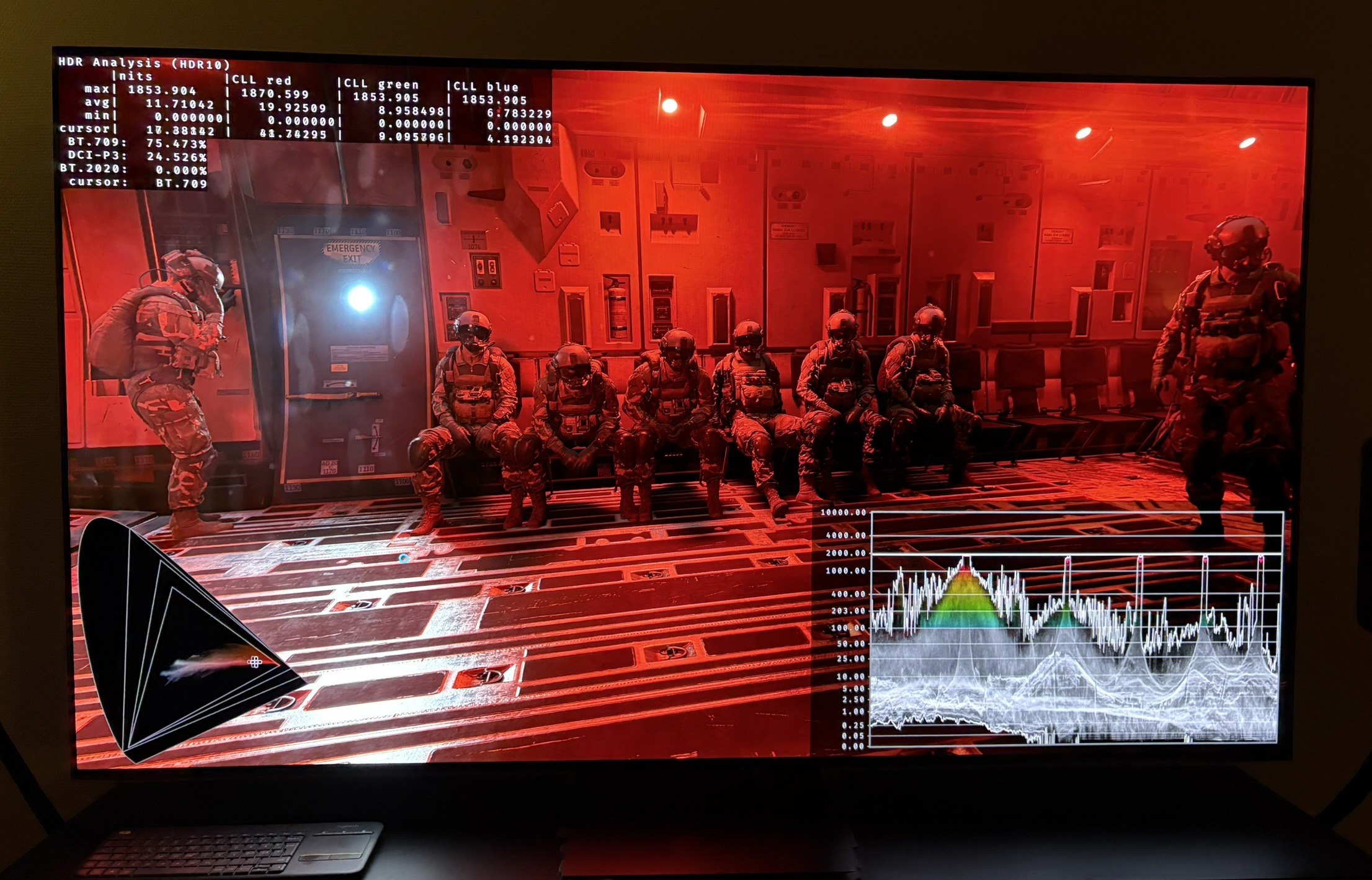
There are differences in black levels and max luminance between different multiplayer maps (some maps have black level raise) and even in different scenes in the campaign. This is most likely due to the un-natural color filters used in many scenes/maps. So it's not an HDR issue as such.
There have been fixes to HDR since the game released. They fixed an issue with massive over-exposure on certain maps, that made it nearly impossible to see out of buildings etc.
In season 3 update (Game Update 1.3.1.0, released around May 8, 2026), developers added World Brightness and UI Brightness sliders to the in-game HDR Calibration screen (under Display/Graphics options).
I see no changes to the HDR implementation besides the setup screen itself.
10000 nits