Crimson Desert – RenoDX
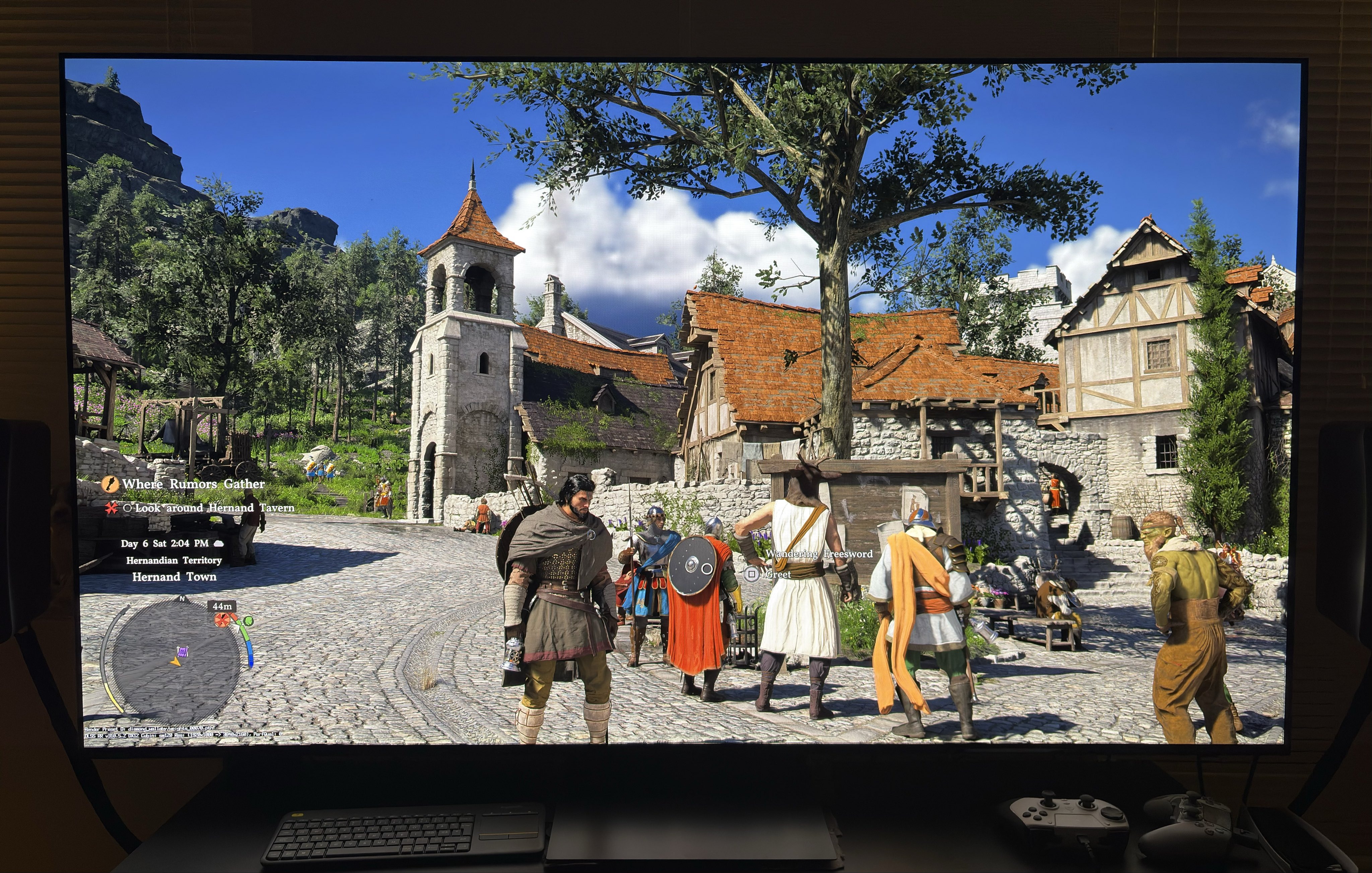
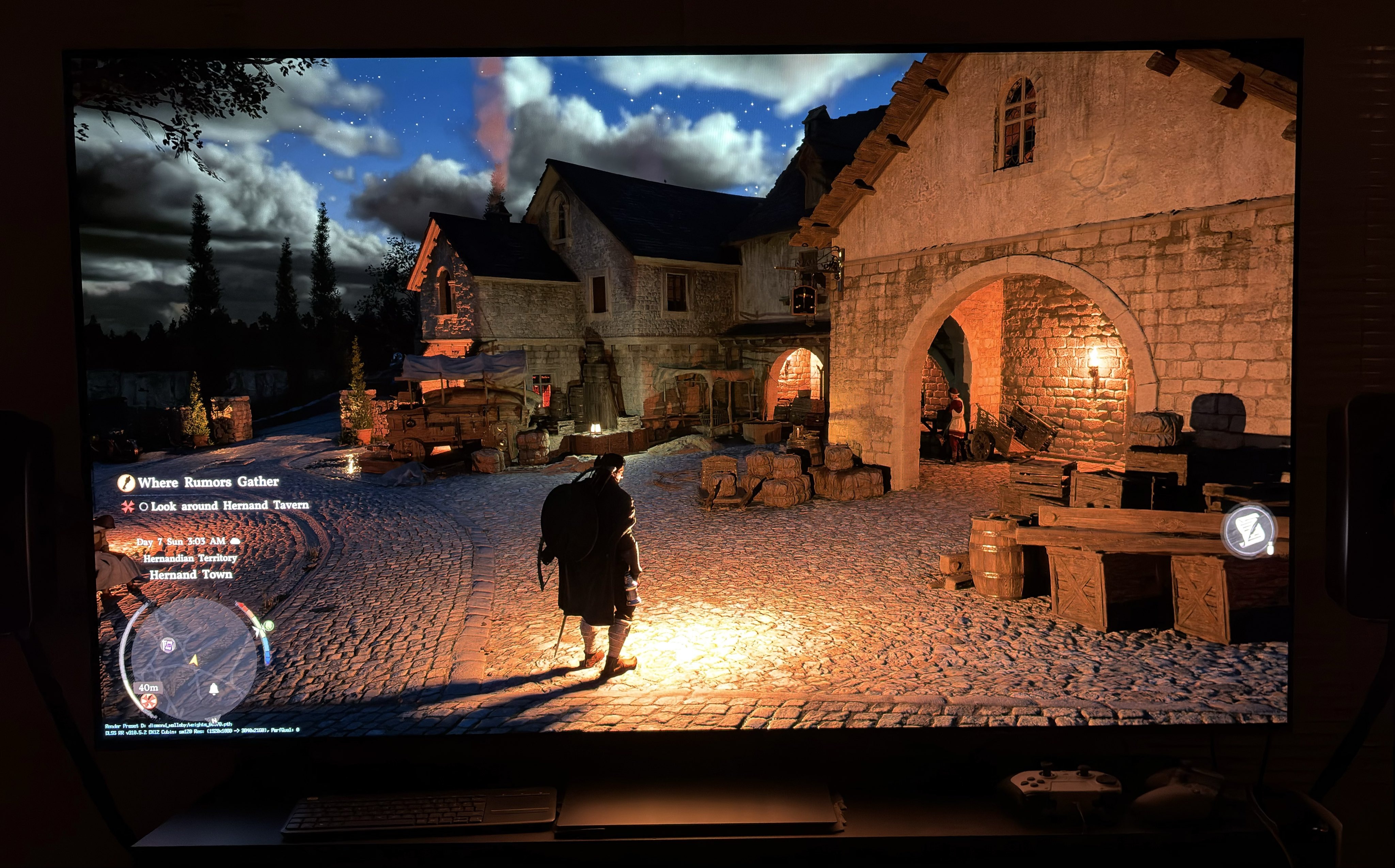
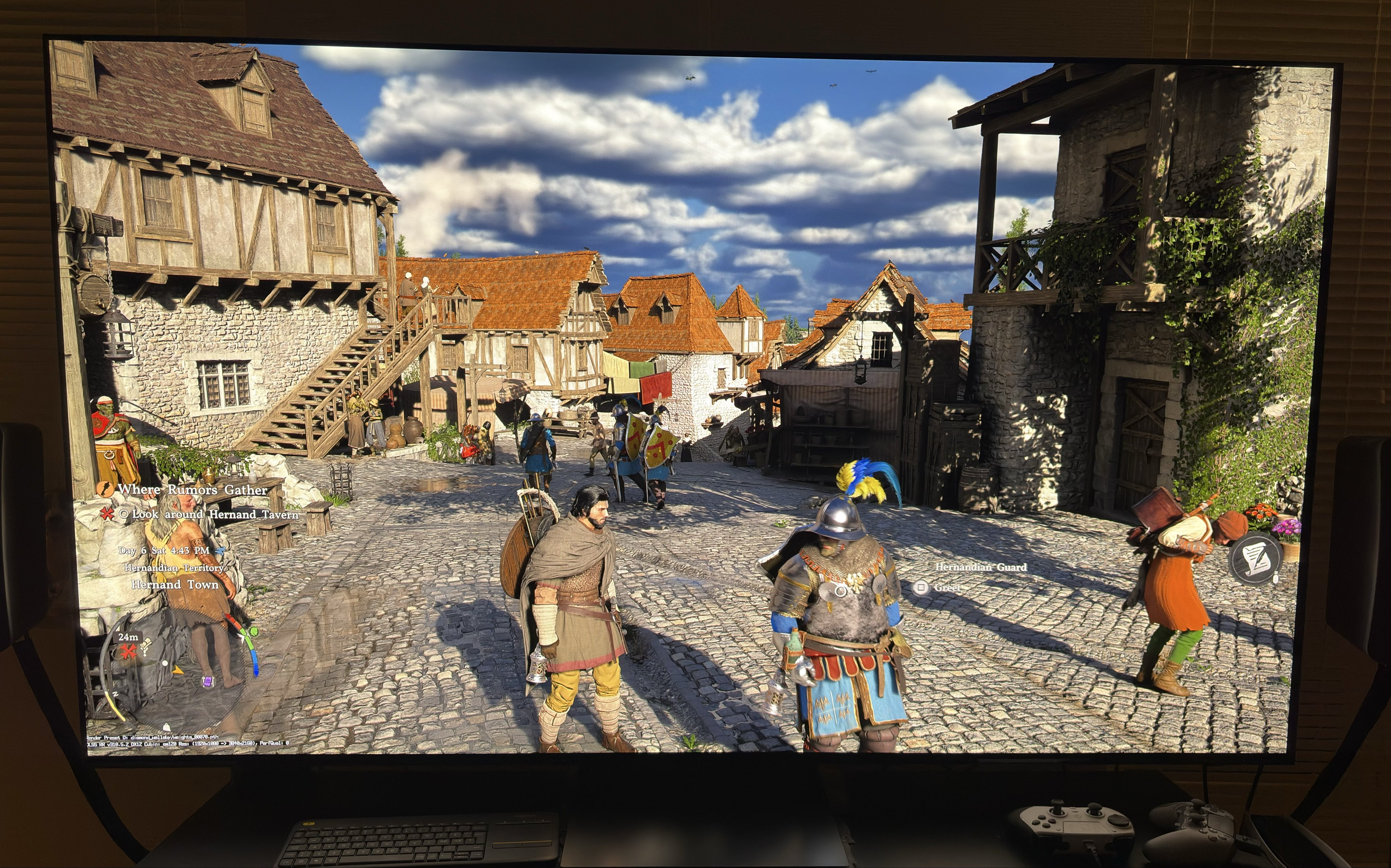
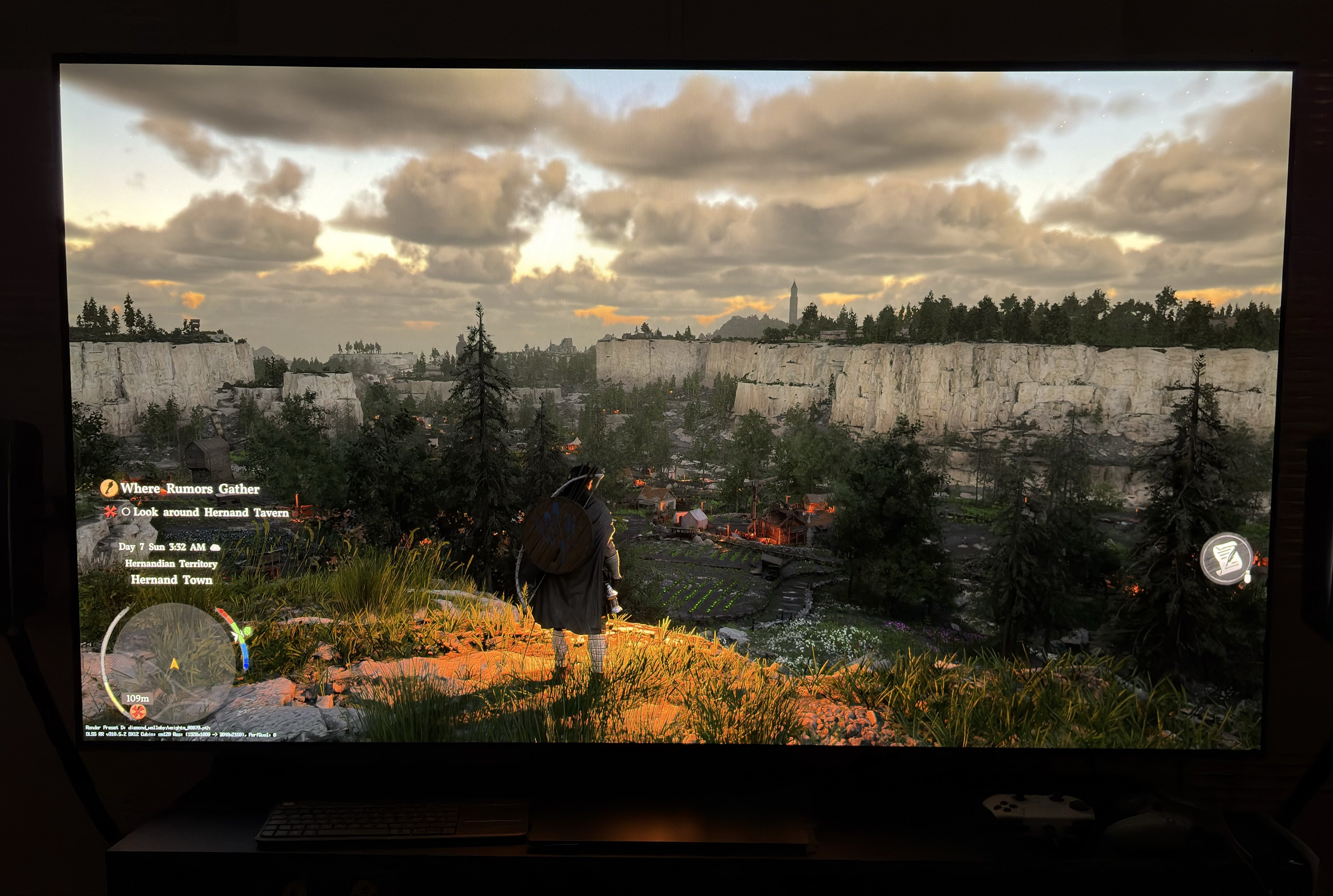
There is now a RenoDX HDR mod for Crimson Desert on PC 👍
I recommend all PC gamers to use it (PS5 gamers should read my quick setup guide).
HDR now looks so beautiful and natural 👍👍👍
You can get it from this link. Follow the install instructions in the link.
As I understand it, it especially improves the HDR tone mapping. I’m no modder or developer, so I will not pretend to know or understand all it fixes. I also have a post that explains the fundamental issues the mod fixes.
The great thing about RenoDX is also that it gives us the ability to make fine adjustments to HDR including a better setting, than the games exposure setting, to setup game brightness.
It also gives us the ability to turn off chromatic aberration. It's a lens distortion effect that blurs textures, so turn it off.
The most important settings to adjust are peak brightness and game brightness.
Peak brightness:
Peak brightness is to be set to what your TV/monitor can do on a 10% window.
Game brightness (paper white):
Game brightness I recommend to set to 203 nits for a 1000 nits display. If you have a TV or monitor less capable than that, then set to 180-203 nits. Set to what looks most natural to you.
For TVs that can output significantly more than 1000 nits, I recommend increasing game brightness. Theoretically a 1500 nits TV has to set to 267 nits and a 2000 nits to 343 nits, according to the HLG guidelines. But only use those guidelines as a starting point. Set to what looks most natural to you.
I typically found myself adjusting lower when using RenoDX. How low depends on the game. If you are gaming in a bright room then you might even want to increase it further.
I so far have settled for 300 nits. Gamers using a 1500 nits TV might settle for 250-267 nits, I expect.