Crimson Desert
Quick preliminary setup guide for Crimson Desert on PC and PS5.
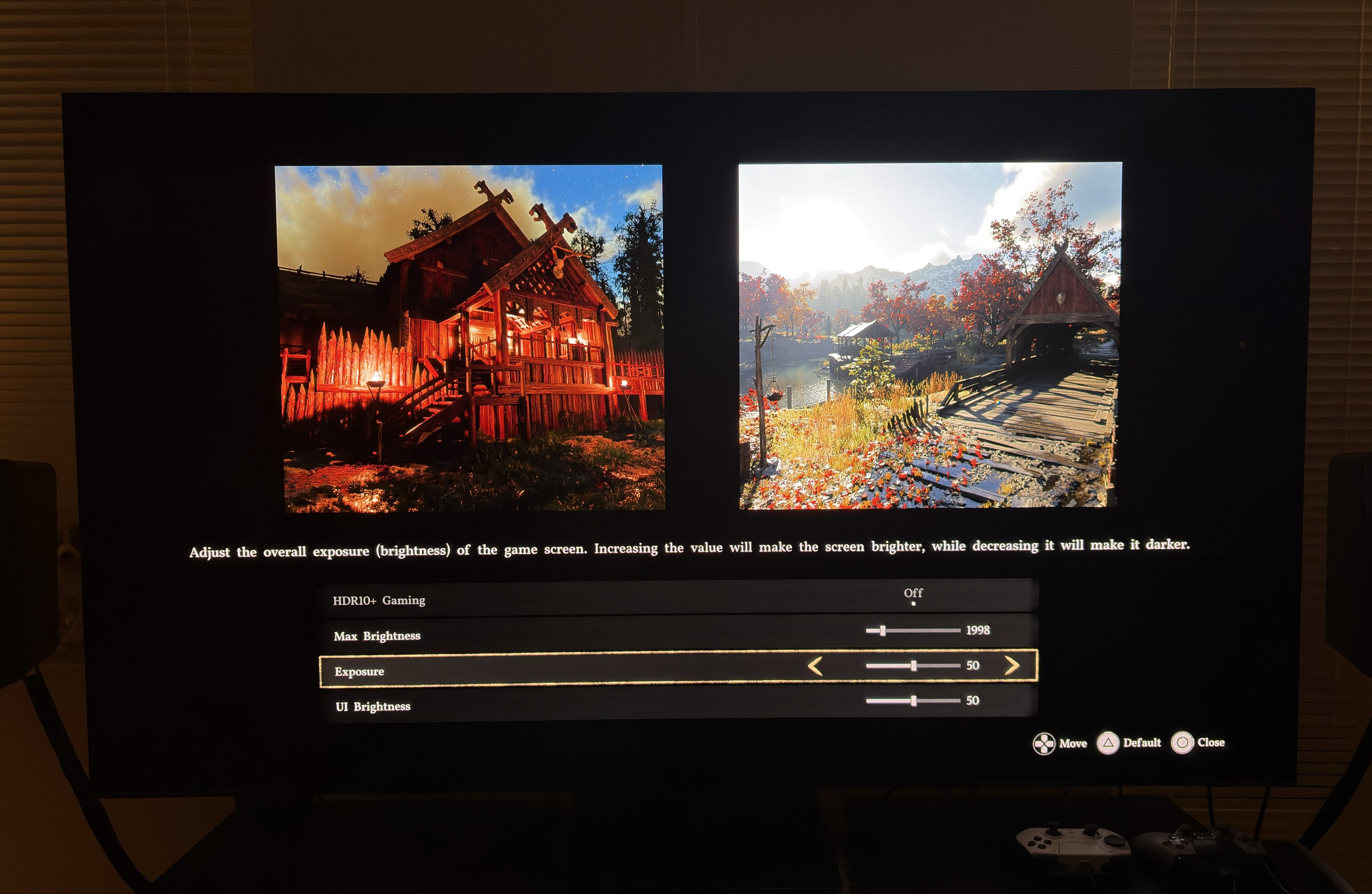
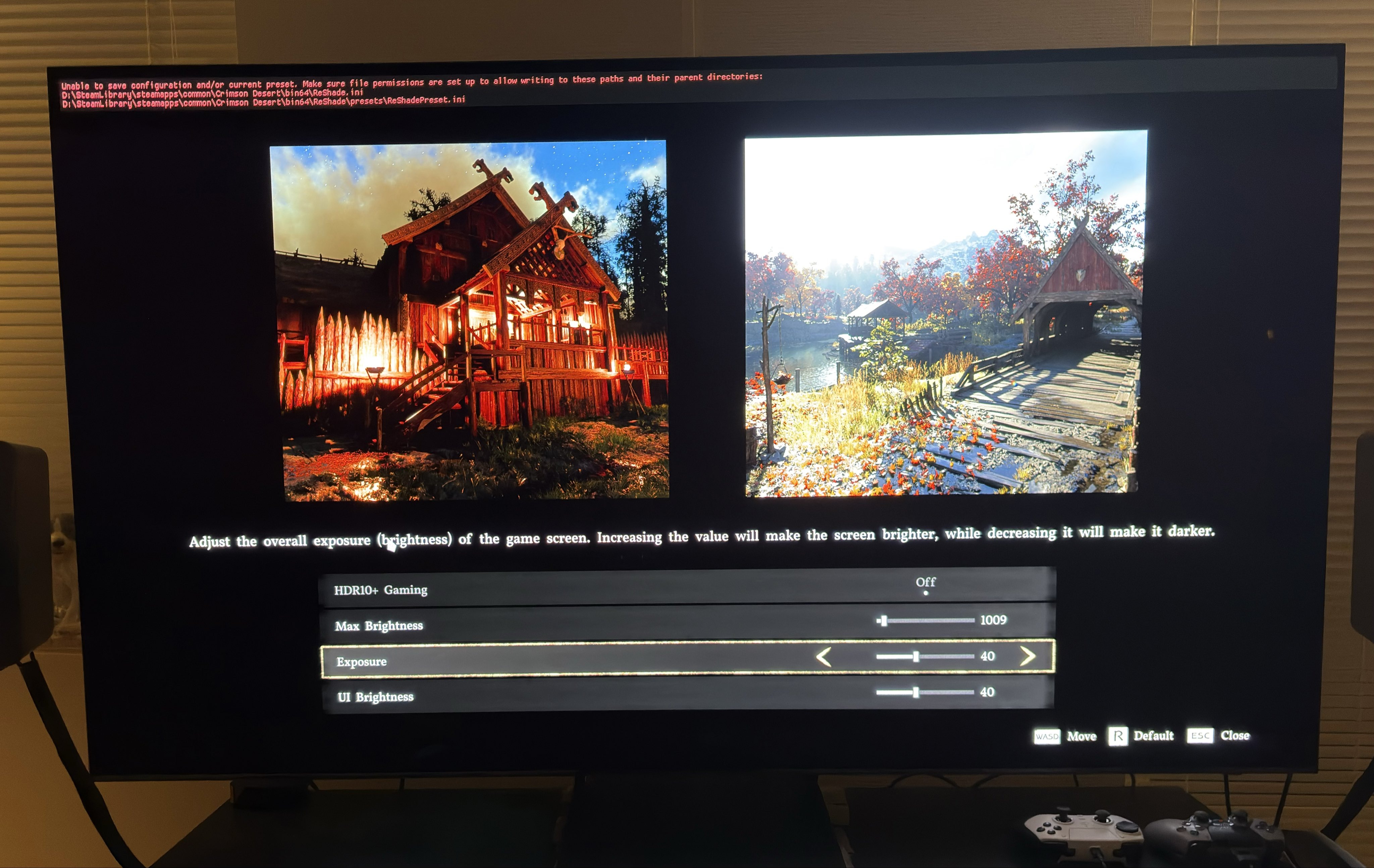
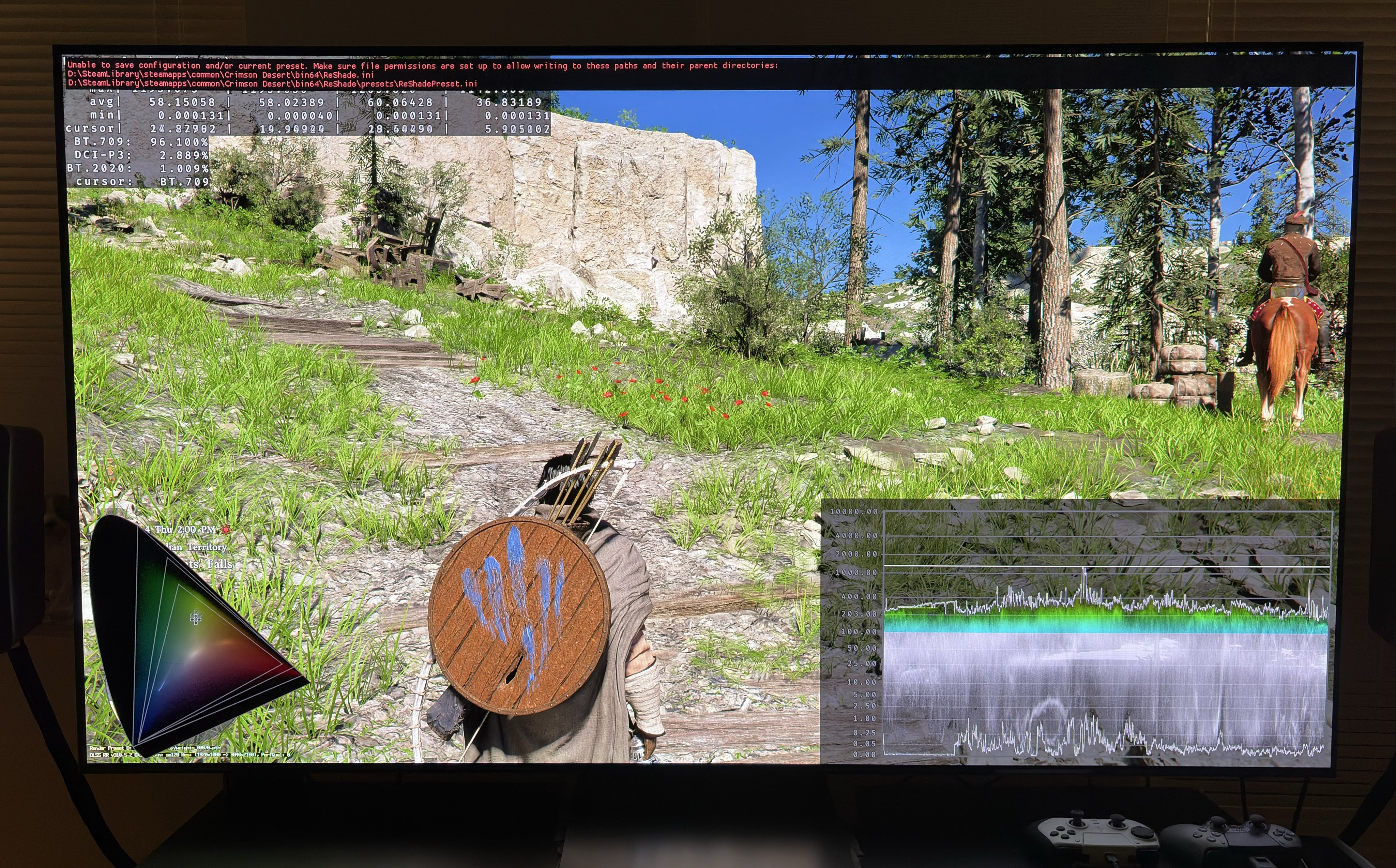
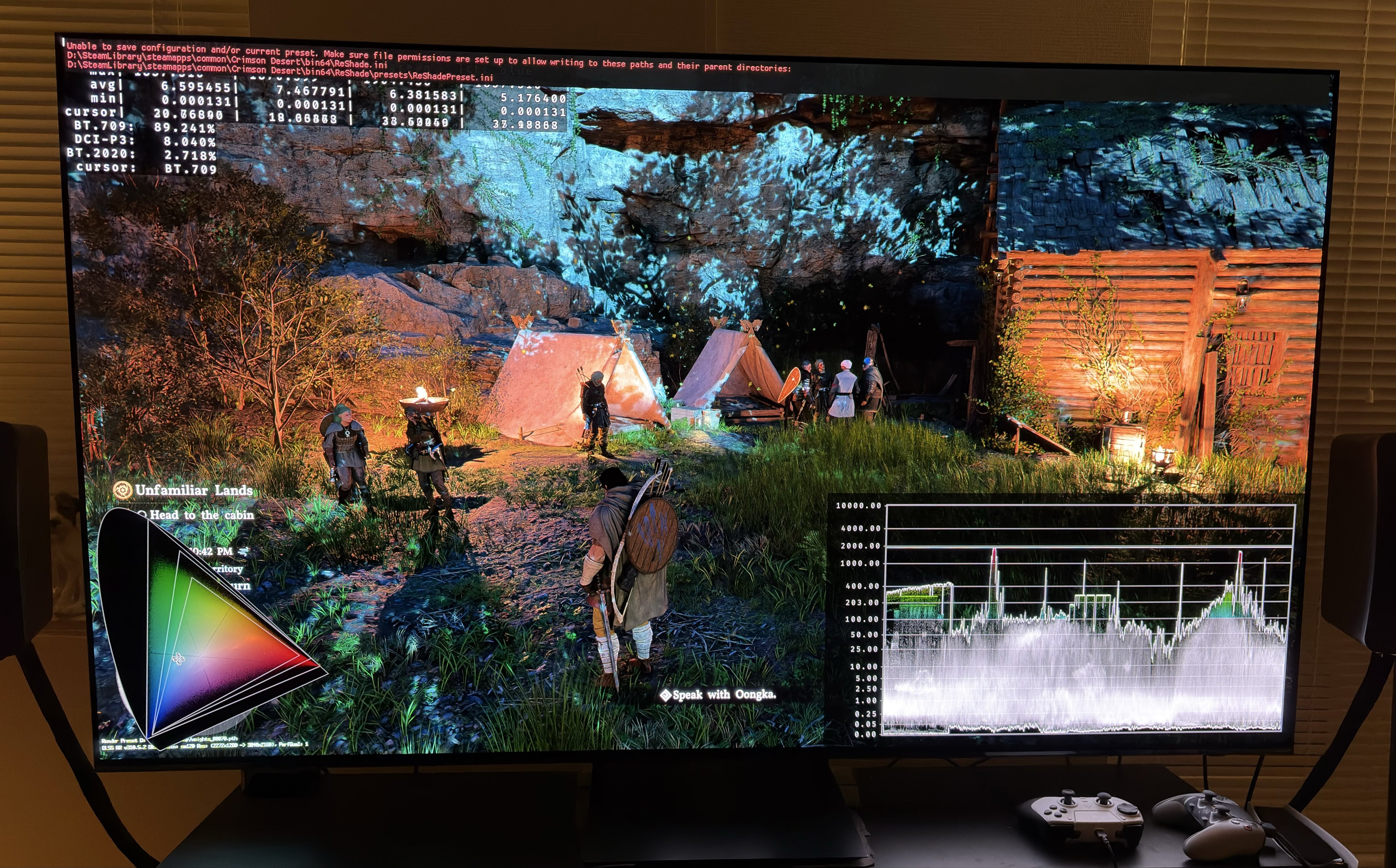
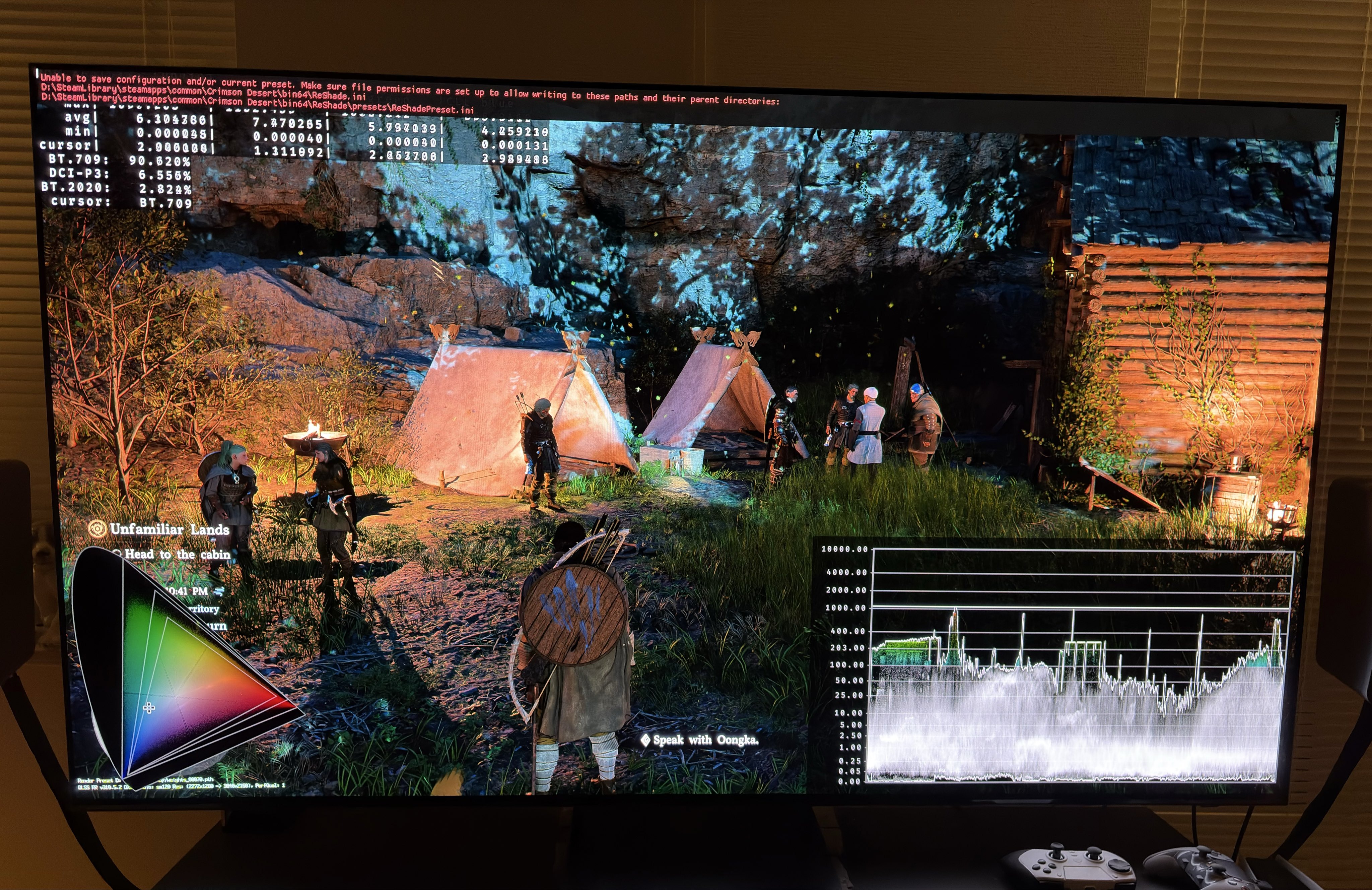
I have only had very little time with the game. But this is how I would set up HDR on a 1000 and 2000 nits TV. Picture 1 is my settings for a 1000 nits TV and picture 3 for a 2000 nits TV.
HDR is implemented the same way on PC and PS5.
Black levels:
There are no settings to adjust black levels. Luckily they look fine, so those we don’t have to worry about.
Max luminance:
Max brightness is setup in-game. Set to what your TV can output on a 10% window. The game outputs the nits you set in the slider. That’s great because not all games do that.
Screen brightness (exposure).
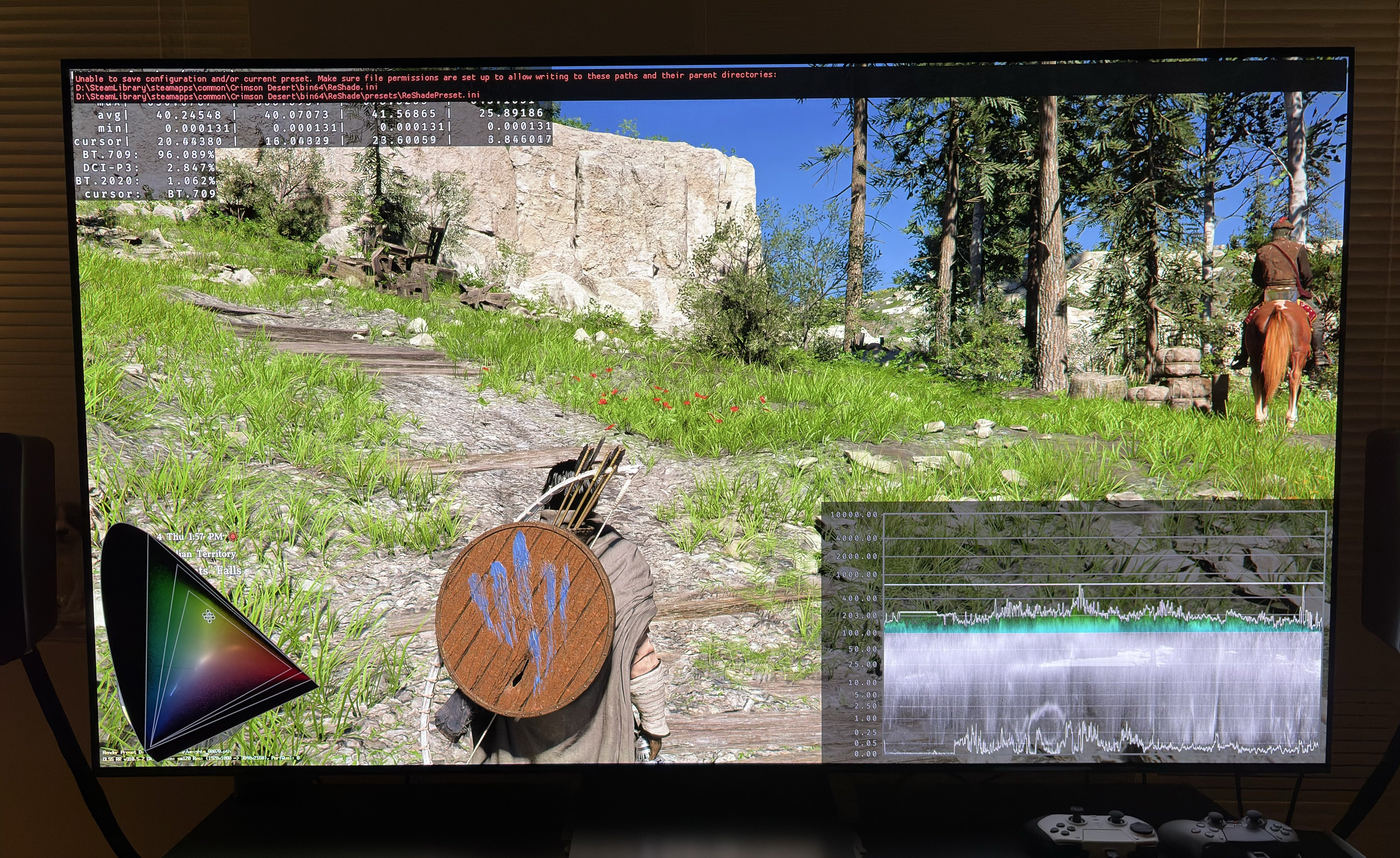
The exposure slider adjusts the brightness on the whole screen. For a 1000 nits TV we want around a screen brightness (paper white) of around 203 nits. A setting of 40 looks to be around 203 nits to me. In picture 2 we can see brightness is around 203 nits at exposure setting of 40.
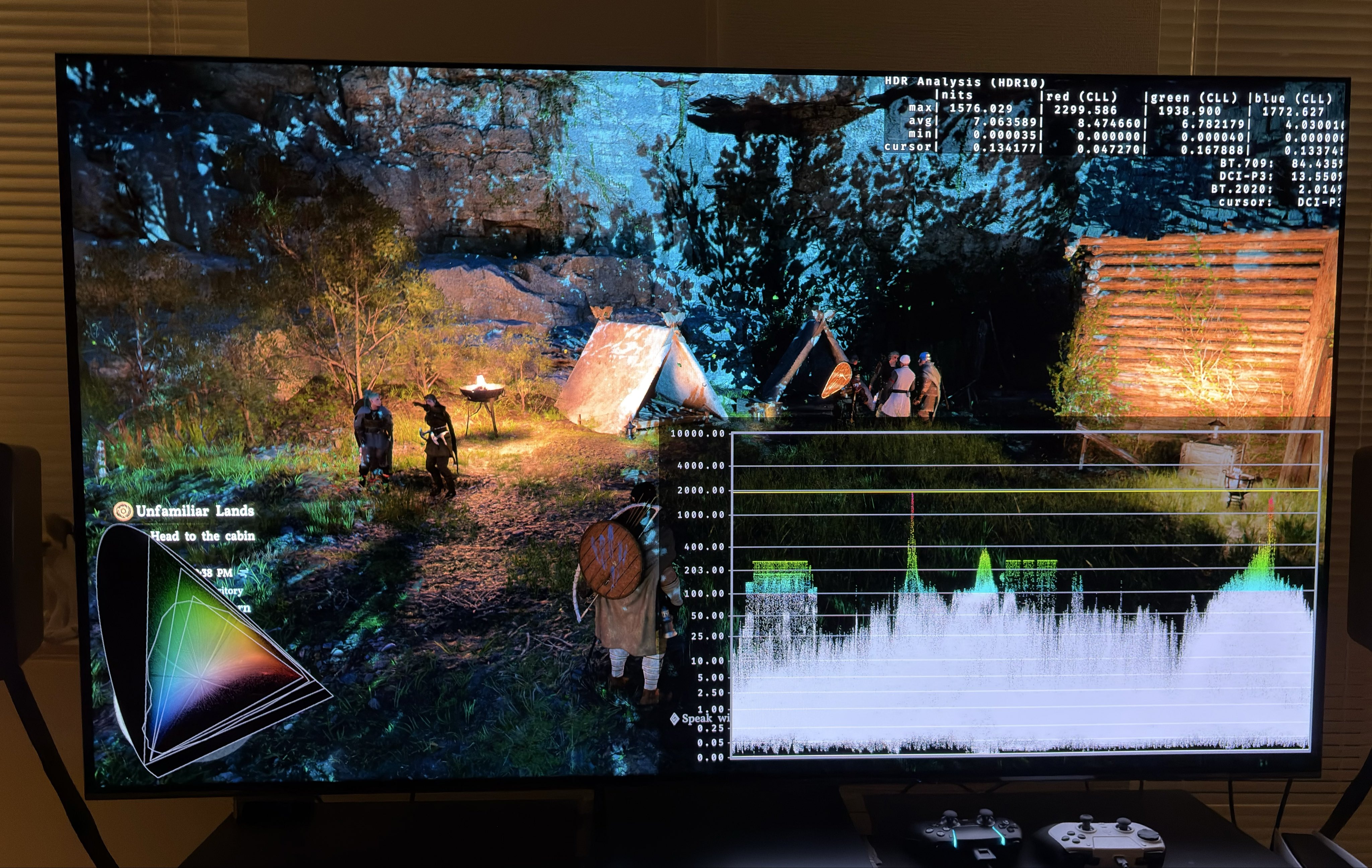
For a 2000 nits TV we want a higher screen brightness. When our TVs can output higher max brightness then there is room for higher screen brightness while our highlights can still pop.
I suggest setting exposure to 50. In picture 4 we see screen brightness is around 280-300 nits.
I won’t suggest going lower than 40 or much higher than 50 for exposure, because exposure slightly changes lower shadows and I think they will get too low or too lifted.
I noticed that at night fire lights up everything with a red glow or color. It looks very unnatural. We can’t change that in-game, but maybe there will be mods for PC that correct this.
HDR overall looks punchy with great contrast and black levels.
Black levels PC 1
Black levels PC 2
Black levels ps5