PS5 - HDR Always On
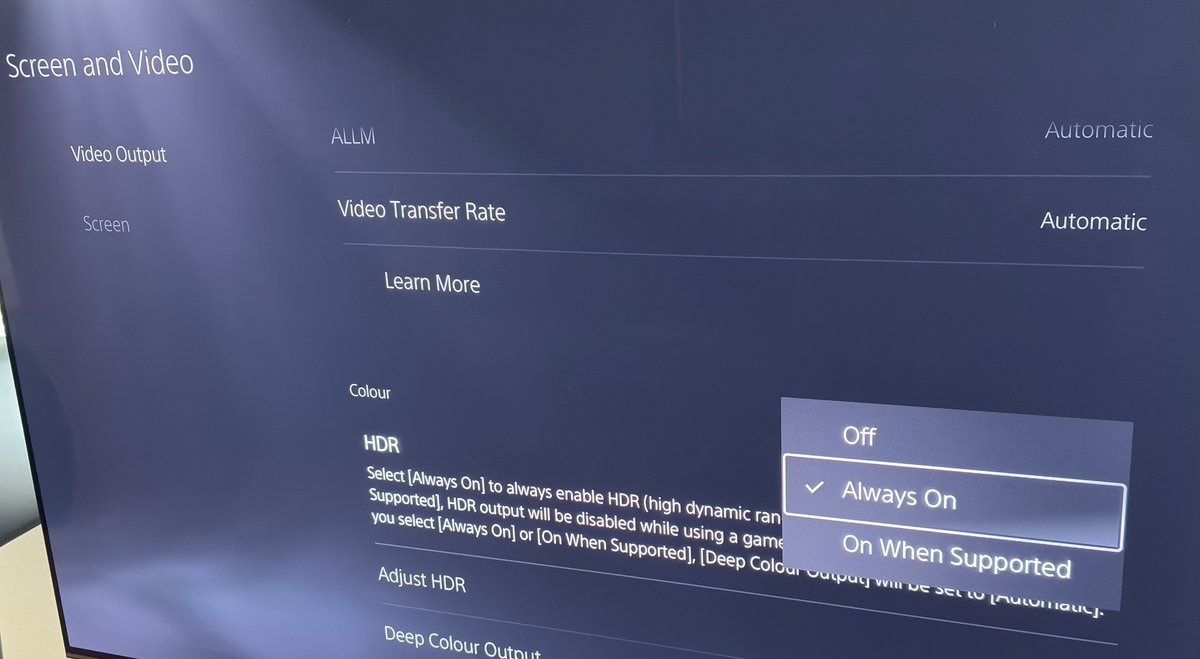
In PS5s system settings for Screen and Video, you can choose;
- HDR - Off
- HDR - Always On
- HDR - On When Supported
This article will explain what these modes do, including explaining what HDR - Always On actually does. So you can make an informed decision on which mode to use and when.
PS5 system settings
HDR - Off
In this mode, PS5 will output SDR to your TV, if you set HDR to off in games.
It will also output SDR to your TV if the game only supports SDR.
As I will explain below, this is the only mode where you can be 100% sure, that your TV receives an SDR signal. So use this if you want to be certain that you get to see the SDR image/signal from the game.
When PS5 outputs an SDR signal to your TV, your TV switches to its SDR game picture mode. So make sure to have this mode correctly setup and calibrated.
HDR - Always On
In this mode PS5 will always output an HDR signal to your TV.
If the game outputs an HDR signal, then PS5 will simply output that HDR signal.
If the game outputs an SDR signal, then PS5 will convert that SDR signal into HDR. PS5 will put the SDR signal in an HDR container (basically), so the TV sees an HDR signal.
When doing this conversion PS5 makes these changes to the SDR image:
- Fixes max luminance to 255 nits
- Makes colors slightly more saturated
- Makes shadows slightly darker
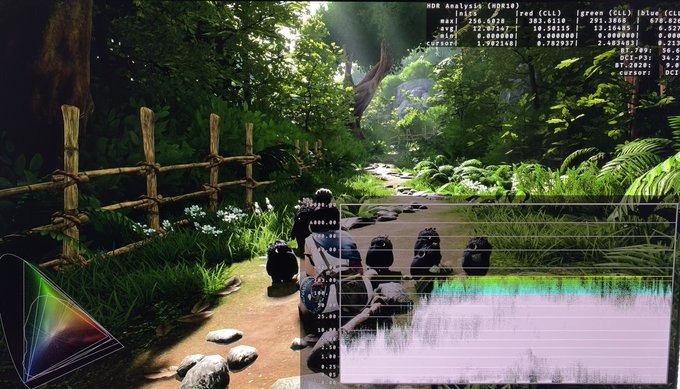
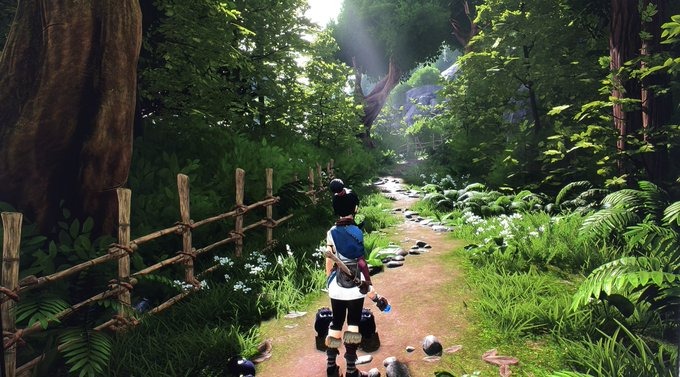
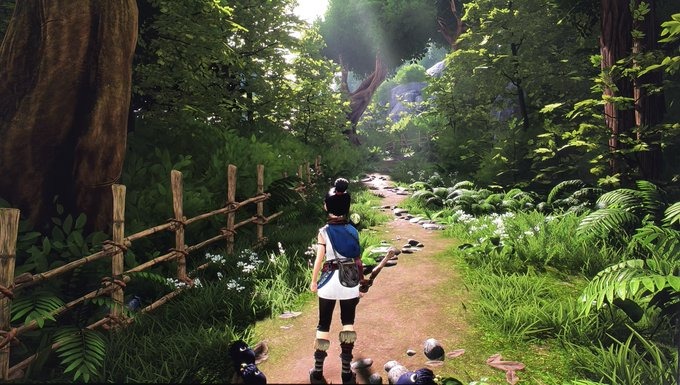
Picture 1 is HDR Always on and picture 2 is SDR (on PC). Only look at the diagrams and data in those two pictures. Use picture 3 and 4 to see the real difference, I see on my screen (the tiny difference that there are).
We see how PS5 fixes max luminance to around 255 nits in picture 1. In picture 2 max luminance is 203 nits for SDR and that's the value most games output in SDR as standard.
In the diagram in the lower left corner, we see that colors fills up a larger portion of the color spectrum in picture 1 than picture 2. It gives slightly more saturated colors. Be aware that it does not give us more detail in colors. It's just a pushing out of color coordinates in that diagram, so to speak.
Picture 3 shows slight more saturated colors and shadows than picture 4. The difference is not huge. Be aware that it can vary with difference in how your TV is setup in SDR and HDR. It also can vary a bit from game to game, is my experience.
The advantages of using HDR - Always On are:
- You stay in your TVs HDR game picture mode all the time. Then you don't need to worry about setting up the SDR picture mode. It will give you a consistent look across all your games and you can use your TVs HDR features, such as LGs Dynamic Tone Mapping or Samsung's Active Tone Mapping, to try and increase midtones and peak brightness.
- The slight more saturated colors and darker shadows can look a bit better to some and can help a tiny bit on fixing black level raises, that many games have.
Disadvantages of using HDR - Always On:
- Colors and shadows slightly changes, so you won't experience the 100% true SDR image, the artists intended.
- Peak brightness and overall brightness of the image is fixed. Using SDR, you can run your TV's SDR game picture mode much brighter, if you need it for daytime viewing.

HDR - On When Supported
In this mode PS5 outputs SDR to your TV, if you set the game to output SDR. And output HDR to your TV if you set the game to output HDR.
Be aware that this does not always happen. Crimson Desert is the latest example. If you turn off HDR in Crimson Deserts in the in-game menu, PS5 will output the converted HDR signal from HDR Always On. So you will not see the pure SDR signal.
Games like Clair Obscur: Expedition 33 and Immortals of Aveum, also had this issue.
Just be aware of this potential issue, if you use this mode. The safest is to use HDR off, when playing in SDR.