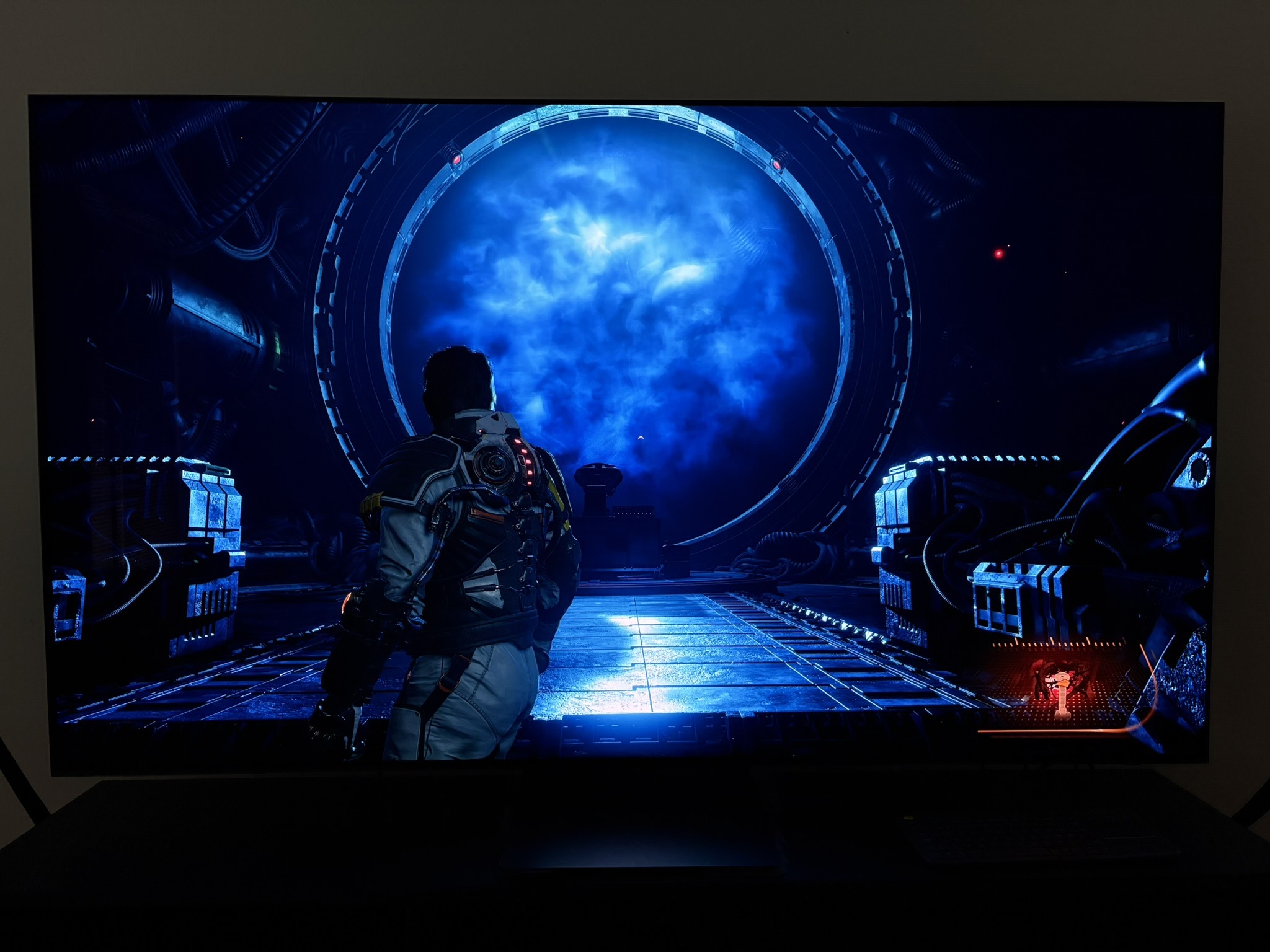
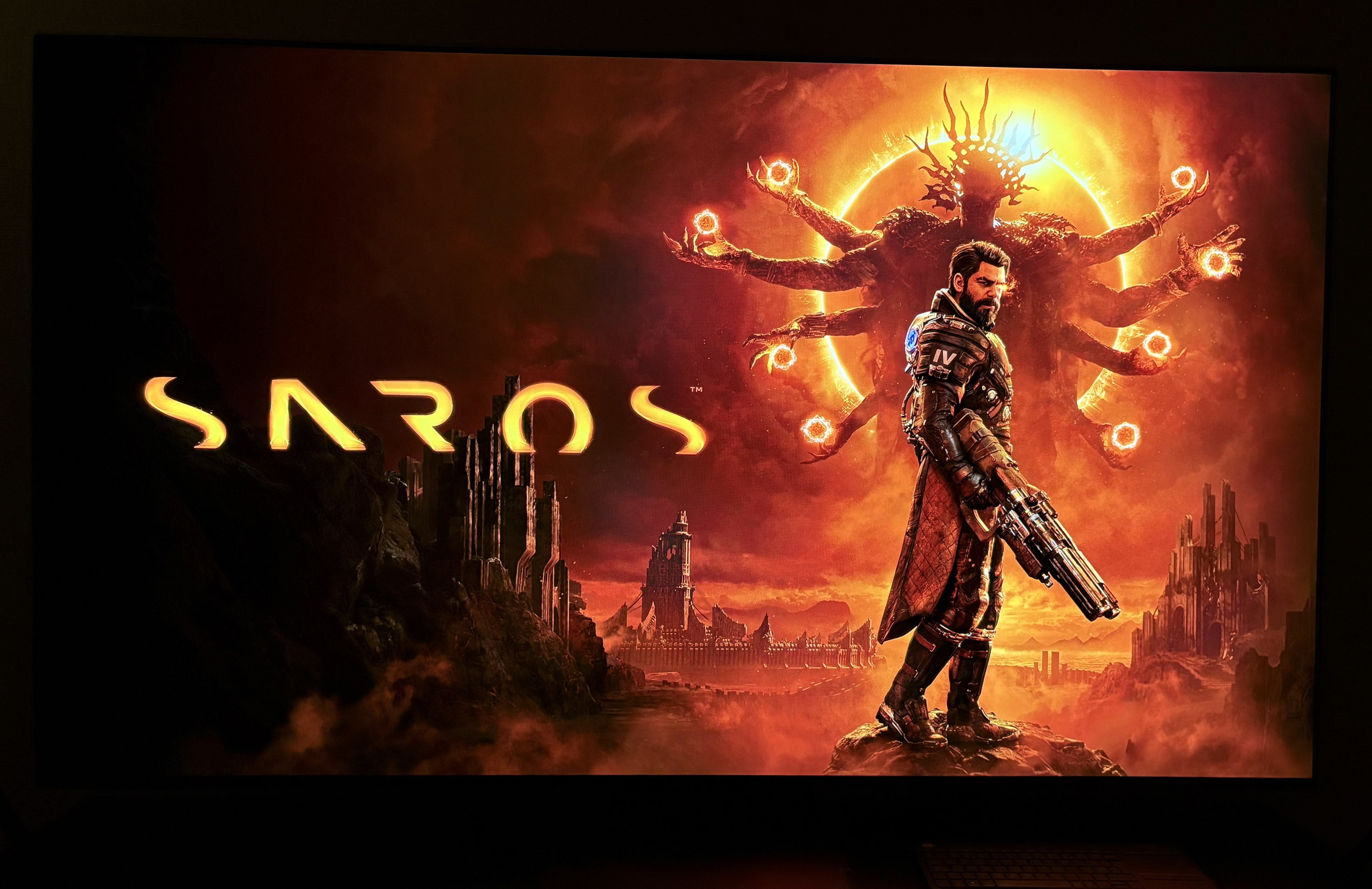
Saros
Updated HDR analysis and setup guide for #Saros on PS5 and PS5 Pro.
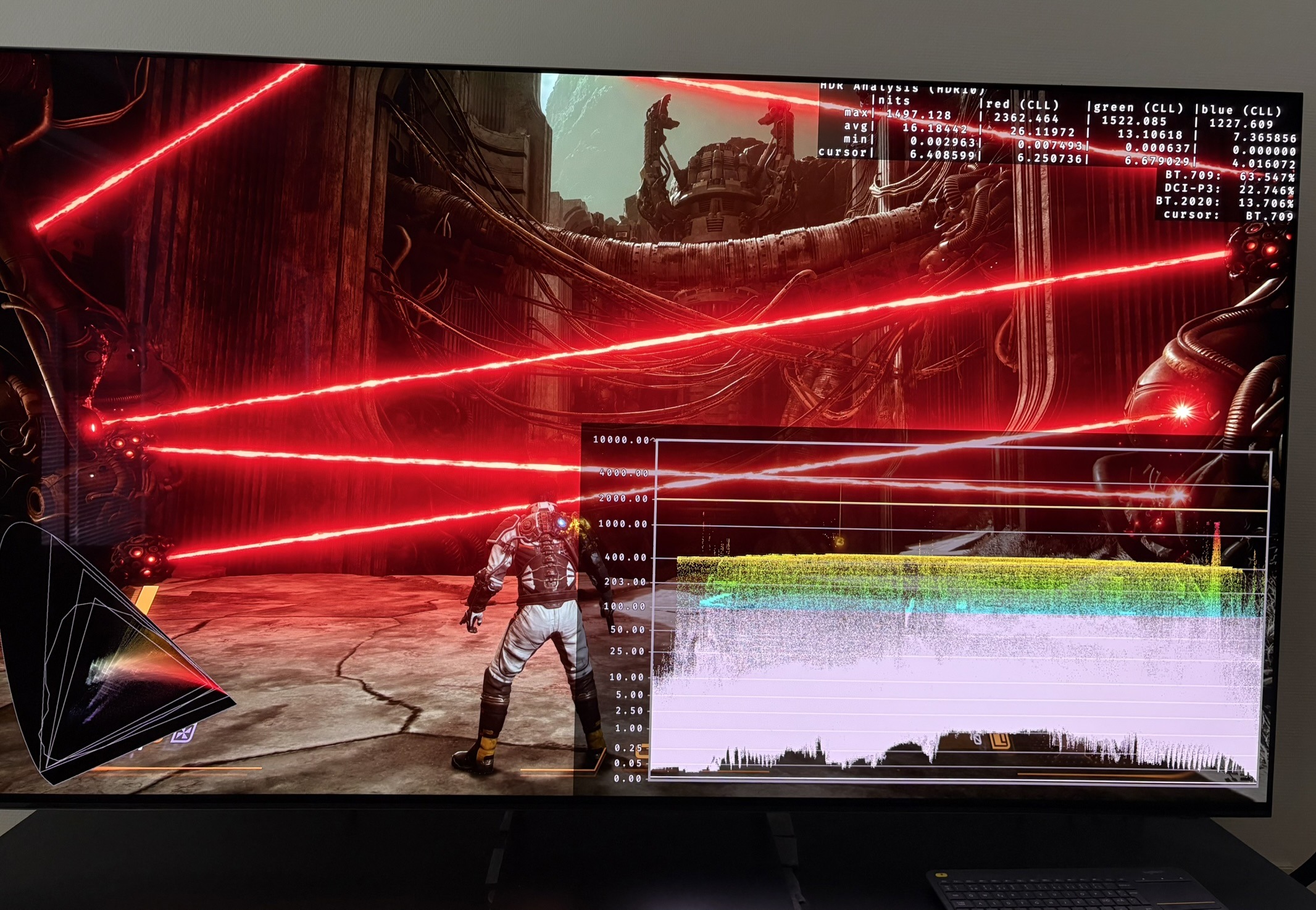
It's updated because the developer has fixed the around 35% too low max luminance output, I noticed in my earlier analysis. So my old setup guide no longer applies.
I have also now finished the game and have a better understanding of how HDR looks in different biomes.
Setup guide:
Don't change anything. Use the game's standard exposure setting of 0.
HDR max luminance:
The game automatically takes the value we have setup in PS5's HDR system settings. The game applies this in-game and outputs exactly that value in the brightest light sources (It didn't do that prior to the latest update). 👍
Make sure you have setup HDR correctly in PS5's HDR system settings, of course.
Paper White (exposure / midtones):
We only have one HDR in-game setting to adjust. It's an exposure slider called Exposure Compensation. It changes everything from shadows, midtones and upper midtones, all the way up to the brightest highlights. It does not change max luminance. This means it pushes upper midtones into the max luminance, so detail gets clipped more the higher we move it.
It's not the kind of slider we want in a game. We instead want a proper paper white slider. One that mostly changes midtones and upper shadows.
Shadows
Black levels look good to me at standard exposure setting(0). They are not lifted and I see no major black crush. It helps the game have great contrast and colors.
HDR Tone Mapping
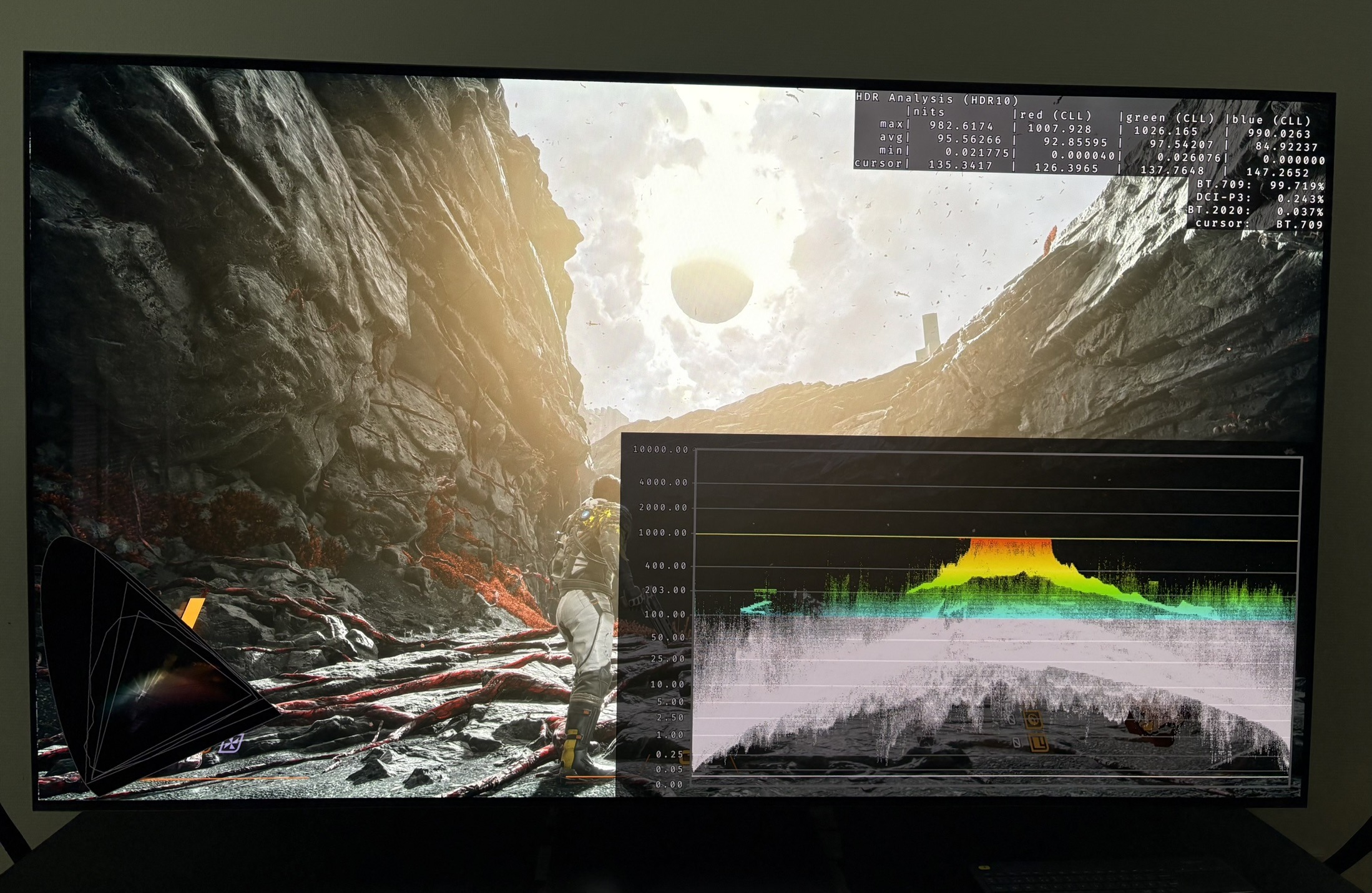
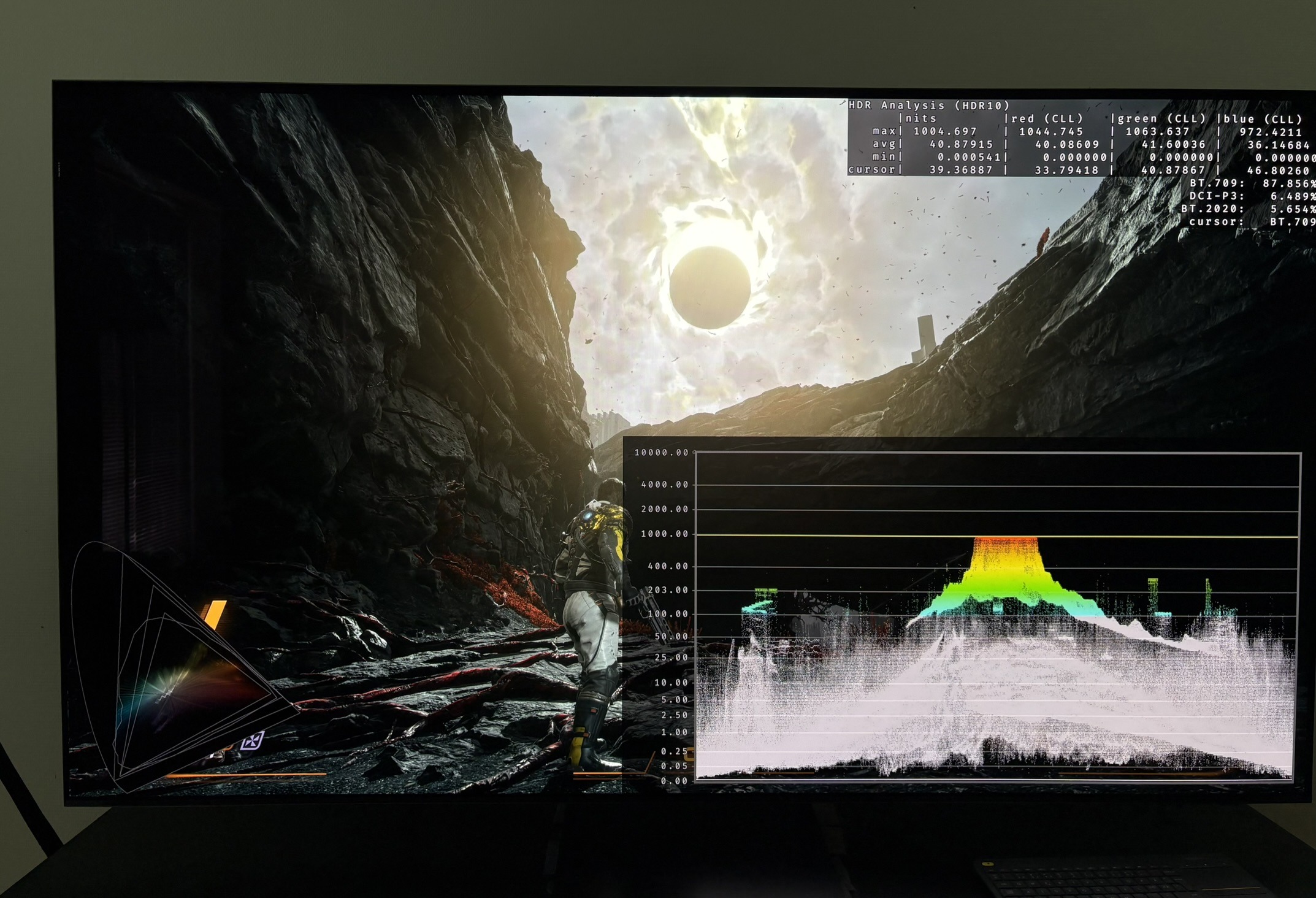
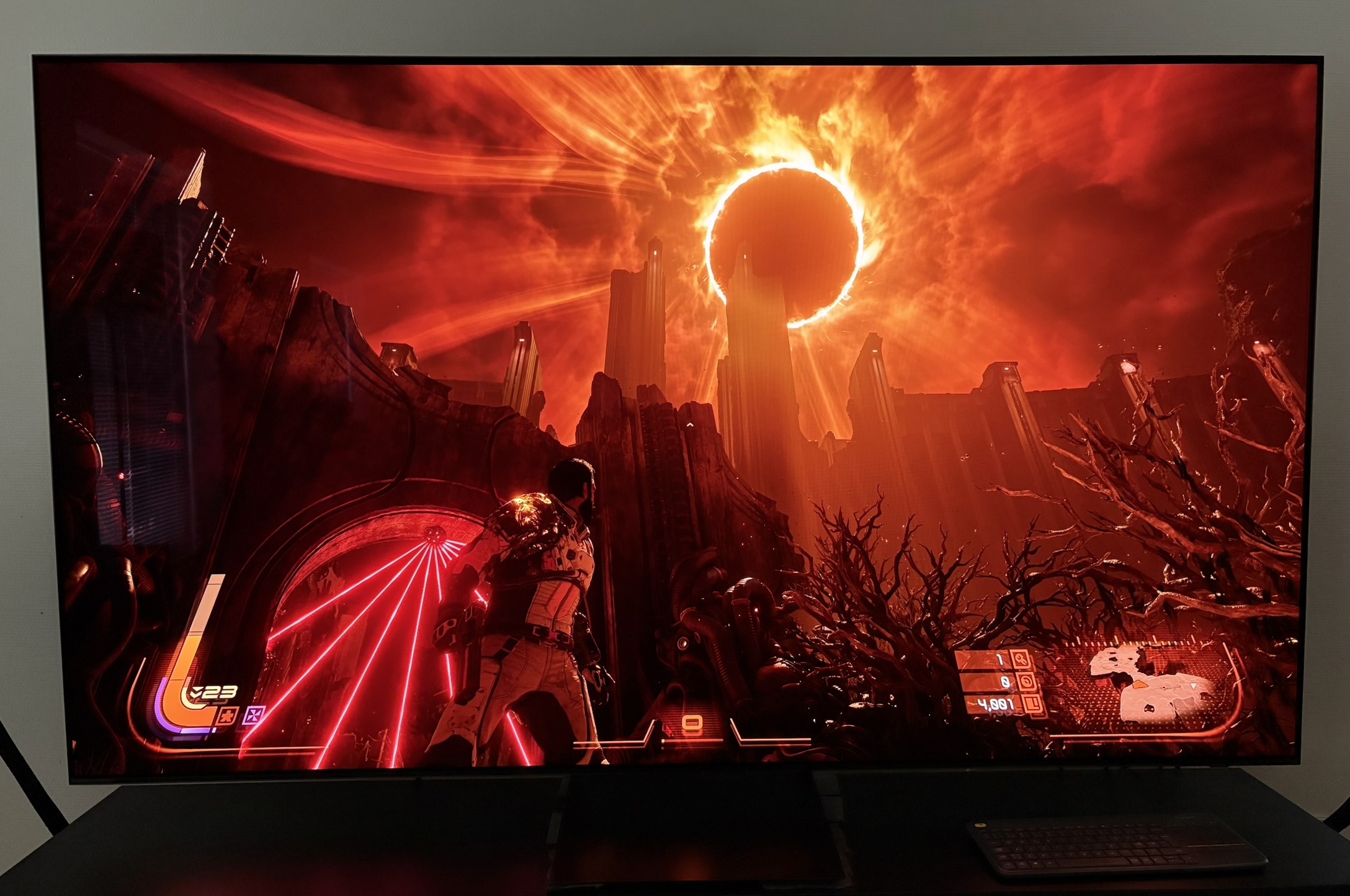
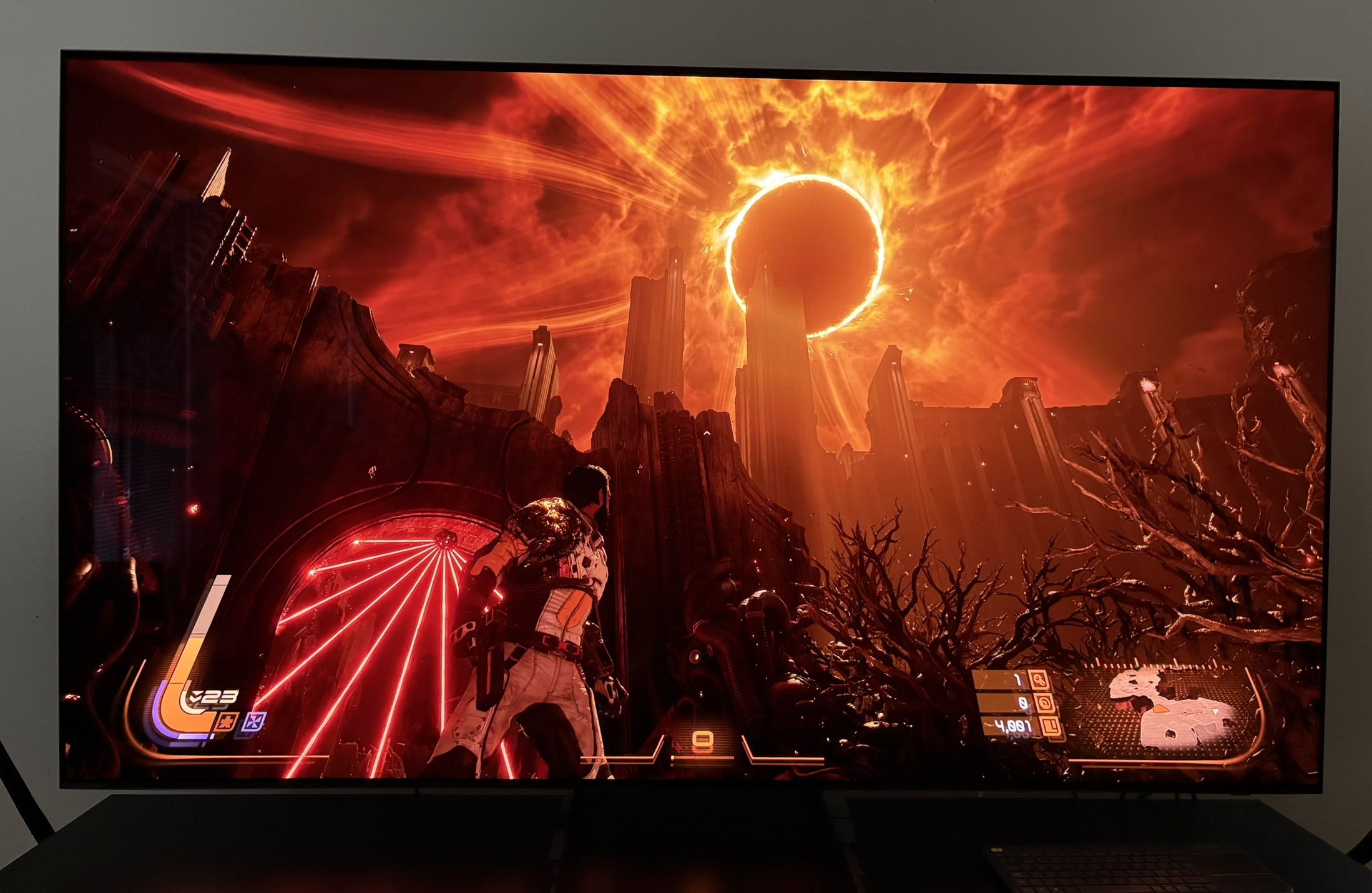
The game's HDR tone mapping clips highlight detail at standard exposure setting. We can remove most of that by lowering exposure to -2, but then the game gets too dark, so that's not recommendable. Picture 1 is using 0 exposure and picture 2 uses -2 exposure.
Color Volume (long section☺️)
The HDR analysis tool shows the game outputs a wide color volume covering DCI-P3 and Rec.2020 gamuts. See picture 4.
However, this wide-gamut behavior is standard for Unreal Engine 5 (the engine automatically expands colors from the narrower SDR space to the wider HDR one). It's not a rare custom feature unique to Saros.
What is not necessarily standard is that colors in SDR and HDR looks the same. If the game had just used the standard UE5 HDR solution then the coloring the artists made and used in SDR would not have been used fully in HDR.
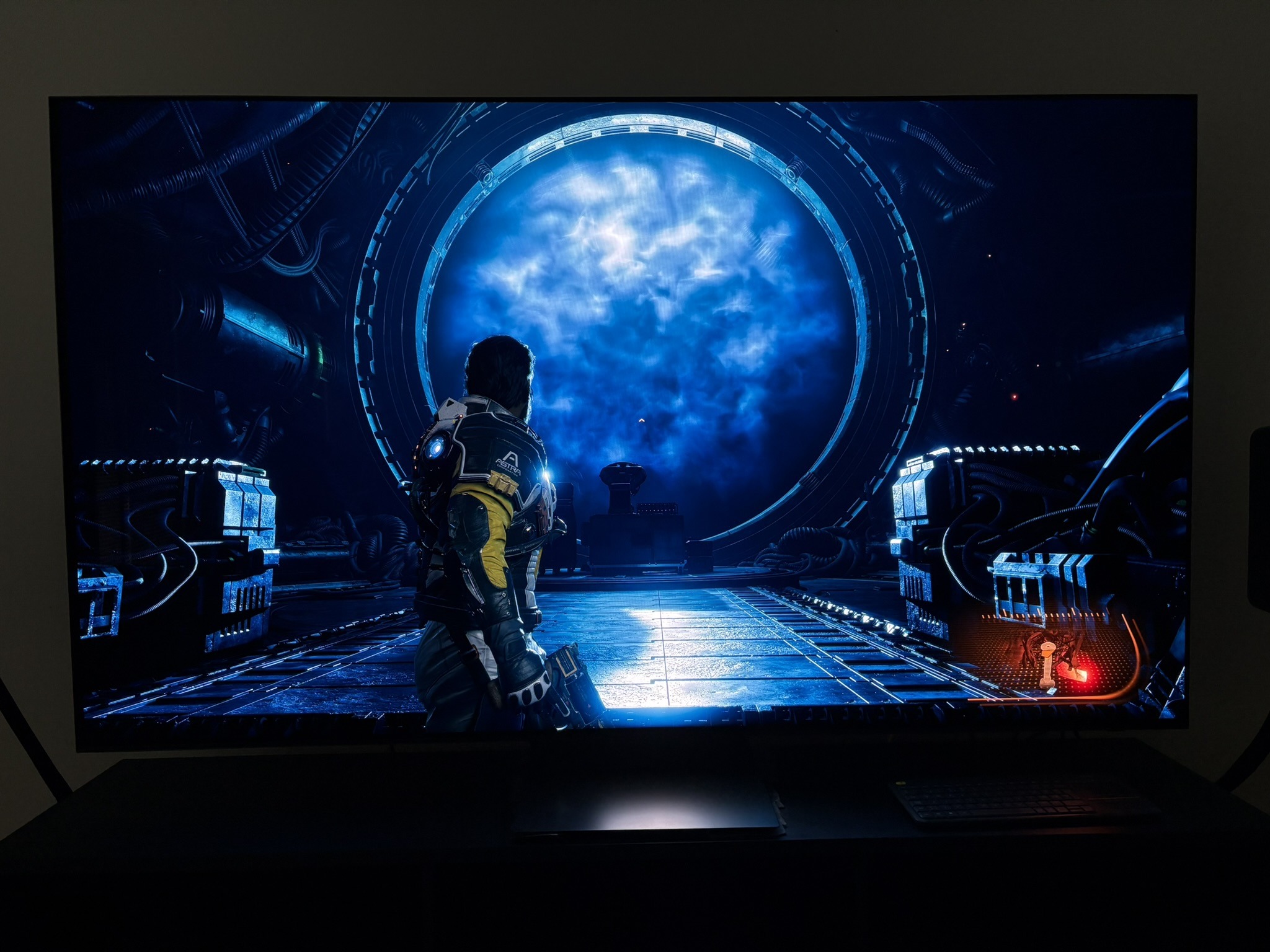
In Saros, I see almost no color difference between SDR and HDR in normal gameplay (only the expected brightness/contrast gains from proper HDR). Below I show pictures of SDR and HDR colors. I see no significant change.
This suggests the developers used a custom tone mapper or extra tuning to better preserve the artists' intended color grading and filters across both modes👍
Conclusion:
It's a good HDR implementation. It's not just the standard UE5 implementation (it seems). HDR looks very impactful with deep contrast, many bright light sources (particles) and saturated colors. HDR clearly helps the game's art style.
It could have been a great HDR implementation, if there were no clipping of detail in bright highlights and if we had a proper paper white slider (right now there is no proper way of adjusting paper white or change midtones).
No color diff SDR and HDR 1
No color diff SDR and HDR 2
No color diff SDR and HDR 3
No color diff SDR and HDR 4