Assassin's Creed Black Flag: Resync
HDR analysis and setup guide Assassin's Creed Black Flag: Resync on PC, PS5 and SS/SX.
The HDR implementation looks to be the same on all platforms.
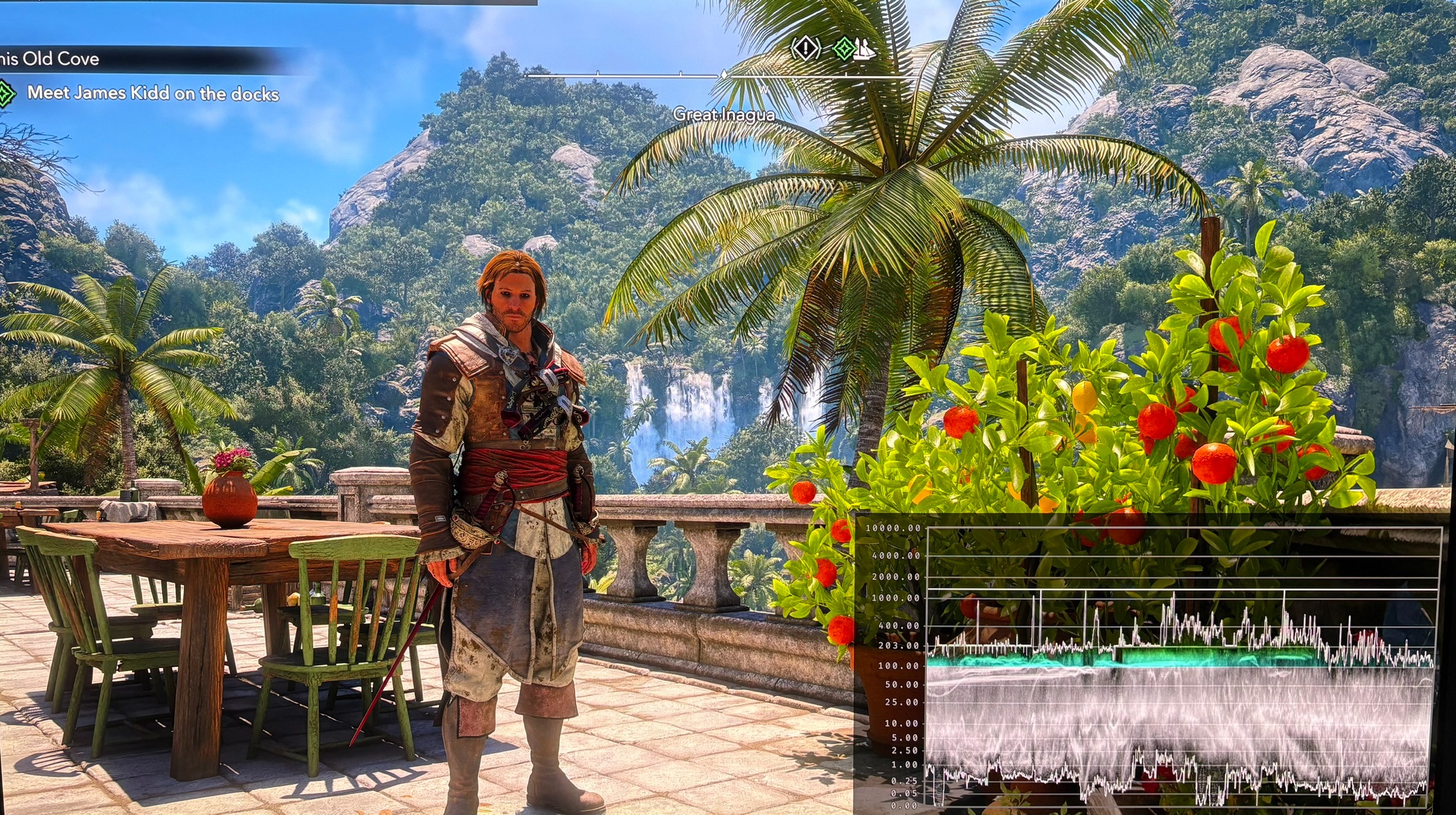
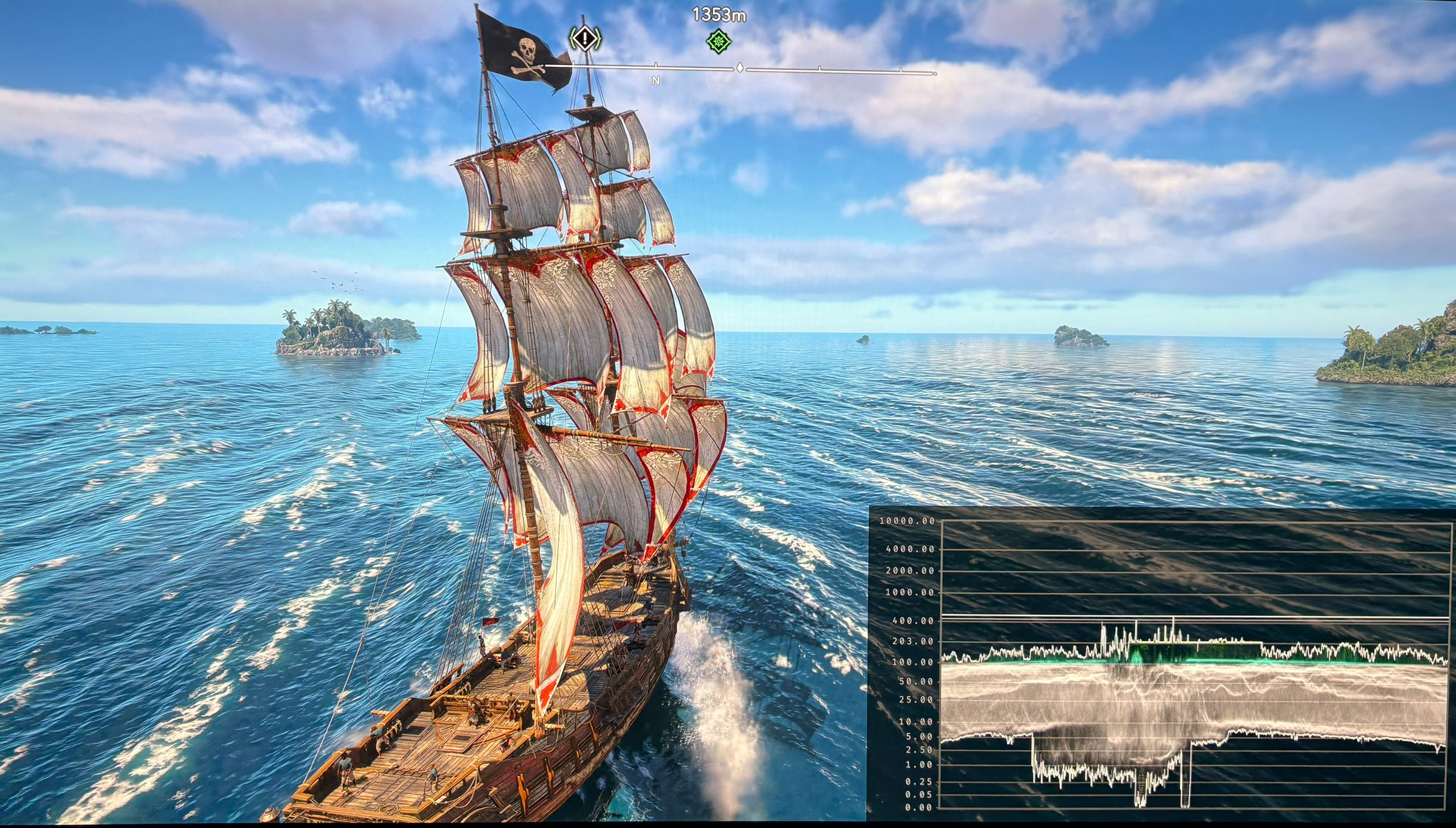
The overall presentation of the game looks great, despite the flawed HDR implementation.
There are the following issues with HDR:
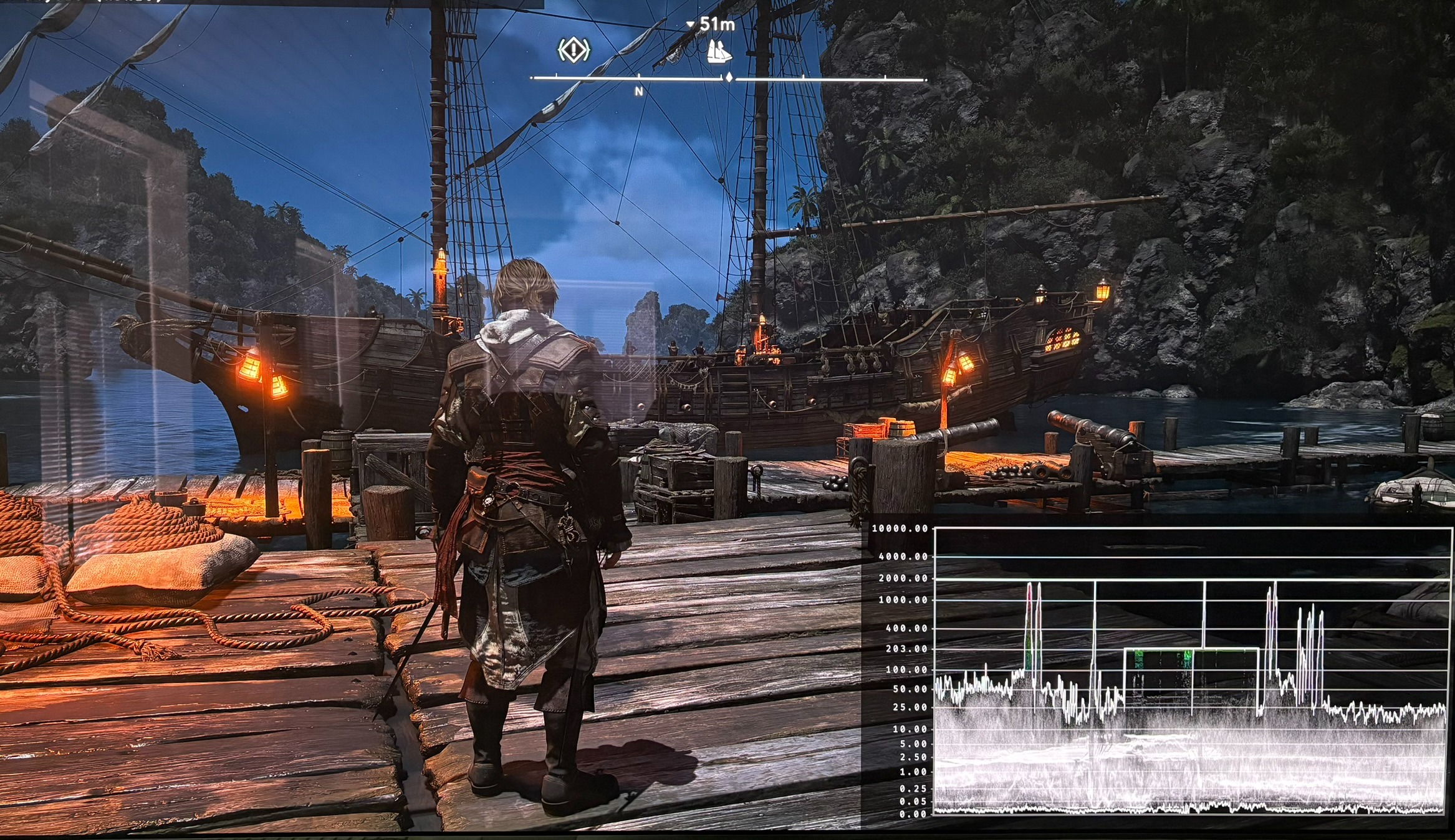
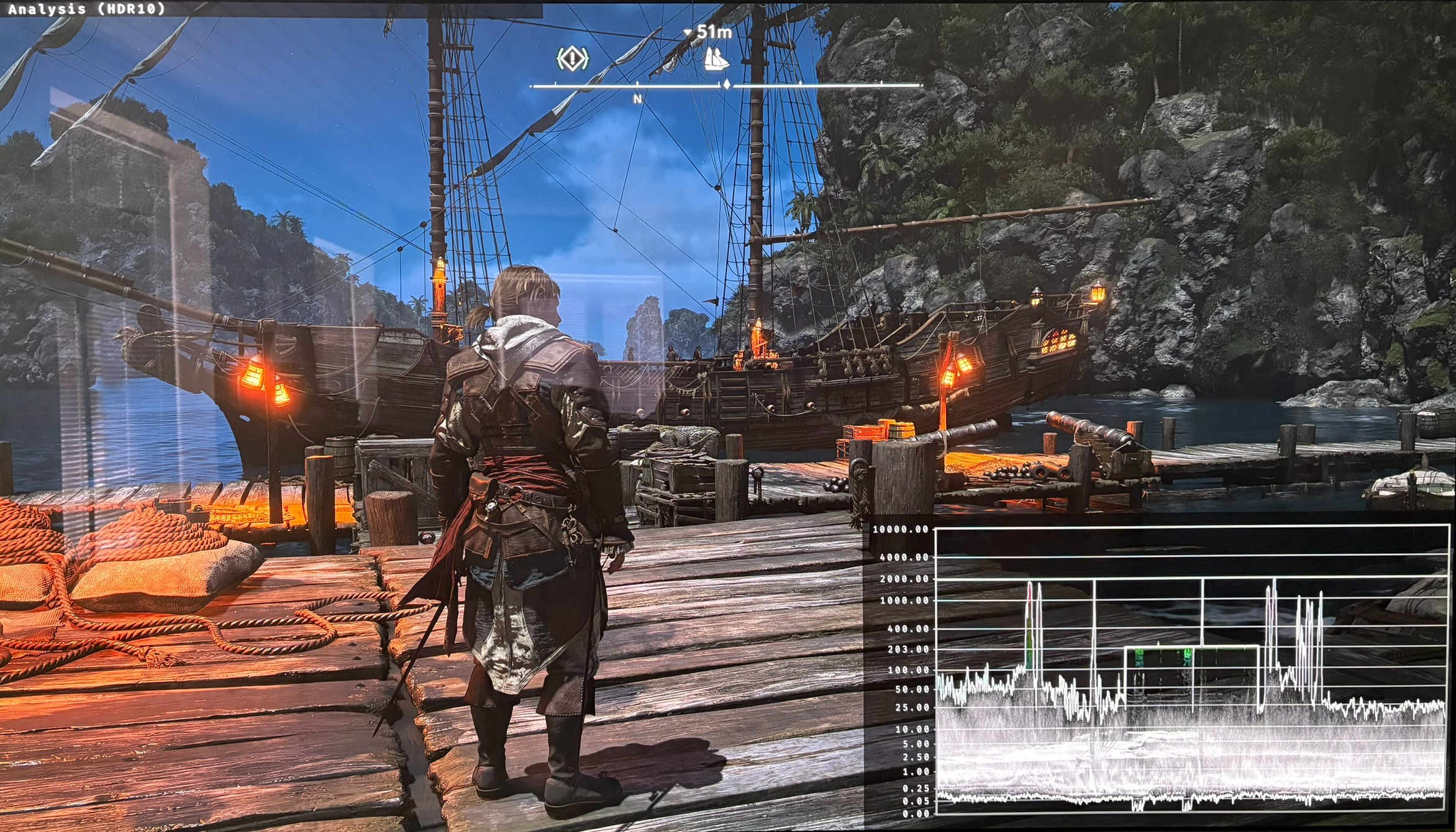
- Black level raise of 0.05 nits not present in SDR.
- The exposure slider affects the full range — raising it pushes highlights up toward the peak ceiling, where there's little headroom. Lowering it flattens shadows against the raised floor. In practice only small adjustments are usable.
- No nits on the exposure slider - see paper white output below.
I would have liked a proper paper white slider instead. See my article about paper white in games.
Setup recommendations:
- Setup Max Luminance slider to the max brightness your TV can output.
- Setup exposure slider in accordance with my recommendations in the paper white section below.
RenoDX HDR mod:
There is a mod in the works and its currently in beta.
Picture 3 is with the mod in beta and the waveform shows it fixes the black levels. Picture 4 is in-game HDR with the raised black levels.
I will look more at the mod when it's out of beta.'
Paper White:
This is the paper white in nits on the exposure slider.
-2.0 = 50 nits
-1.0 = 100 nits
-0.9 = 108 nits
-0.8 = 116 nits
-0.7 = 124 nits
-0.6 = 134 nits
-0.5 = 143 nits
-0.4 = 153 nits
-0.3 = 165 nits
-0.2 = 176 nits
-0.1 = 190 nits
0 = 203 nits
0.1 = 217 nits
0.2 = 233 nits
0.3 = 249 nits
0.4 = 266 nits
0.5 = 286 nits
0.6 = 308 nits
0.7 = 329 nits
0.8 = 353 nits
0.9 = 377 nits
1.0 = 400 nits
2.0 = 800 nits
My general setup recommendations (dark room):
Maximum Luminance / Exposure
400-500 / -1.0 to -0.5
500-700 / - 0.6 to -0.3
800 -1200 / -0.2 to 0.2
1300 - 1700 / 0.3 - 0.5
1800 - 2300 / 0.6 to 0.8
Use these as starting points. Adjust to personal preference.
The game has a black level raise so contrast is reduced. Increasing the exposure slider will increase upper shadows and therefore further reduce contrast. It leaves less room to use the exposure slider in my opinion. Be aware of that.
I personally prefer better contrast over higher mid tone brightness, so I used 0 exposure, even at 2000 nits max luminance, using in-game HDR.
The RenoDX HDR mod fixes the black level raise. I now use 0.7 exposure when I game on PC, using RenoDX.
See my article about Paper white In Games, if you want to understand more about this concept. Its often the least understood HDR setting.
How I got the numbers:
I got these number from the in-game HDR setup screen by assuming a paper white of 203 nits at 0 exposure.
It’s using the RenoDX HDR mod. I also tested without the RenoDX HDR mod, and the numbers was within less than 5 points difference. So everyone can use these numbers.