High On Life 2
High On Life 2 just got HDR support on PC and Xbox (SS/SX).
It still does not support HDR on PS5. PS5 hopefully will get the same update soon.
I can confirm it's the same HDR implementation on Xbox as it is on PC. I have played the first section of the game on my Series X, until we get to the large city.
It's a very poor HDR implementation. There is a technical HDR analysis by FilippoTarpini. It's not pleasant reading.
It's better to have HDR than only SDR, so it's not all bad.
And there is another advantage, that I personally like. The standard Unreal Engine 5 HDR solution, as it seems this game uses, doesn't use the artists luts or color filters. It instead will use the game's natural colors, before the artists color filters (that's how I understand it).
I hate how the artists have coloured the game. Colors look so desaturated and somehow also ruin detail.
Be aware that HDR having more saturated colors than SDR, is obviously not intended by the developer.
PS5:
Until we get the upgrade for PS5 (if we get it), we can use HDR Always On to get an HDR signal from the console and try and boost the brightness with our displays various HDR capabilities (I don't know all TVs HDR features).
Xbox:
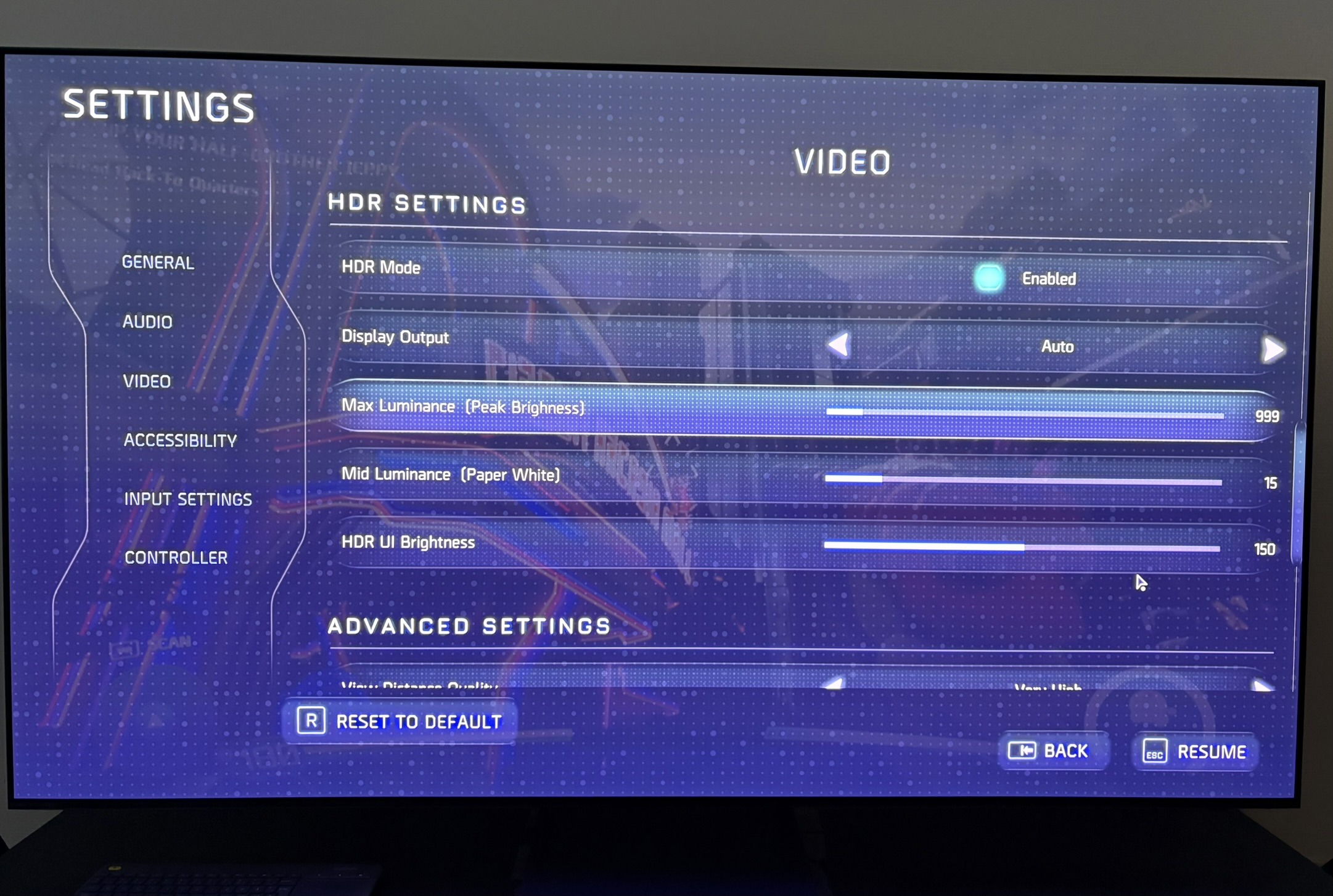
In picture 1 we see the new HDR in-game setup screen (it's the same on PC and Xbox).
It doesn't matter if you turn on/off HDR in-game. The button does not work. If you have HDR turned on a system level, the game will output HDR.
The Display Output setting, I don't know why it's there. It's probably not supposed to be there, as we can read in FilippoTarpini's technical analysis.
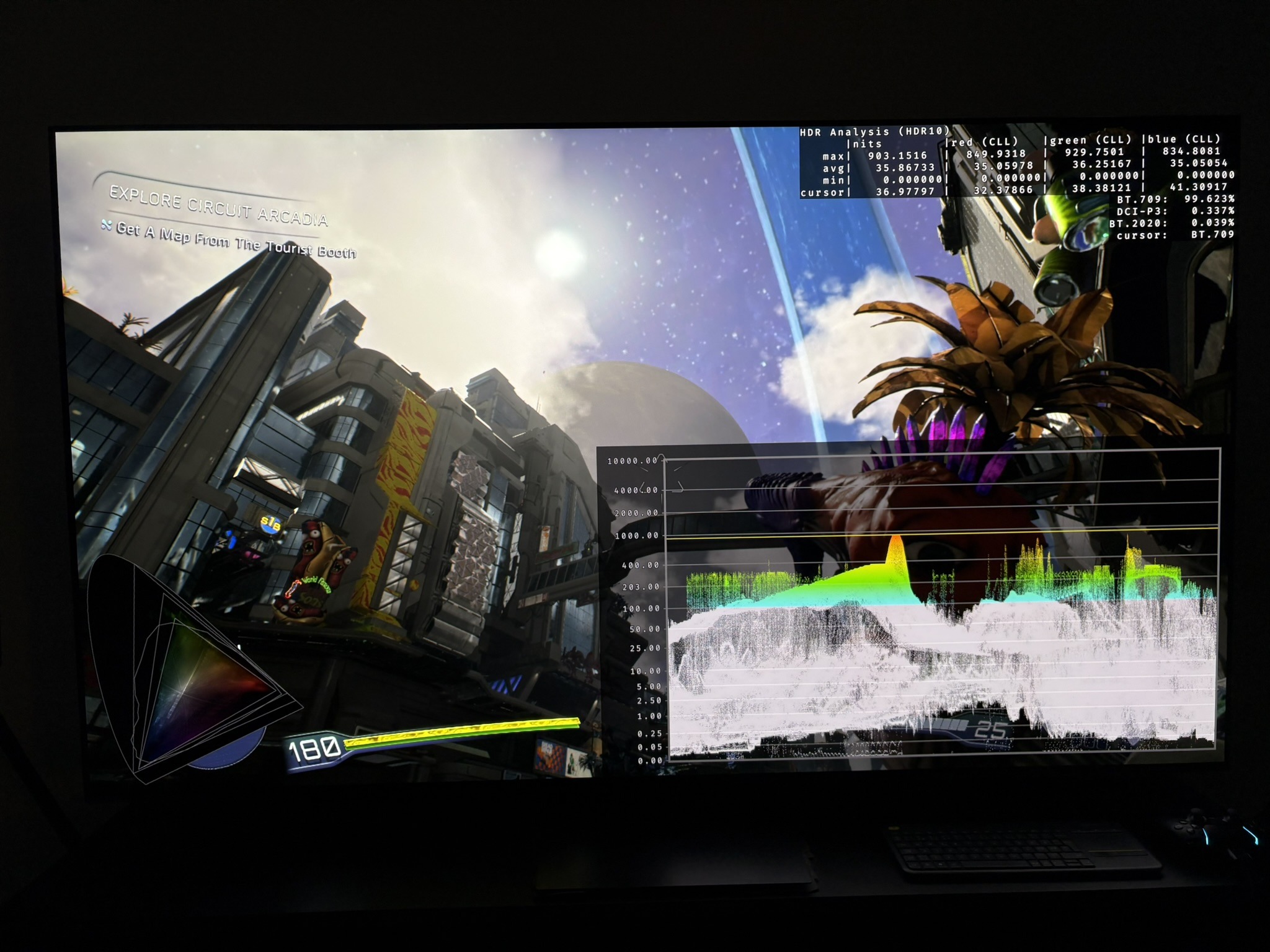
The max luminance slider goes from 0 to 10000 nits. But it does not actually change anything. The game will just output a fixed 1000 nits max (I have not seen above 900 nits), no matter what.
The mid luminance (paper white) slider, I don't recommend changing. It increases everything except peak brightness. Instead try and use your display's Tone Mapping to increase the overall brightness of the game (midtone brightness).
PC:
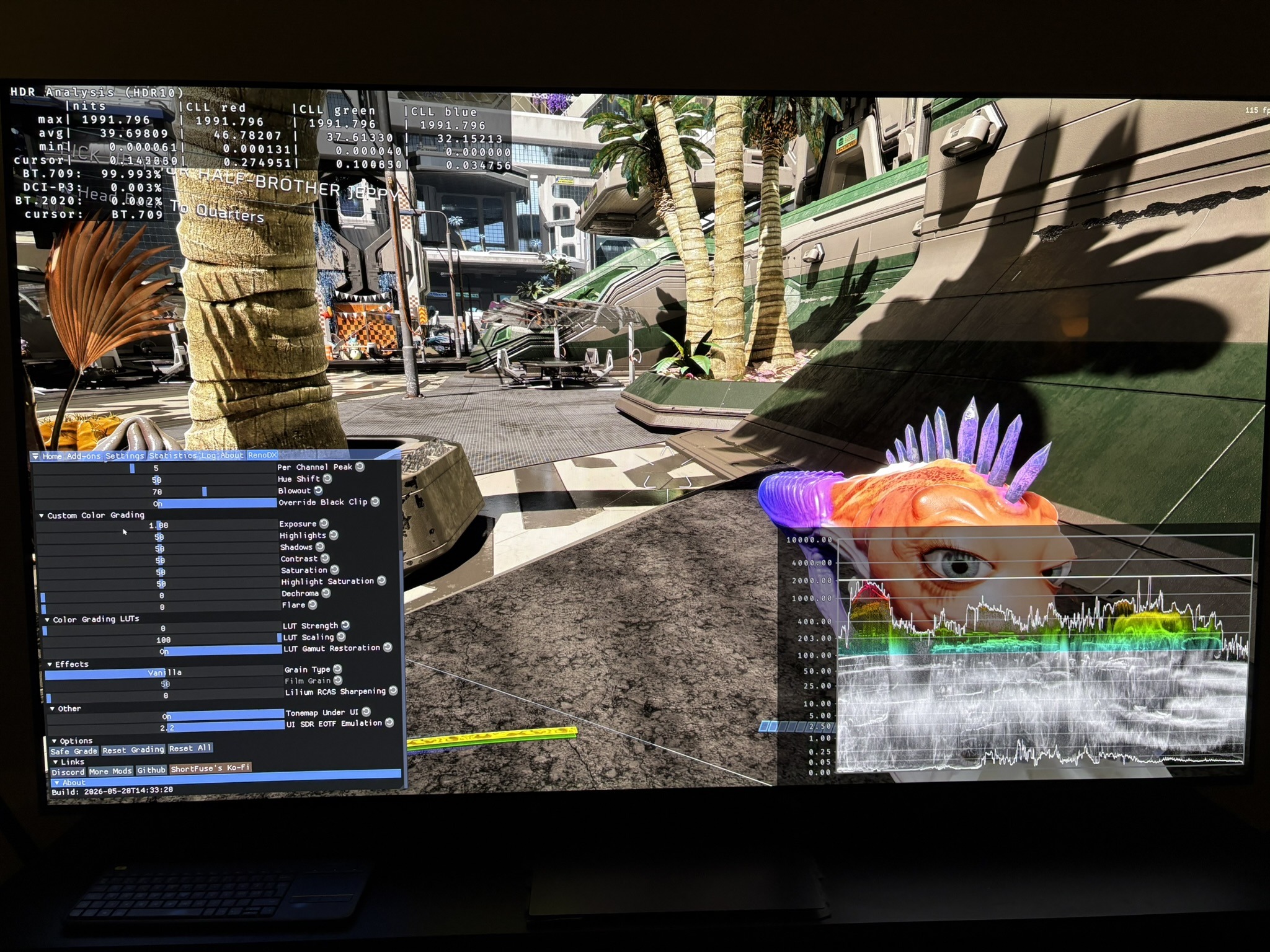
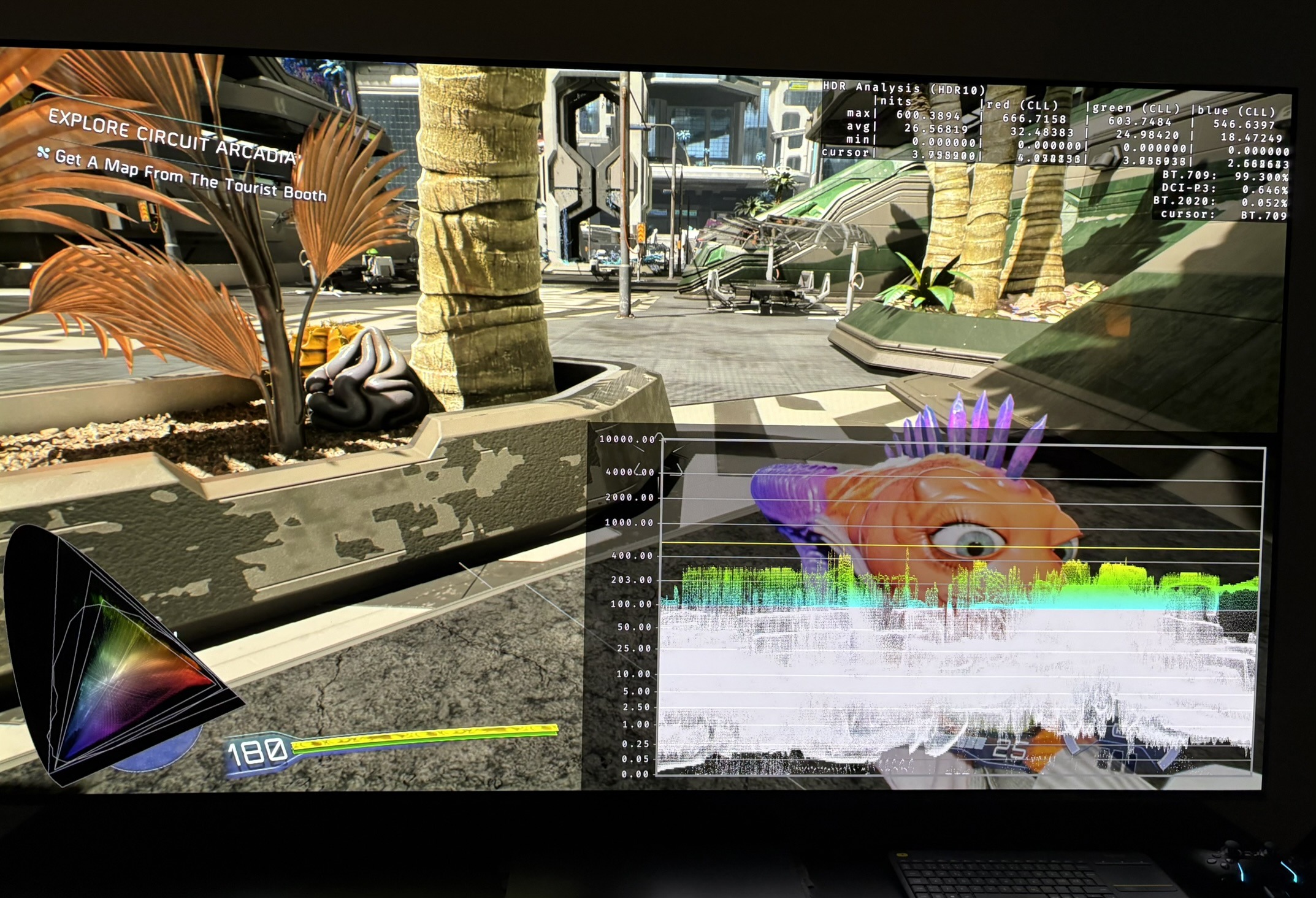
PC gamers can use the RenoDX extended HDR mod. In picture 4 I do that. It will give you great adjustable HDR using the artists colors (luts).
I personally don't like the games luts, as mentioned above. I tried to reduce luts to zero in RenoDX. But it makes the shadows way too dark. This does not happen to the same degree if we simply use the in-game HDR.
I personally use the in-game HDR myself and use Lilliums HDR Brightness Adjustment shader to increase paper white and peak brightness.
Try out both solutions. That's the great thing about PC. We have that flexibility. There is no right and wrong. Use what looks the best to you.