Indiana Jones: The Great Circle
HDR analysis Indiana Jones; And The Great Circle on PC and PS5 Pro
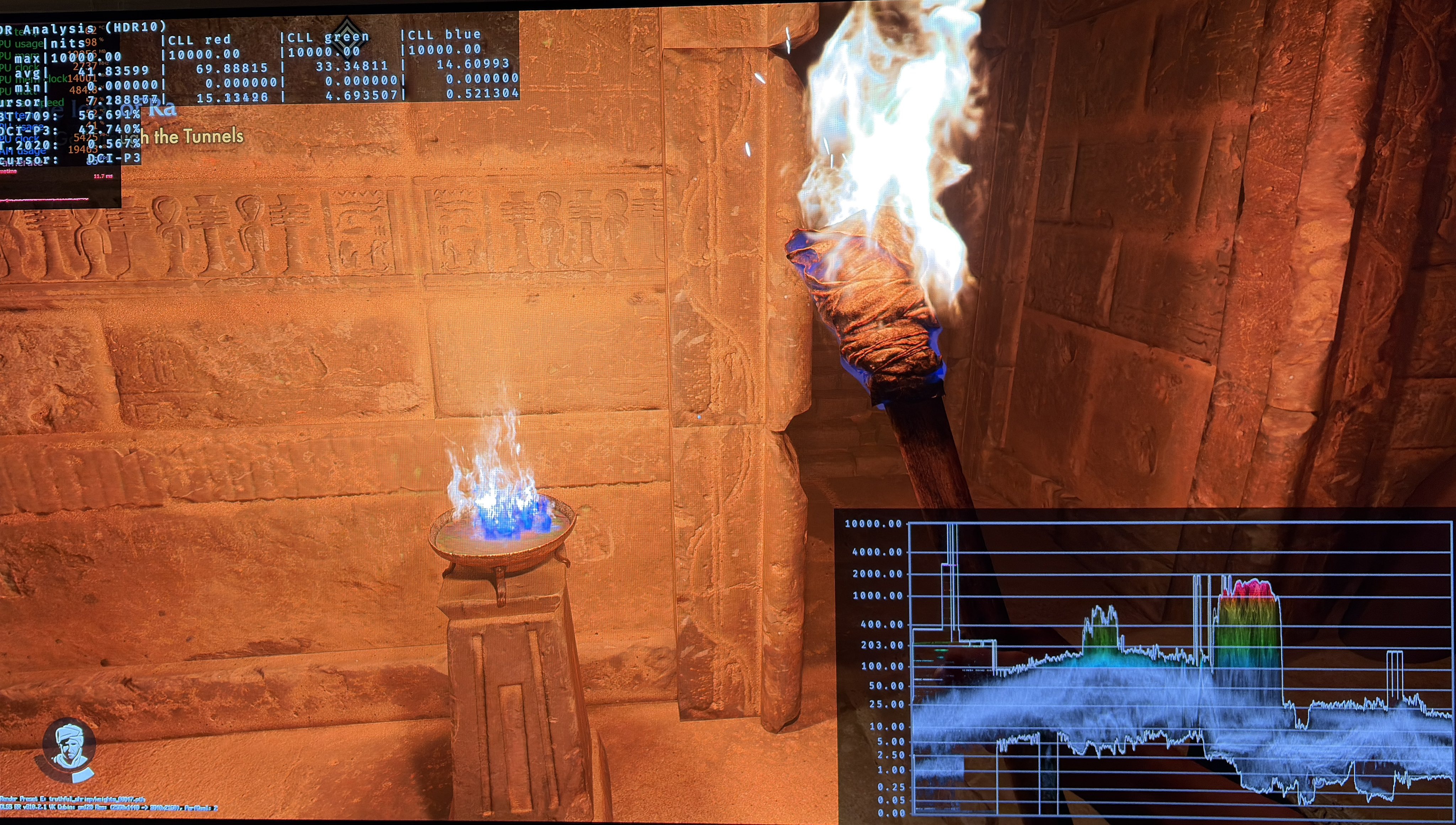
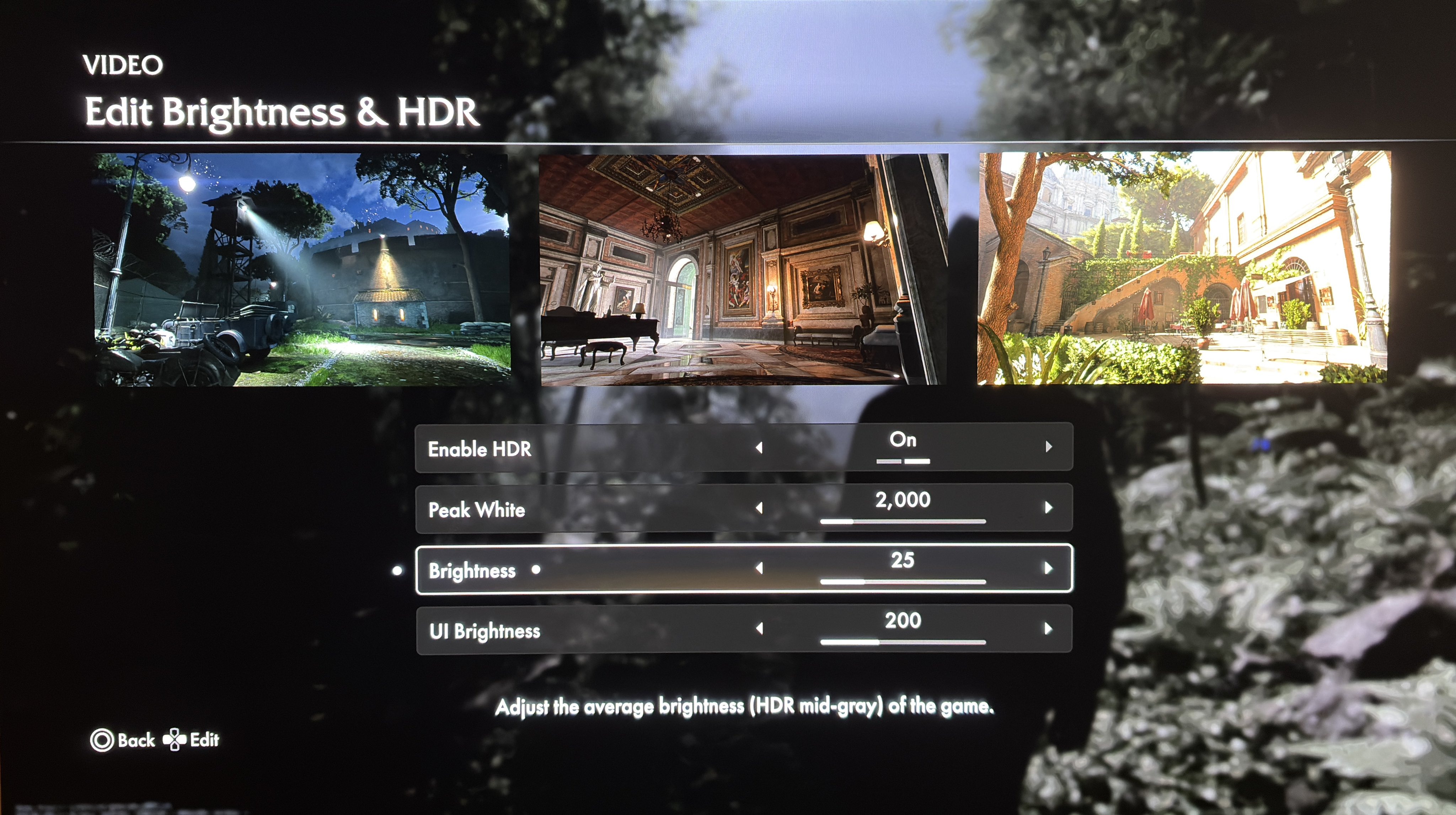
The HDR implementation is the same on PC and PS5 Pro, with the exception that max luminance is setup in-game on PC while its setup on PS5 in its system level HDR calibration. First picture is in-game settings on PC.
Black level floor / shadows:
The black level floor can go down to zero in many scenes so thats good. However the shadows are lifted too much making the game look a bit washed out in most scenes. We can see black levels are fine in picture 2. At least in that scene.
Max luminance:
It seems the game outputs 10-20% lower max luminance than we set it to. Or its simply a case where a few bright light sources do hit the max luminance but most are too dim, such as the Sun, light bolts and fire. I recommend setting max luminance to output 15% higher, and only lower it if you notice loss of detail in bright high lights
Paper white:
Paper white at standard brightness setting 10 is around 203 nits (maybe a bit lower, its difficult to measure exactly), so leave it there if you have a TV capable of around 1000 nits max luminance.
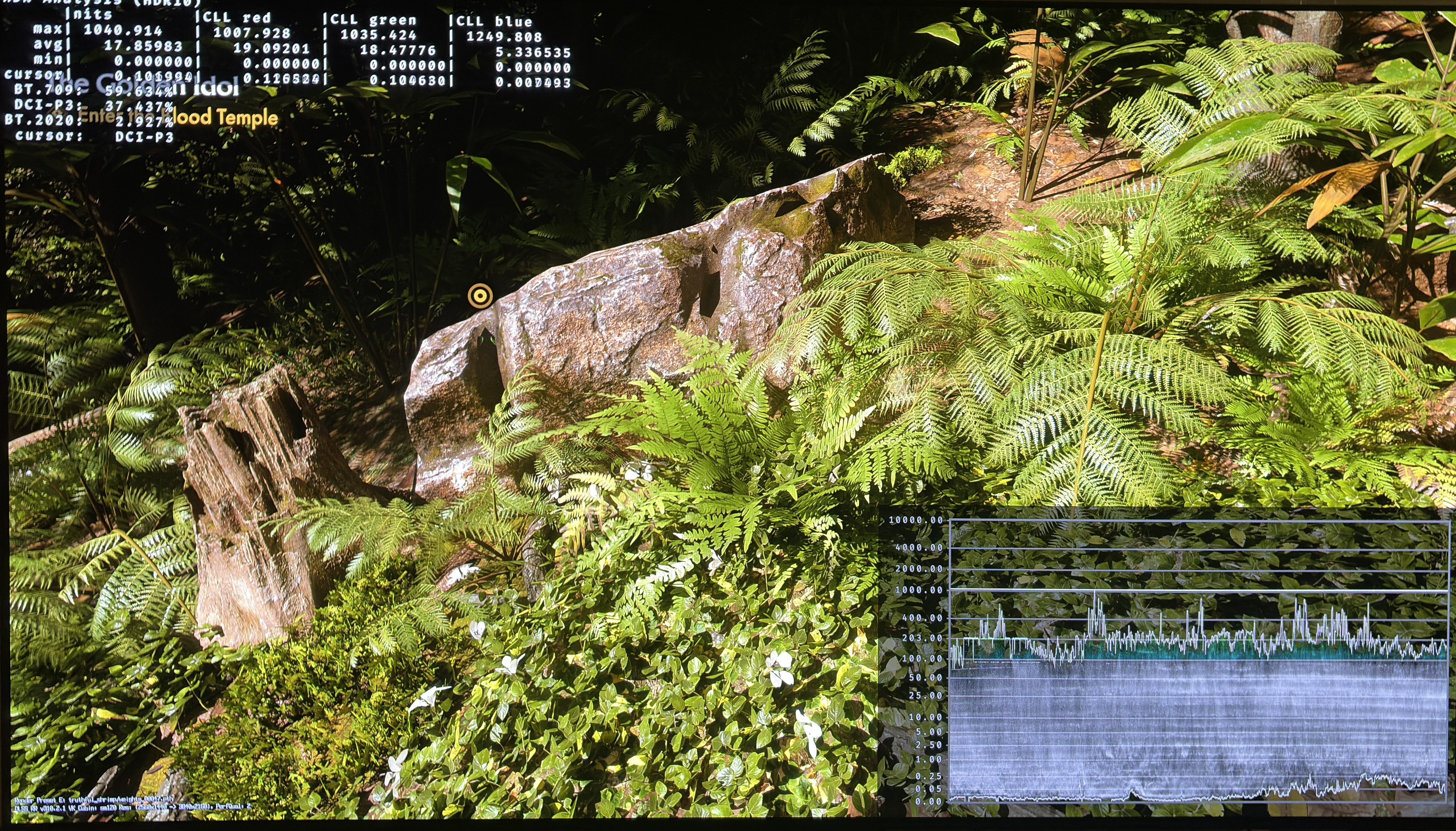
If you have a TV like me with 2000 nits max luminance then you want 343 nits paper white. Increasing brightness to 35 increases paper white to around 343 nits. The problem is it also increases the black level floor by 0.05 nits and shadows much more than that. See picture 3. So the brightness setting I don’t recommend using, and that effectively means we can’t increase paper white, as is the case in most games.
RenoDX HDR mod.
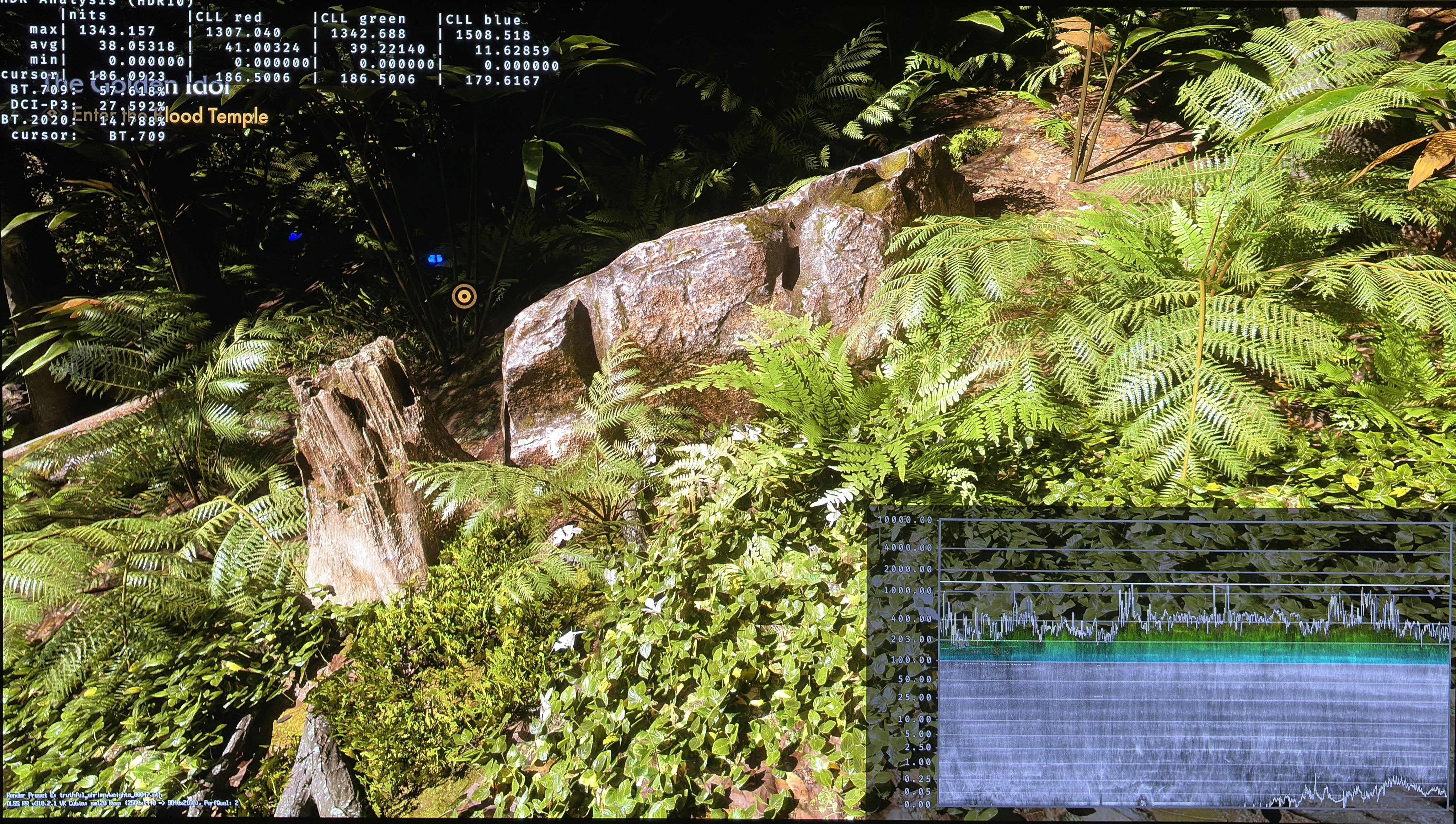
Luckily we can do something about it on PC using the RenoDX HDR mod. It changes how the game tone maps (ACES) and some code optimisations are also made. It makes the game look much better in many scenes, especially in the shadow area, so the game doesn’t look washed out anymore. It's even the case with higher brightness / paper white and it adjusts some of the max luminance issues (thats what I see, but what RenoDX exactly does behind the scenes, I don’t fully understand). Picture 4 is with 20 nits brightness (we don’t need as high increase in brightness with RenoDX as the 35 without using RenoDX) that gives me the paper white of around 343 I want and I still have perfect black levels and shadows in the scene.
Below I show you more pictures with and without RenoDX, but with the same brightness setting.
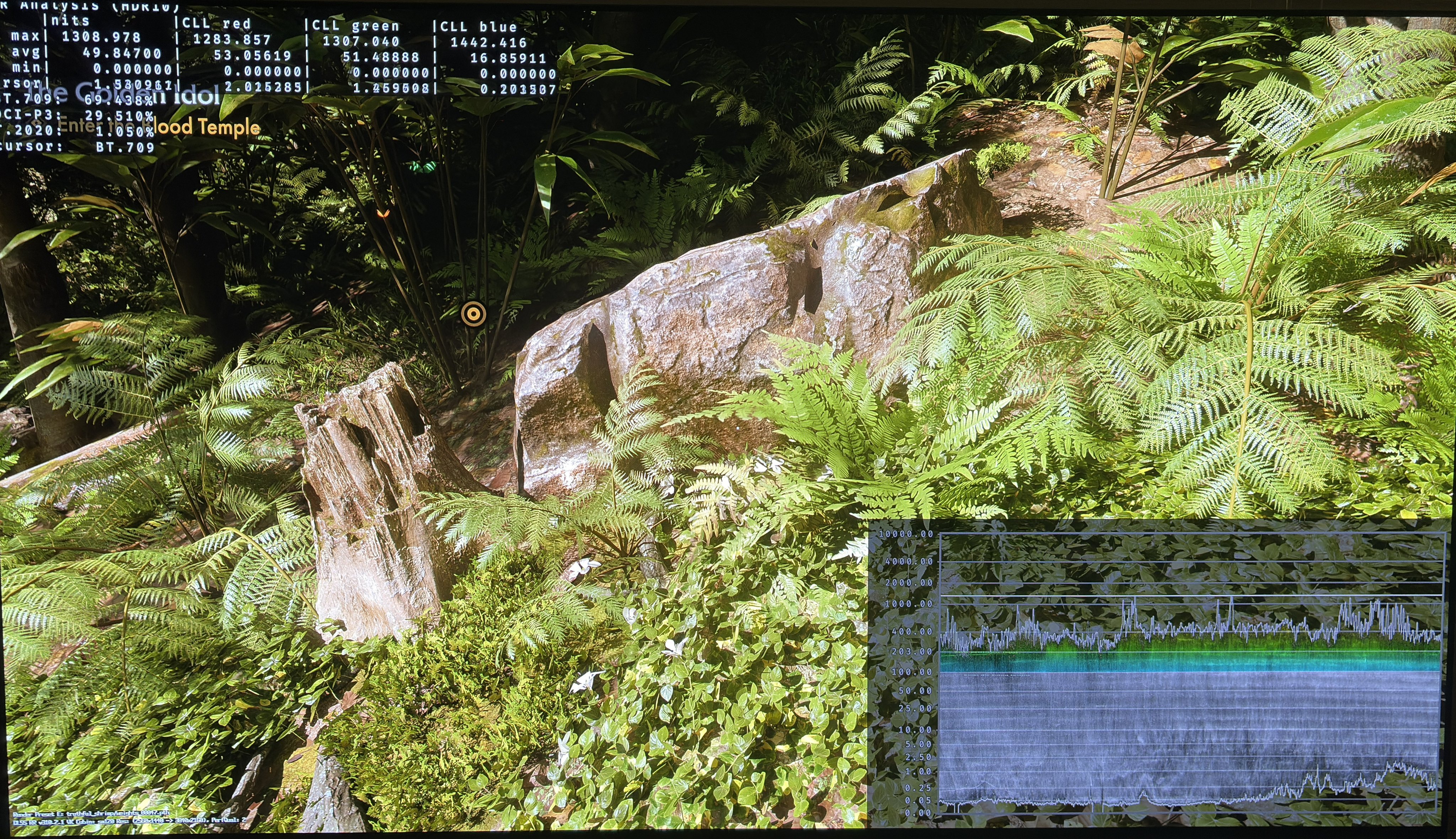
PC vs RenoDX
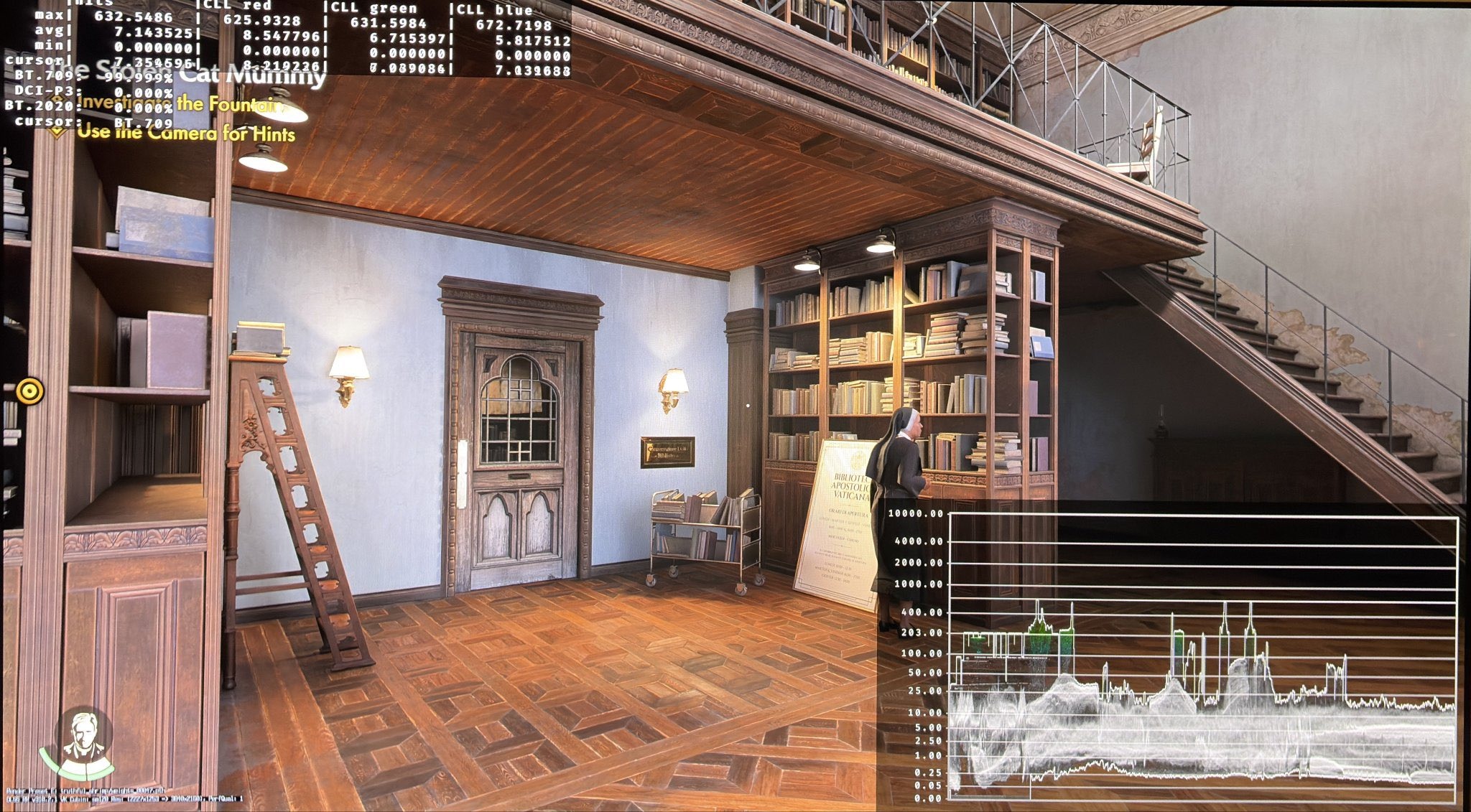
PC vs RenoDX 2
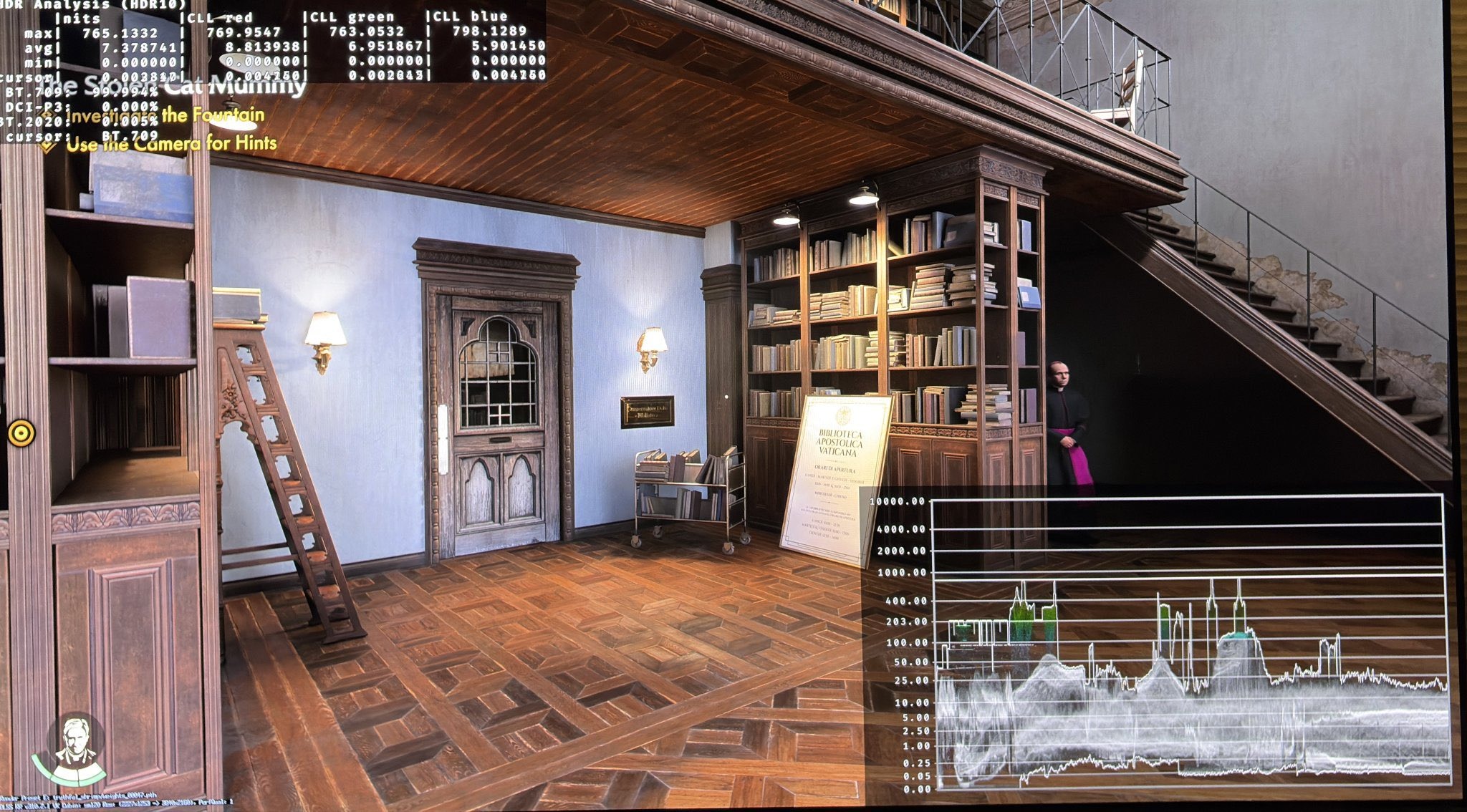
PC vs RenoDX 3
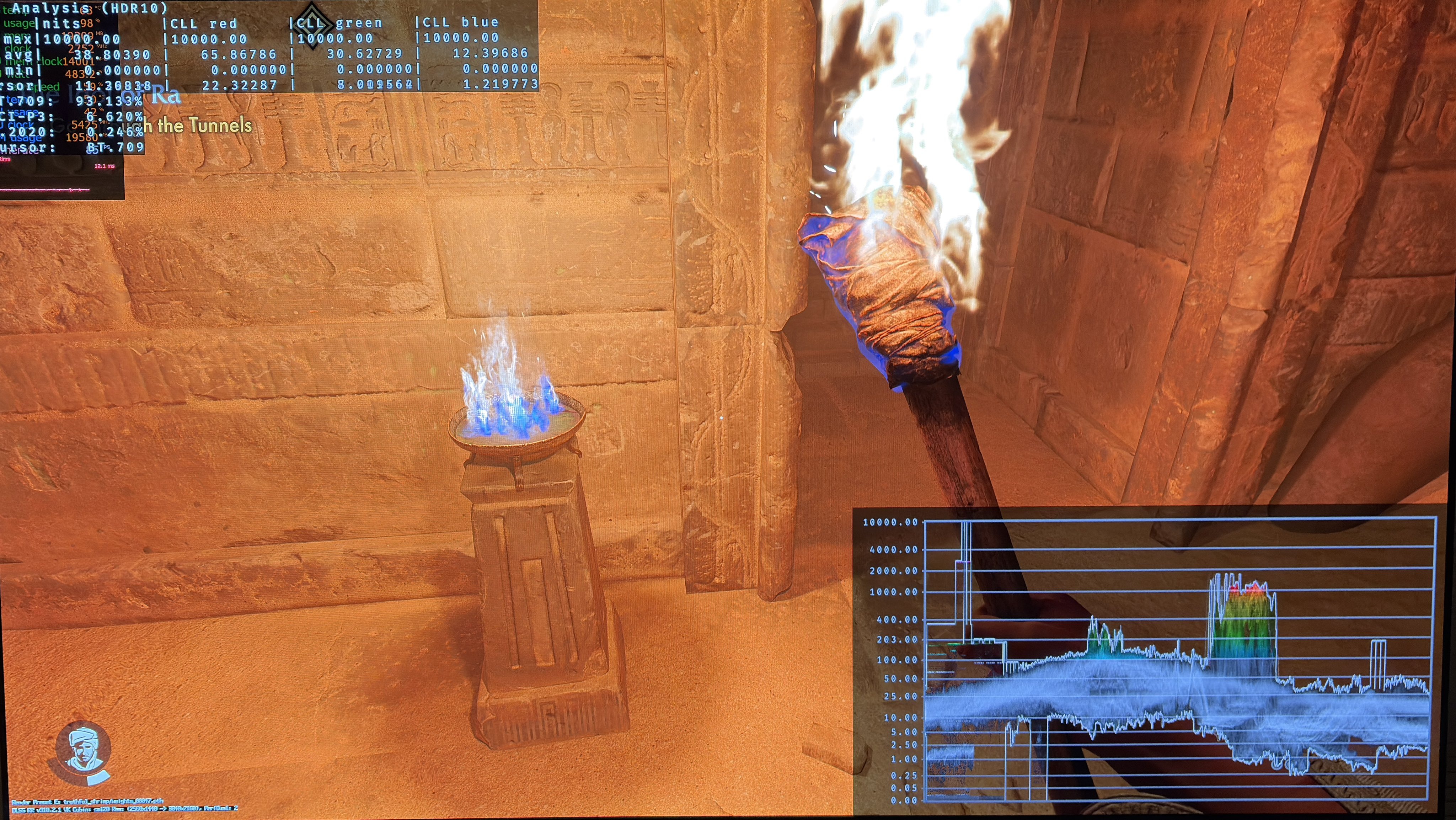
PC vs RenoDX 4