Kingdom Come: Deliverance 2
HDR analysis Kingdom Come Deliverance 2 on PC and PS5 Pro (updated after playing it on PS5 Pro).
It’s the same HDR implementation on PC and PS5 Pro.
Peak luminance:
On PC peak luminance is automatically set as the value in Windows HDR calibration app. On PS5 it's the value from its system level HDR calibration.
In-game adjustments:
There are none 👎
Black levels:
They look good to me 👍
Paper white:
It looks to be around 203 nits with no way to change it in-game👎
Over-exposure:
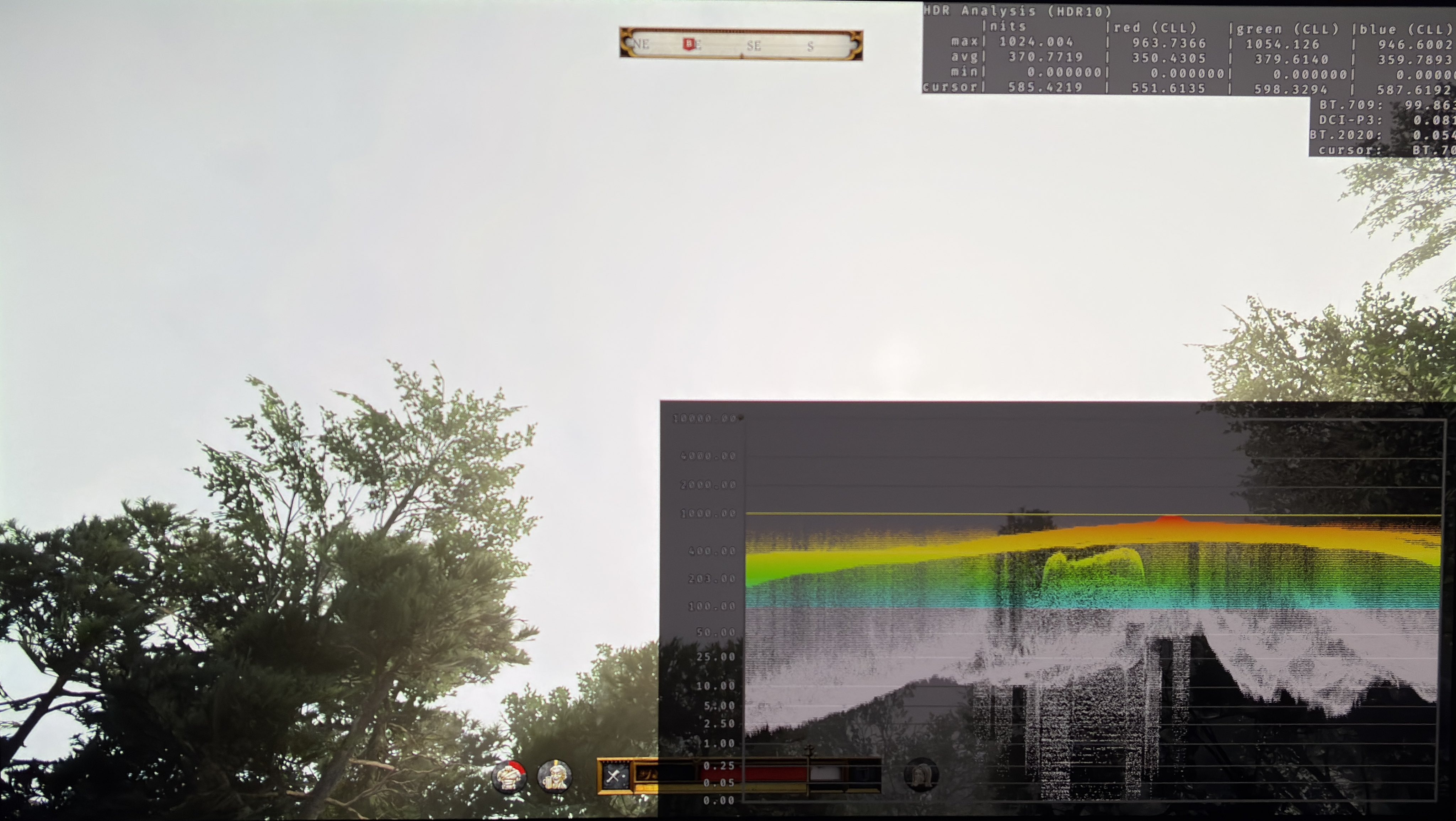
The skybox or clouds are way too bright. In picture 1 I have set peak brightness to 1000 nits in PS5's system level calibration and the game outputs 370 nits fullscreen.
No 1000 nits TV can show such a bright sky, so it will look blown out and it will be clipping detail.
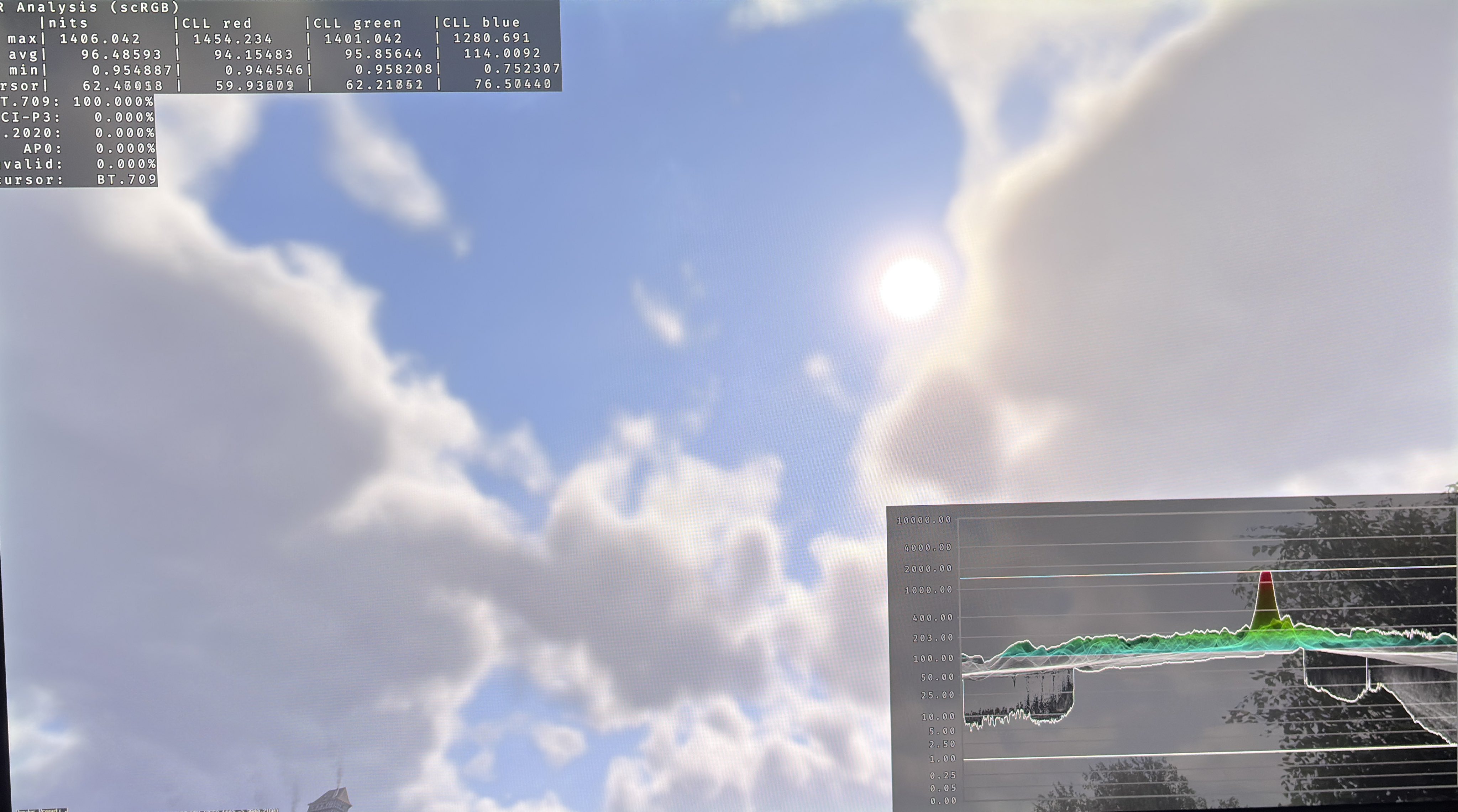
In picture 2 we see RenoDX and here the sky is only 96 nits fullscreen at the same time of day. And that's even with 2000 nits peak in Windows 11. I have tested this with several different cloud patterns with the same result.
Too bright objects:
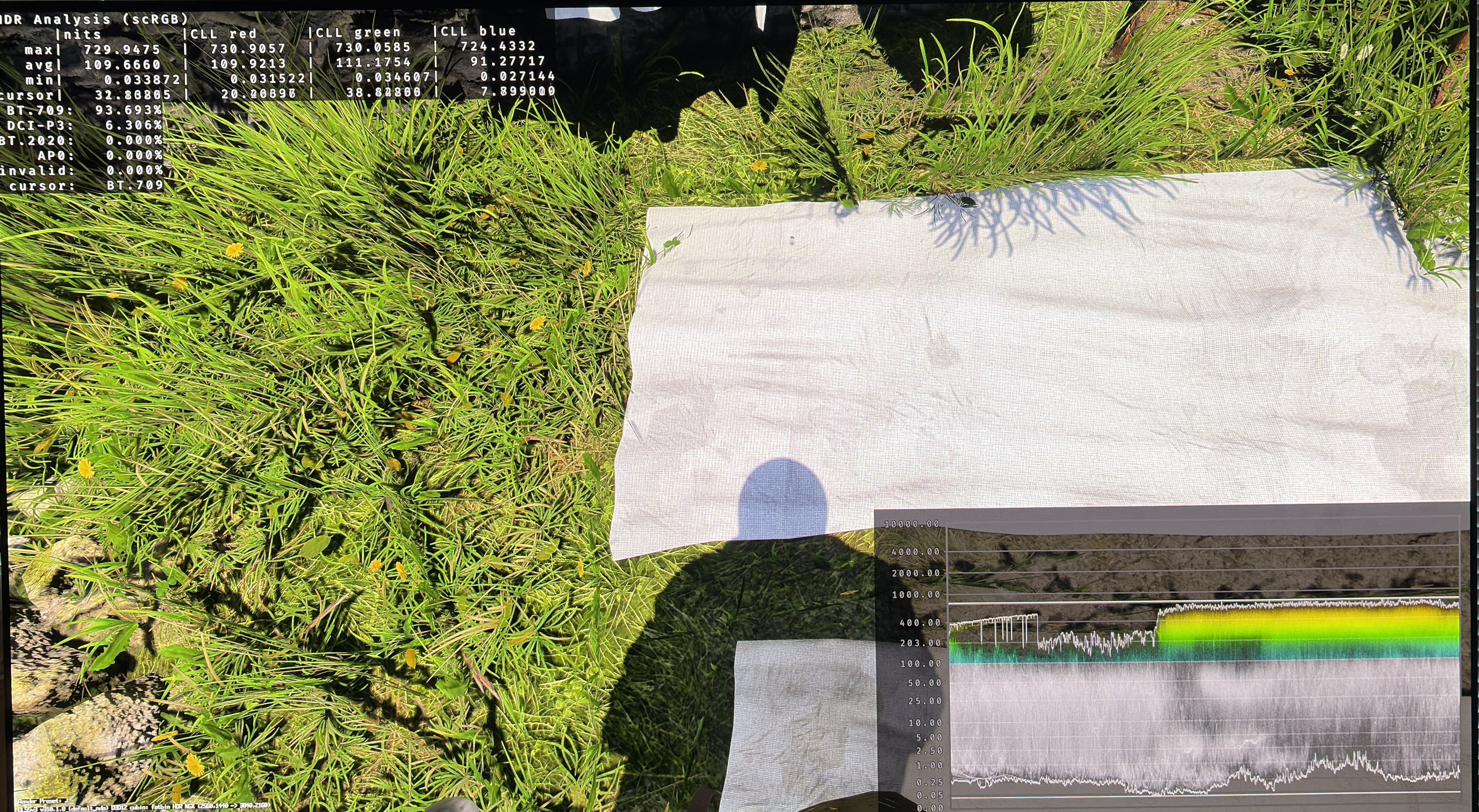
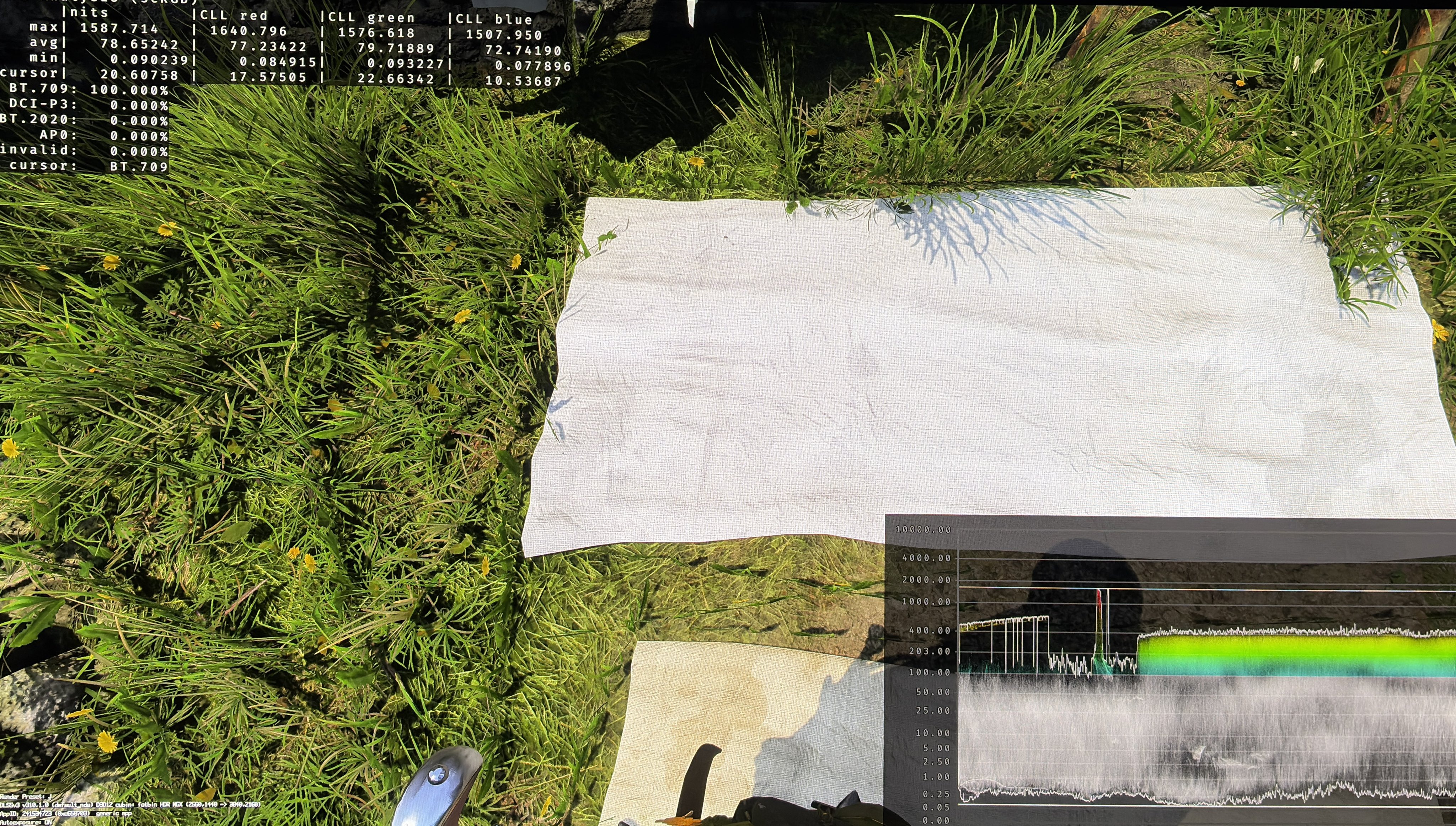
Just as the clouds are way too bright, so are many objects lit up by the sun from white cloth to white walls on buildings. In picture 3 we see the white cloth being 800 nits with in-game HDR. With RenoDX it's only 400 nits. 800 nits is way too much for a non-reflective white surface. And if you zoom further in the full screen brightness will get too bright.
On PS5 there is unfortunately no way to fix the issues mentioned above.
On PC we can use the RenoDX HDR mod. It fixes the too bright clouds and objects lit up from the Sun. RenoDX also gives us a lot of adjustments, such as to peak brightness, paper white, black levels etc.