Lost Soul Aside
HDR analysis Lost Soul Aside on PC and PS5 Pro.
It's the same HDR implementation on PC and PS5.
It's a disappointing HDR implementation for a game that advertised HDR as a feature in its trailers.
Max Luminance:
In the in-game menu you can not set max luminance higher than 1000 nits. That's of course way too low by today's standards where we can get 2000 nits OLED displays.
In-game adjustments:
There are only adjustments for max luminance. No adjustments for paper white or black levels.
Black levels:
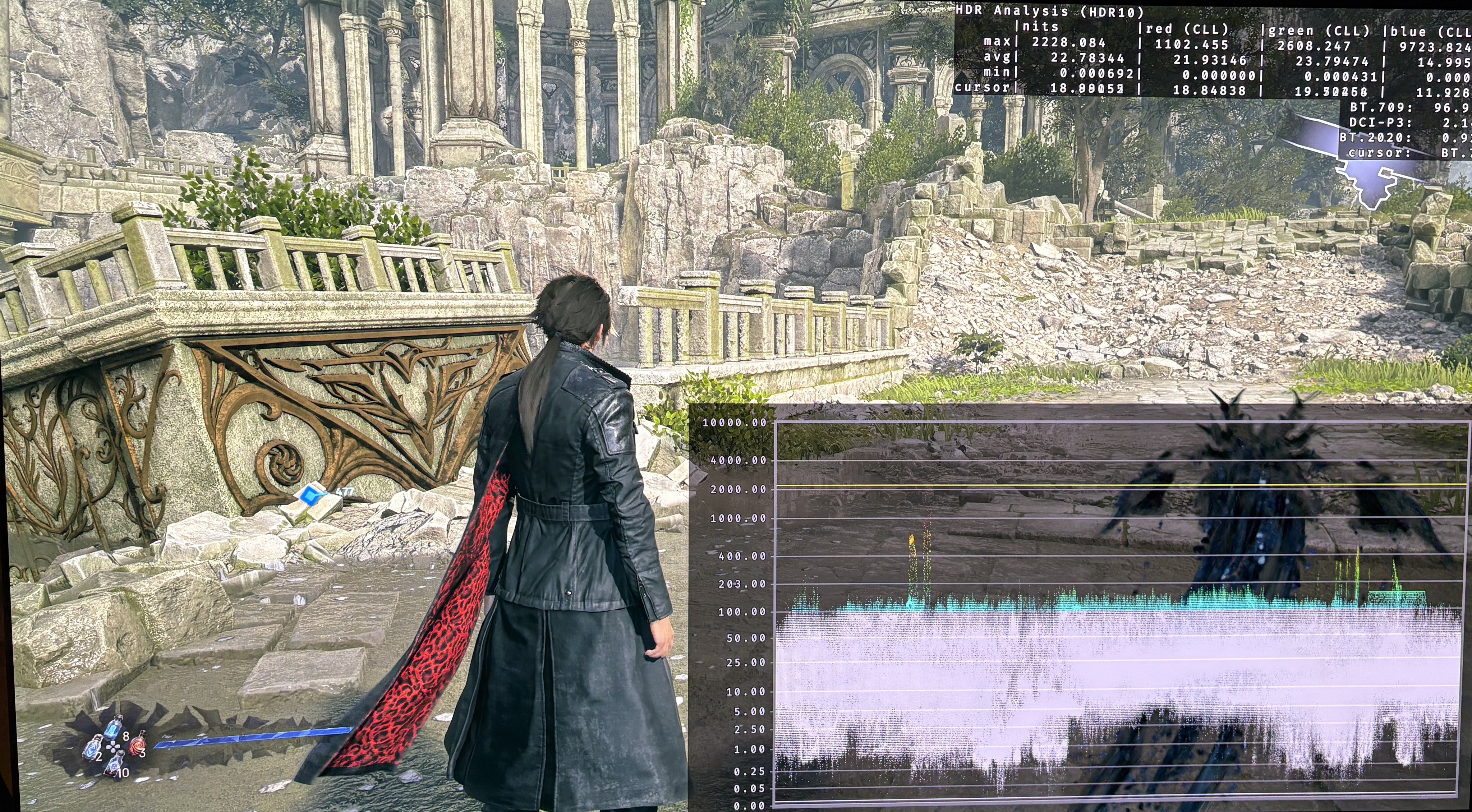
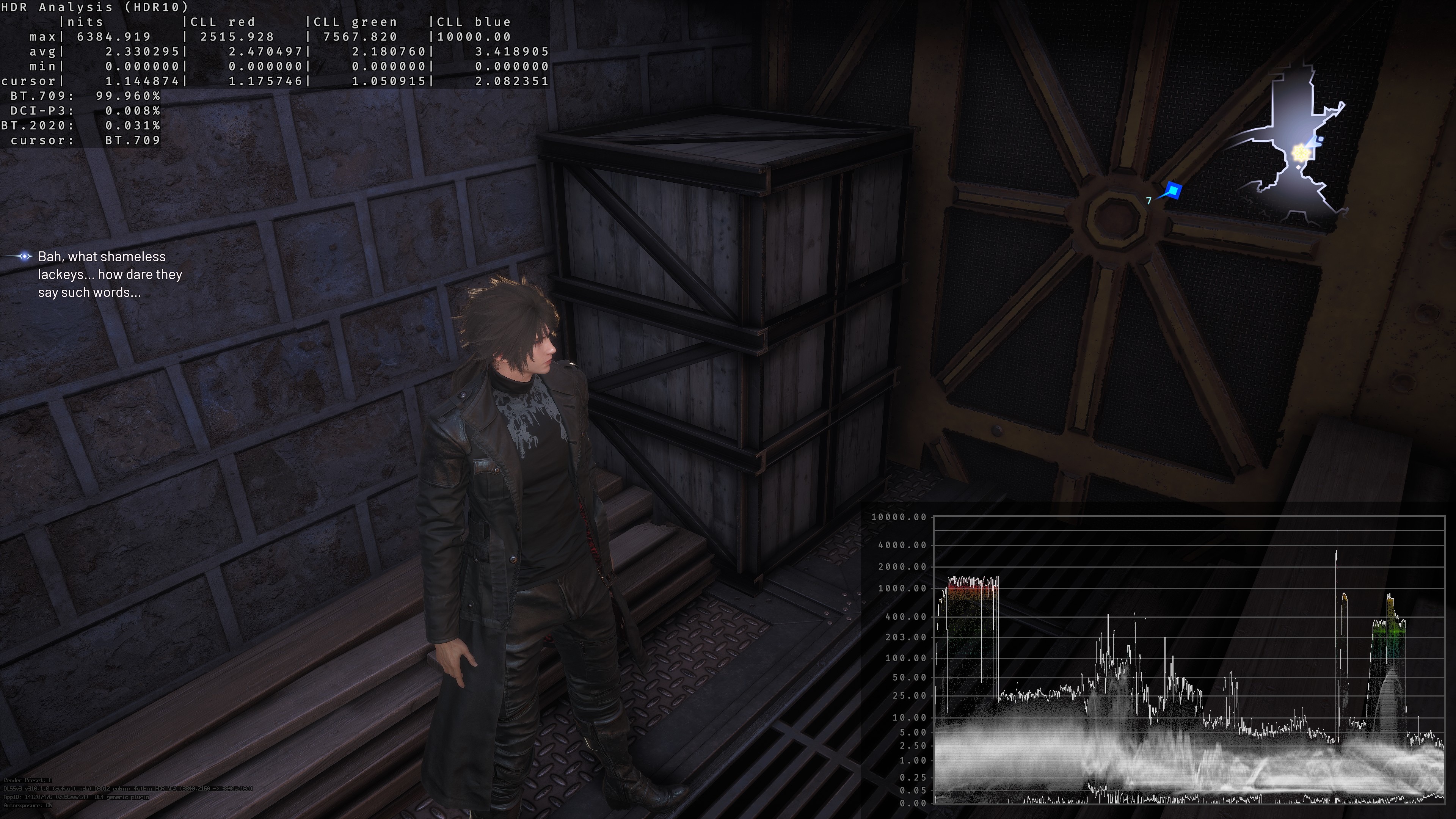
Black levels are good. See picture 1 and 3.
The game however uses a thin layer of fog most of the time, that effectively raises the black levels, so blacks look grey, contrast is low, colors look washed out and we lose detail and long viewing distance.
Paper White:
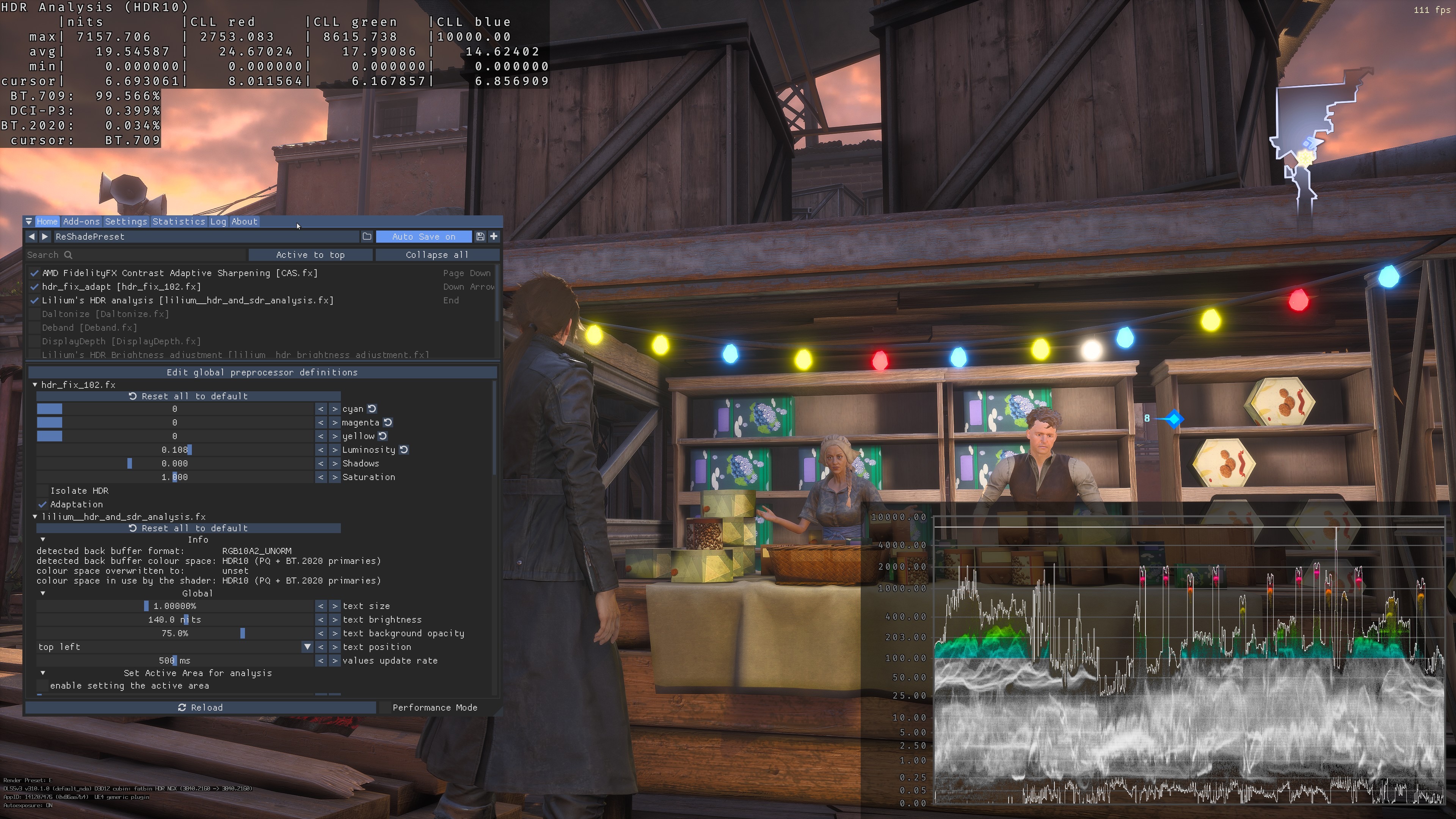
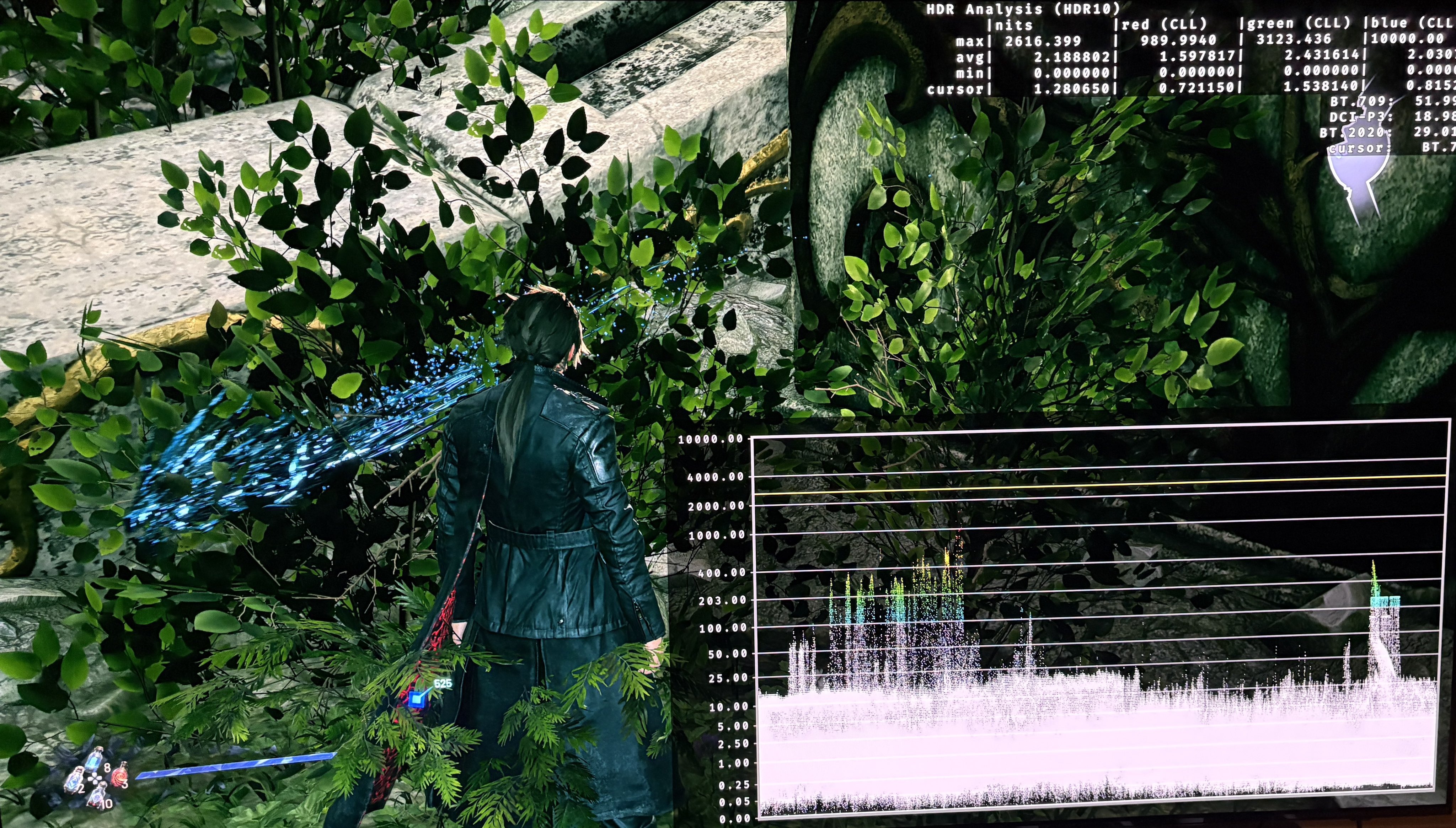
The game looks very dim because its average picture brightness is very low. See image 4 where picture brightness is between 100 and 200 nits during day time. See picture 2.
PC:
We can improve the games visuals and HDR massively on PC. I have personally removed the tiny layer of Fog via engine.ini commands. I also use HDR Fix Adapt (reshade) to increase peak brightness from 1000 to 2000 nits and to increase paper white with 100%.
It's an Unreal Engine 4 game, so we can also use the standard RenoDX HDR mod. I have not tried that.
See picture 4.
PS5:
Maybe try and use Dynamic Tone Mapping or similar on your TV to increase brightness of the midtones. Other than that, there is no fix for console.