Ninja Gaiden 4
HDR analysis Ninja Gaiden 4 on PC.
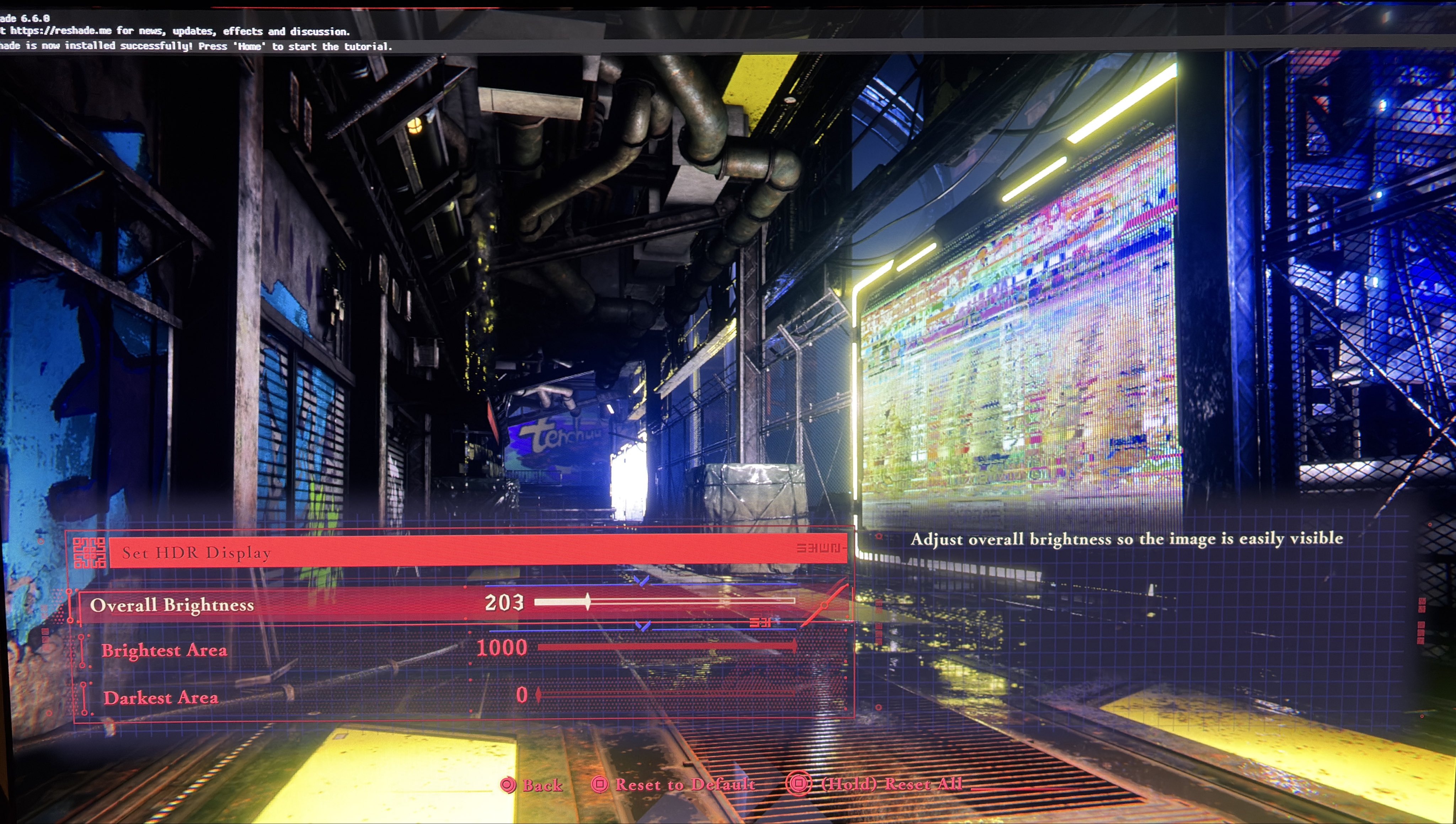
1) You can’t set the game to output higher than 1000 nits 👎 That's of course unacceptable by today's standards. See picture 1
2) You can adjust overall brightness. 203 nits is paper white for 1000 nits peak, so going higher is not usable when we only have 1000 nits peak.
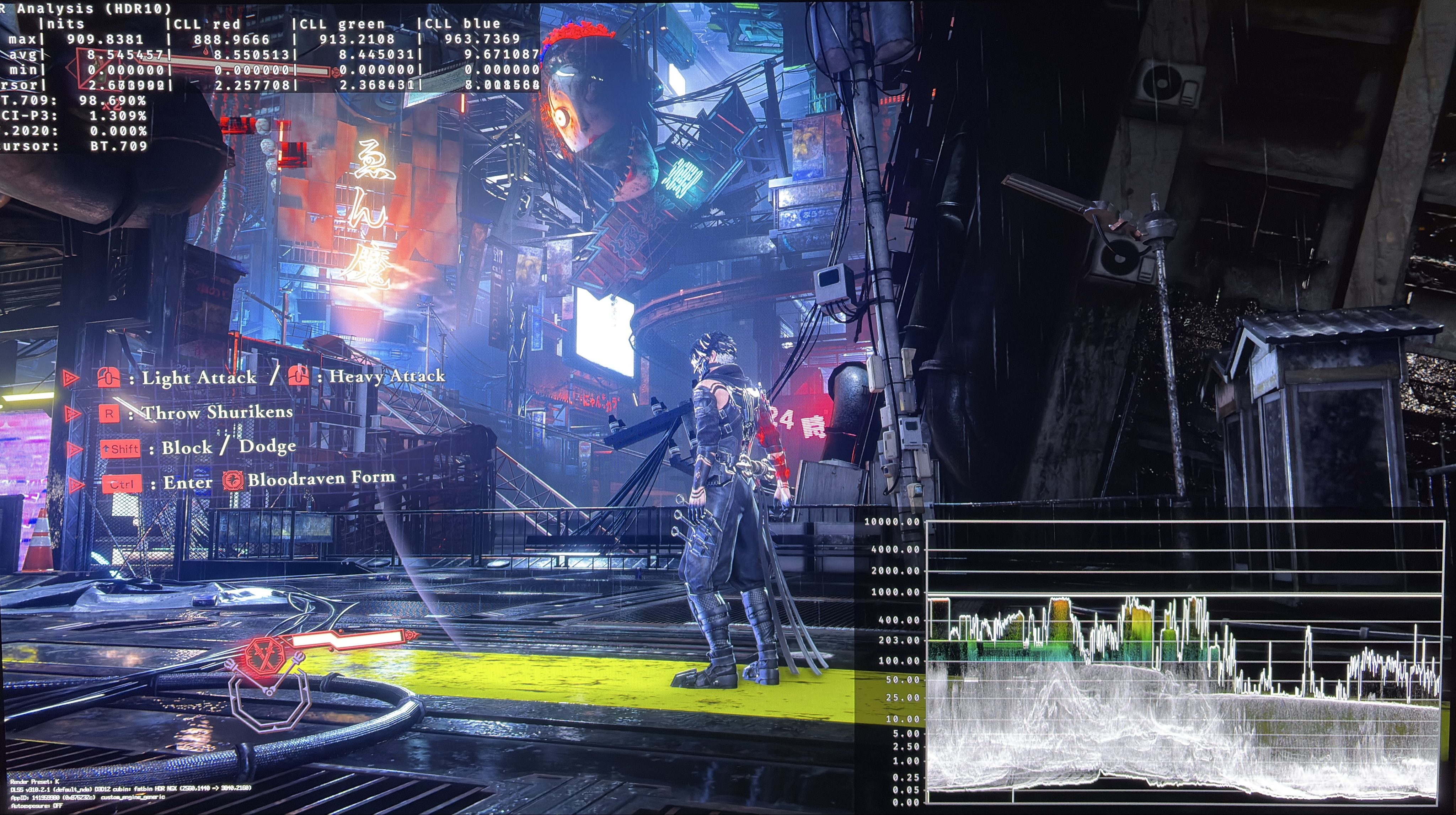
3) There is a minor black level raise most of the time. It can range from 0.02 to 0.05 nits. There are situations where the black levels can go to zero. So this is deliberately done by the developer for increased visibility in areas poorly lit. I hate that.
On picture 2 you can see that there are no 100% black colors anywhere on the screen.
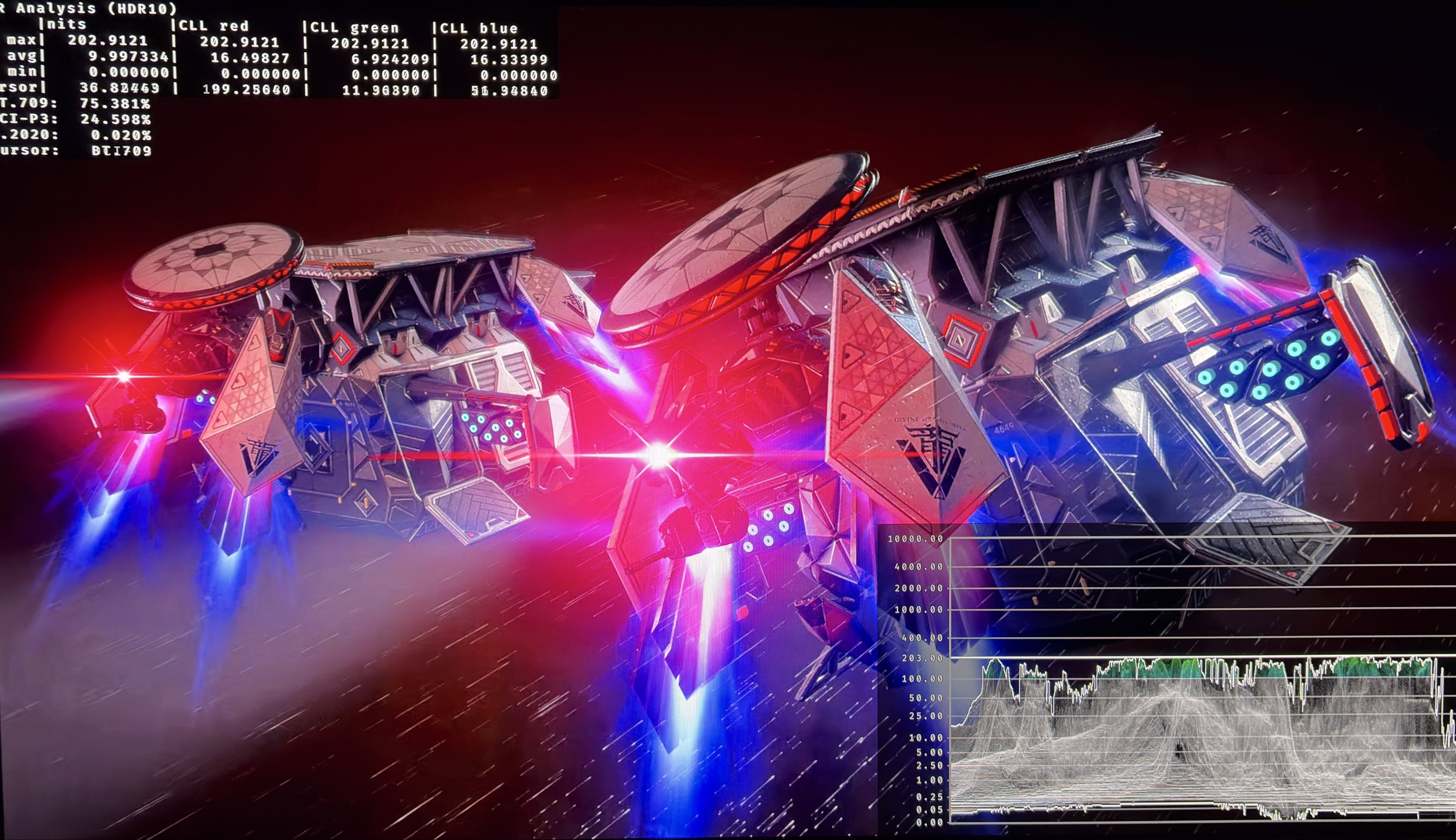
4) Cutscenes are only 203 nits. See picture 4.
5) Solution:
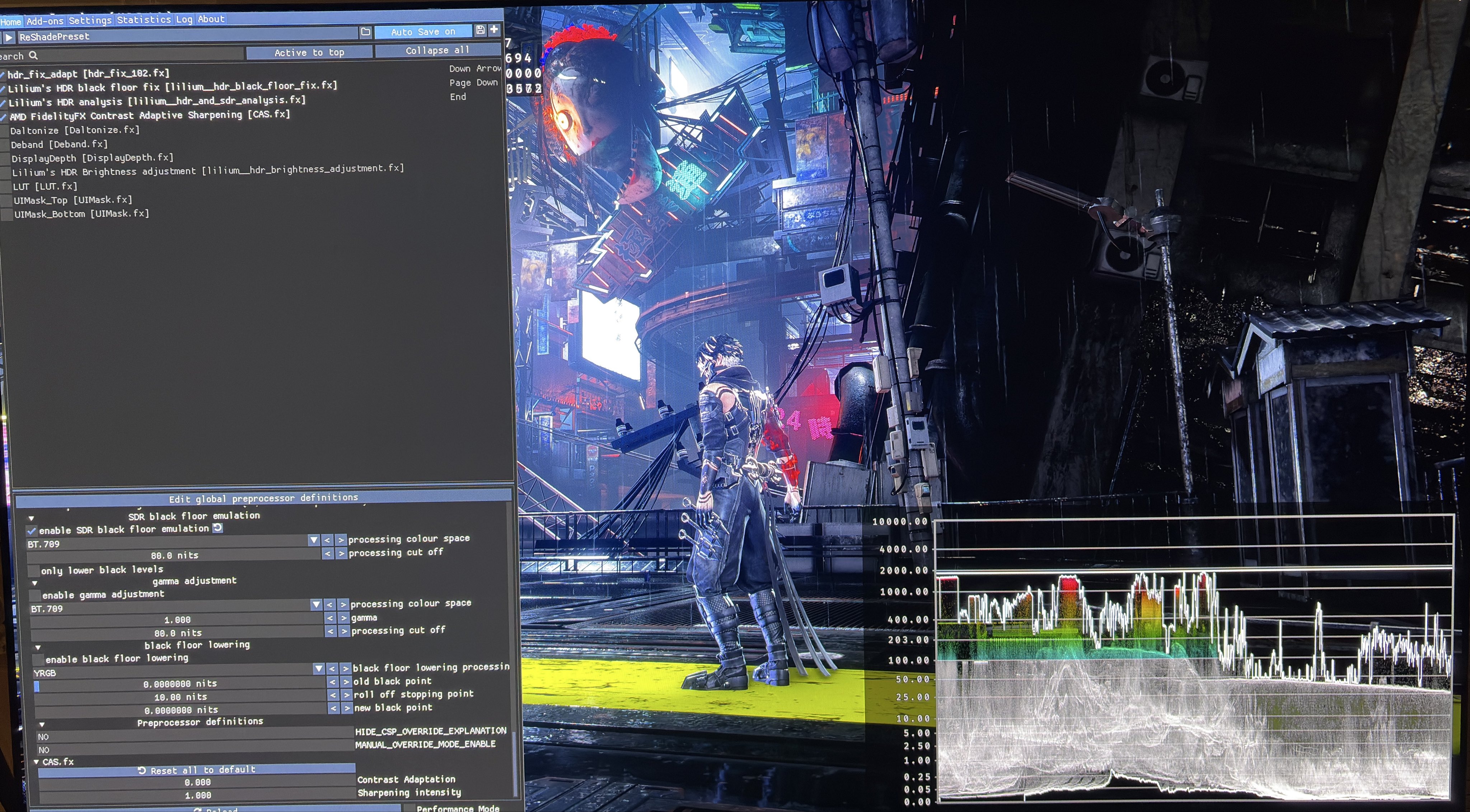
We don't have a RenoDX HDR mod. So I use the Reshade tool, HDR Fix Adapt, to increase peak brightness from 1000 to 2000 nits and to increase paper white from 203 nits to around 343 nits
I use Lilliums Black Floor Fix to lower the black level floor.
It's a shame that HDR is so dim in this game considering all the neon lights used in the game. It looks great after I fix it.
I have not tested this on PS5.