Nioh 3 Demo
HDR analysis Nioh 3 demo on PC and PS5 Pro.
It's a terrible HDR implementation.
PS5:
Max luminance is setup in PS5s system level HDR calibration.
If you set it to 1000 nits the game will output a max of 700 nits and 1400 nits if set to 2000 nits.
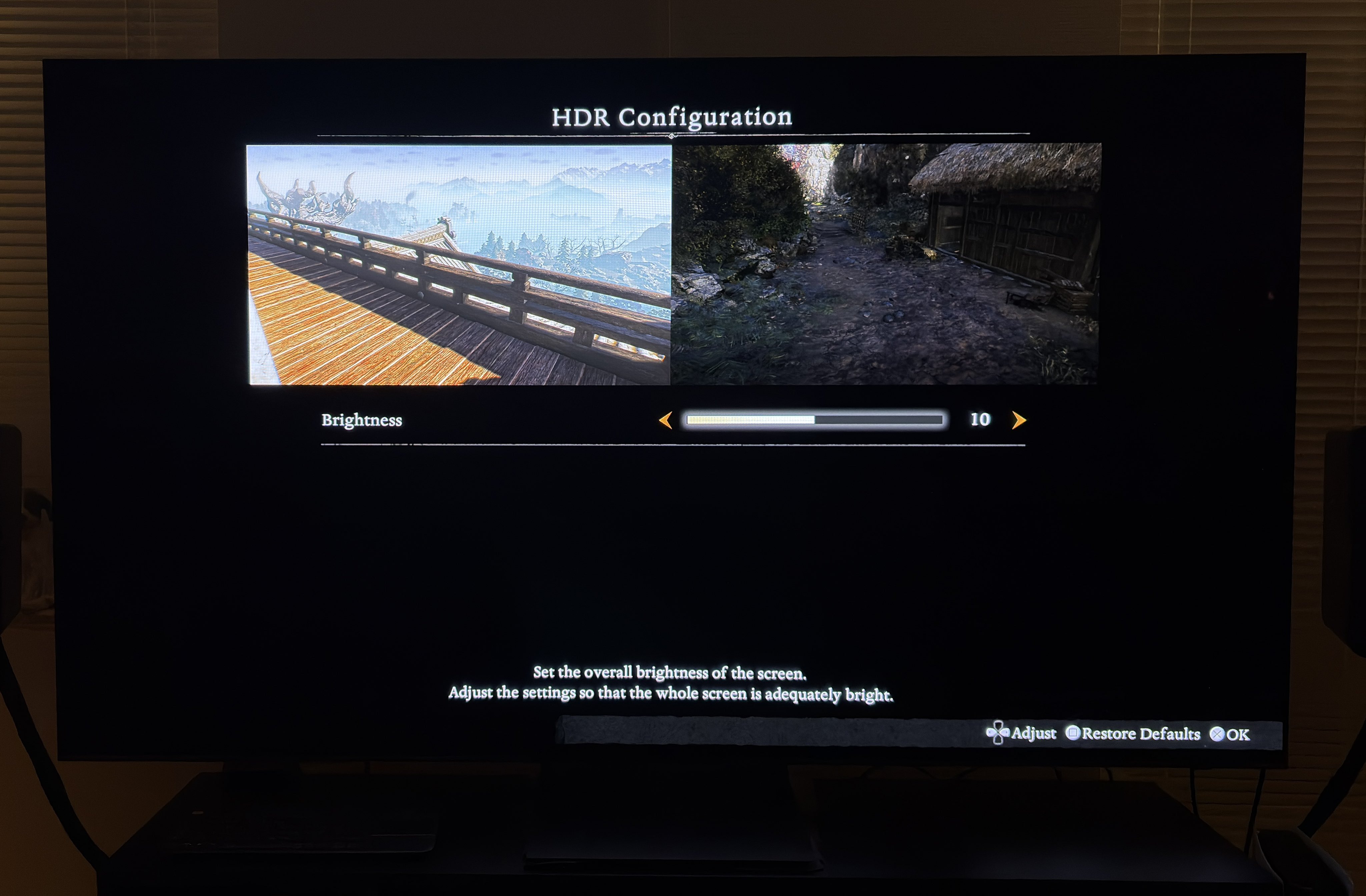
The only in-game setting we have is a brightness slider. It mostly lowers the midtones and upper shadows, but also lowers the black level floor a bit. It does not affect max luminance much.
The game has a massive black level raise making it look washed out. The game uses a lot of tiny fog all the time, so it's not possible for me to see if it's an actual raise of black levels or just a tiny layer of fog. The end result is the same ugly effect on the visuals but the fix is not the same.
We can remove a bit of the black level raise by lowering the brightness slider but we lose a lot of midtone brightness. Maybe try and lower brightness from 10 to 5.
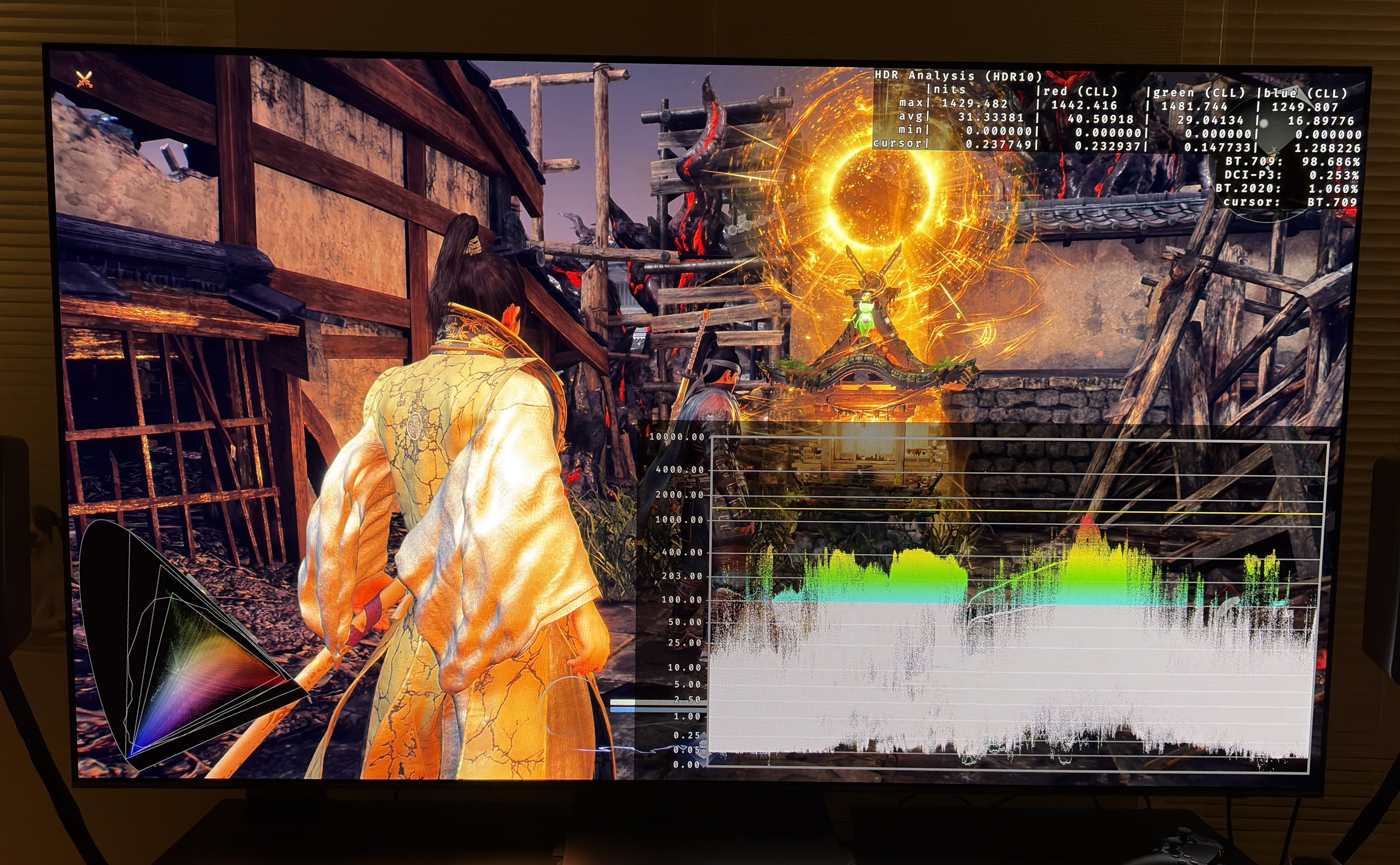
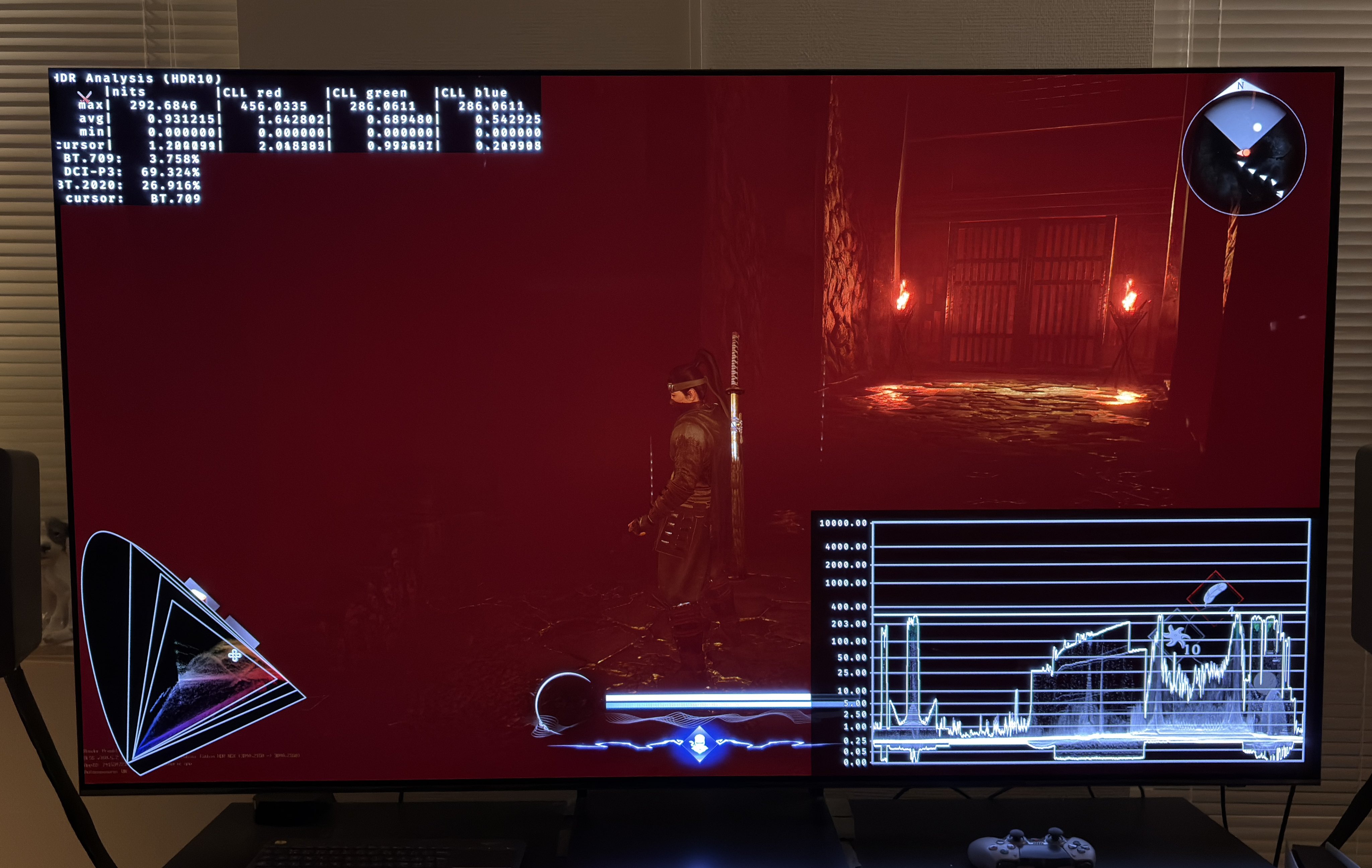
Picture 1 is from PS5 Pro and here we can see 1400 nits max and a 0.05 nits black level floor raise and a massive upper shadow lift. It's during a night time scene.
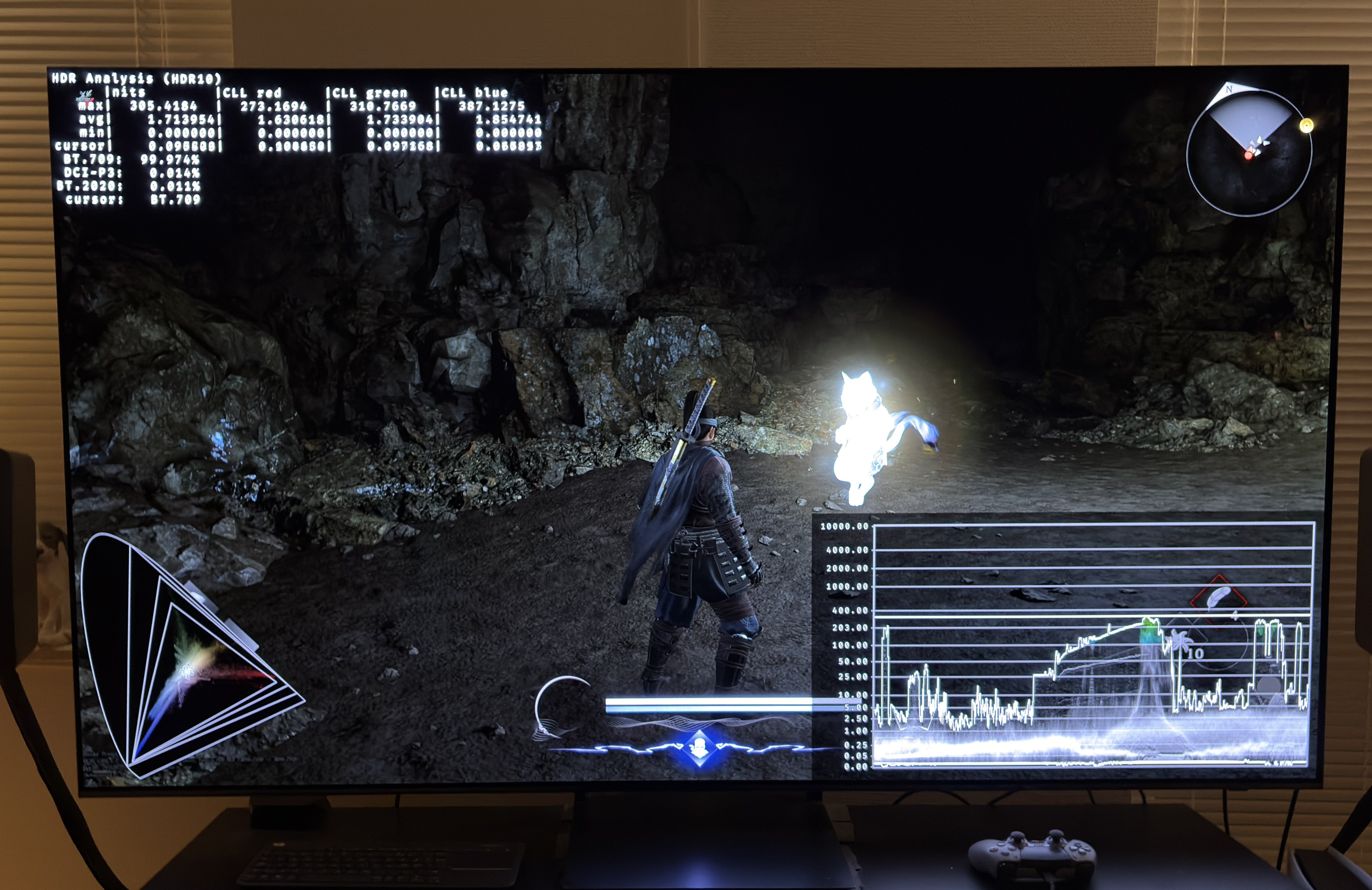
Picture 2 shows the only in-game HDR adjustments we have on PS5.
PC:
On PC we set up max luminance in-game on a slider that only goes up to 1000 nits. At 1000 nits the game only outputs 860 nits.
PC has the same black level raise as on PS5, but on PC we have more in-game adjustments.
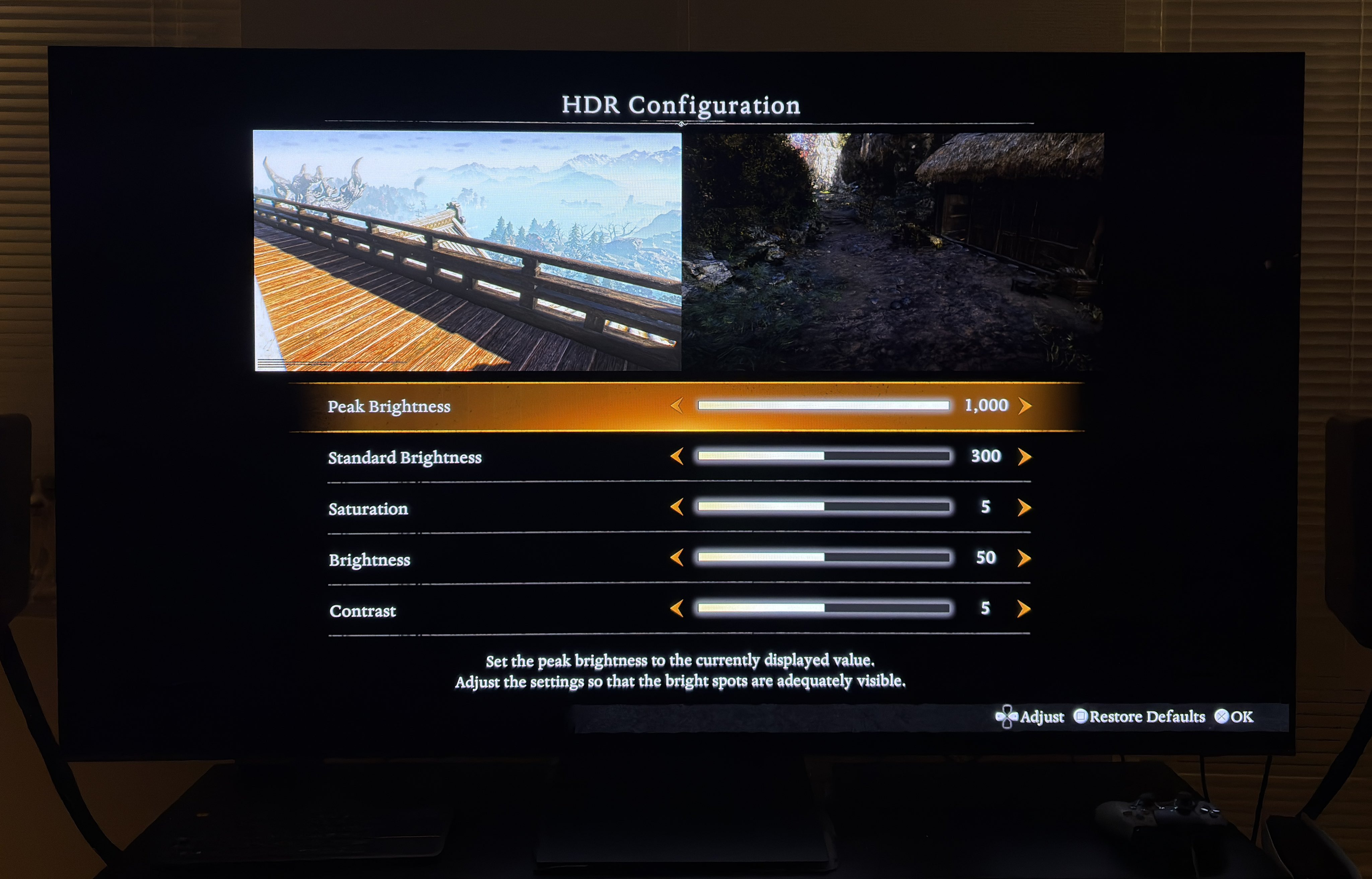
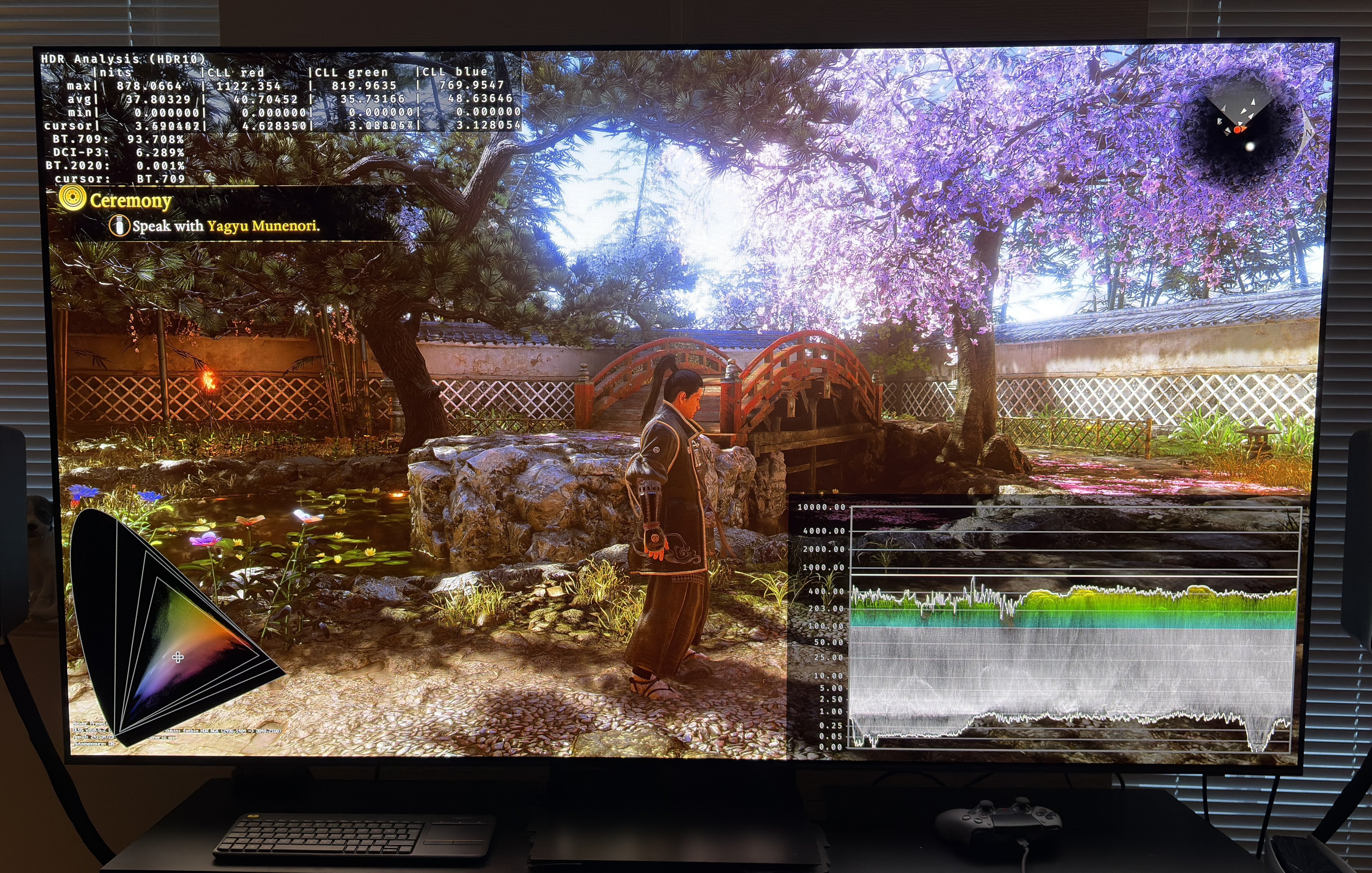
In-game settings on PC (see picture 3):
1) Standard brightness
Raises midtones.
2) Saturation
It's a good option to use to help reduce the saturated colors we get when we try and lower shadows using the contrast slider.
3) Brightness
It does the same as the one on PS5.
4) Contrast
It especially lowers upper shadows and also lowers the black floor a bit. It can significantly darken the game and also make colors look more saturated, so use it together with the saturation slider.
I have tried to see if the above settings could help the game look significantly better and I didn't manage to get settings I was happy with. We can't increase max luminance and we can't lower black levels enough without darkening the game too much. But try it out for yourself.
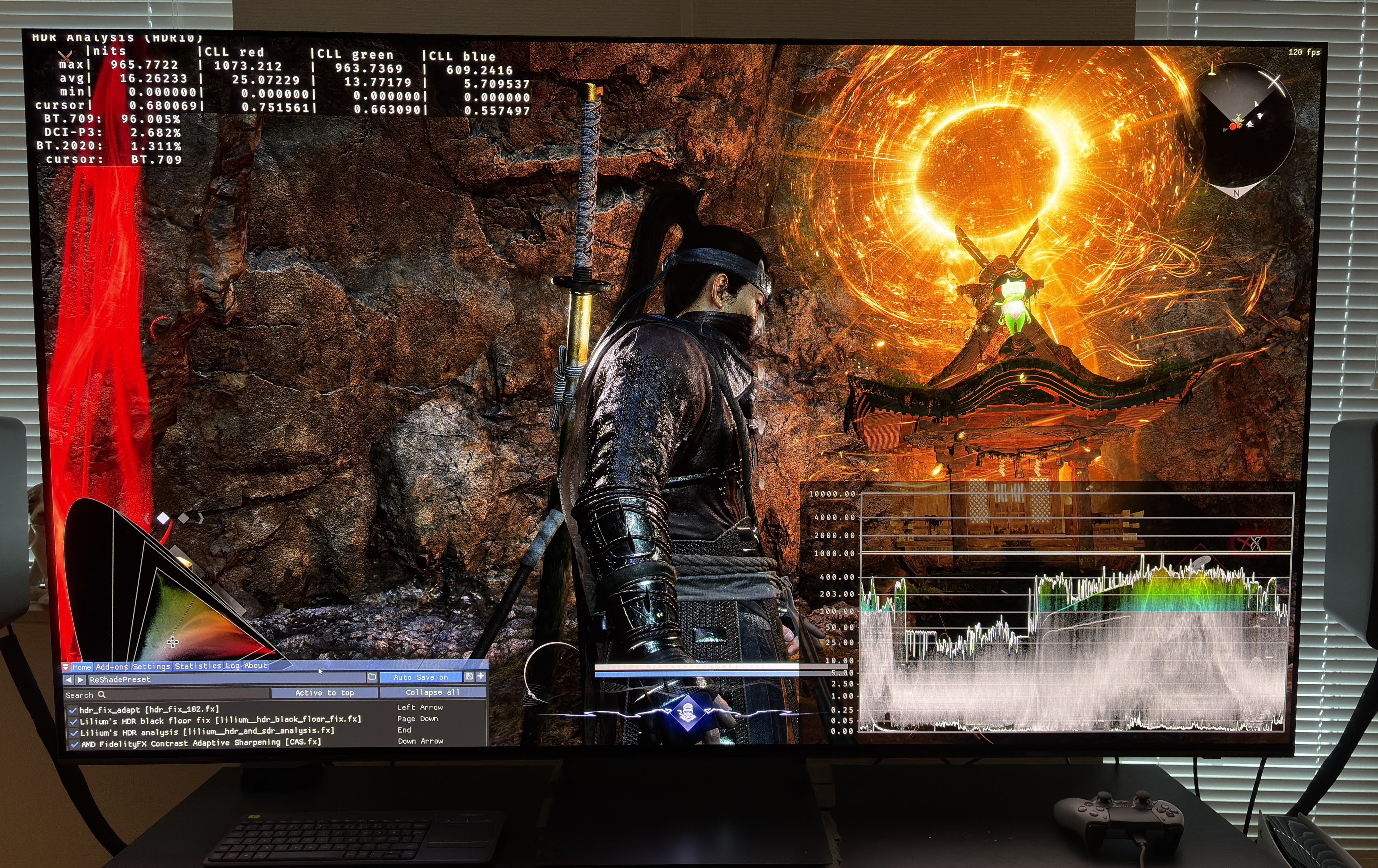
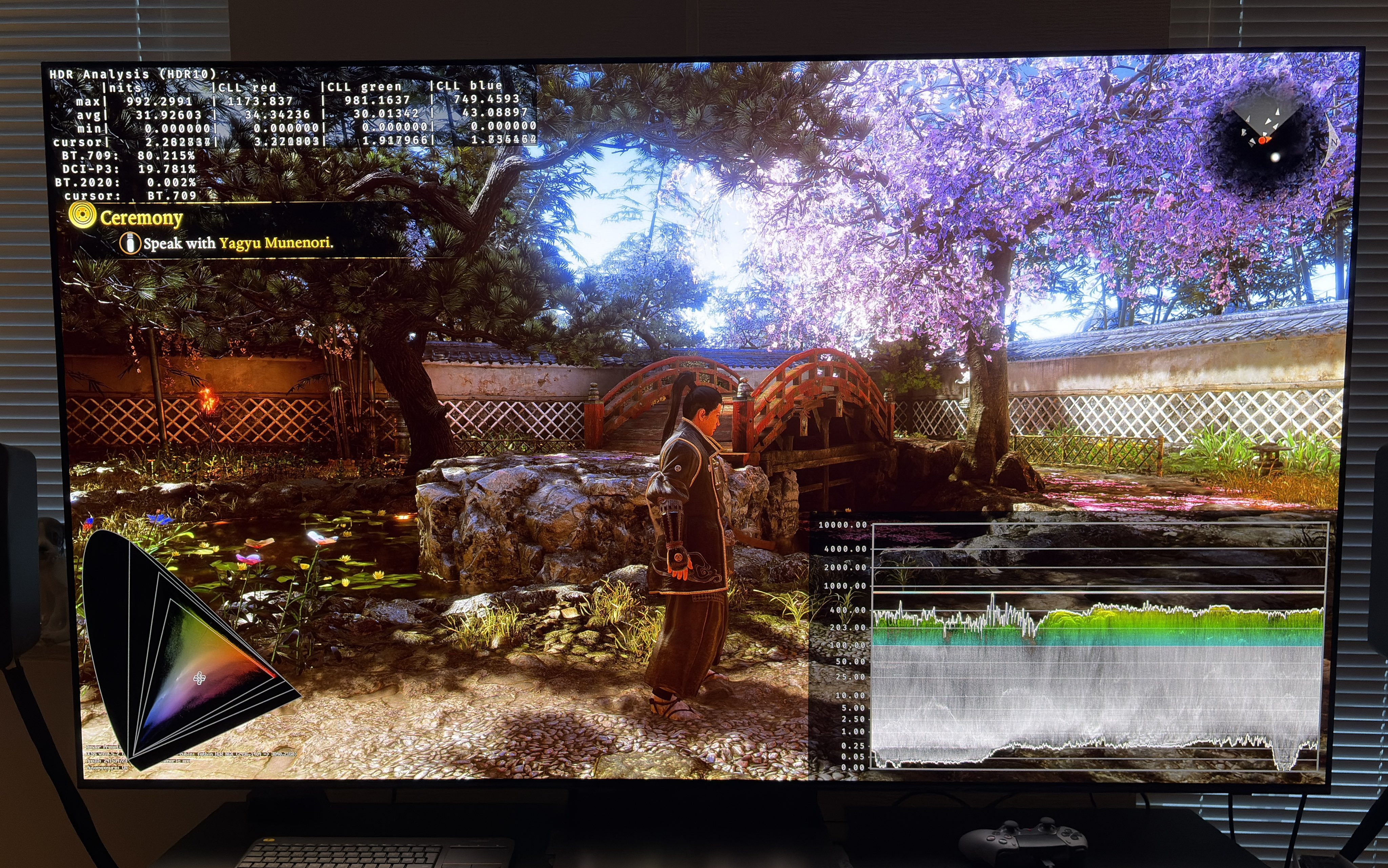
I have, as a temporary solution, used Lilliums Black Floor fix to significantly lower the shadows and I used HDR fix Adapt to increase max luminance a bit to 1000-1200 nits. See picture 4. I also reduced in-game saturation from 5 to 3.
I would like to wait for mods that remove the tiny layer of fog, to see how fog affects the black levels, before committing to optimise more. Maybe we will also get a RenoDX HDR mod ?
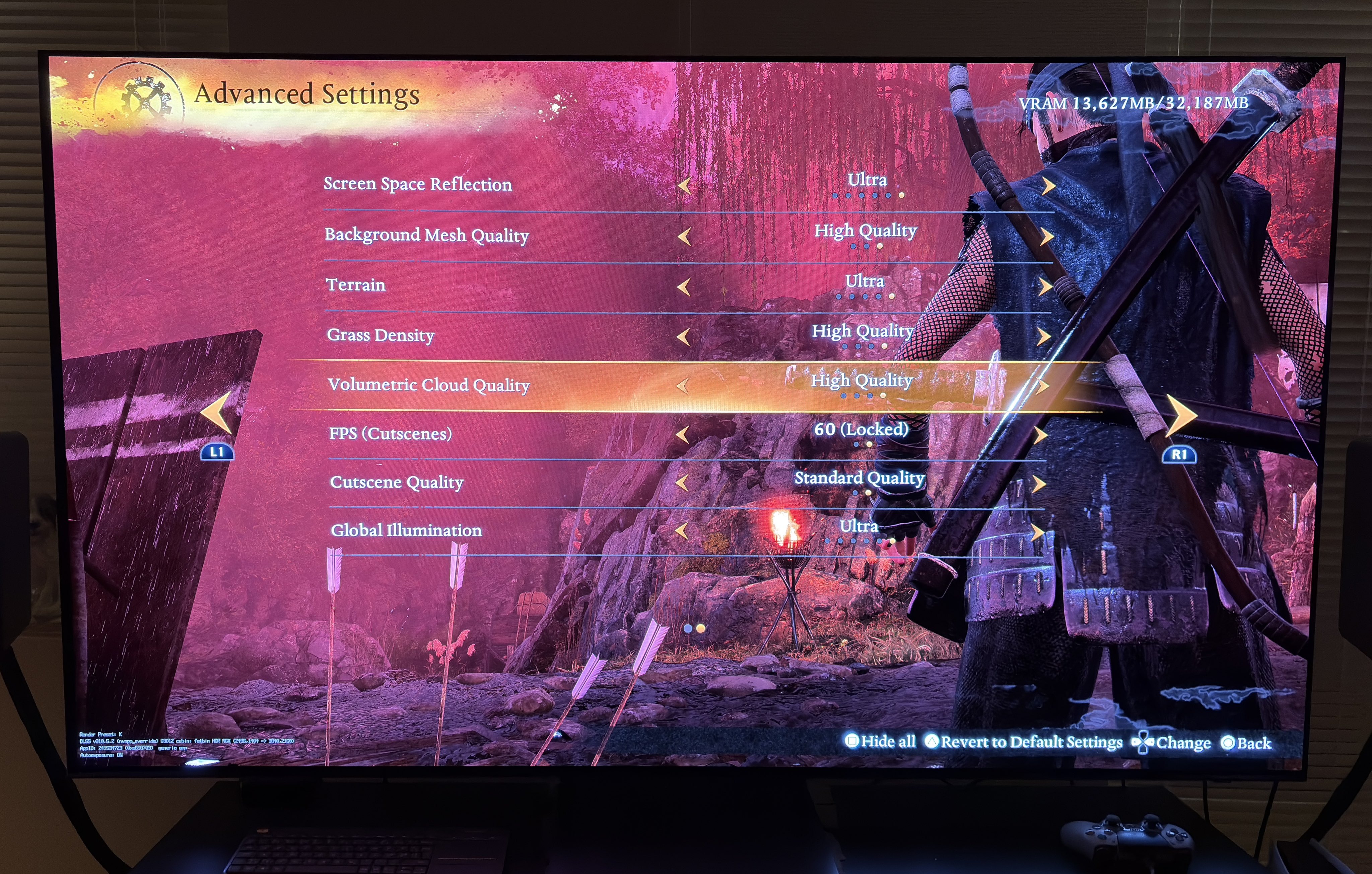
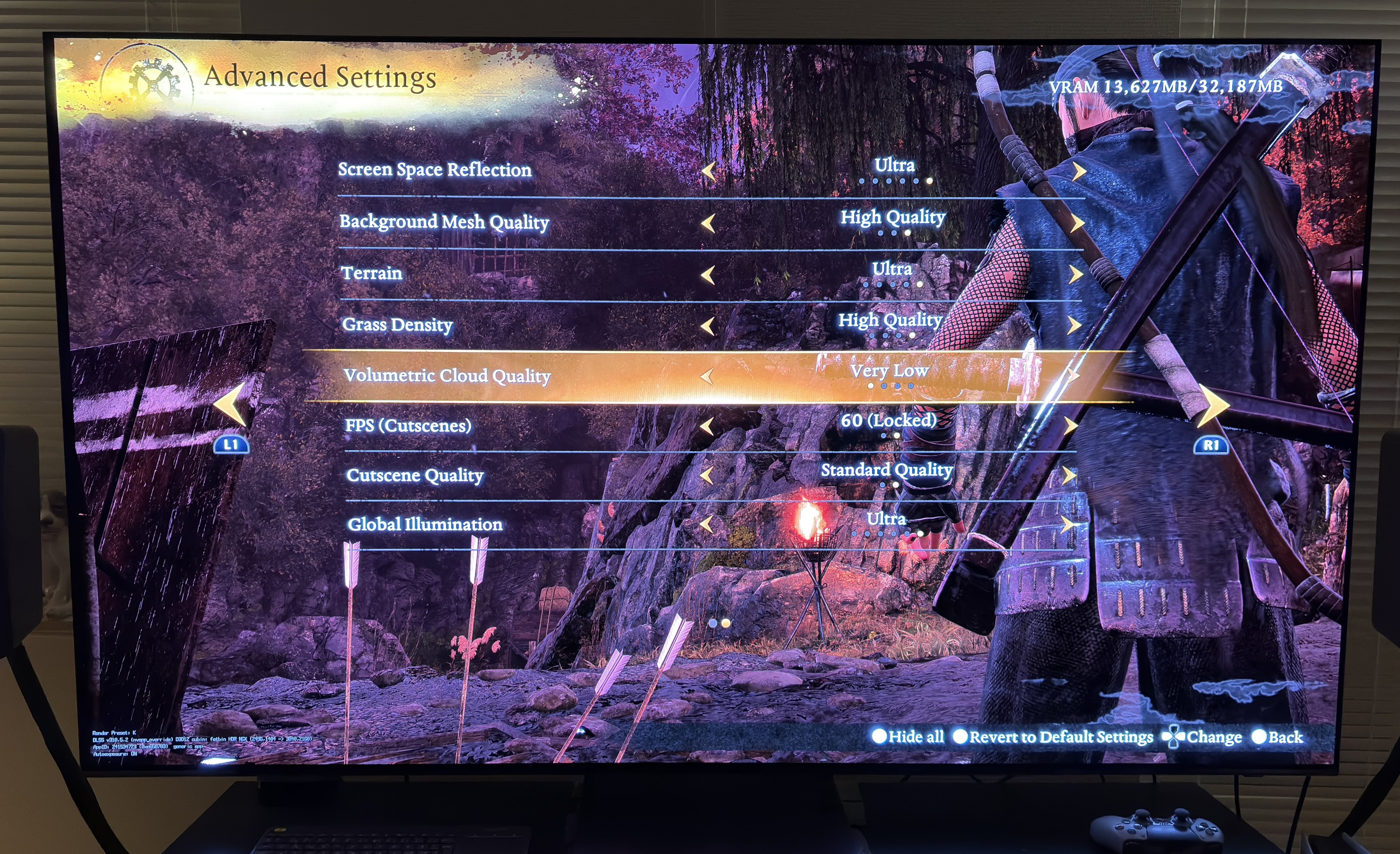
Volumetric Fog - TURN it OFF
We can in-game turn off volumetric fog on PC (not on PS5). It helps to remove a lot of the fog in some scenes and especially helps on lowering upper shadows.
Below I show how much it helps with upper shadows. It's significant.
On PC we can also turn off a lot of post processing effects, such as chromatic aberration, depth of Field etc. Remember to turn all that off. We unfortunately can only turn off motion-blur on PS5.