Resident Evil Village
HDR analysis Resident Evil Village on PS5 Pro.
I tried to look at it on PC but the game screwed up the HDR on my PC, so I quickly deleted it. So I will not look at it on PC.
There is RenoDX HDR mod, so use that on PC. I'm sure it's great.
PS5:
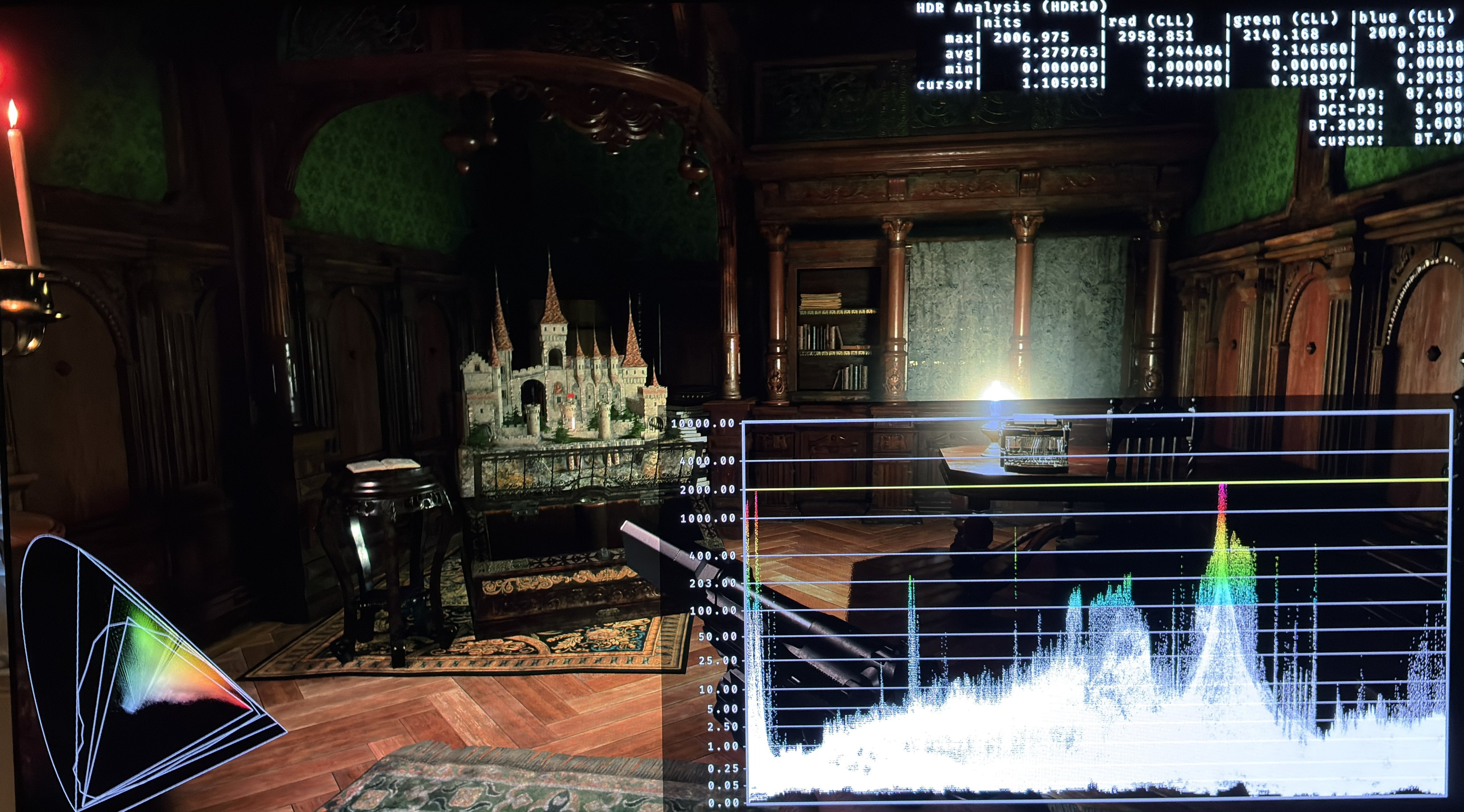
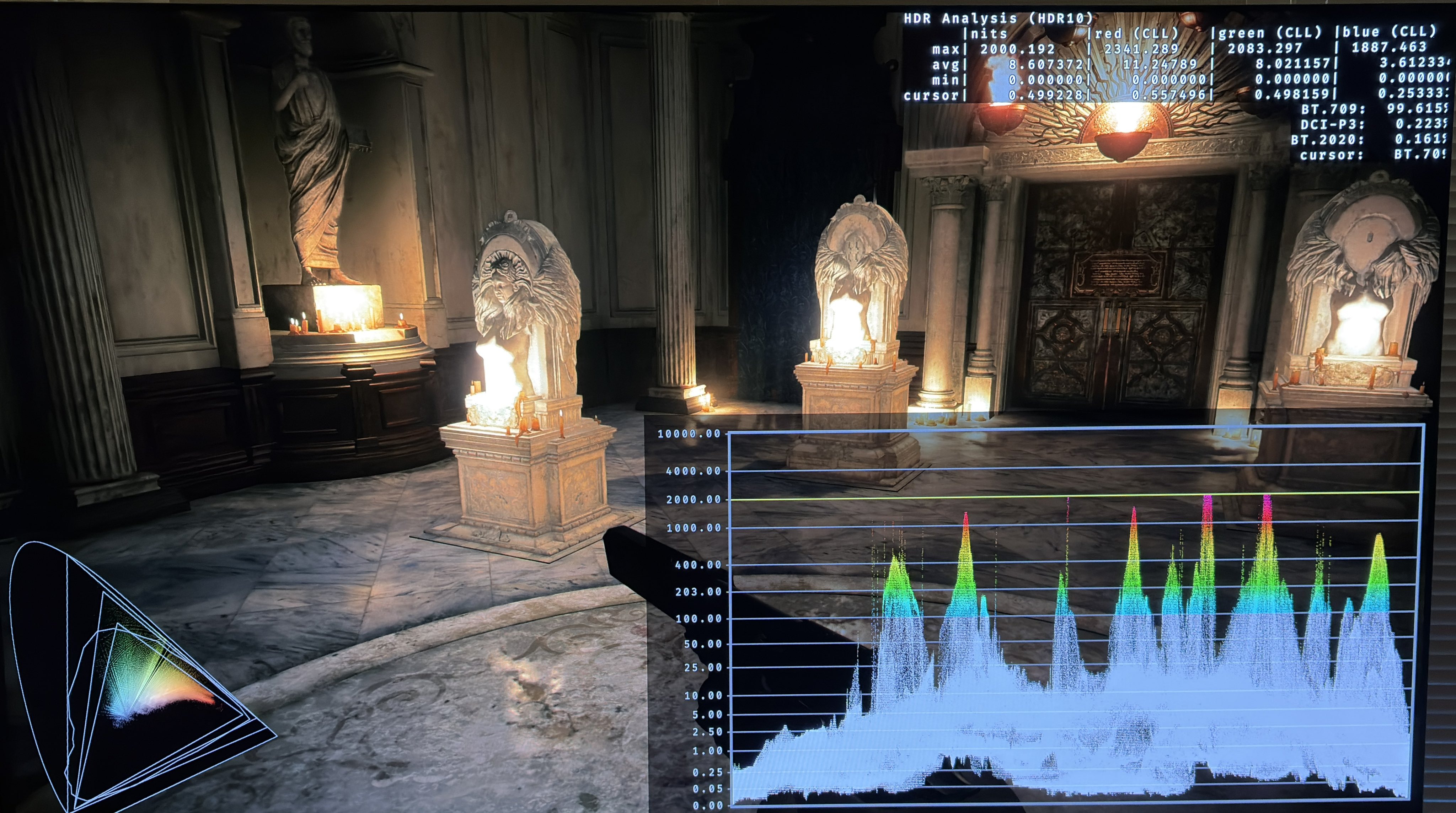
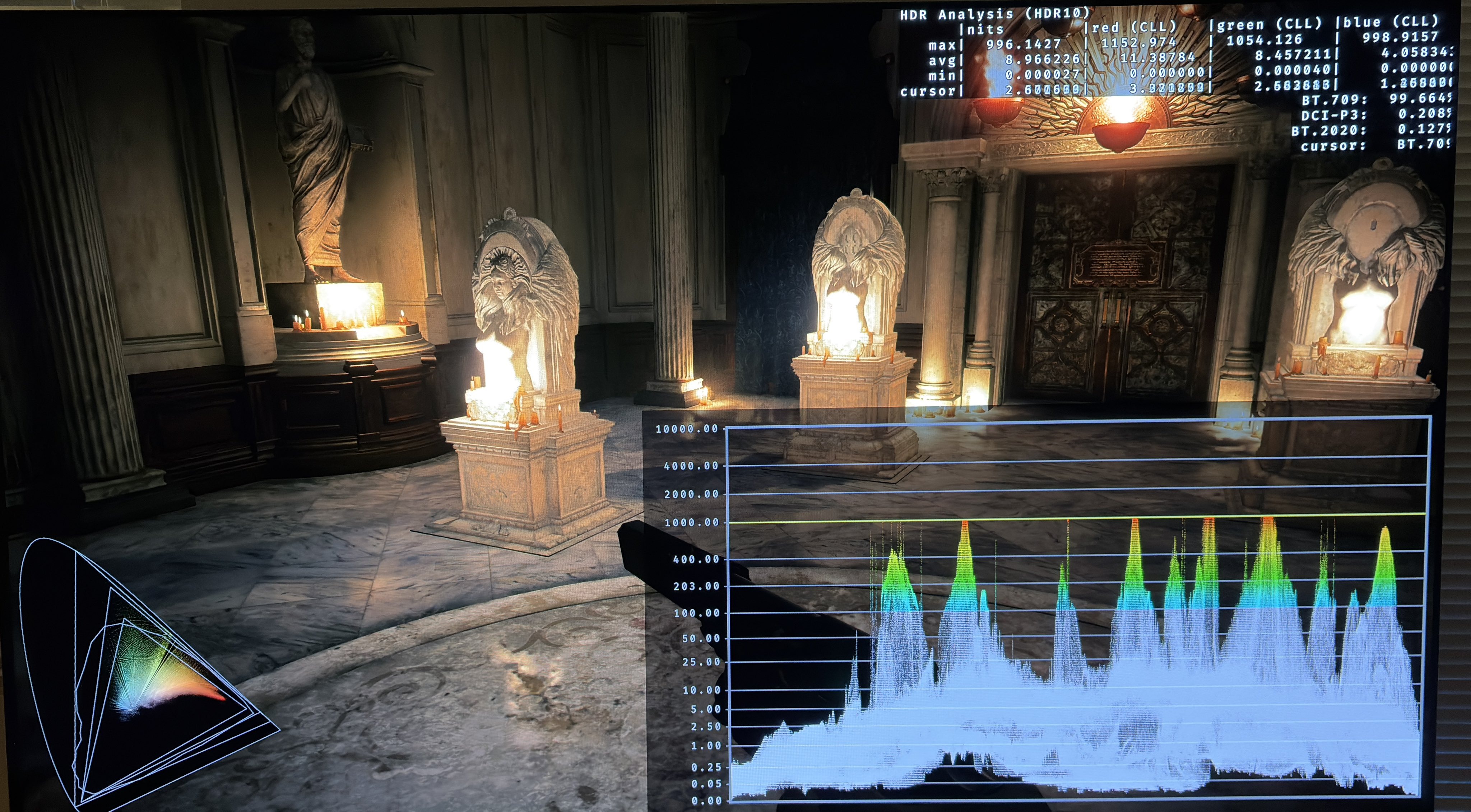
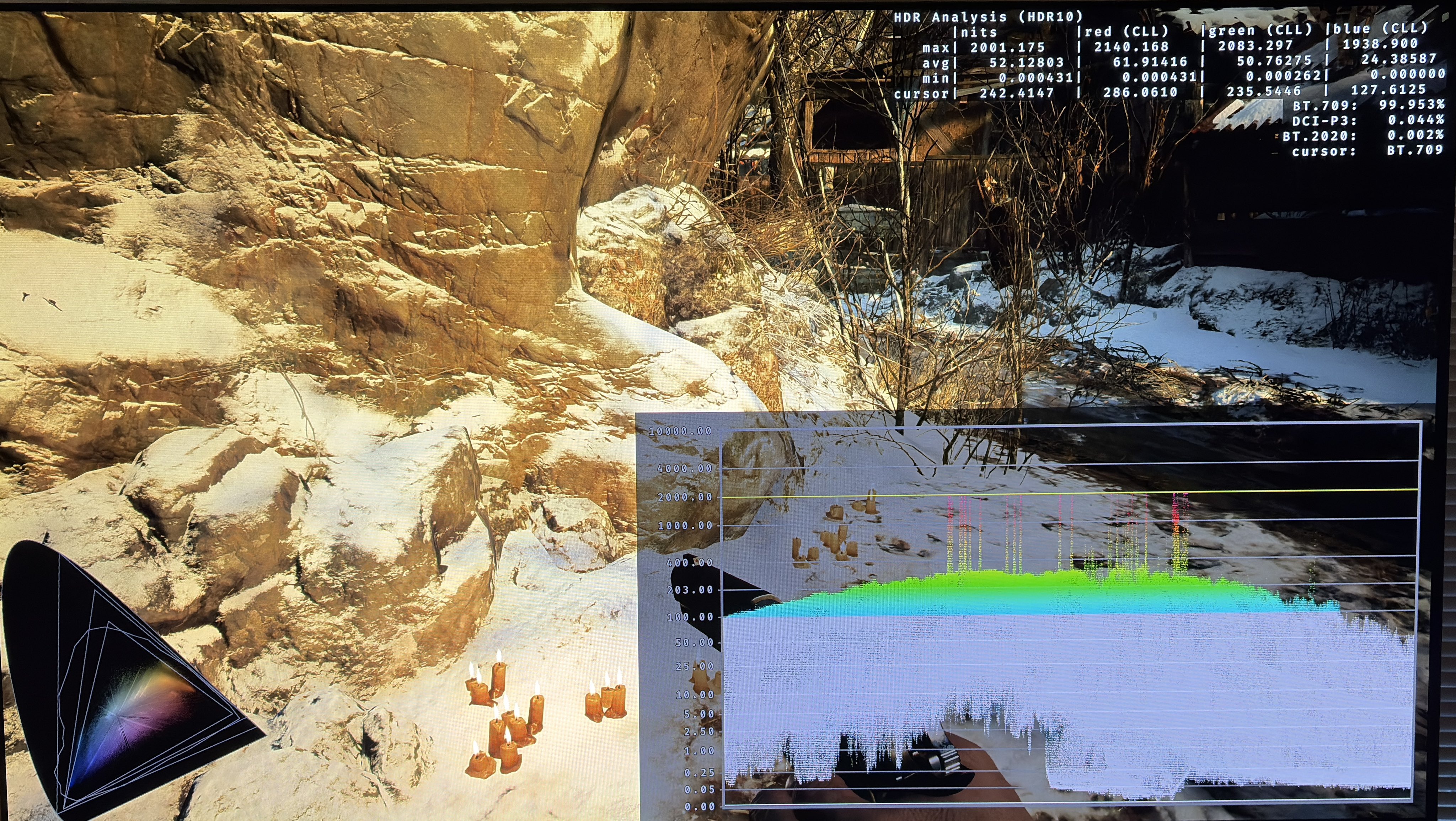
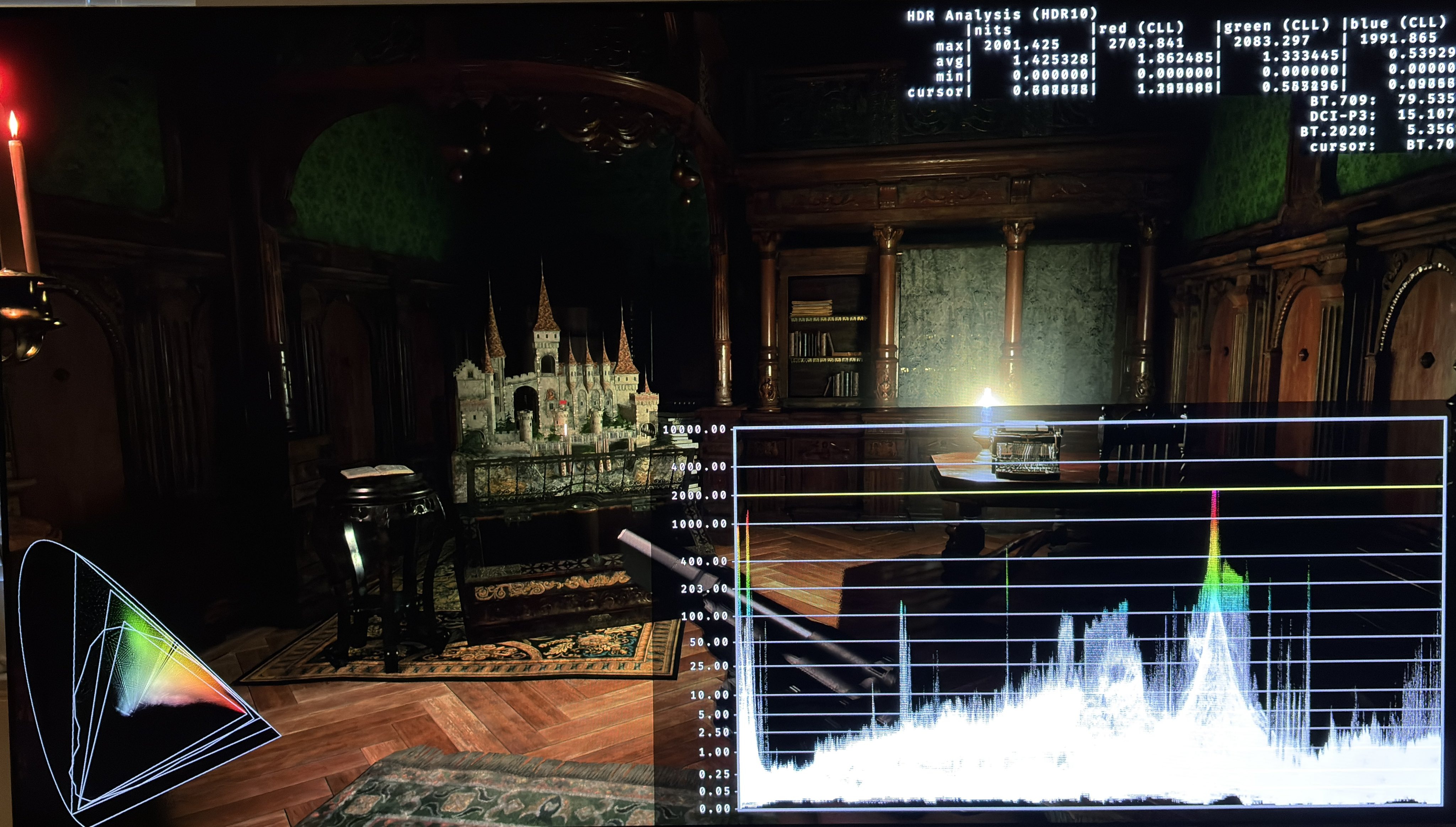
Black levels are great and the game has great bright highlights. See picture 3 and 4 with 1000 nits and 2000 nits max luminance and neutral paper white.
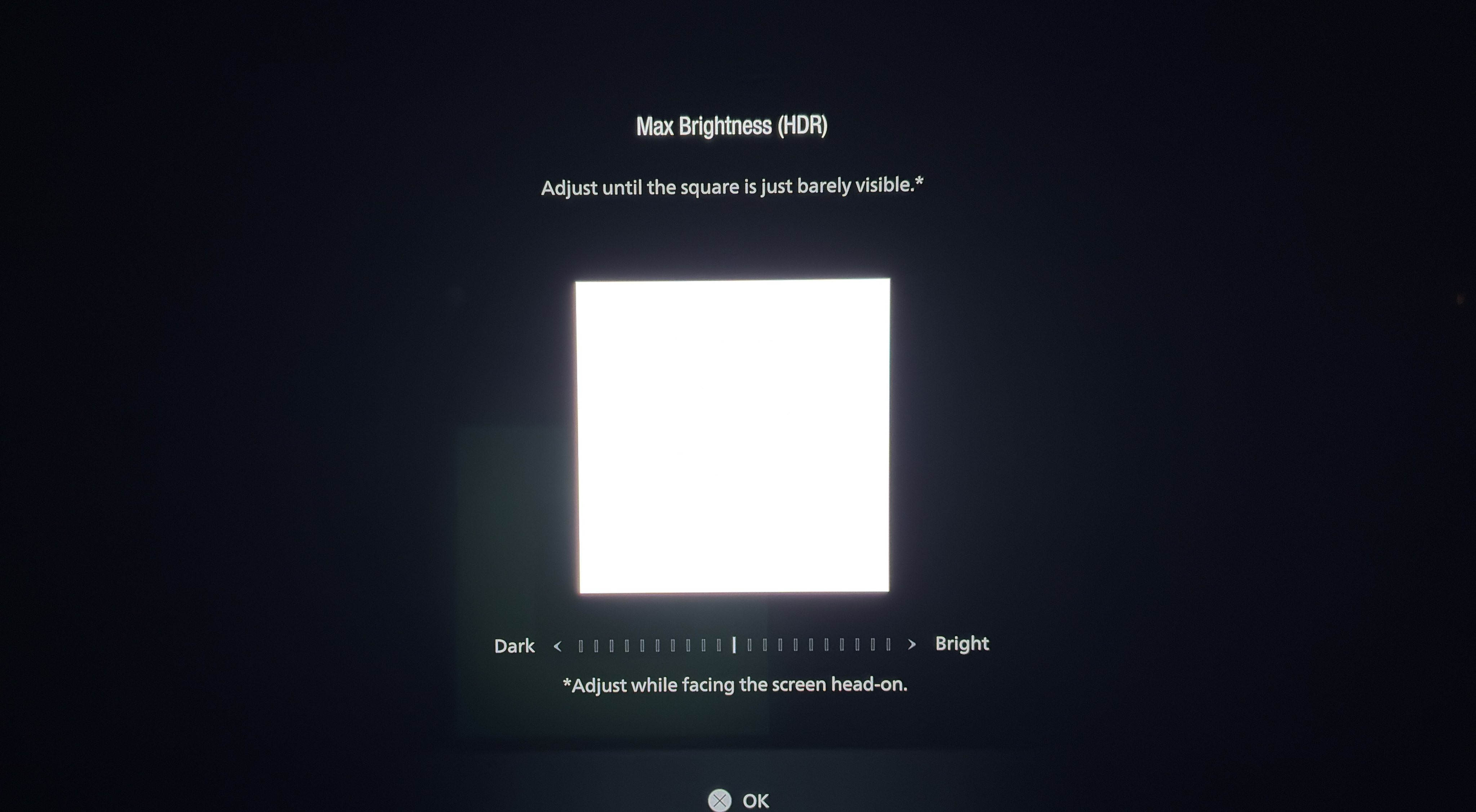
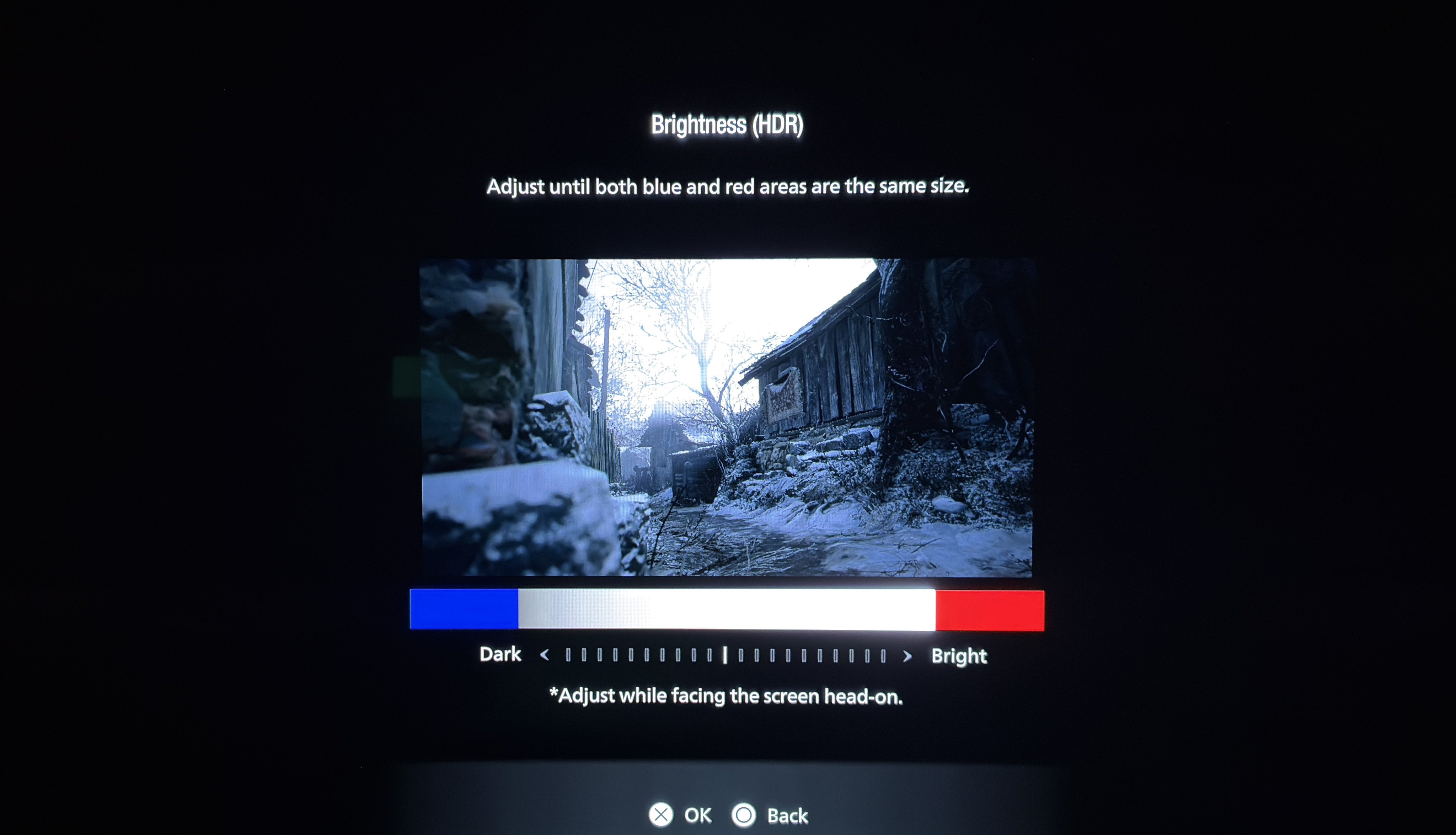
HDR is setup in-game using two screens.
The first in picture 1 is for max luminance and it's adjusted using a slider. The slider does not mention nits so here are the most commonly used nits outputs:
-8 = 500 nits
-4 = 800 nits
0 = 1000 nits
+2 = 1200 nits
+4 = 1600 nits
+6 = 2000 nits
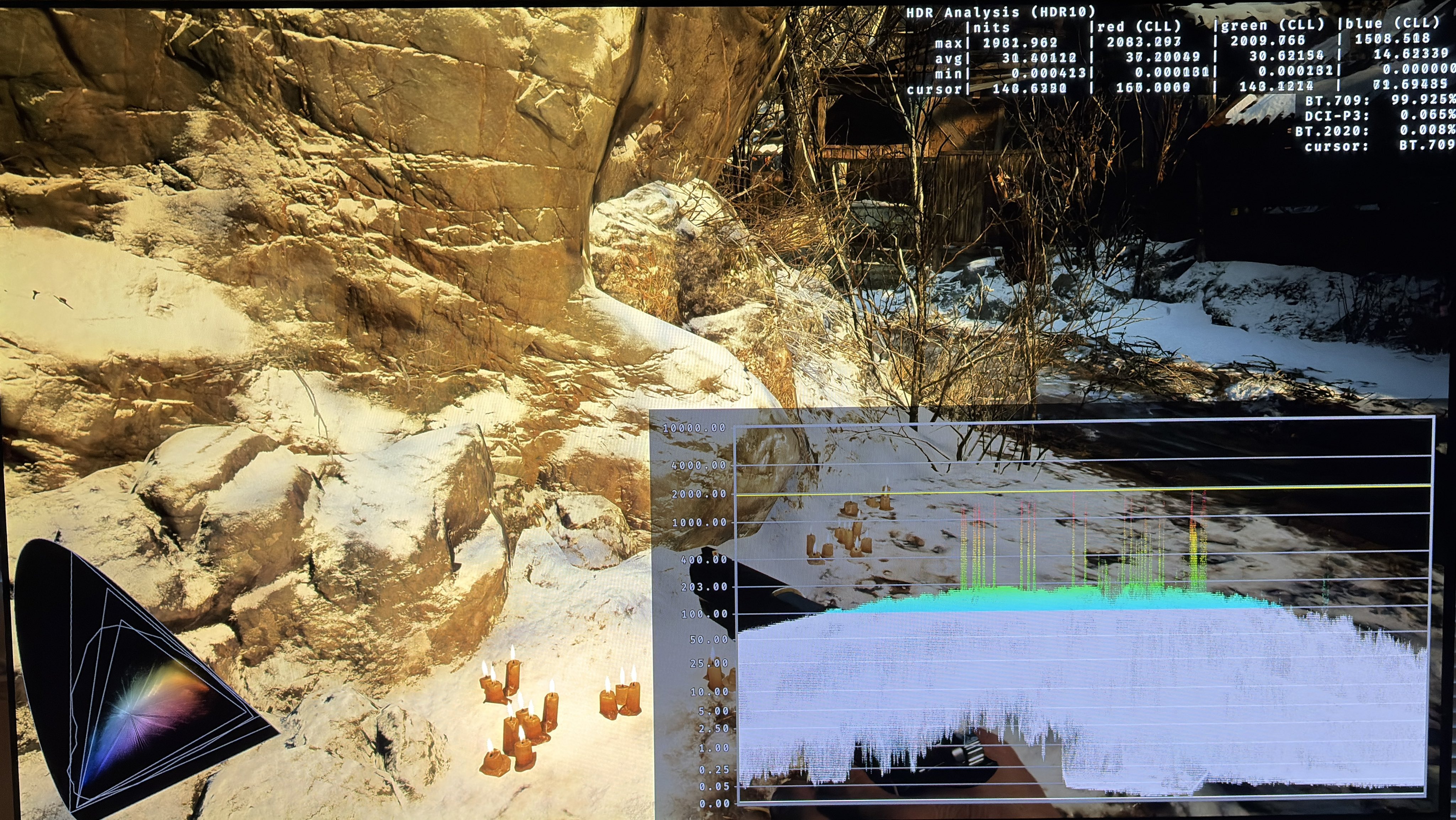
The second is for paper white or overall brightness. It increases the midtones and upper shadows without increasing the black level floor or peak brightness. That's how a paper white slider should work.
Neutral is 203 nits paper white.
What confuses me is that the game always recommends neutral and 203 nits paper white no matter the max luminance apparently. And that's of course not right.
Here is how I would set it up:
0 = 203 nits (for a 1000 nits TV)
4 = 265 nits (for a 1500 nits TV)
6 = 345 nits (for a 2000 nits TV)
Increasing paper white does increase shadows a bit and if you don't like that in a game like this with a dark tone then just use zero, that is recommended by the game. Try it out.
Paper white 1
Paper white 2
Paper white 3
Paper white 4