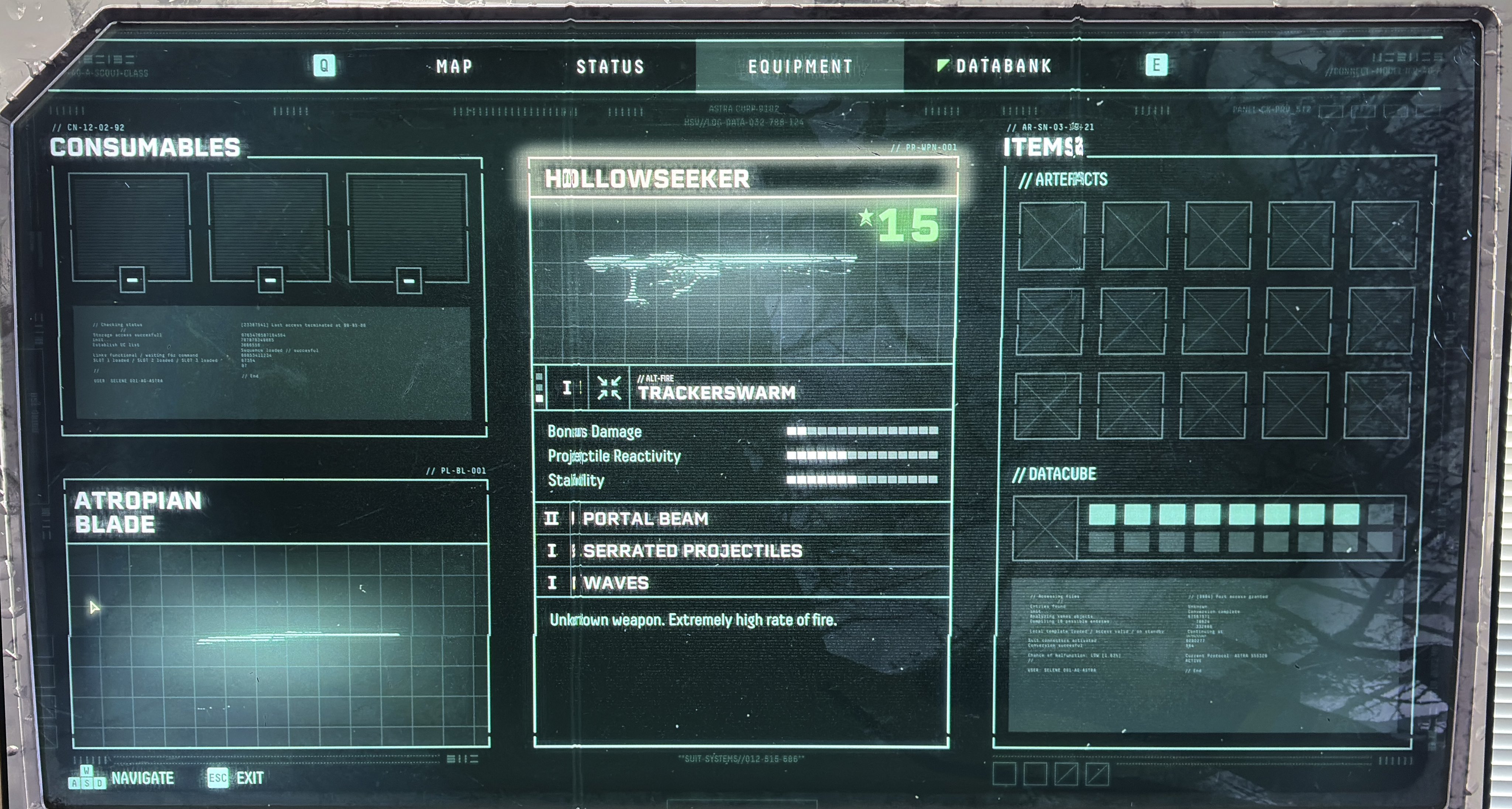
Returnal
HDR analysis Returnal on PC and PS5 Pro.
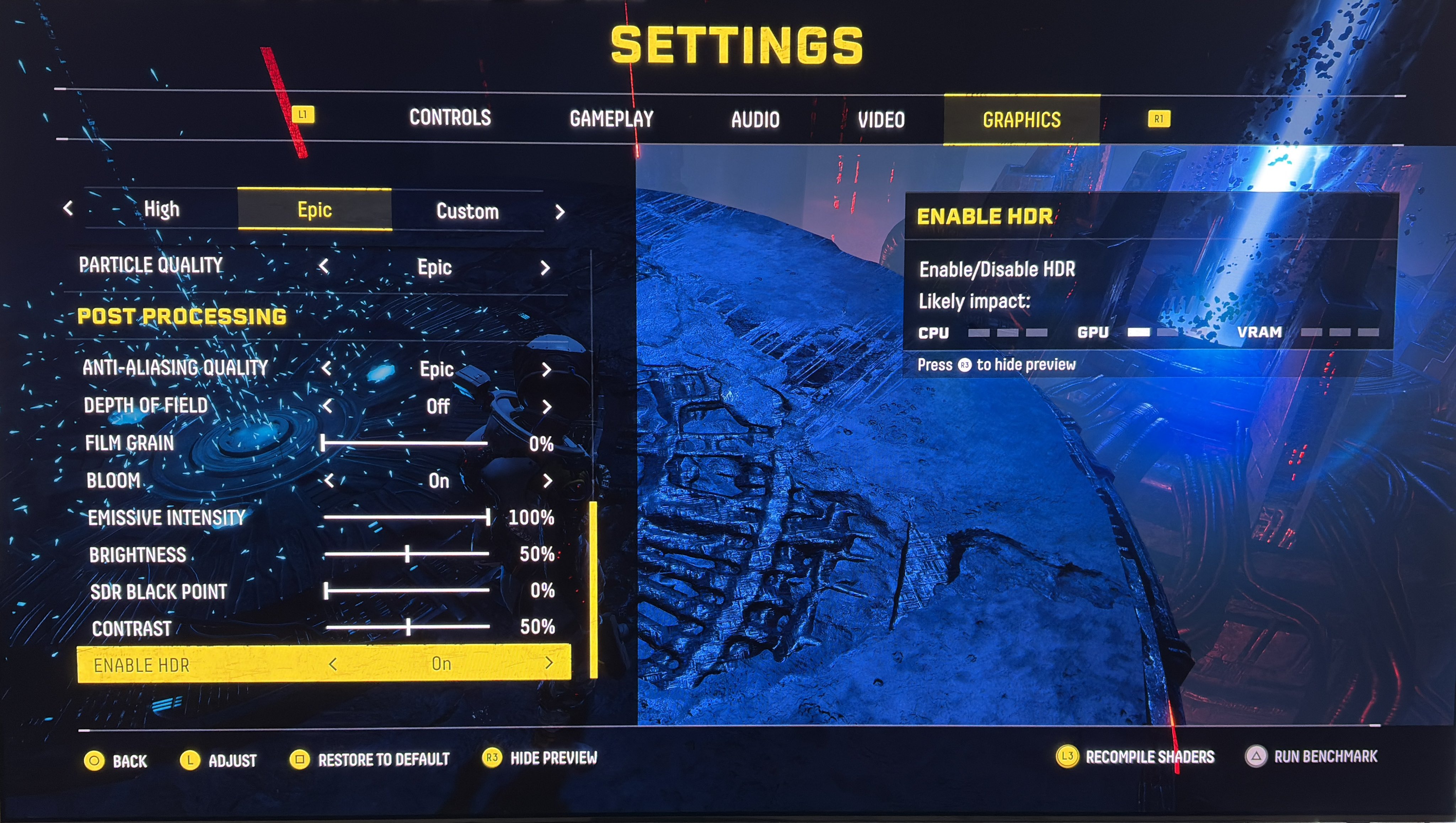
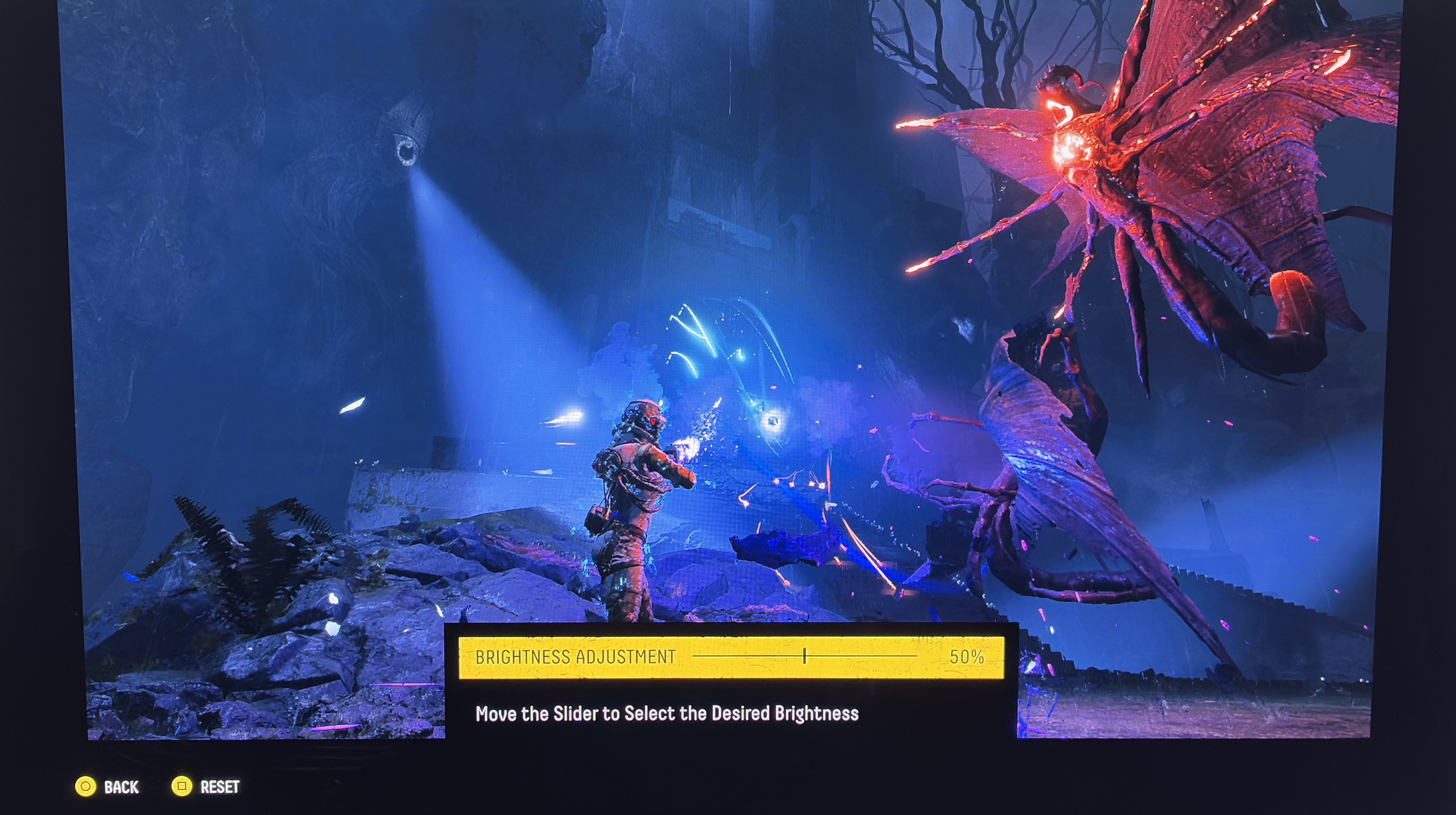
It's basically the same HDR on PC and PS5, with a few differences in in-game settings and max luminance (see in-game settings on PC in picture 3 and on PS5 in picture 4).
HDR looks great in this game with lots of bright particle effects on a black background.
Max Luminance:
You can't adjust it in-game. It's setup using Windows and PS5s HDR calibration.
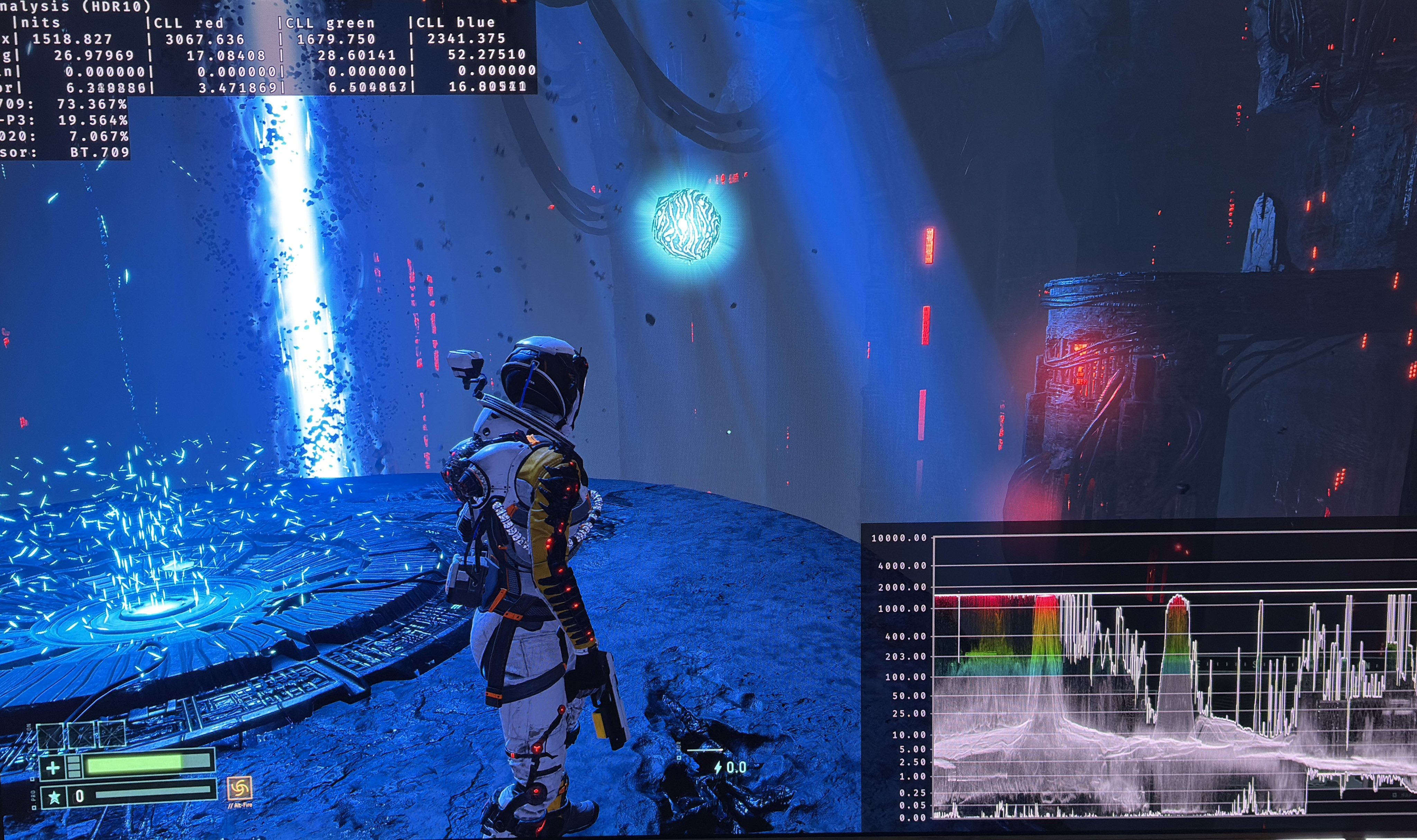
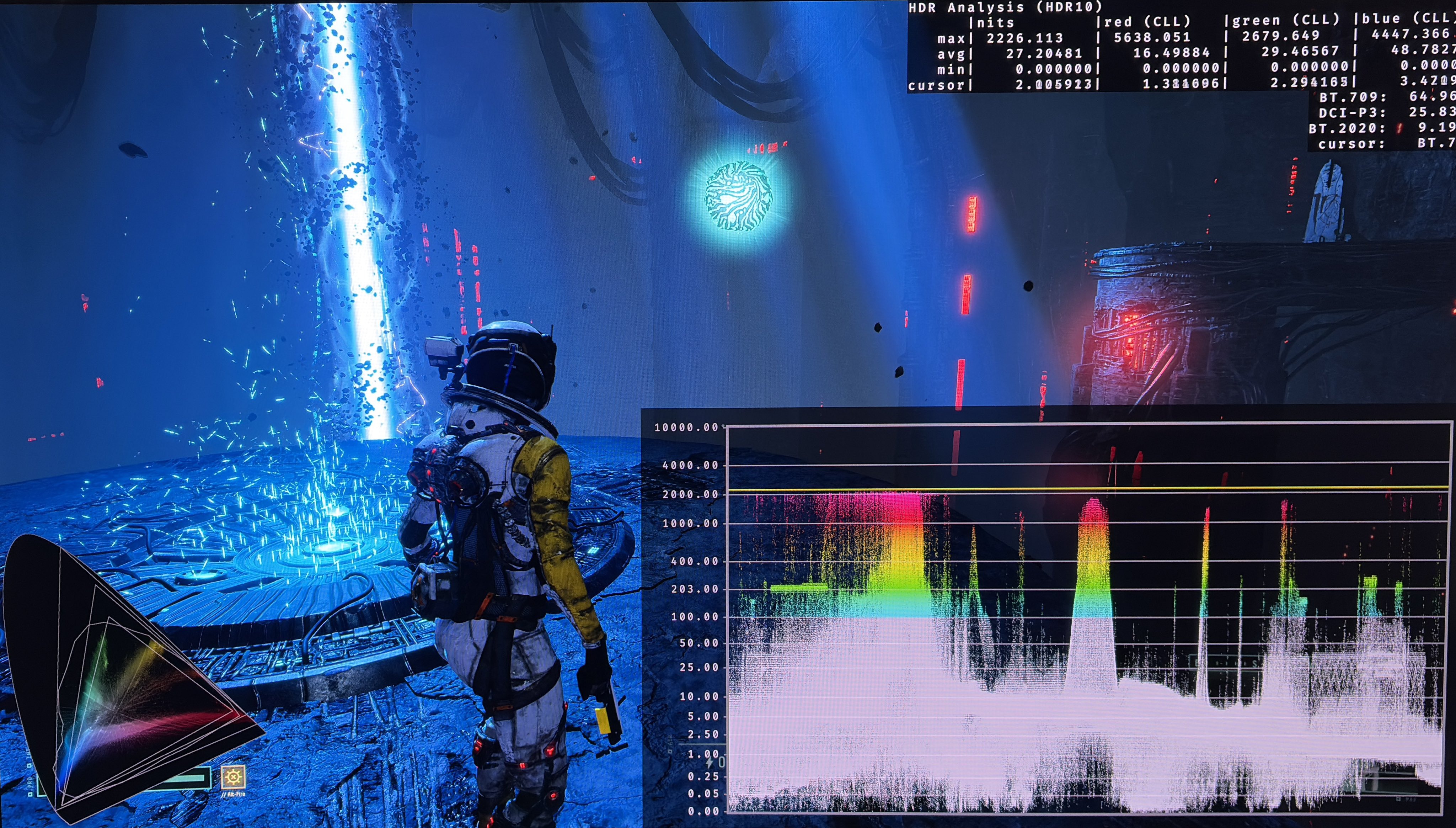
The only difference is that PC can not output higher than 1500 nits. See picture 1 where PC outputs 1500 nits and picture 2 where PS5 Pro outputs 2000 nits (both are set to output 2000 nits to my 2000 nits TV).
Particle effects hit the max luminance, and there are a lot of them, so HDR looks very impactful.
Black levels:
Black level floor and shadows are great on both PC and PS5 for those great 100% OLED blacks with great contrast. I would not change black levels using the brightness setting or contrast (only on PC).
Paper white:
Paper white looks to be around 203 nits. Many scenes are in dark areas, so the game will feel dark. But that's obviously on purpose to get the amazing contrast between particles and darkness
You can increase paper white by increasing the brightness slider, but it will also increases black levels, so it's not recommendable.
It's a great HDR implementation that will be great for most gamers (with TVs up to 1500 nits peak brightness).
For gamers like me with a 2000 nits TV, I would use HDR Fix adapt to increase peak brightness to 2000 nits from 1500 nits. It will also raise paper white with 100 nits and that's a nice bonus.
Returnal is an Unreal Engine 4 game, so PC gamers can also use the standard RenoDX HDR mod for UE4/5. I tried it, and couldn't get it to work.
Below I show it with HDR Fix Adapt.
2000 nits 1
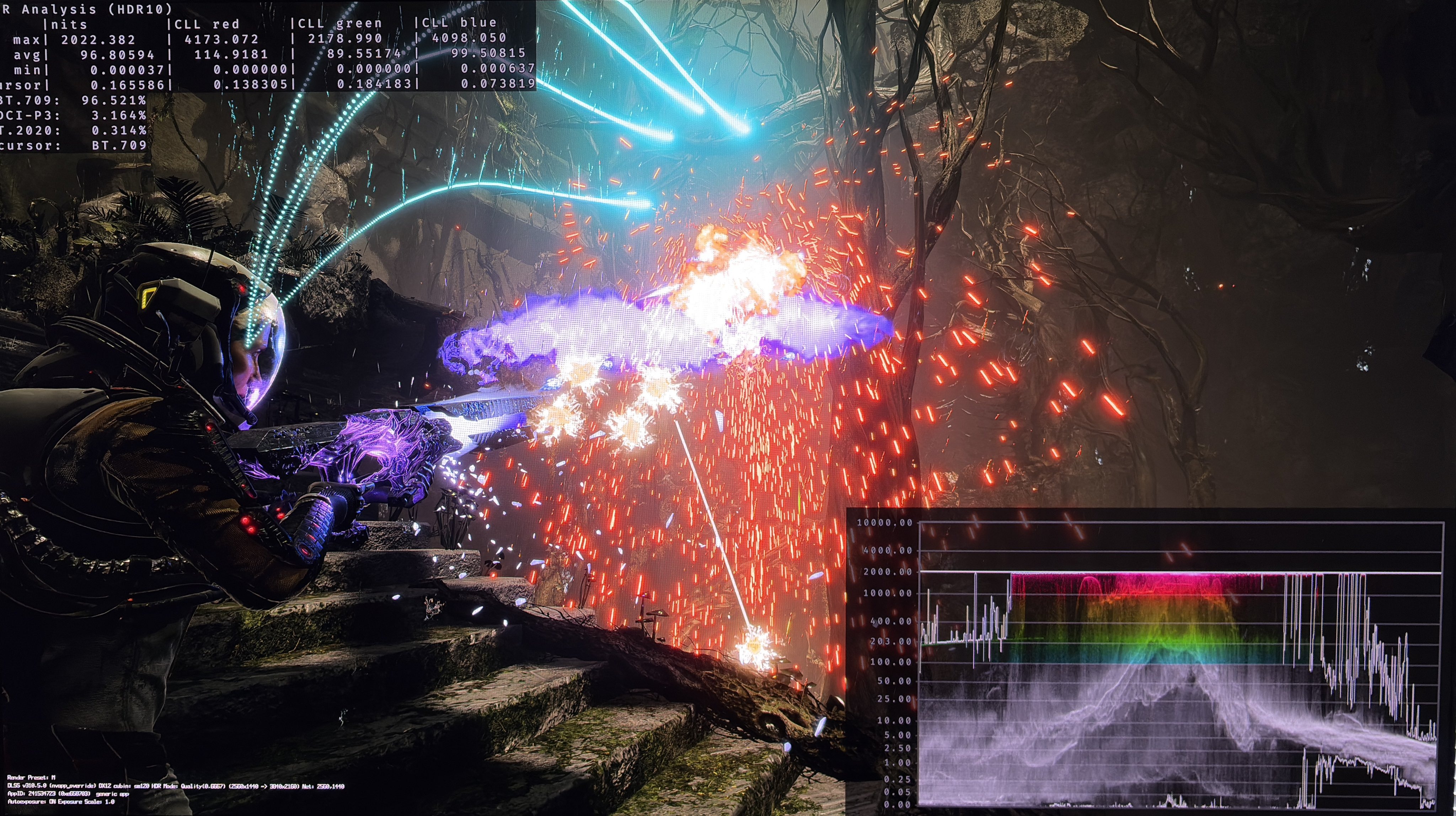
2000 nits 2