The Outer Worlds 2
January 2026
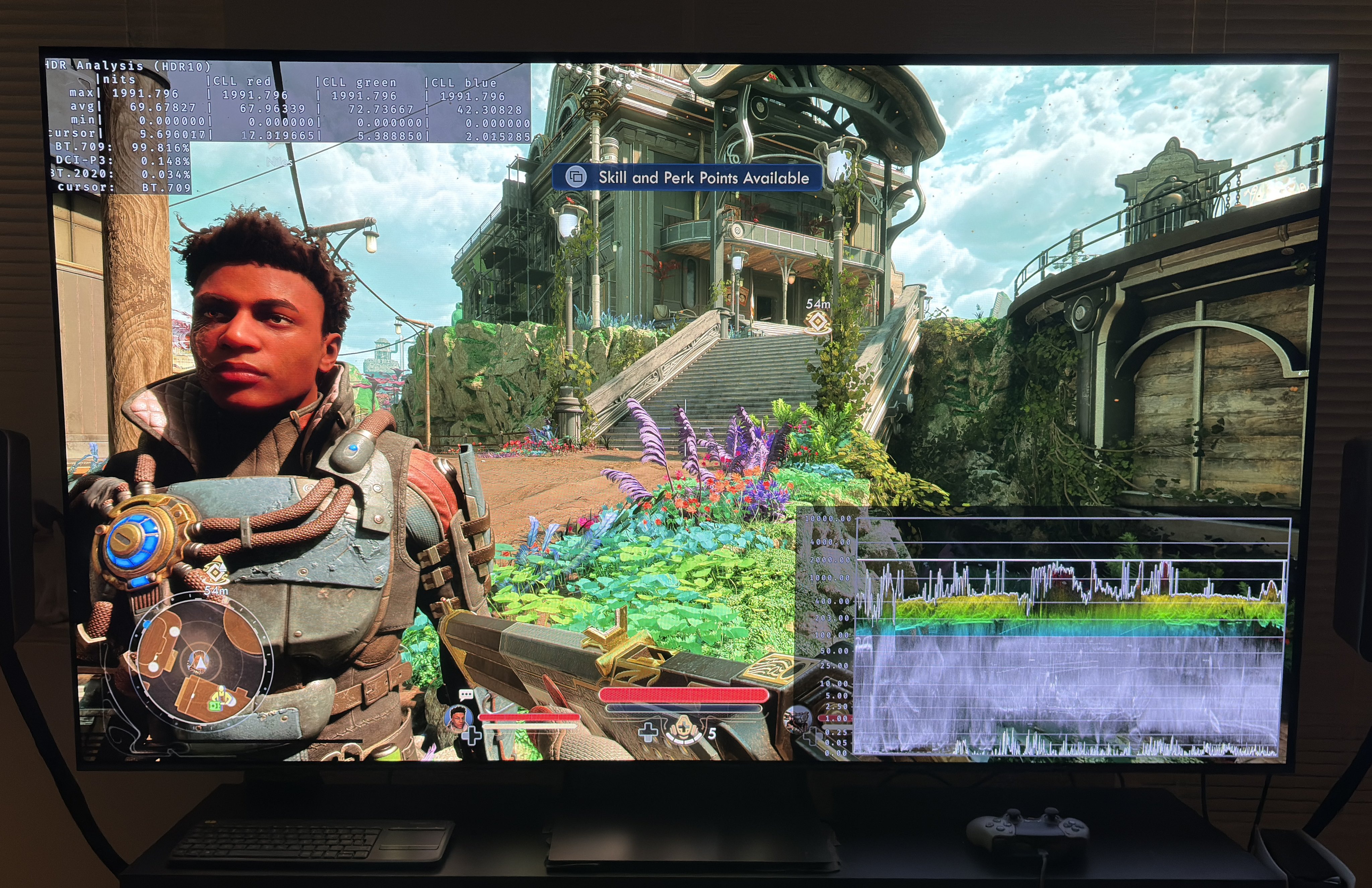
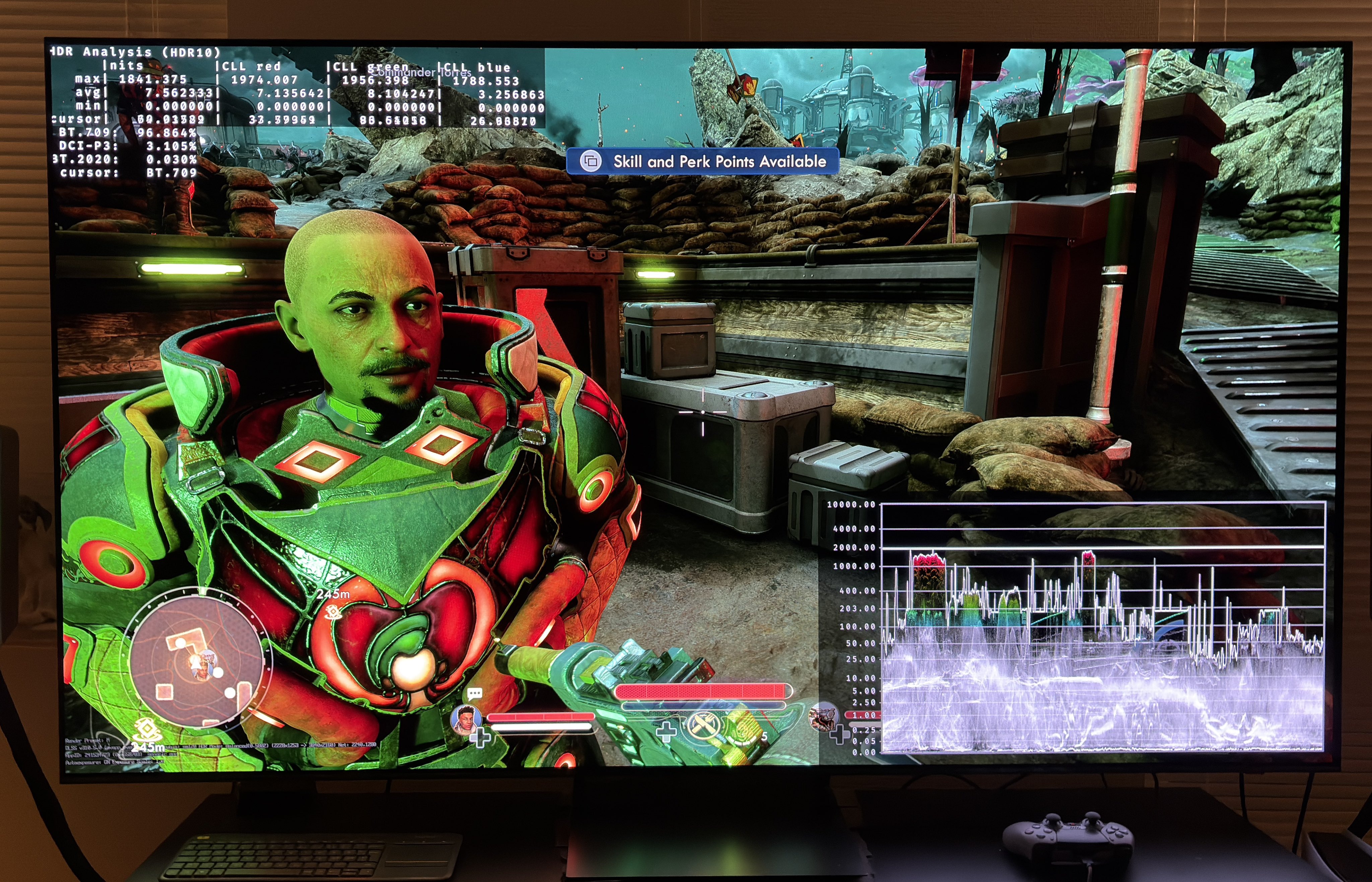
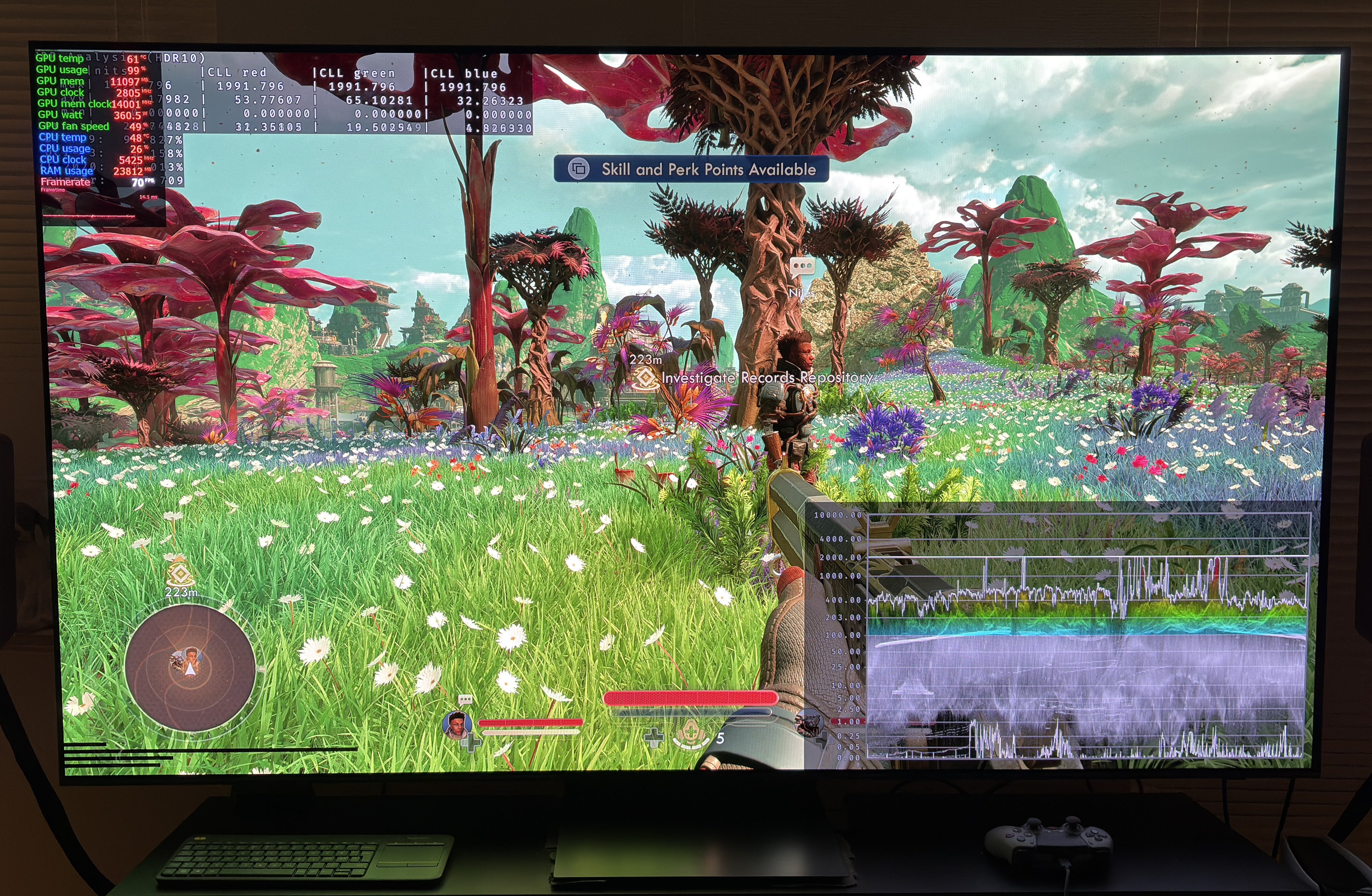
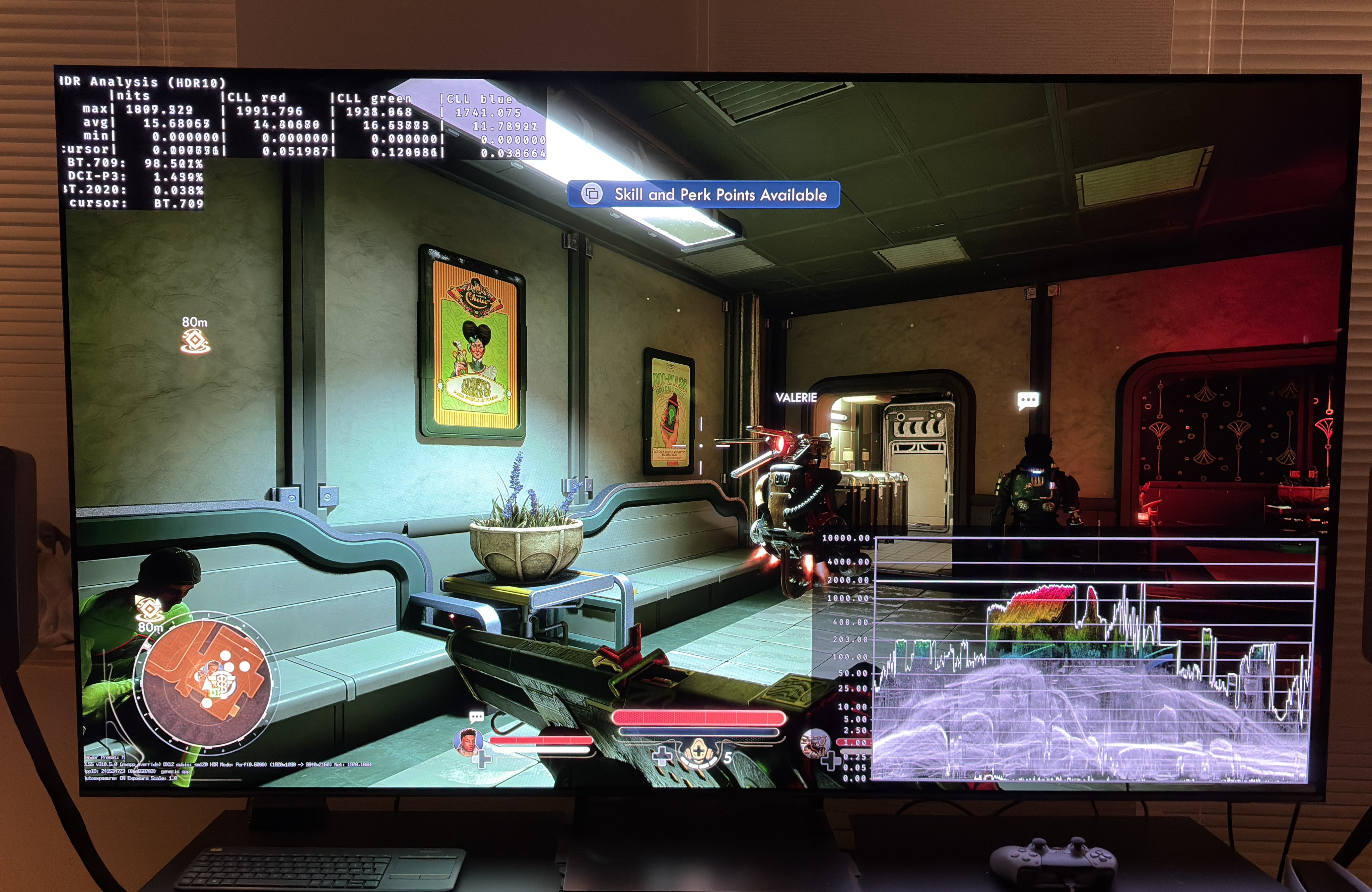
HDR analysis Outer Worlds 2 on PC.
It's an easy one to make, because there is a native RenoDX HDR mod.
This mod overrides the in-game HDR, so it makes no sense to look at the in-game HDR settings. Just use the RenoDX HDR mod.
I simply set my peak brightness to 2000 nits and paper white (game brightness) to 343 nits.
We get perfect black levels, paper white, peak brightness and HDR tone mapping.
I really like all the saturated colors the game uses. It also uses a lot of P3 HDR colors, so that's great.
I don't have the game on console.