Where The Wind Meets
HDR analysis Where The Wind Meets on PC and PS5 Pro.
There is now official HDR support on both PC and PS5 Pro.
HDR is implemented the same way on PC and PS5.
In-game settings:
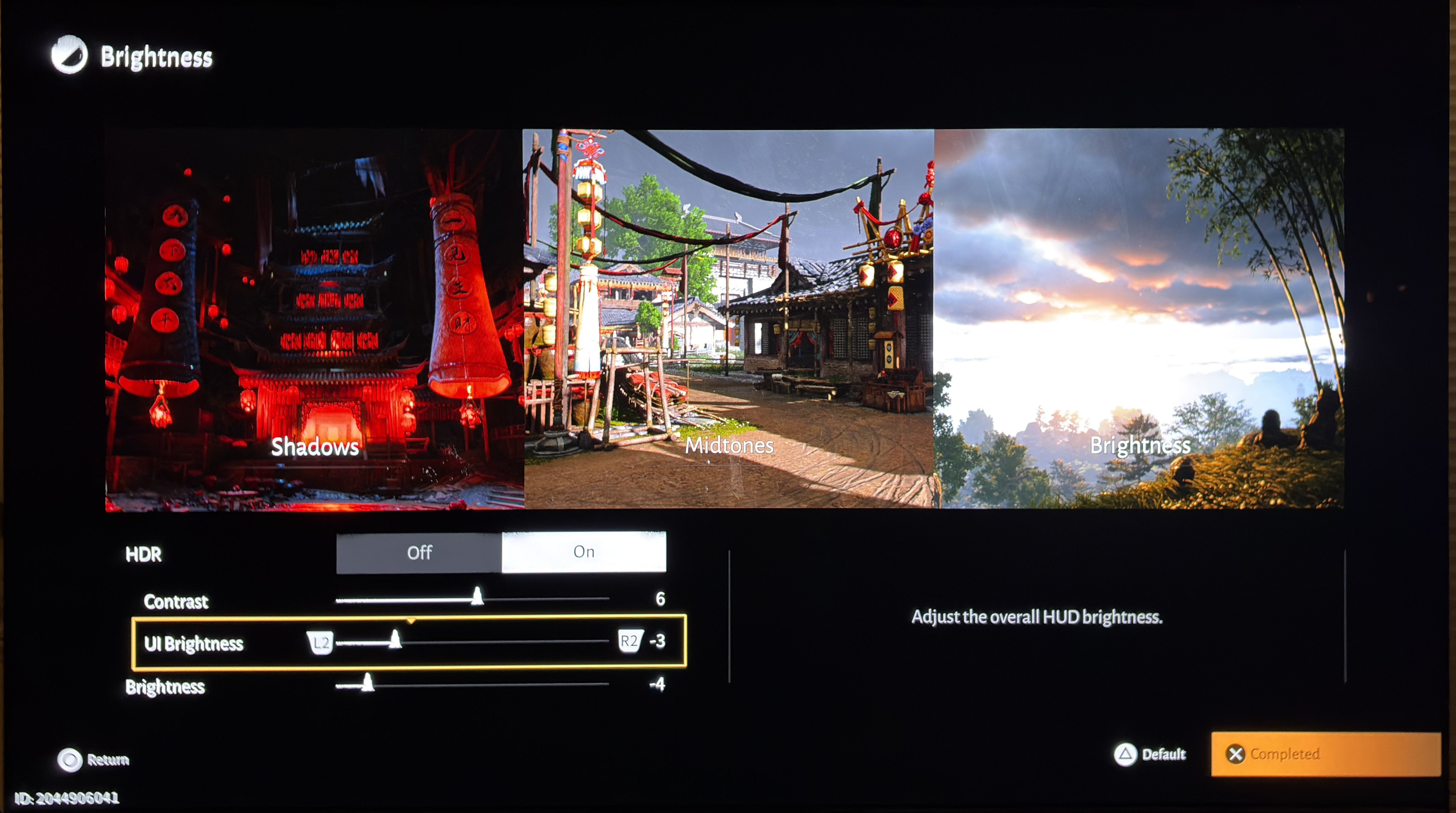
In picture 1 we can see the settings we have in-game. Contrast adjust max luminance, brightness lowers midtones, shadows and black level floor.
Max Luminance:
You adjust max luminance on the contrast slider (not much granularity);
- 5 = 650 nits
- 6 = 1000 nits
- 7 = 1550 nits
- 8 = 2400 nits
Black levels:
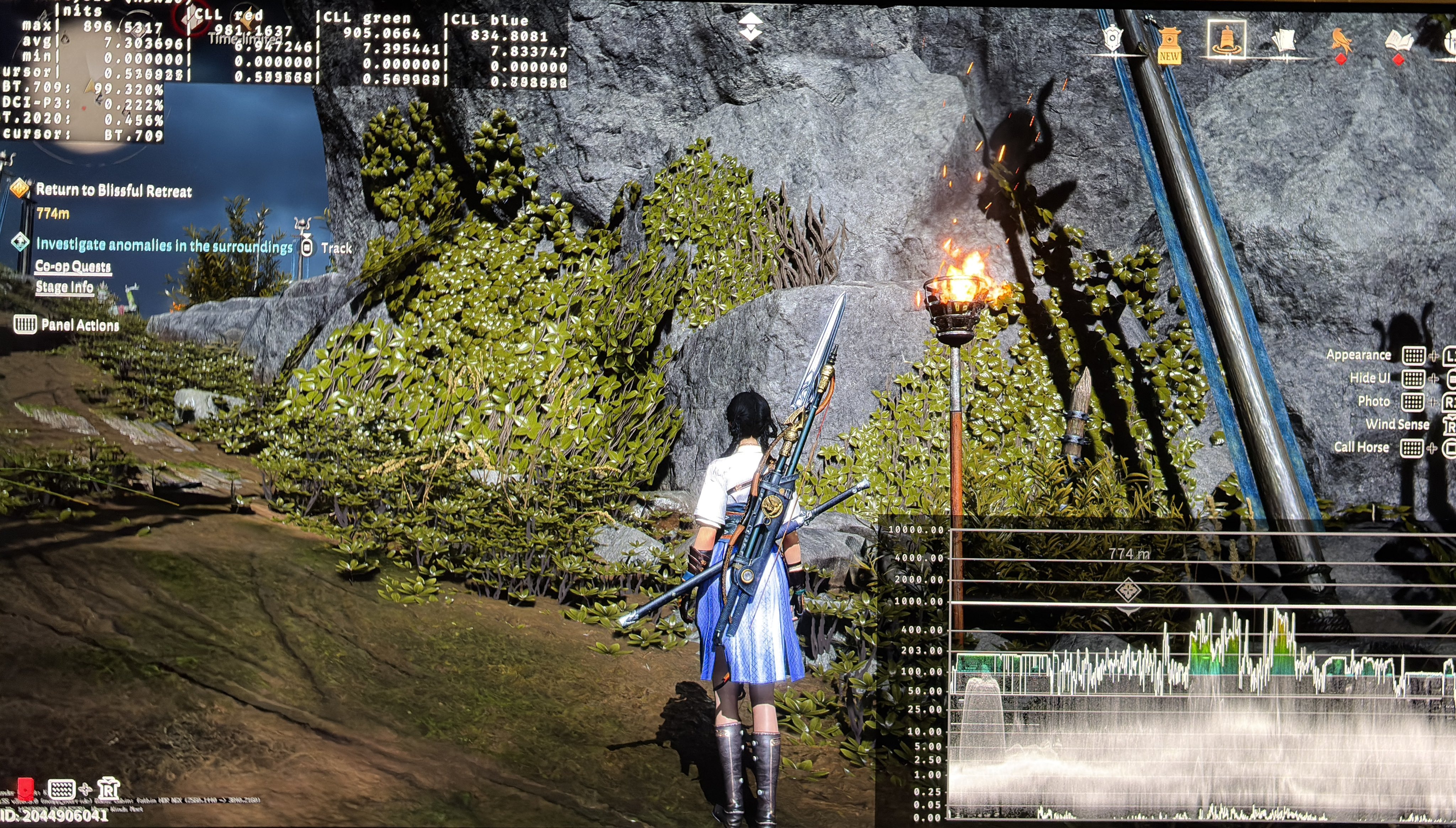
At standard setting zero, there is a massive black levels raise. You need to lower it to -4 to get a good black level floor. I just think many will feel the shadows get too dark and the game will look too dim overall. So try it out for yourself.
Paper white:
It's a dim looking game when looking in the other direction than the Sun. Lowering brightness to fix black levels will make it even more dim. Try out what you prefer.
PS5:
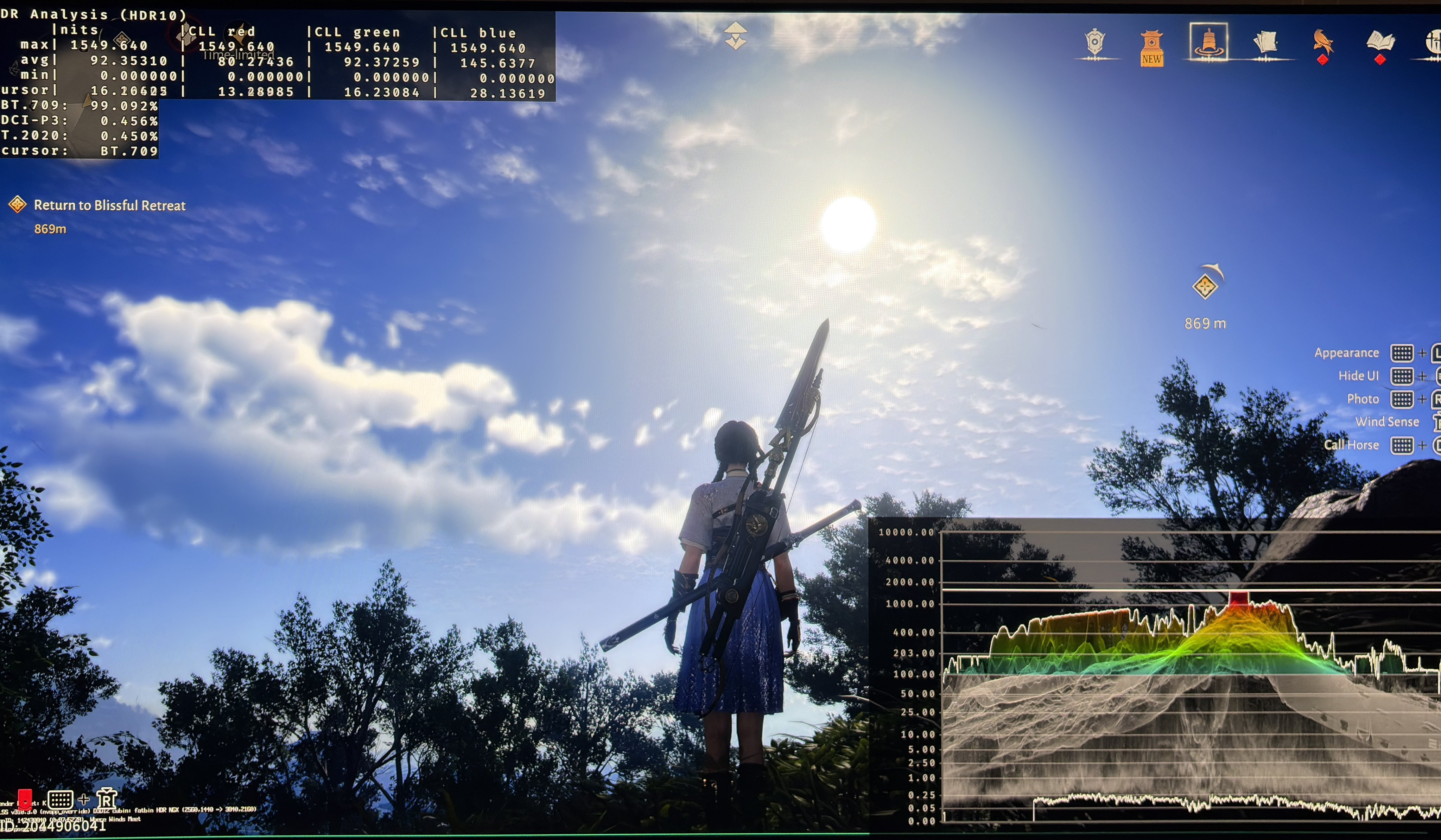
I would try and lower brightness to -4 to get good black level floor and then use Dynamic Tone Mapping on the TV to increase midtone brightness.
See picture 2 for the in-game settings I would use on a 1000 nits display if getting rid of the black level floor raise was most important.
PC:
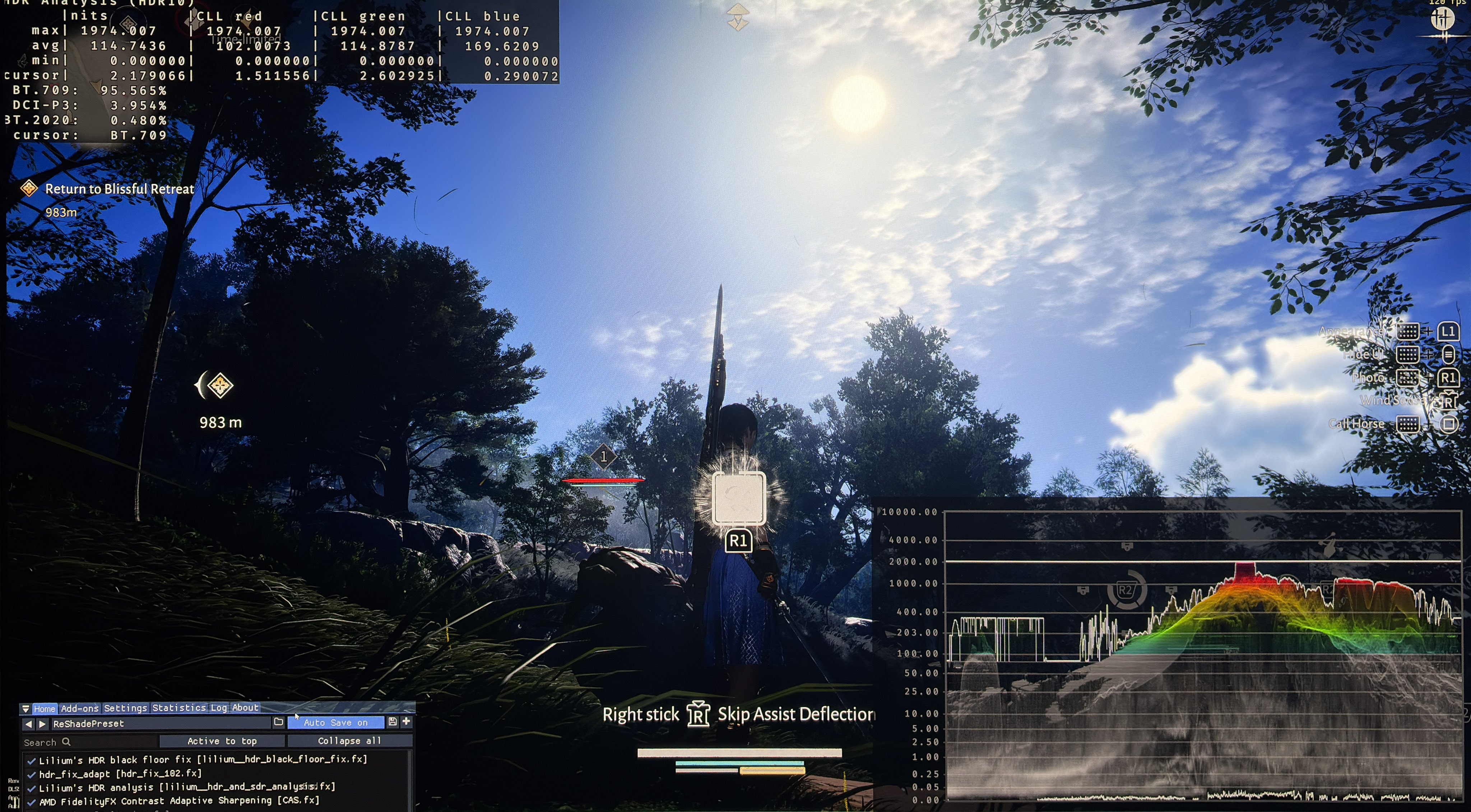
Here we can fine tune HDR using reshade tools. It's an Unreal Engine 4 game, so we can use the standard RenoDX HDR mod. I didn't try that. I instead use HDR fix adapt and Reshade to increase brightness from 1000 to 2000 nits and to increase paper white with 100%. We can use Lilliums Black Floor Fix in combination with the in-game brightness slider to fix the black level raise while keeping brightness at an acceptable level.
It's a strange HDR implementation, with strange settings (maybe they were not translated properly from Chinese).