Windrose
HDR in #Windrose on PC.
The game supports HDR.
The game only has "HDR on" and "HDR off" as options in the in-game settings. And some adjustments of overall brightness.
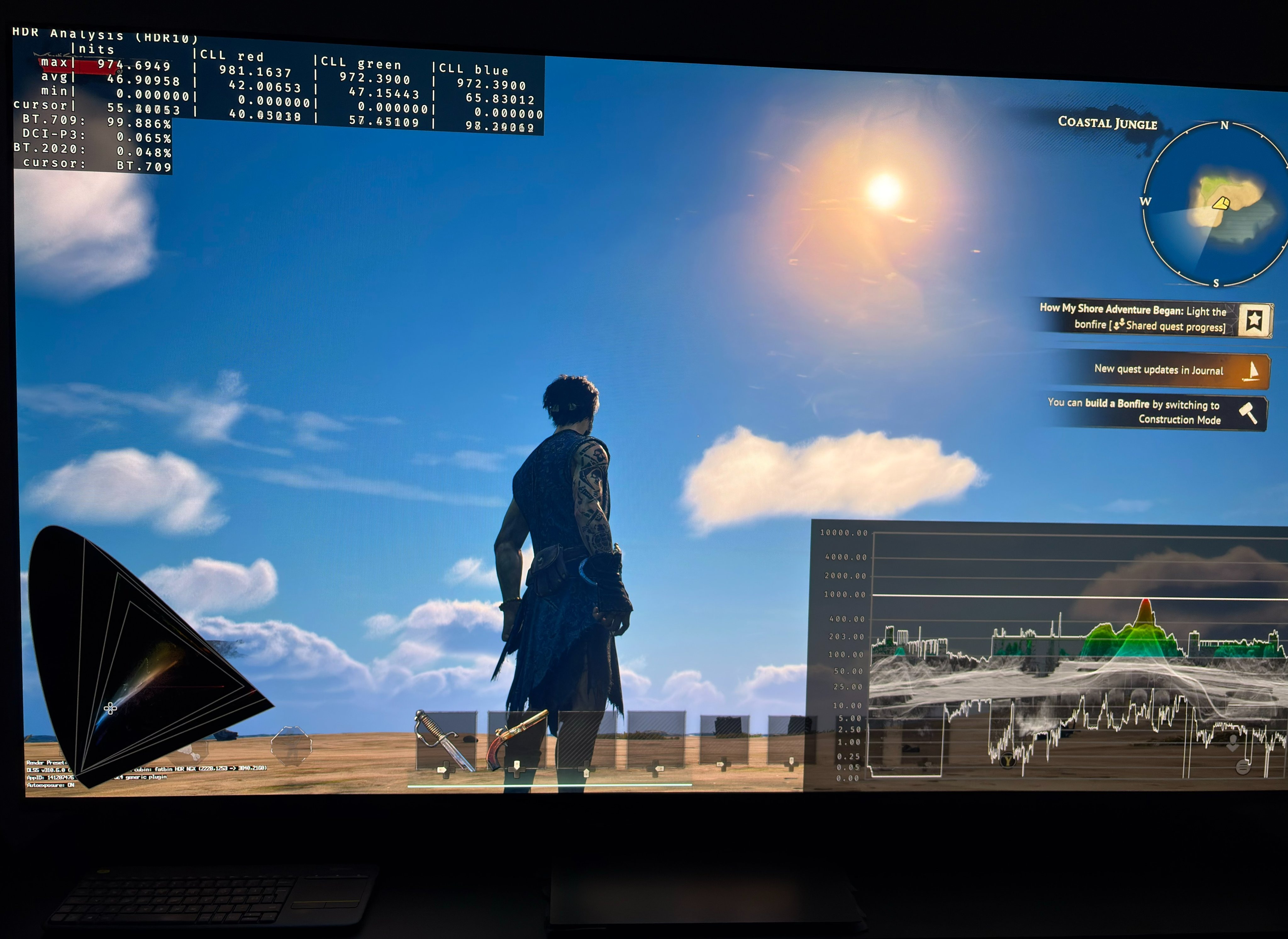
When turning on HDR it enables the standard Unreal Engine HDR.
That means a fixed 1000 nits output, with no way of adjusting it in-game. See picture 3.
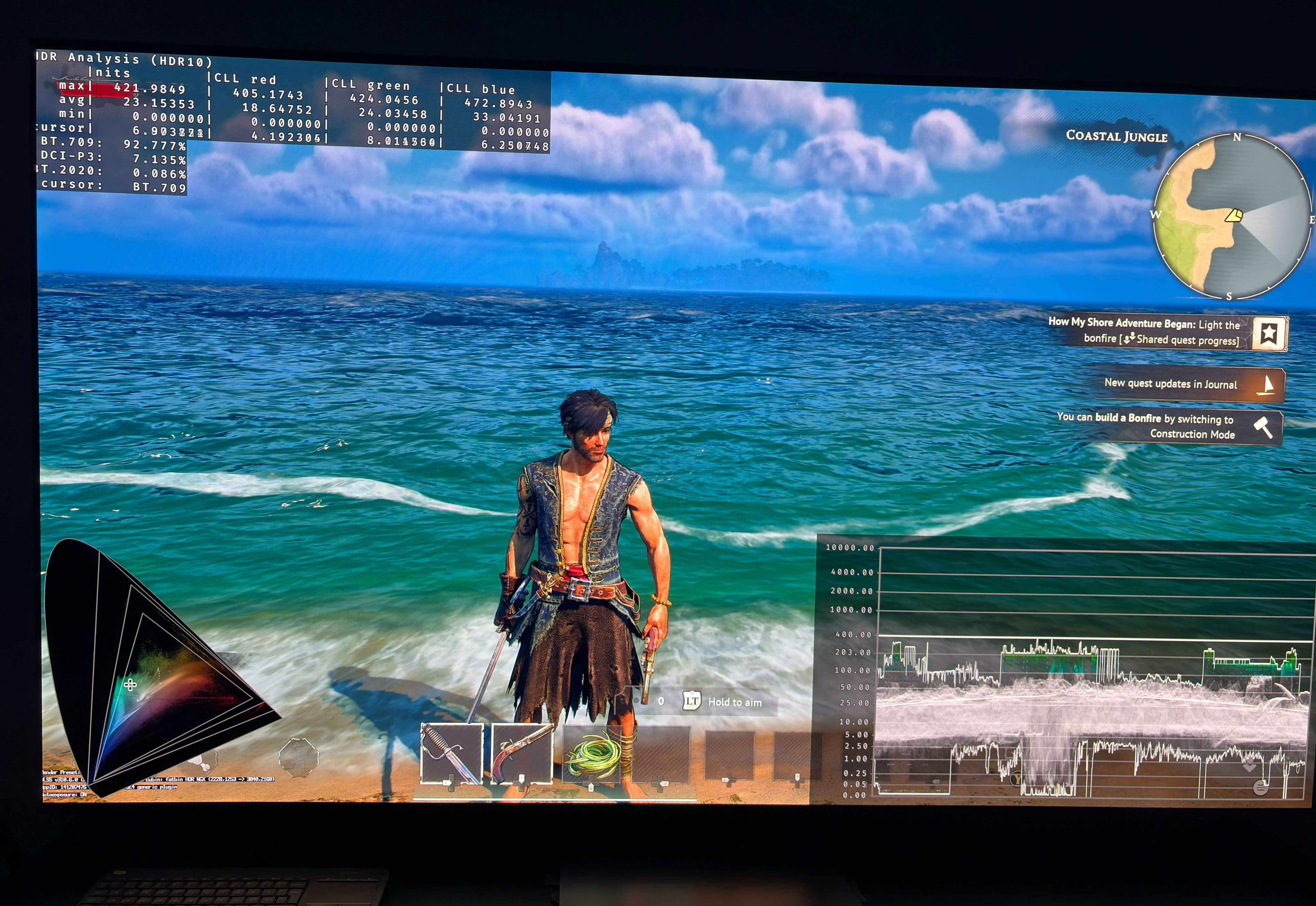
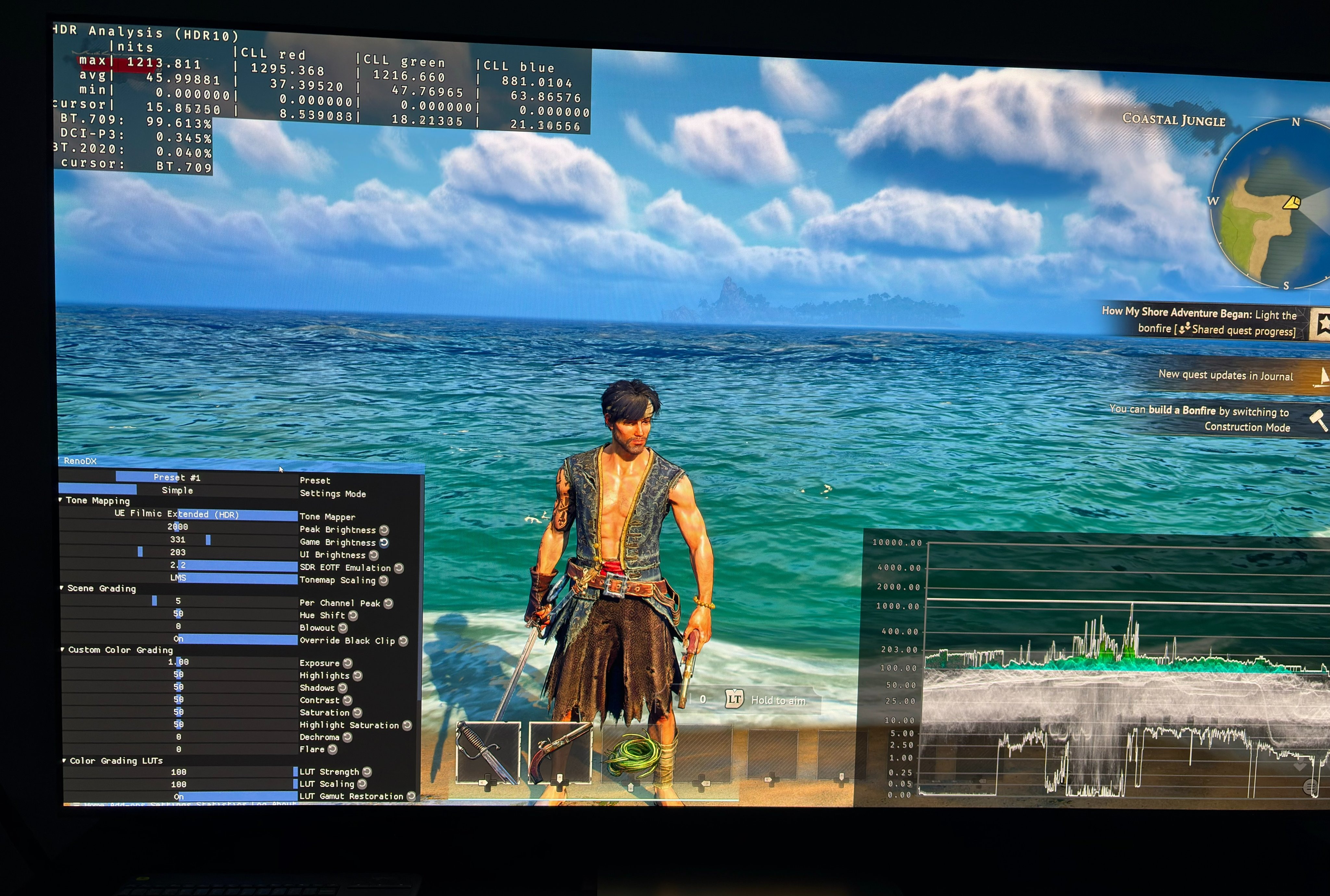
It also means HDR won't use the color filters (luts) that is used in SDR. So you won't get to experience how the artists have colored the game. Picture 1 is with in-game HDR and picture 2 is with RenoDX.
I recommend using the RenoDX Multi-Game mod.
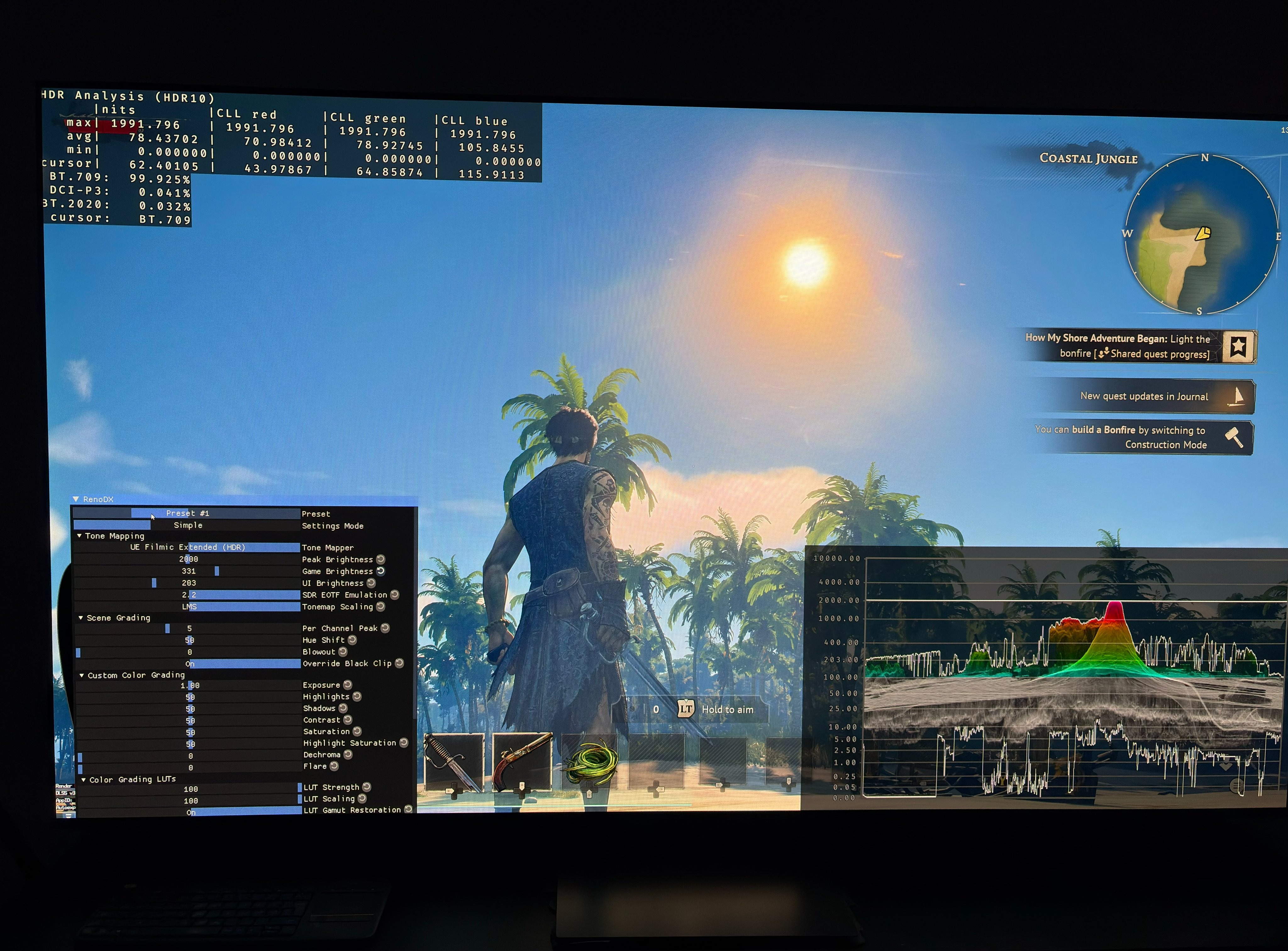
In picture four you see 2000 nits and 330 nits paper white for my 2000 nits OLED TV using RenoDX.
Install http://Reshade.me with full add-on support and get the renodx-ue-extended.addon64 file from the RenoDX discord server (search for it in the search function) and put it in the same place as the exe file.
It's important it's the extended.addon64 file, and not the standard Multi-Game mod.
Turn HDR off in-game, when using RenoDX.