GTA V Enhanced
HDR analysis and setup guide for GTA V Enhanced (Story mode) for PC, SX/SS and PS5.
There is HDR support for PS5 and SX/SS, but not for PC.
However, the HDR implementation on consoles does not look like a native HDR implementation, unfortunately.
The best HDR is on PC when using the RenoDX HDR mod, while the console HDR underwhelms.
Consoles (SX/SS/PS5/PS5 Pro):
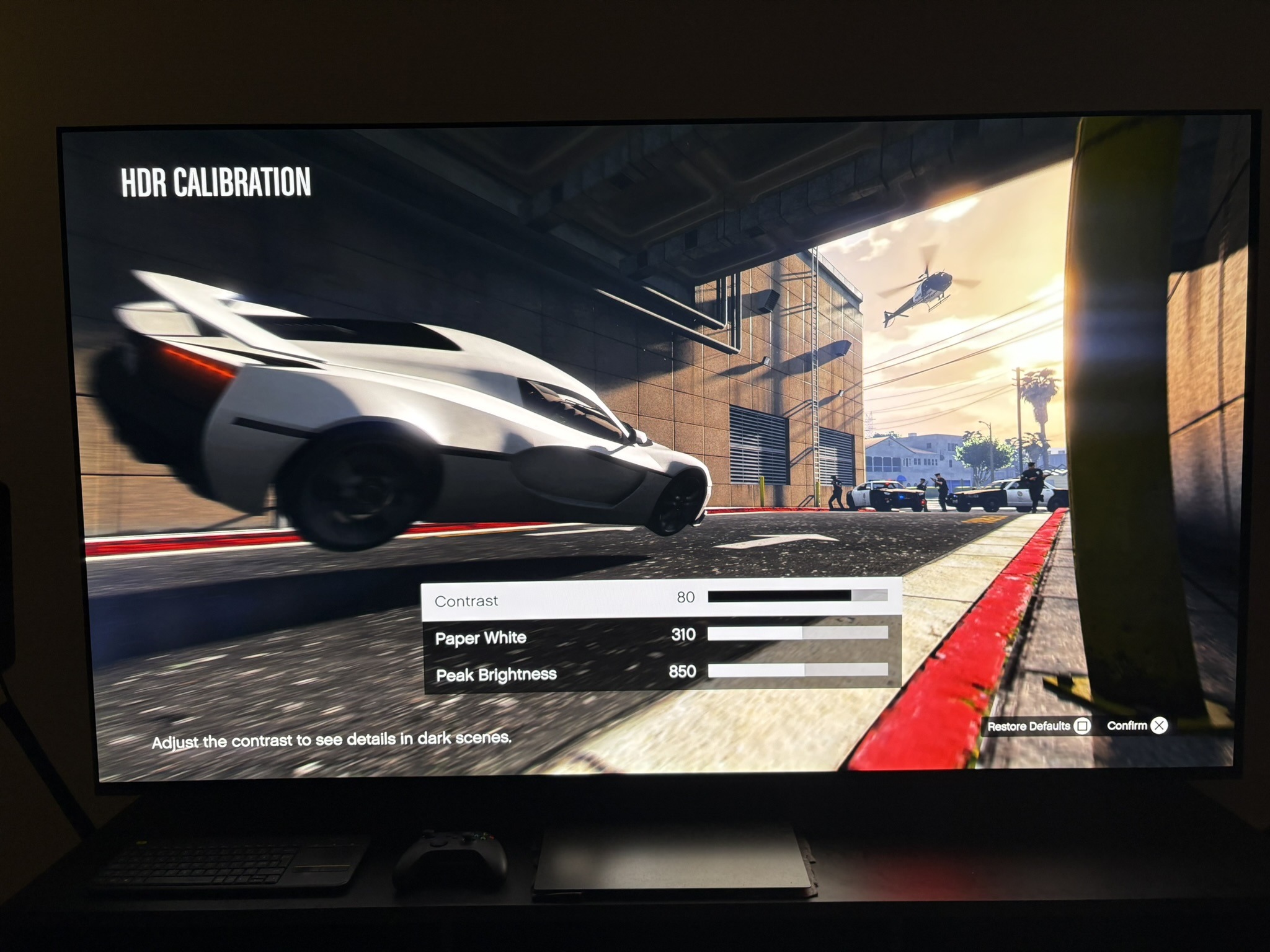
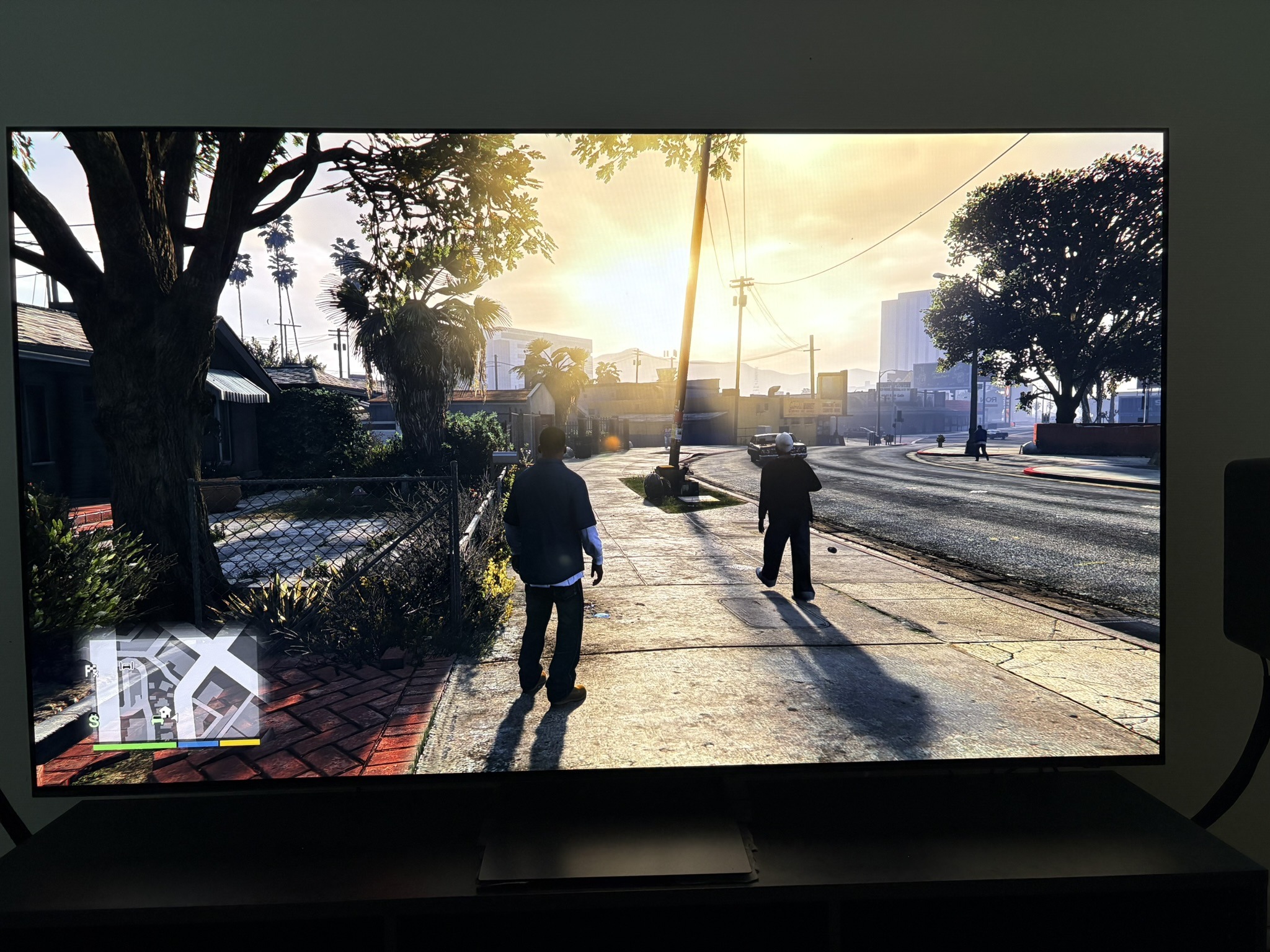
The console version has in-game HDR sliders for contrast, paper white, and peak brightness (up to 1500 nits) - see in-game HDR settings in picture 2.
So on paper it looks like a full HDR implementation. In practice, it doesn't behave like one.
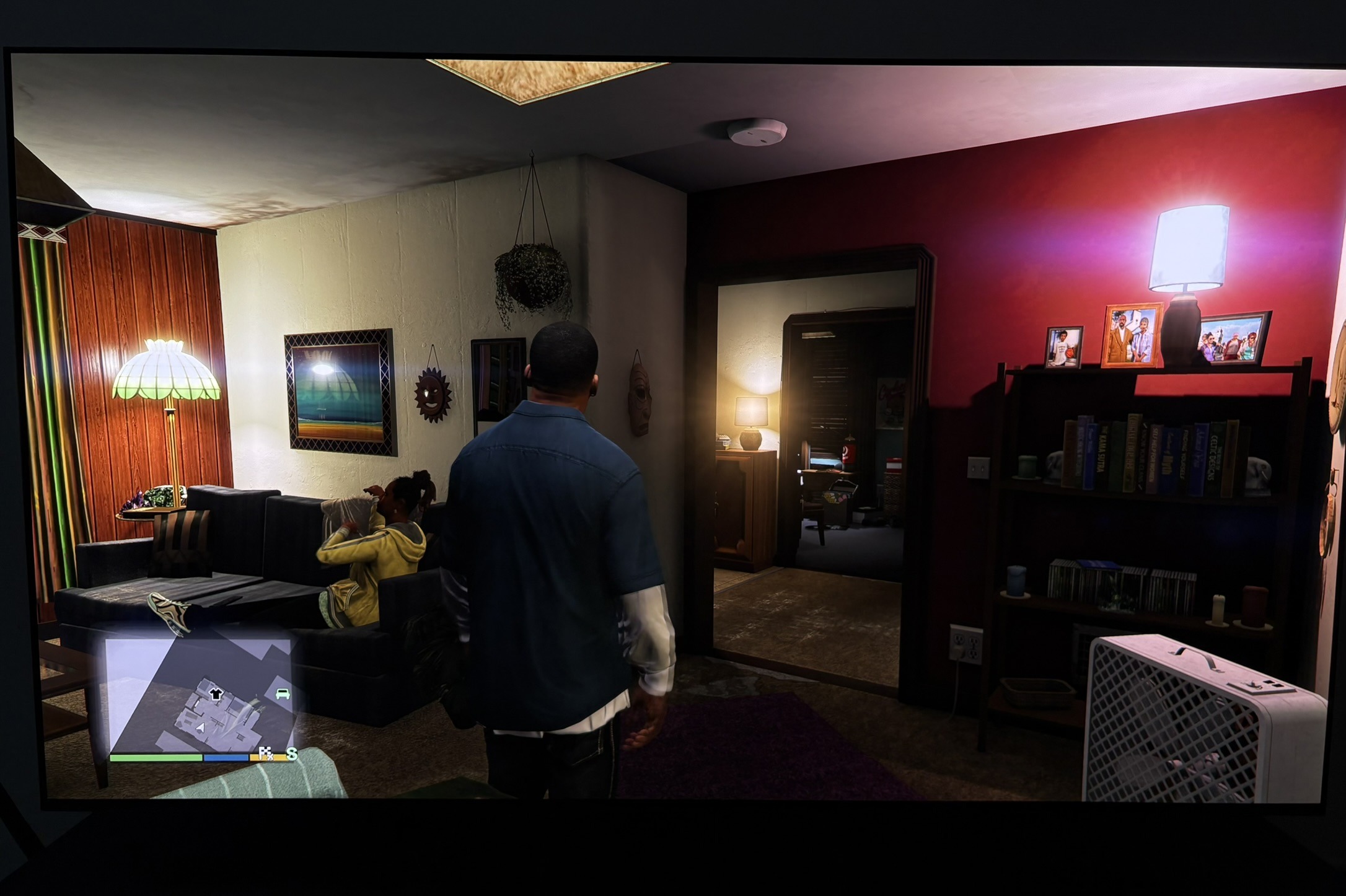
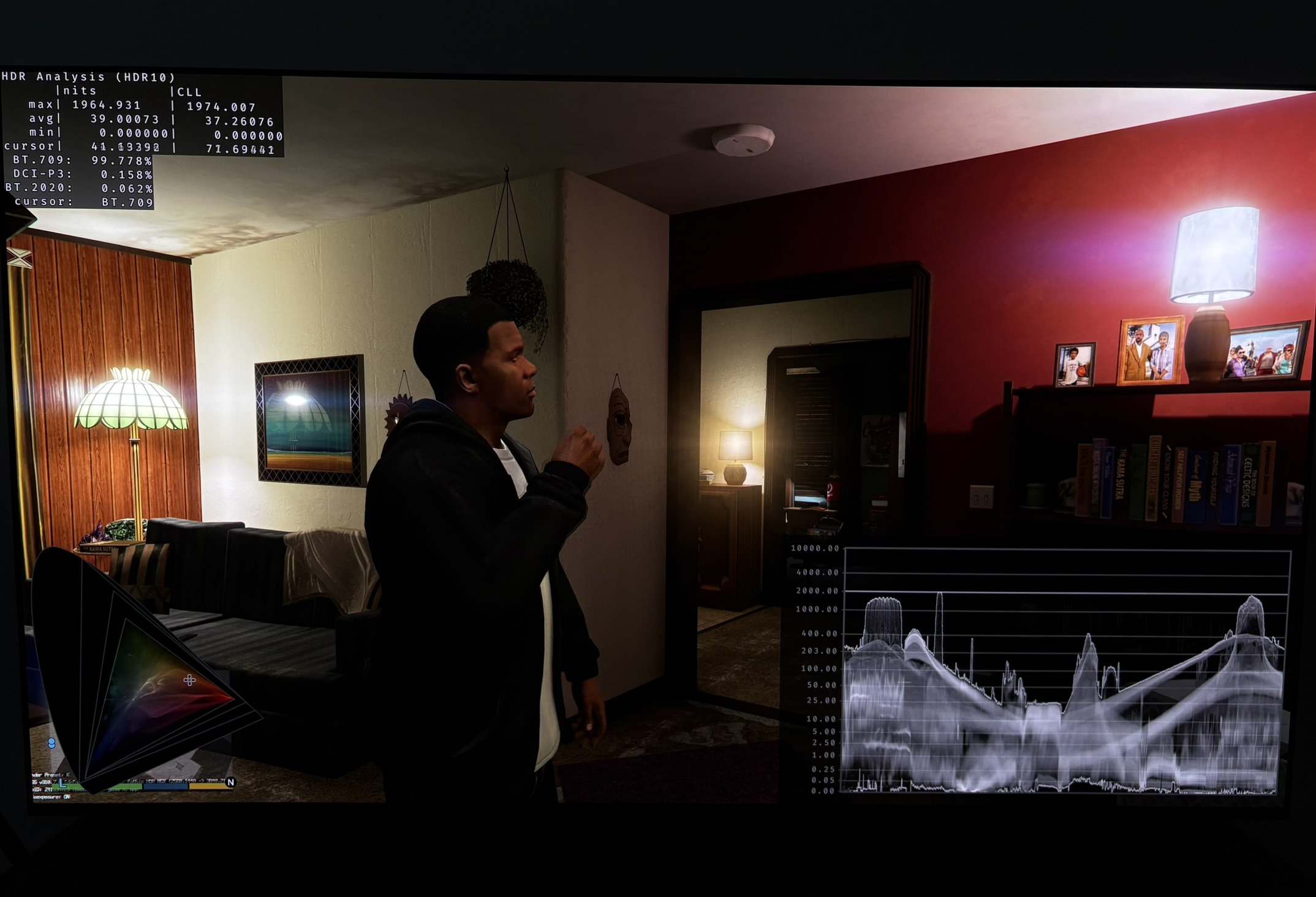
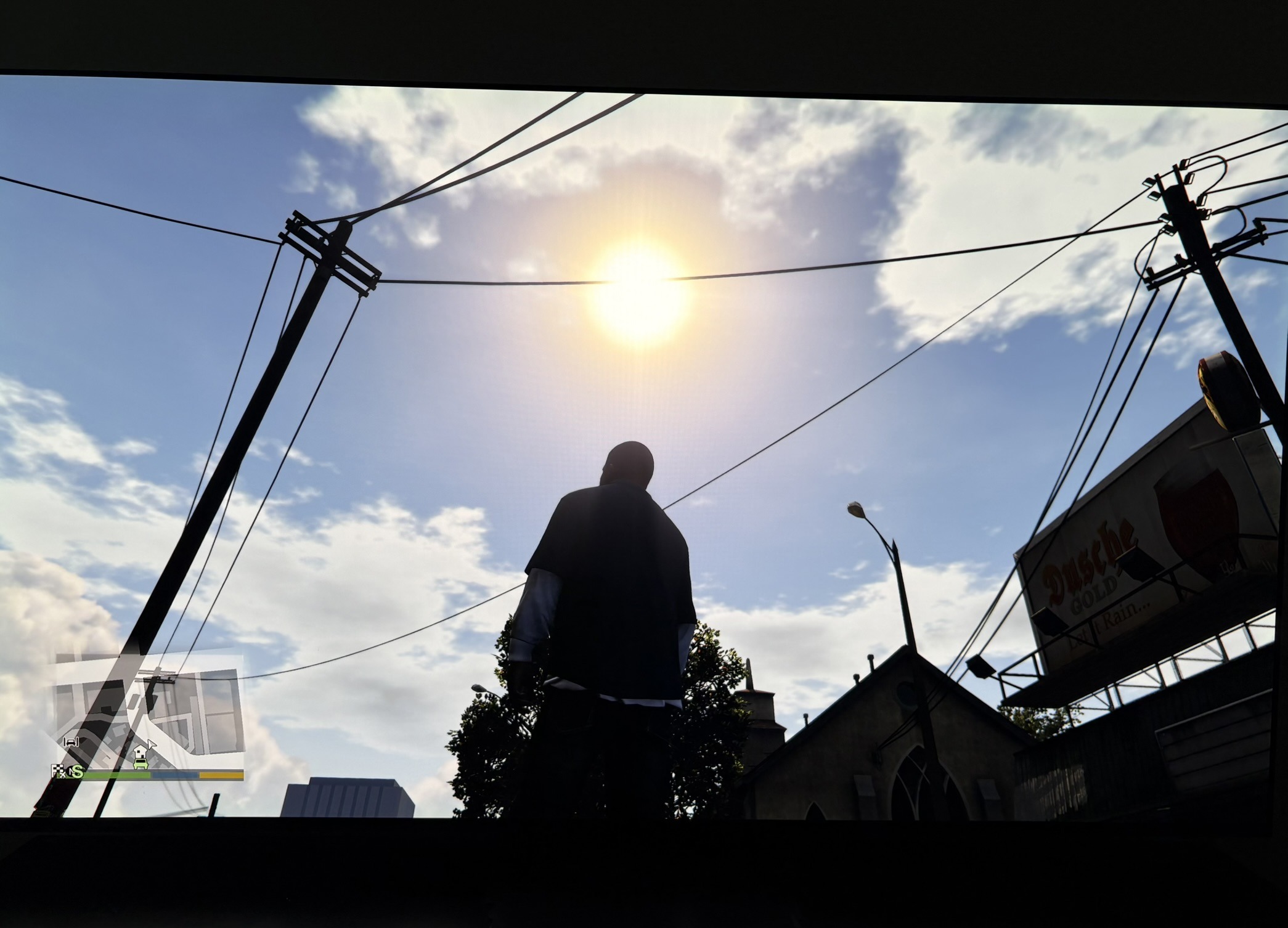
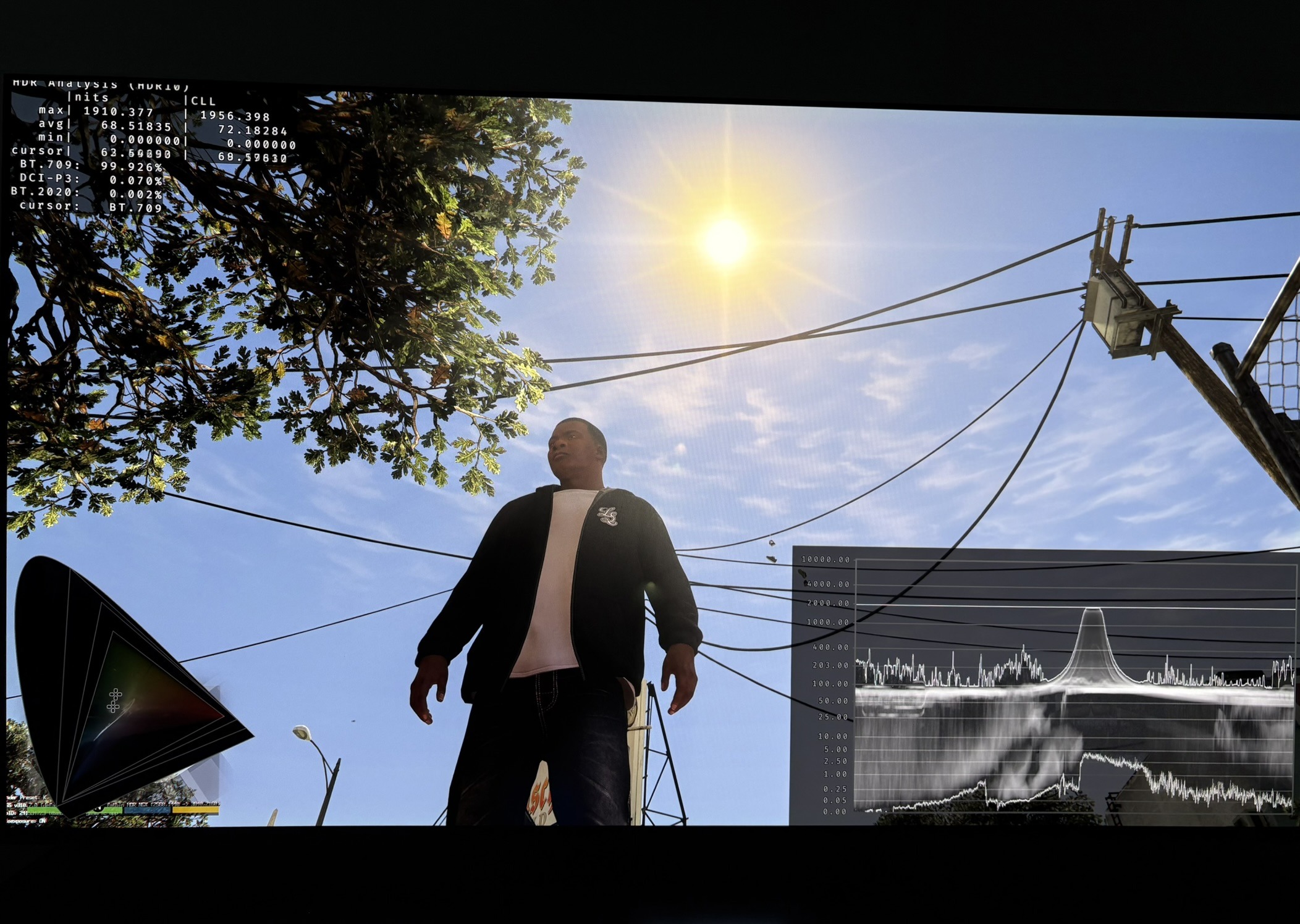
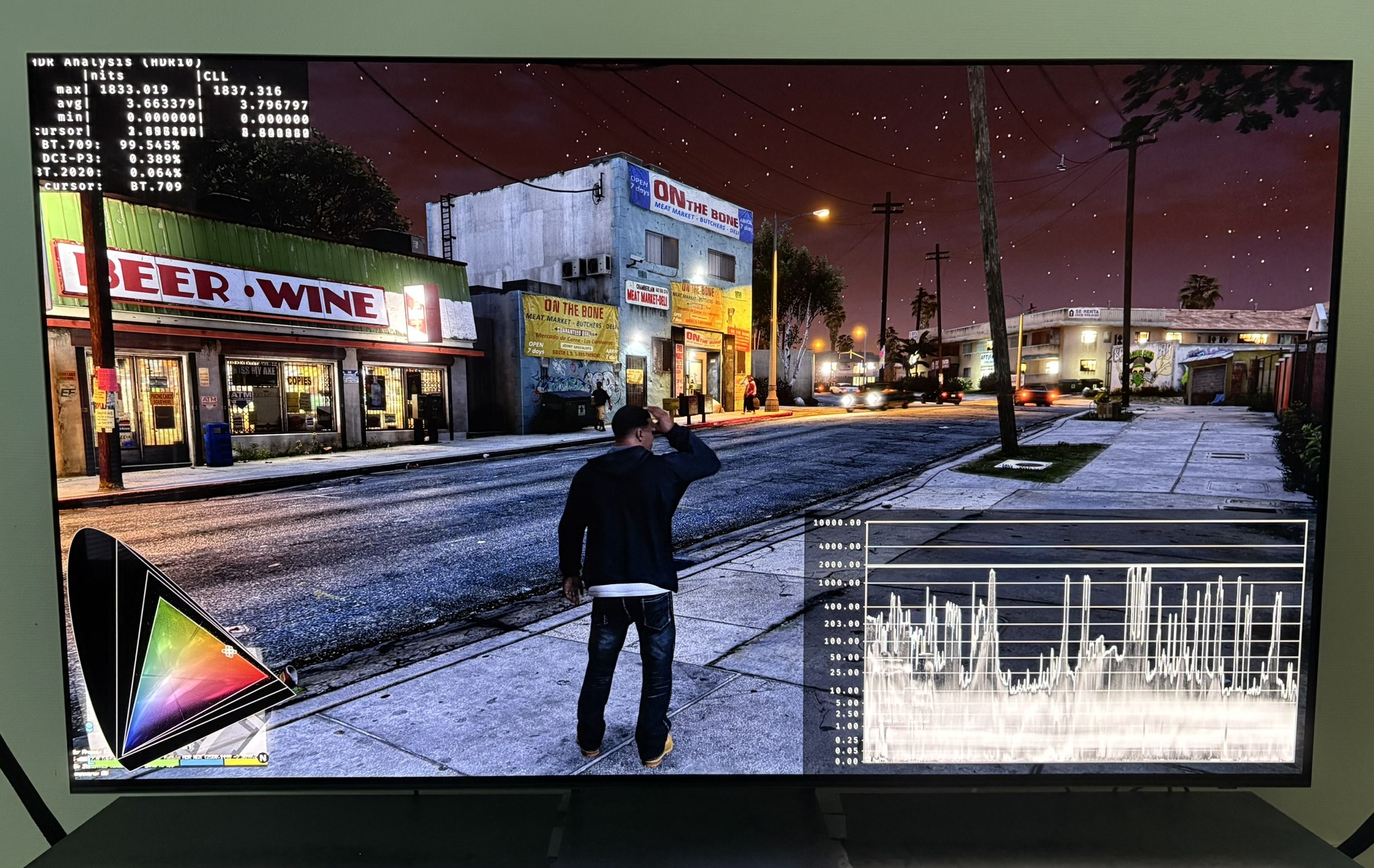
The clearest problem is in the highlights. Bright objects and light sources look exactly in HDR like they do in SDR — just brighter. No extra detail comes back. In a proper HDR presentation, highlights that blow out in SDR should reveal more detail in HDR. Here they don't; they're just pushed harder. In picture 3 and 4 you can see more detail in especially the right lamp using RenoDX.
On top of that the midtones and upper midtones are lifted, which makes the whole image look harsh and unnatural — almost "deep fried."
The behavior is consistent with a non-native, expansion-based HDR implementation, such as inverse tone mapping.
Peak brightness behaves roughly as expected, lifting the brightest sources and upper midtones. Paper white lifts almost the entire image rather than mainly the midtones. The contrast slider mostly darkens the shadows and midtones.
Recommendation:
My recommendation is to consider playing in SDR - SDR looks the most natural. If you want to stay in HDR, lower both paper white to around 200 and peak brightness to around 800 to take the edge off the over-expansion — this won't bring back highlight detail that isn't there, but it makes the image less harsh. I recommend this for everyone - even those with high nits displays (1500+ nits).
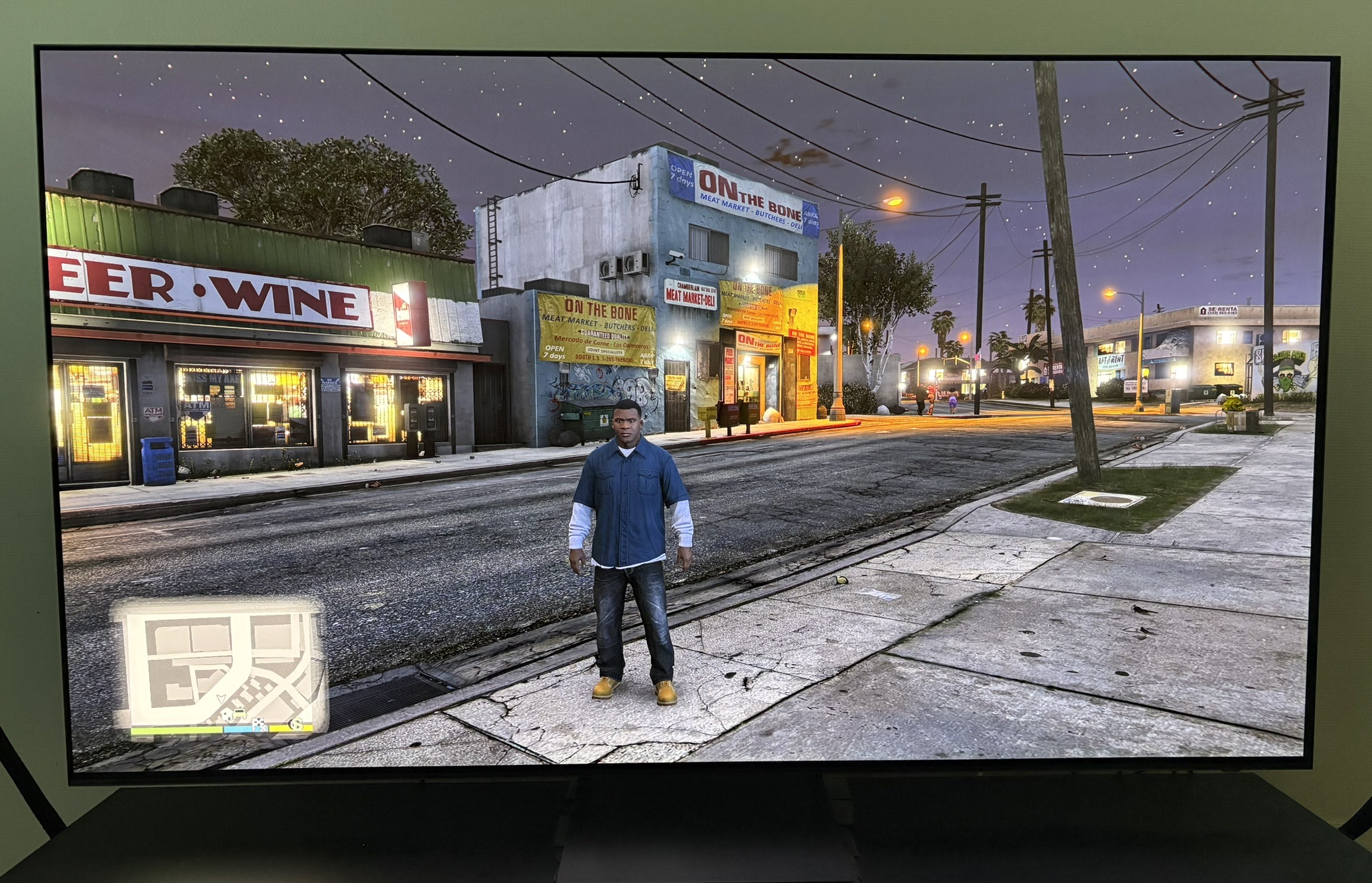
Lowering the paper white brings another benefit. I think the games shadows are too lifted. It makes the night scenes look too bright. Lowering paper white helps with this. If you want nights to look even darker then also lower contrast a bit.
PC:
The PC version (GTA V Enhanced) has no HDR. It outputs SDR only.
I recommend to use the RenoDX HDR mod when playing in Story Mode. RenoDX can't be used in online mode due to anti-cheat software. Here you can use RTX HDR or Auto HDR. It will not look worse than HDR on consoles.
RenoDX gives us a true and natural looking HDR implementation. It gives us a proper HDR tone mapped image with great looking dark nights, midtones that don't look harsh and highlights with restored detail.
And we can independently adjust shadows, paper white and peak brightness (up to 4000 nits).
Below I show more pictures of detail being restored in highlights compared to consoles HDR. I also show how much darker nights look when using RenoDX.