Marvel Rivals
HDR analysis Marvel Rival's on PC and PS5 Pro.
The game has no HDR support on PC or PS5 Pro.
There is no way to fix this on PS5 Pro.
On PC we have several options.
1) Auto HDR
I tried Auto HDR in Windows 11. It didn't work.
2) Engine.ini files
It's an Unreal Engine 5 game, so we can try and engage HDR via the engine.ini files. I tried that and it didn't work.
3) RTX HDR
It should work, but I didn't try it. It usually do. The problem with RTX HDR (and Auto HDR) is that they only make SDR into HDR after the game has output SDR. So we don't get more detail in bright areas. They are still as flat and without detail as in SDR in brighter high-lights. It's typical to see a bright sky with almost no detail. That's the typical sign of RTX HDR or Auto HDR being used.
4) RenoDX HDR mod
There is no native RenoDX mod for this game. But there is a standard RenoDX mod for all Unreal Engine 4 and 5 games. It can be found here.
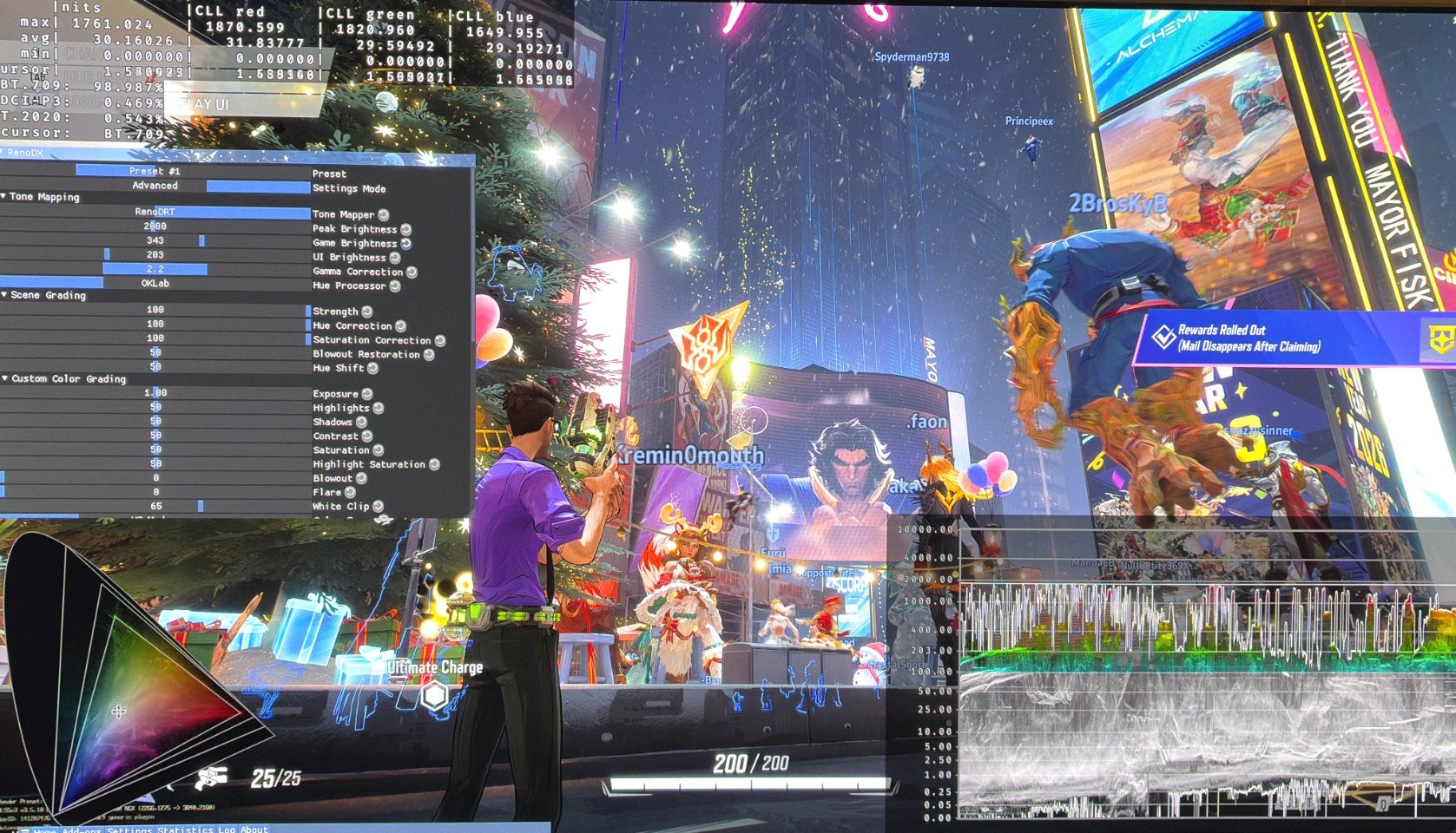
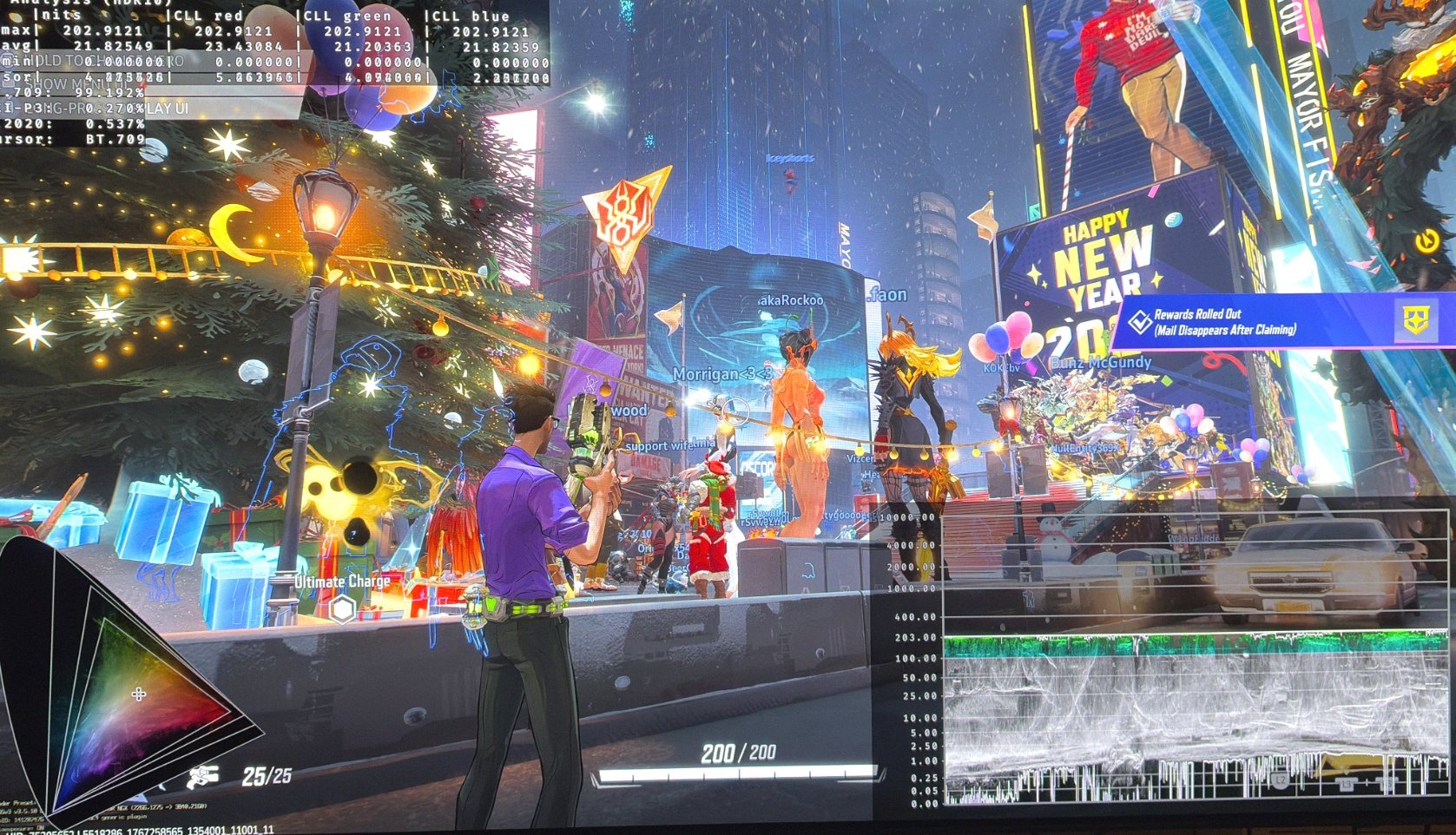
I tried the standard RenoDX HDR mod and it works just fine. We get great native HDR. RenoDX implements native HDR on the game level, so the game natively outputs HDR. It's not SDR it outputs. So we get extra detail in bright highlights compared to RTX HDR.
It looks great with great colors and bright high-lights with detail.
Picture 1 and 2 are with the RenoDX HDR mod. Look at the amazing bright highlights and black levels on the HDR diagram in right corner.
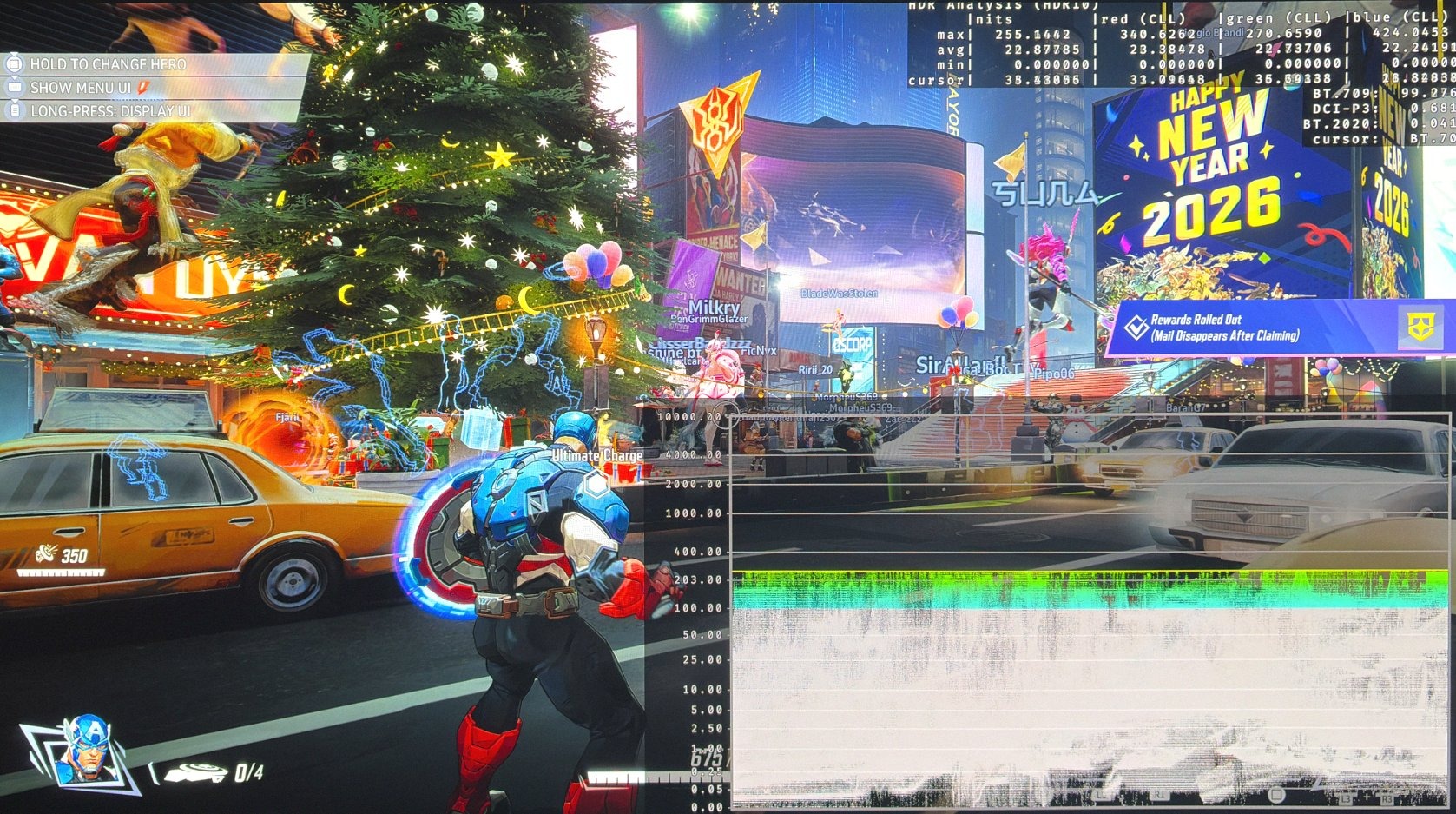
Picture 3 is SDR on PC.
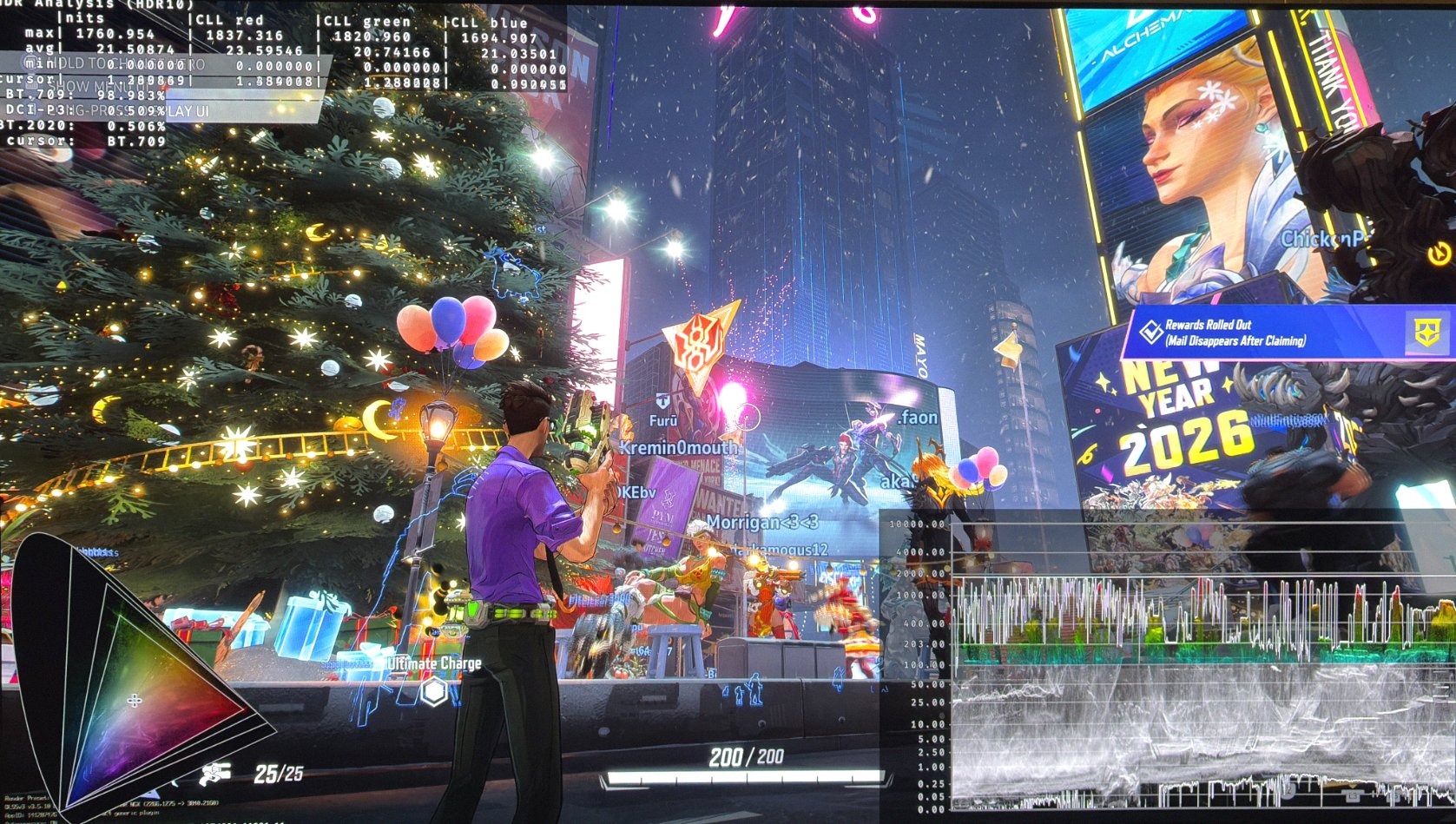
Picture 4 is SDR on PS5 (with HDR engaged on PS5s system level).