Starfield – PC / Xbox
HDR analysis Starfield on PC (and Xbox).
Starfield does not support native HDR on PC or Xbox. The game only outputs SDR.
On Xbox it automatically turns on Auto HDR.
On PC you can use Windows Auto HDR, RTX HDR or many other solutions. However, there is a RenoDX HDR mod, that gets us native HDR (game will output HDR), so use that on PC, as always.
I use Auto HDR to illustrate the issues you will have on Xbox and RenoDX to show how we can enjoy HDR on PC.
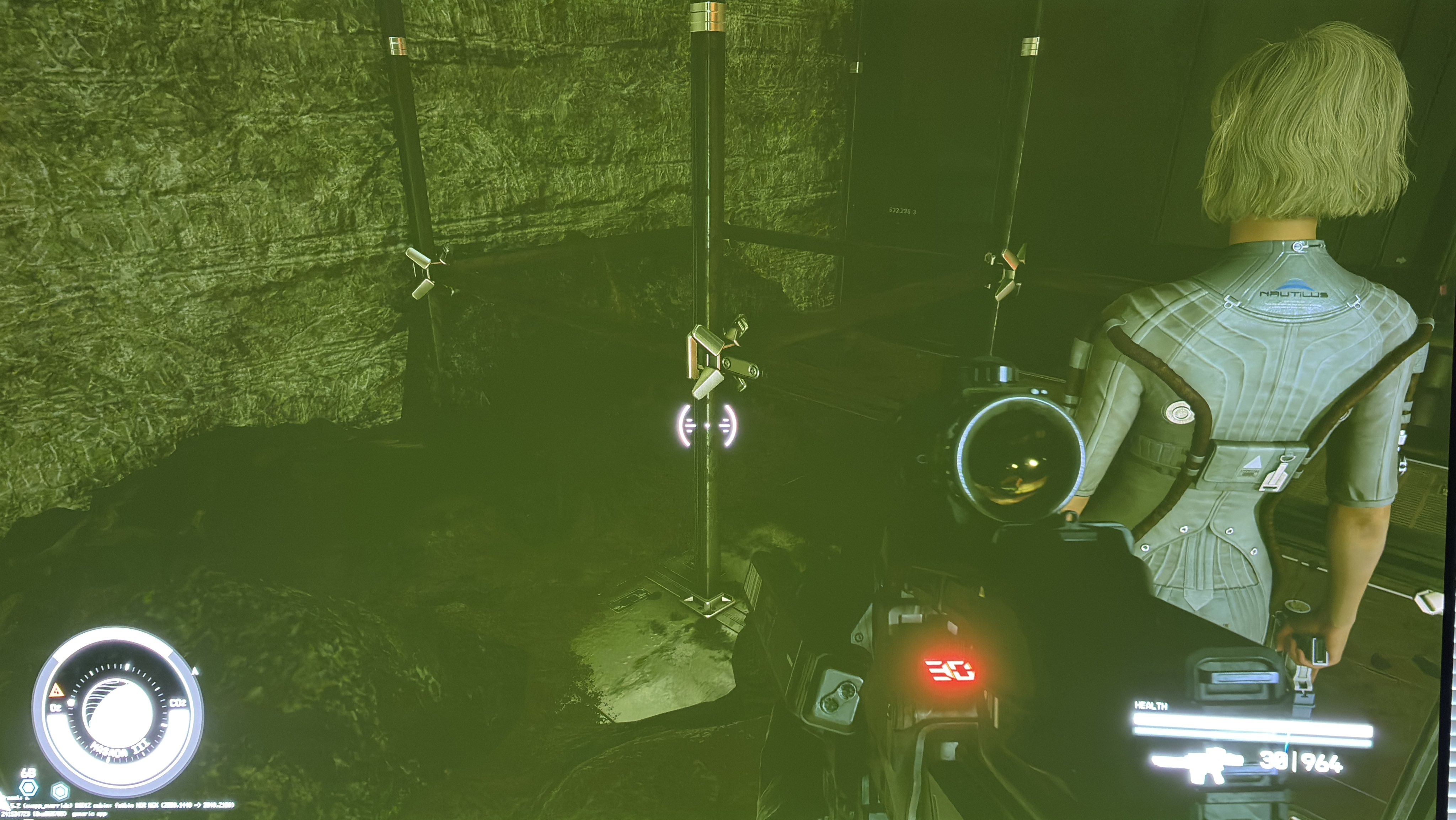
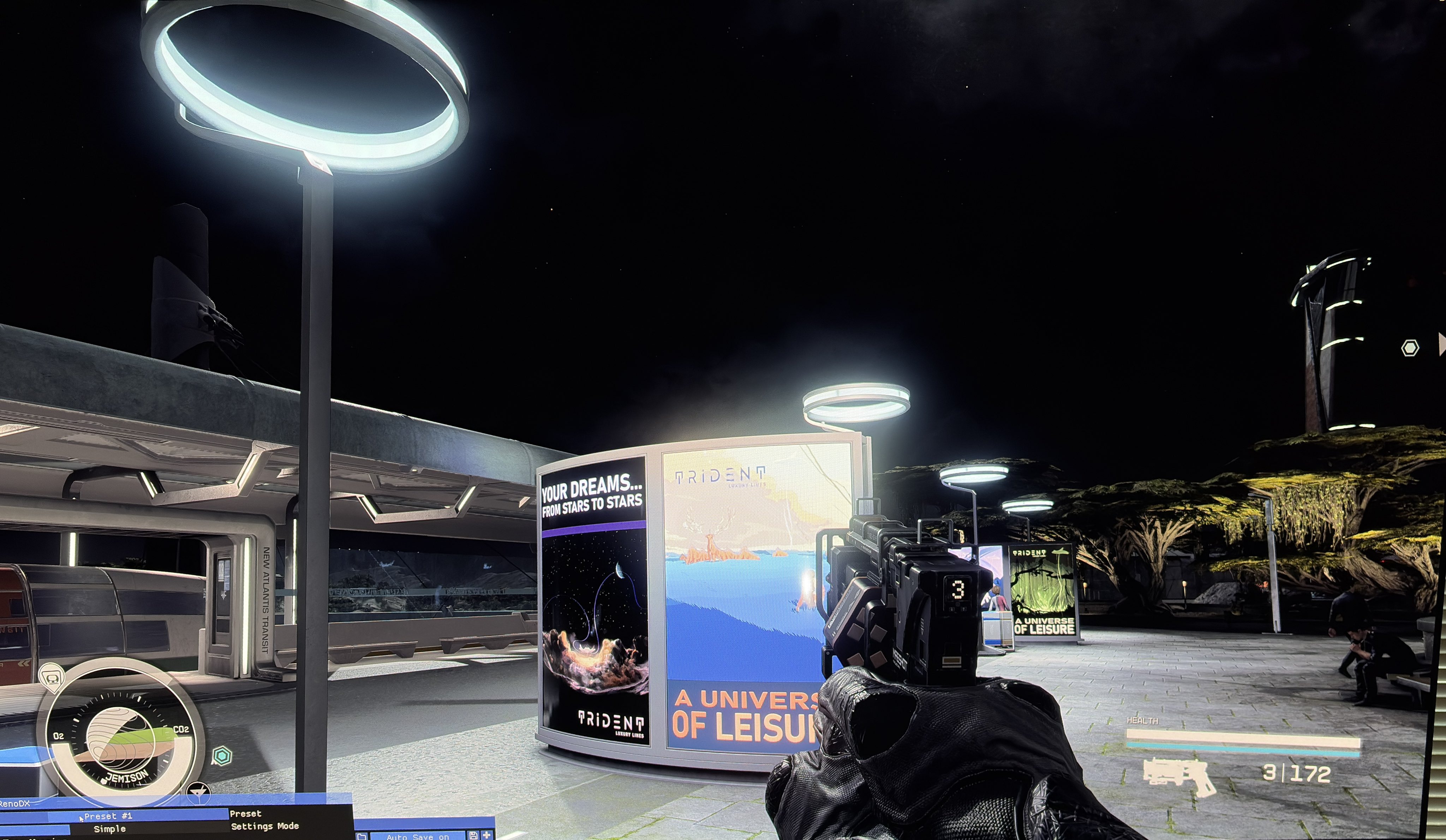
The biggest issue is the massive lifted black levels in many scenes/areas with Auto HDR. It totally washes out blacks, shadows, colors and contrast. RenoDX fixes that. See picture 1 with Auto HDR and picture 2 with RenoDX.
Auto HDR converts an 8 bit SDR image into 10 bit HDR. The problem is that 8 bit SDR crushes detail in bright areas. Converting something with crushed detail will not show more detail.
RenoDX makes the game natively output HDR, so it restores detail and correctly tone maps HDR.
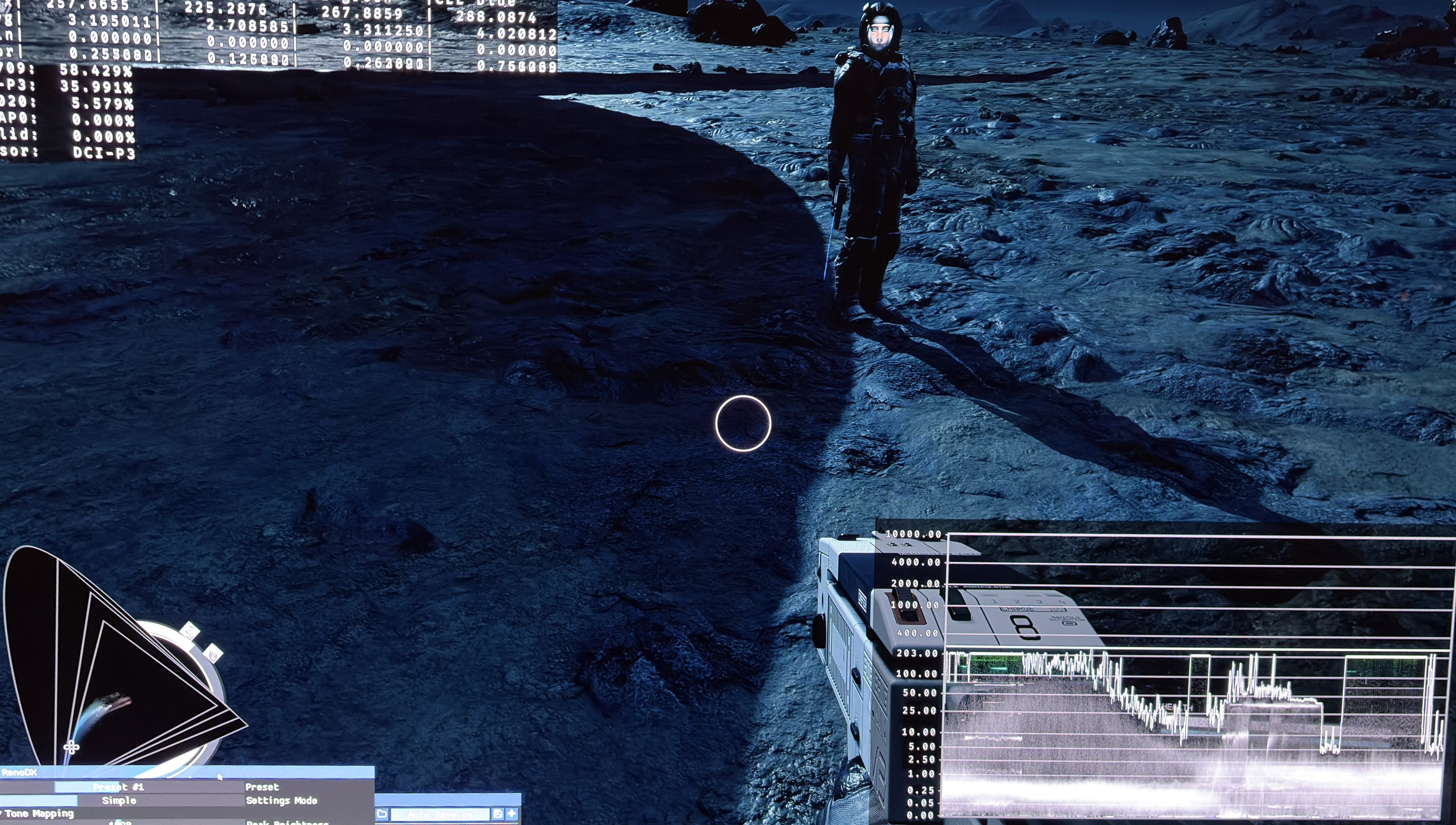
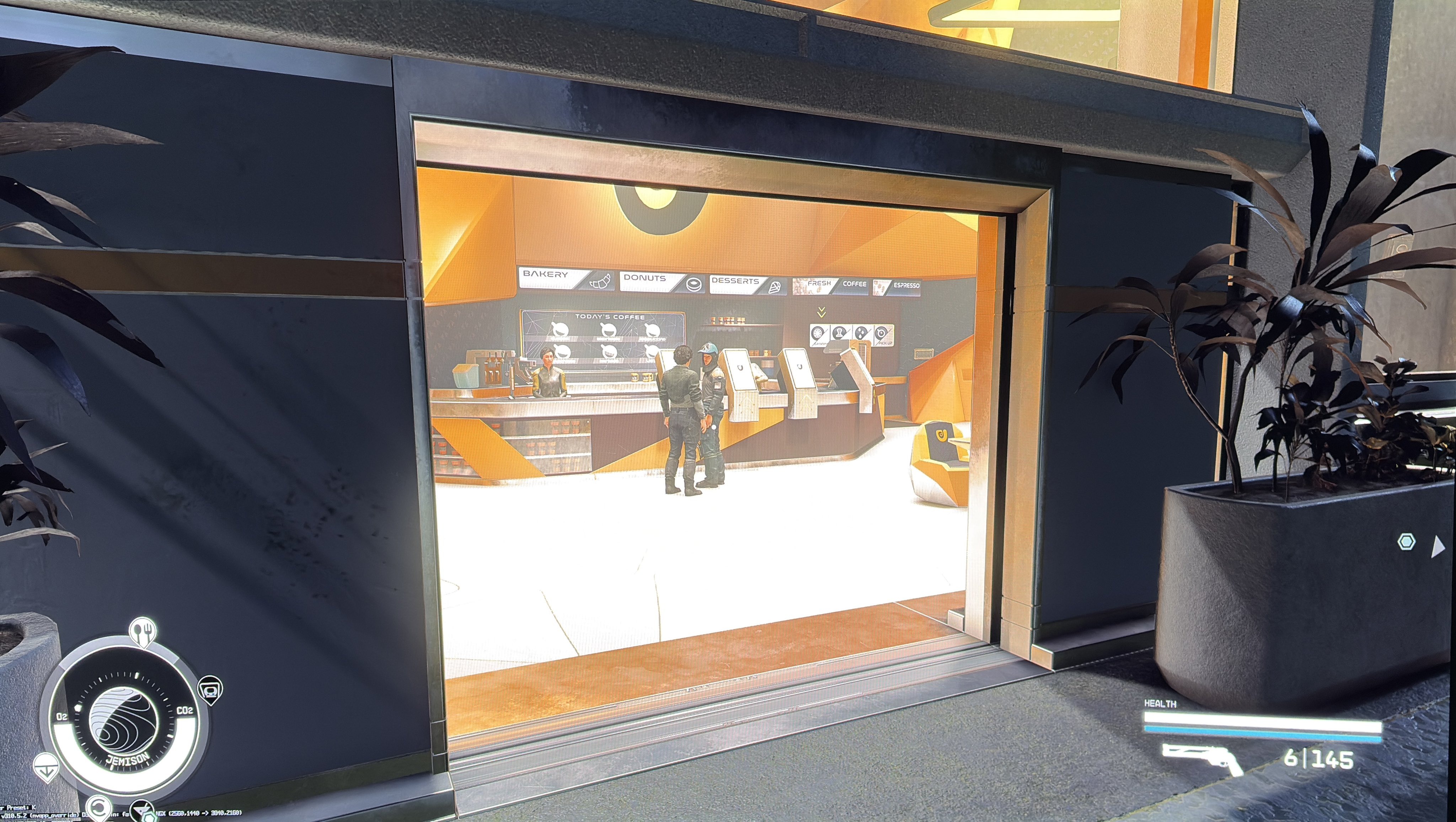
Picture 3 and 4 shows a bigger bright area (reflective floor) where there is no detail with Auto HDR, and there is with RenoDX.
You will see much more detail and correctly tone mapped highlights all over the game. A bright sky box with clouds will look totally blown out with Auto HDR, and will have colors and detail with RenoDX for instance.
So use RenoDX on PC. It looks much better and is easy to install. And you get more settings to adjust, including peak luminance and paper white.
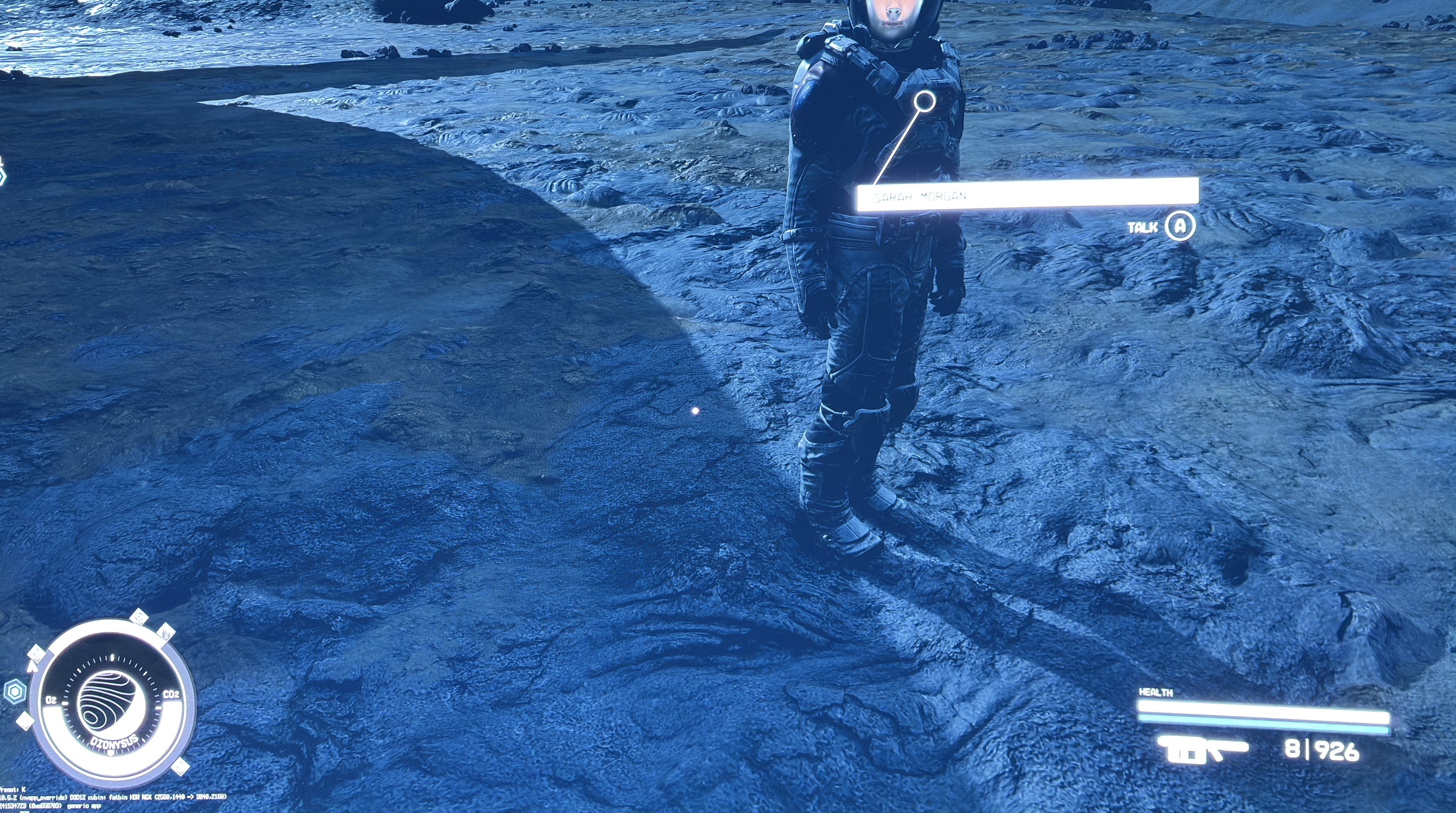
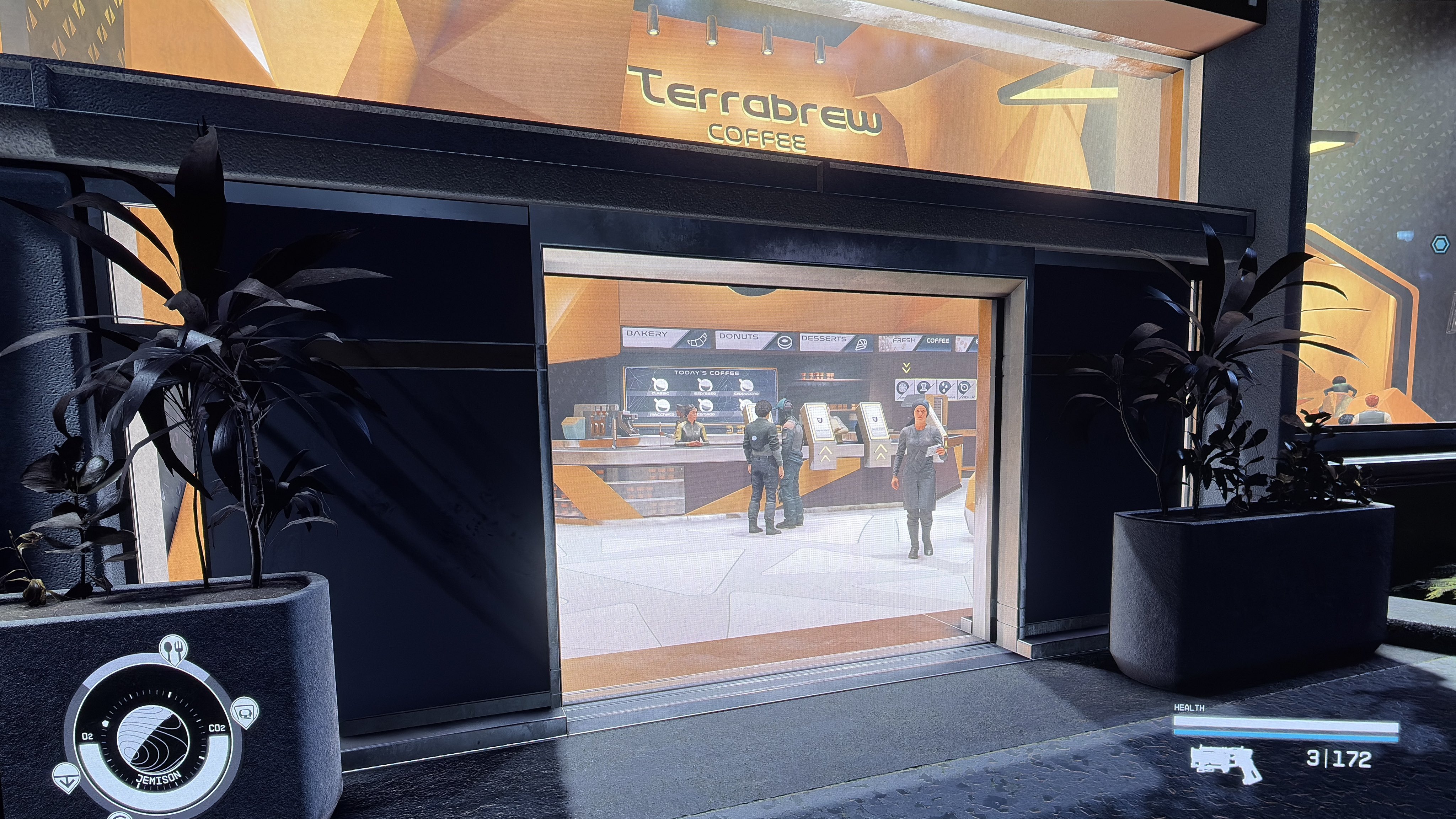
Auto HDR vs Reno 1
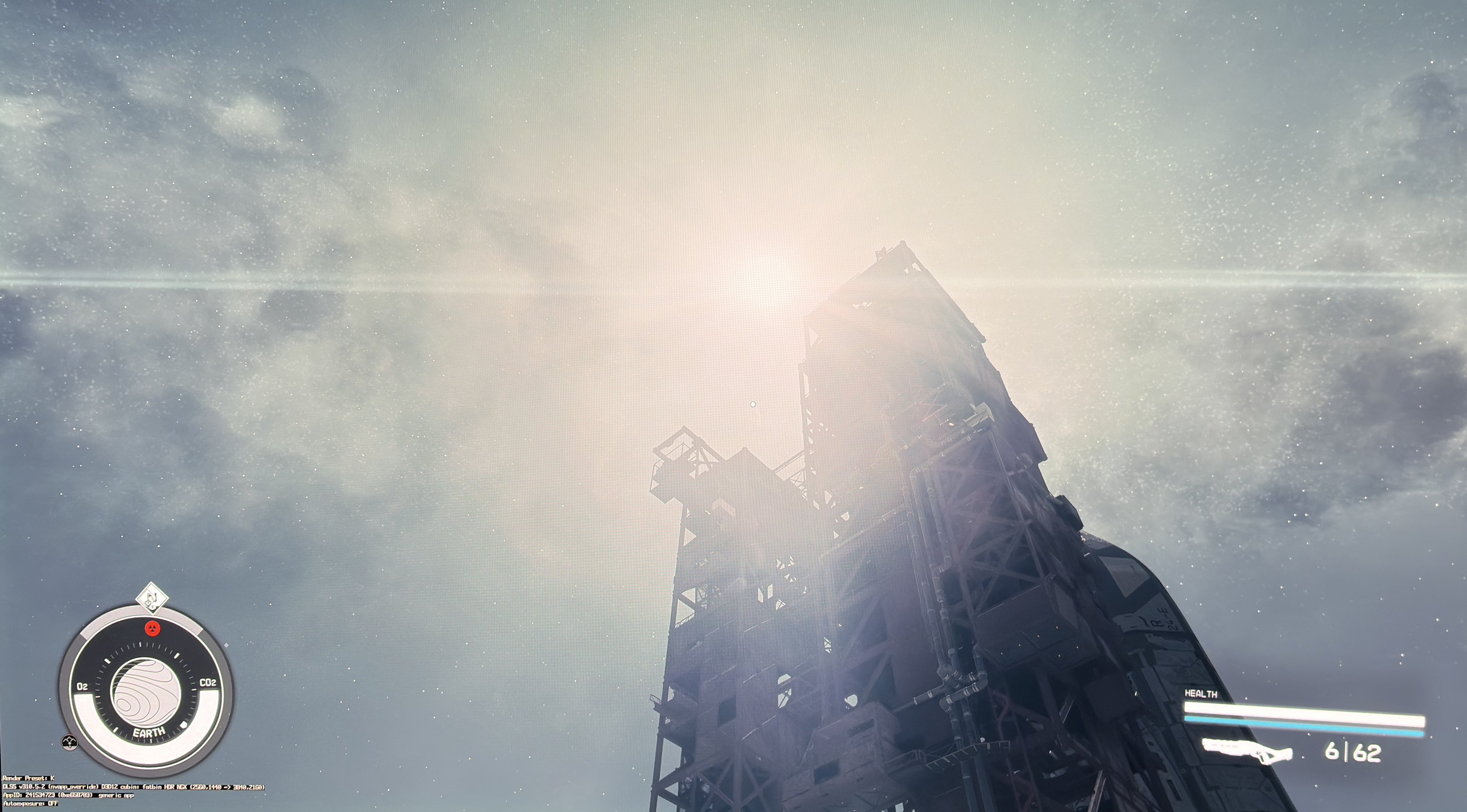
Auto HDR vs Reno 2
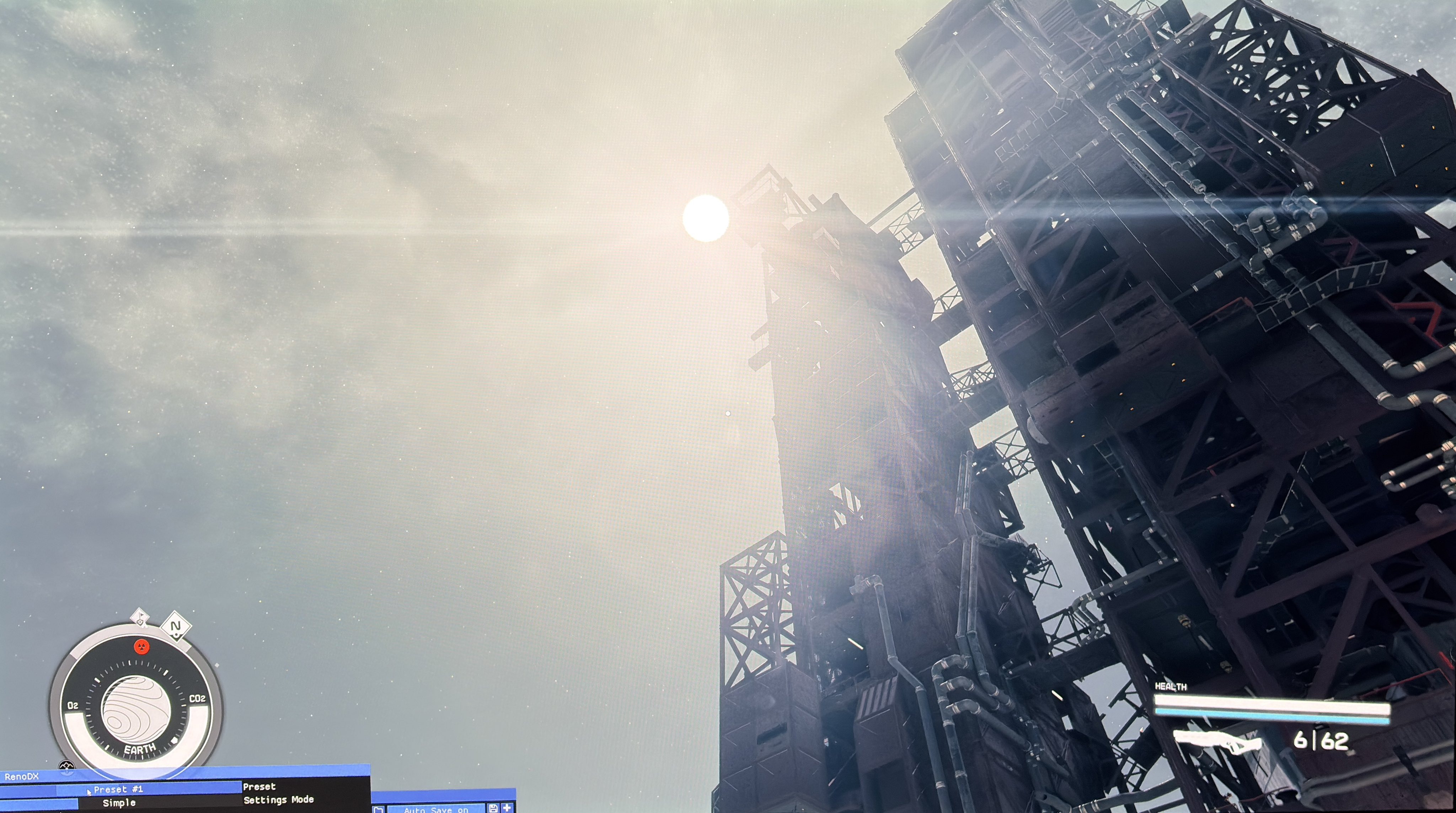
Auto HDR vs Reno 3
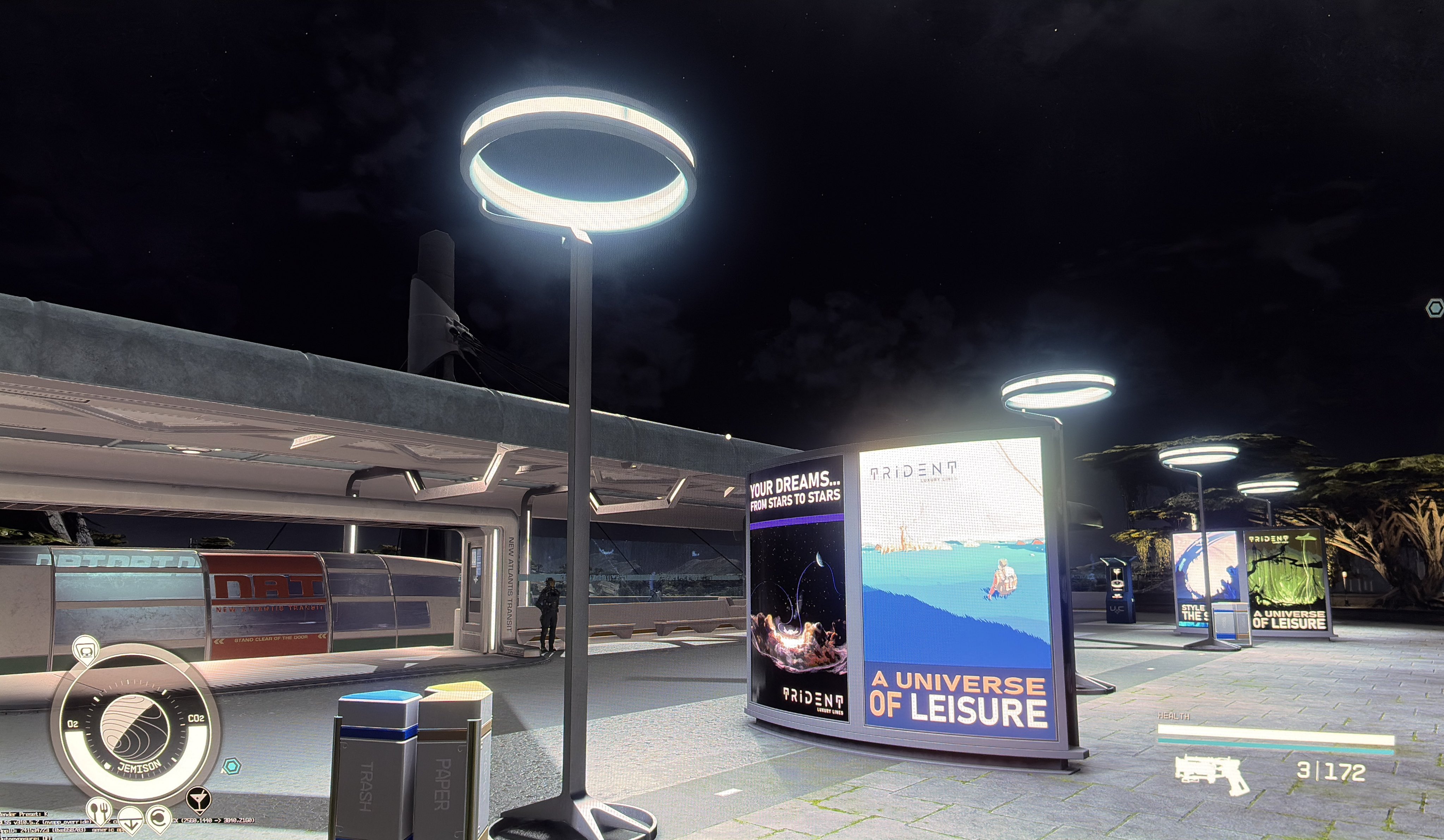
Auto HDR vs Reno 4
Massive black level raise